


Repost These
"You Brought A Glass?"
*Clap* *Clap*, Outta Here
Opportunity will draw you away from what you love
Grandma Story
References
Links For The Week
Social Post Tracking Sheet
Posts Archive Binder
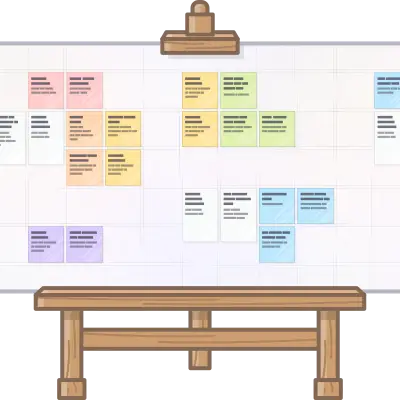
Lay out everything on one screen. Pan forever, zoom, reset your view, and drag stuff anywhere.
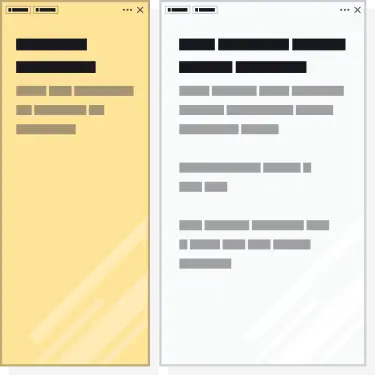
Open as many pages as your screen fits, drag blocks from one item to another, all in one tab.
Use the search fallback if you lose an item, then auto-pan to it in 1 click to reinforce its position in your brain.
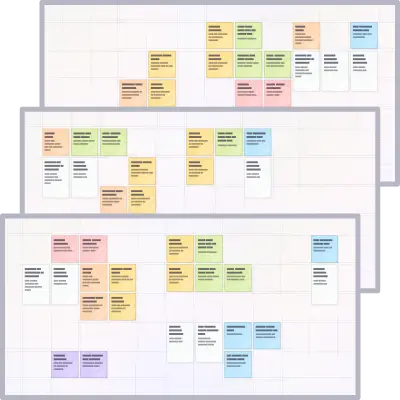
Start fresh with a clean workspace for each side of your life like separating work from personal projects.
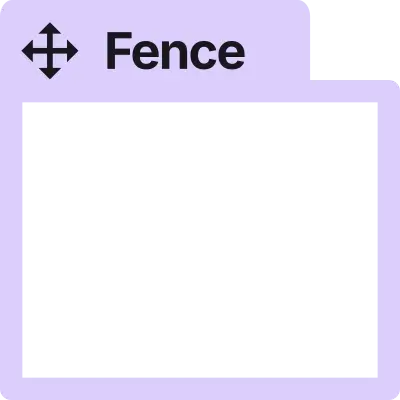
Place your content inside of resizable fences to create zones and move everything as a group.
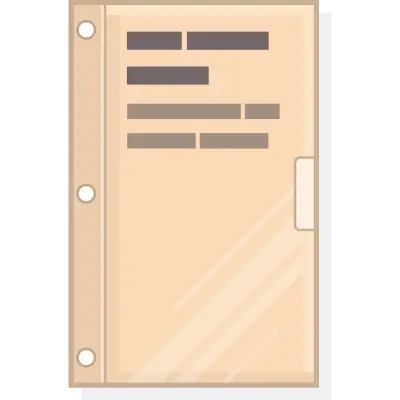
Tuck away old or repeating stuff to de-clutter. Still close by, but out of the way.
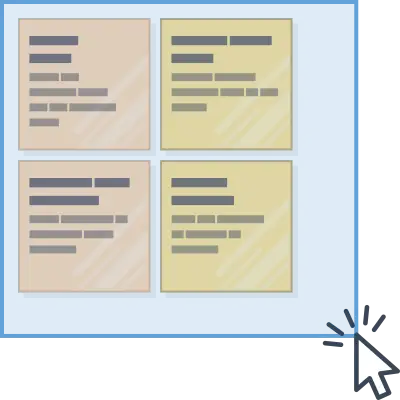
Click and drag (or shift+click) to select multiple items and move them as a group or stash in a binder all at once.
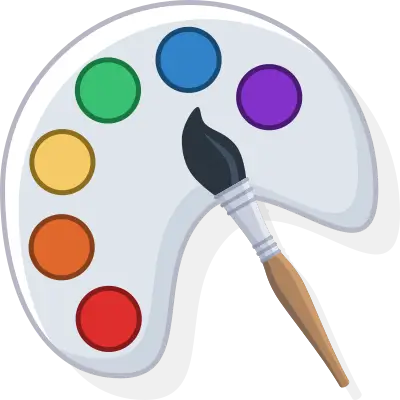
Change the color of your notes, binders, and fences to create visual categories on your desk.
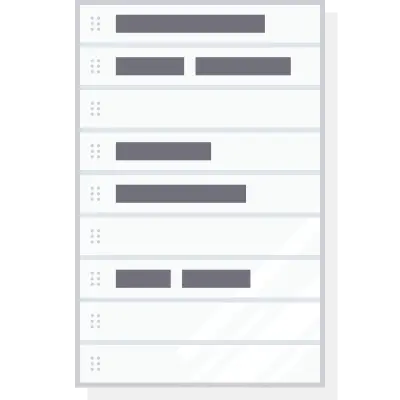
Create beautiful, formatted documents using the block editor without the setup hassle.
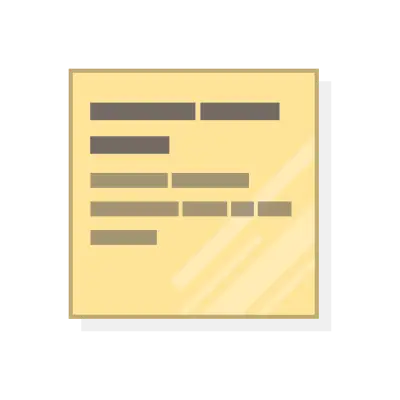
Writes just like a doc with the full block editor, just takes up less space on the desk and while open.
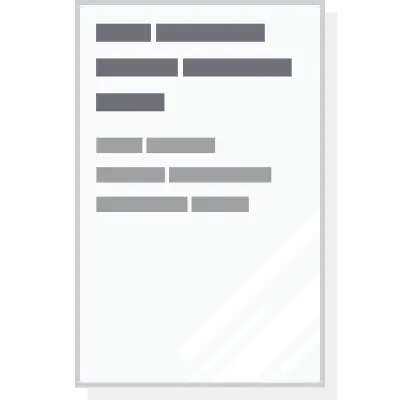
Write with a WYSIWYG block editor or in markdown mode for longer form content.
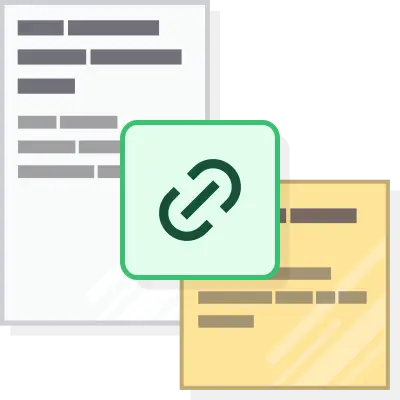
Connect ideas, projects, and procedures with simple links (wikilinks).
Drop in a live doc or sheet next to relevant work using an iFrame and edit them right inside Opal.
Store links in context and add notes to the a link's page view just like any other note or doc.
Drag them onto your desk to keep what's important in context and read PDFs directly in Opal.
For when you want to move an item off of your desk, but keep it available to view and edit.
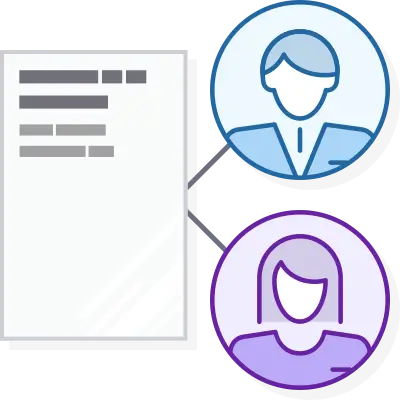
Share a note, doc, or link item with others and edit together in real-time or just send off a copy.
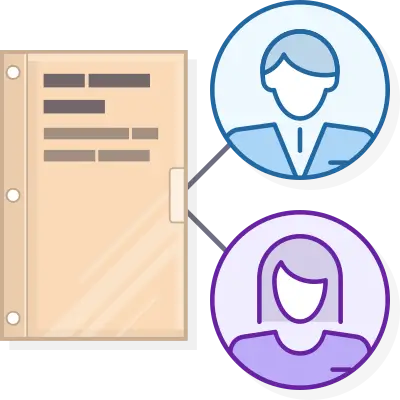
Share a binder of items with others. Drag items in the container to auto-share. Fences can't be shared, but they can be published.
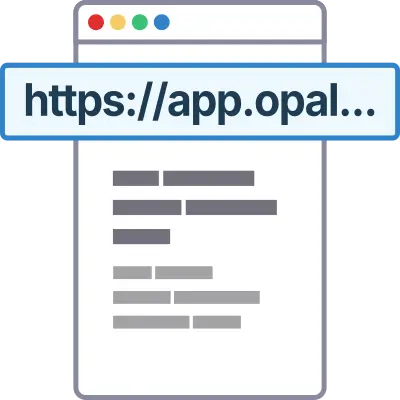
Create a public link for an item that lets anyone read or download the content. No account required.
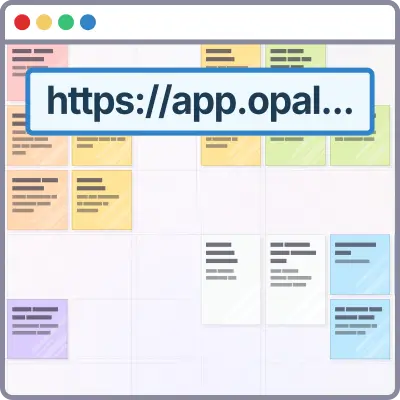
Create a public link to a Binder or Fence for anyone to view its contained items. No account required.
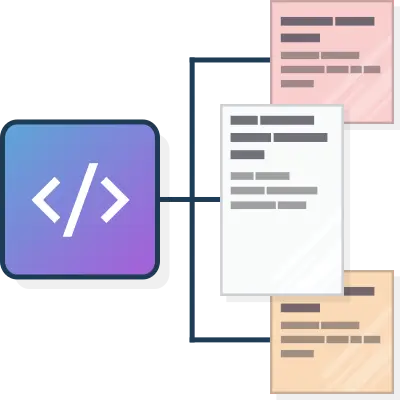
Generate read-only and full-access API keys to allow other applications or AI agents to access your content.
Make Opal the human-in-the-loop surface for what your AI Agent does with agent skill and the API.
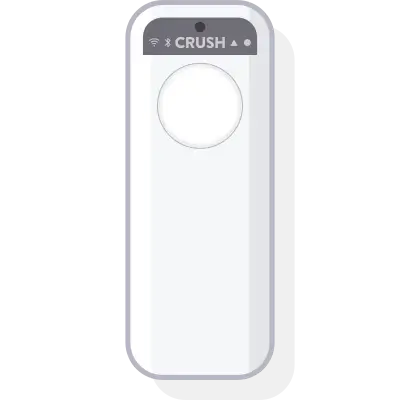
AI-transcribed voice notes from your CRUSH device land right in your Opal inbox, workspace, fence, or binder.
Import an .md to replace or append docs, export as .md, and feed your AI agent .md context directly from Opal.
Code and text-based files (inlcuding markdown) can be imported, edited directly in Opal, and exported.
Create new items with the command bar, search items, delete, etc. without your fingers leaving the keyboard.
Create back-to-back with zero clicks on a dedicated task panel and connect tasks to items with wikilinks.
Built on the same self-hosted database, data management, and API platform used by global banking organizations.
No phone calls, forms, or emails required. Cancel from your account profile menu.
Export editor content to HTML, PDF, or markdown. (Bulk export coming soon).
Enable users to generate full access and read-only API keys for AI agents (like OpenClaw, and get the Opal Recall SKILL) or programmatic access to Opal from other applications.
I want to provide the option for teams of people to be able to access grouped content in workspaces, fences, and binders.
Create AI agents in 1-click to automate your work, business, or life (like Claude Code, Claude Co-Work, Perplexity Computer, OpenClaw) while also being able to give them context and prompts from your Opal Content (in markdown format) via drag and drop and/or proximity.
It's your content. I don't want you to feel locked into Opal. You'll be able to export all your content within any workspace.
We want to provide the ability for users have total peace of mind with End-To-End Encryption.
E2EE encrypts data locally on your device before transmitting (saving) to the database. The data is stored in an encrypted state. When data is downloaded (an item is opened), the data will be decrypted by your key (long password).
iOS, Android, Windows, & Mac OS, but starting with mobile so notifications in Opal will have a greater impact.
Opal is so beta there isn't yet a way to store collaborators or team members. You have to enter their email every time. Sorry. I just had to launch.
Create iFrame items for URLs that allow it (works with Google Docs). Additional integrations prioritized based on user feedback.
These will be named, visual ornaments (fun images) that you can position on the grid in a workspace and then position your items nearby.
This will complete the idea of Opal acting as a mind palace.
Users should be able to drag a PDF (and potentially other documents, images, etc.) onto the grid and it appear as its own item type.
Opening the PDF would display a readable PDF. If it's an image, it would be viewable on the grid and could be opened to view a larger version.
Any document, note, or link (with block editor) should be exportable to PDF or HTML.
Select content on a web page or email, clip it, have it appear in a note or document in your inbox.
The web clipper will also have one-click creation of links and iframes of the URL of any page which will appear in your inbox.

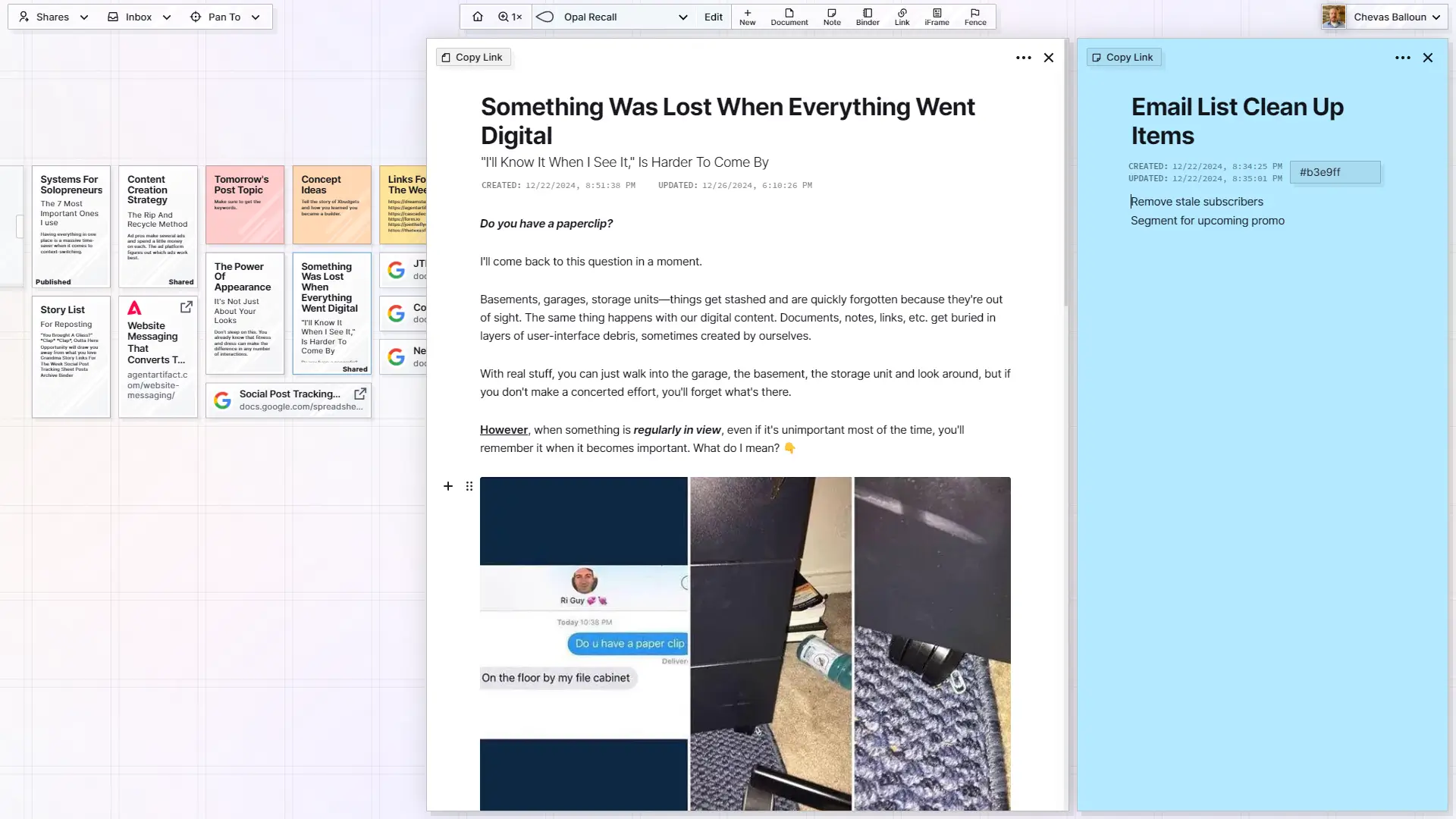
Do you have a paperclip?
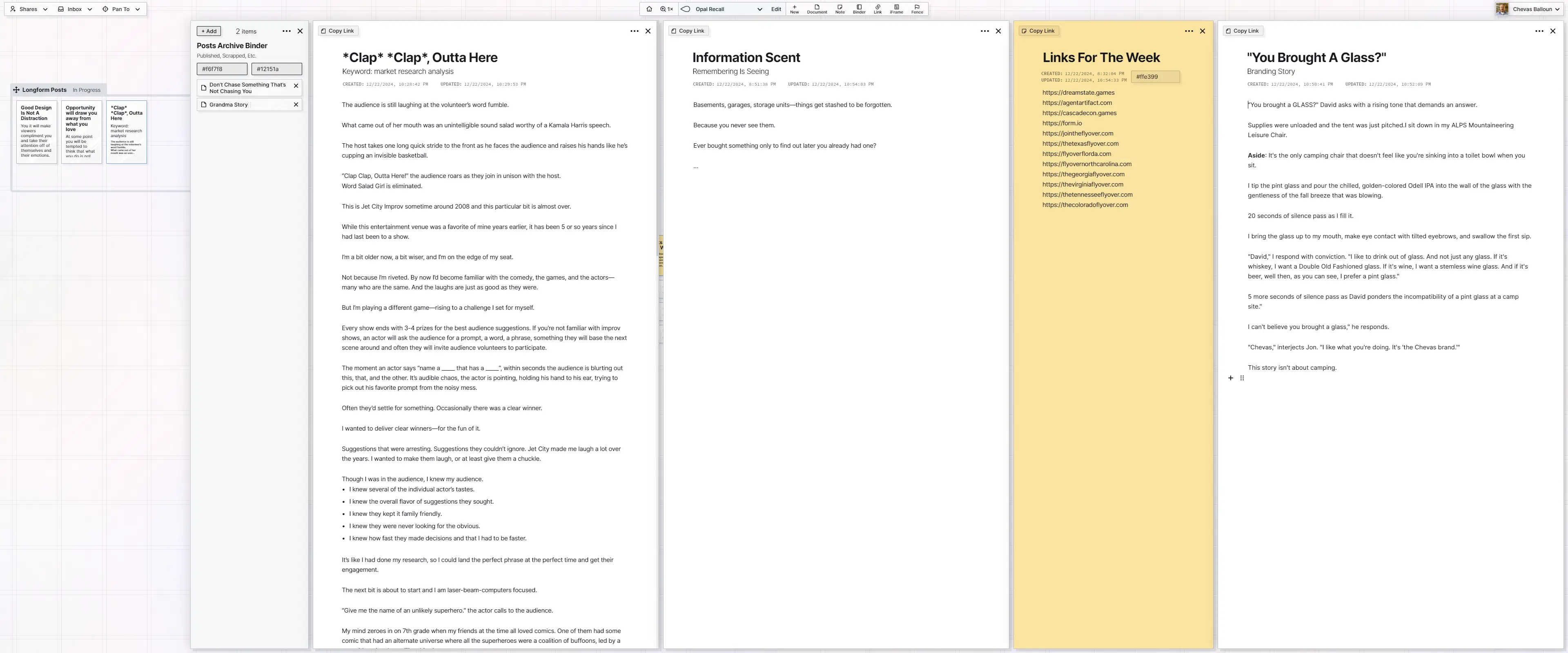
Basements, garages, storage units—things get stashed and are quickly forgotten because they're out of sight. The same thing happens with our digital content. Documents, notes, links, etc. get buried in layers of user-interface debris, sometimes created by ourselves.



Ad pros make several ads and spend a little money on each.
The ad platform figures out which ads work best.
Knowledge Management System
Everything you know or need to reference should be in one place.

Don't sleep on this.
You already know that fitness and dress can make the difference in any number of interactions.
Basements, garages, storage units—things get stashed to be forgotten.
Because you never see them.
Ever bought something only to find out later you already had one?
Do you have a paperclip?
Basements, garages, storage units—things get stashed and are quickly forgotten because they're out of sight. The same thing happens with our digital content. Documents, notes, links, etc. get buried in layers of user-interface debris, sometimes created by ourselves.
You forget that it’s “food”.
When in reality, it’s more likely it’s the lower stage/milestone you’ve currently achieved.
Do you have a paperclip?
Basements, garages, storage units—things get stashed and are quickly forgotten because they're out of sight. The same thing happens with our digital content. Documents, notes, links, etc. get buried in layers of user-interface debris, sometimes created by ourselves.
Ad pros make several ads and spend a little money on each.
The ad platform figures out which ads work best.
Knowledge Management System
Everything you know or need to reference should be in one place.
Published, Scrapped, Etc.
Use the Inbox to transfer items between workspaces.
Do you have a paperclip?
Basements, garages, storage units—things get stashed and are quickly forgotten because they're out of sight. The same thing happens with our digital content. Documents, notes, links, etc. get buried in layers of user-interface debris, sometimes created by ourselves.
Ad pros make several ads and spend a little money on each.
The ad platform figures out which ads work best.
Knowledge Management System
Everything you know or need to reference should be in one place.
Don't sleep on this.
You already know that fitness and dress can make the difference in any number of interactions.
Basements, garages, storage units—things get stashed to be forgotten.
Because you never see them.
Ever bought something only to find out later you already had one?
Do you have a paperclip?
Basements, garages, storage units—things get stashed and are quickly forgotten because they're out of sight. The same thing happens with our digital content. Documents, notes, links, etc. get buried in layers of user-interface debris, sometimes created by ourselves.
No. Most people start by adding their “active jobs,” “hot clients,” or “current initiatives.” It's also easy to add Google Docs & Sheets so you can organize them spatially and edit them from Opal.
You'll feel the difference in under an hour when you stop chasing stuff.
Yes. You can share individual items and binders full of items with specific people and control what they can do (view, edit, etc.).
Yes. You can turn a document into a public, read-only page and send them the link.
No login required.
You can still access your data and export everything, but you won't be able to edit or create anything new.
We'll keep your data for 12 months before it's deleted. We'll email you 30 days and again 7 days before that happens.
See our pricing plans.
Built on enterprise-grade infrastructure trusted by major organizations. Regarding some specifics:

