Setup your desk today.
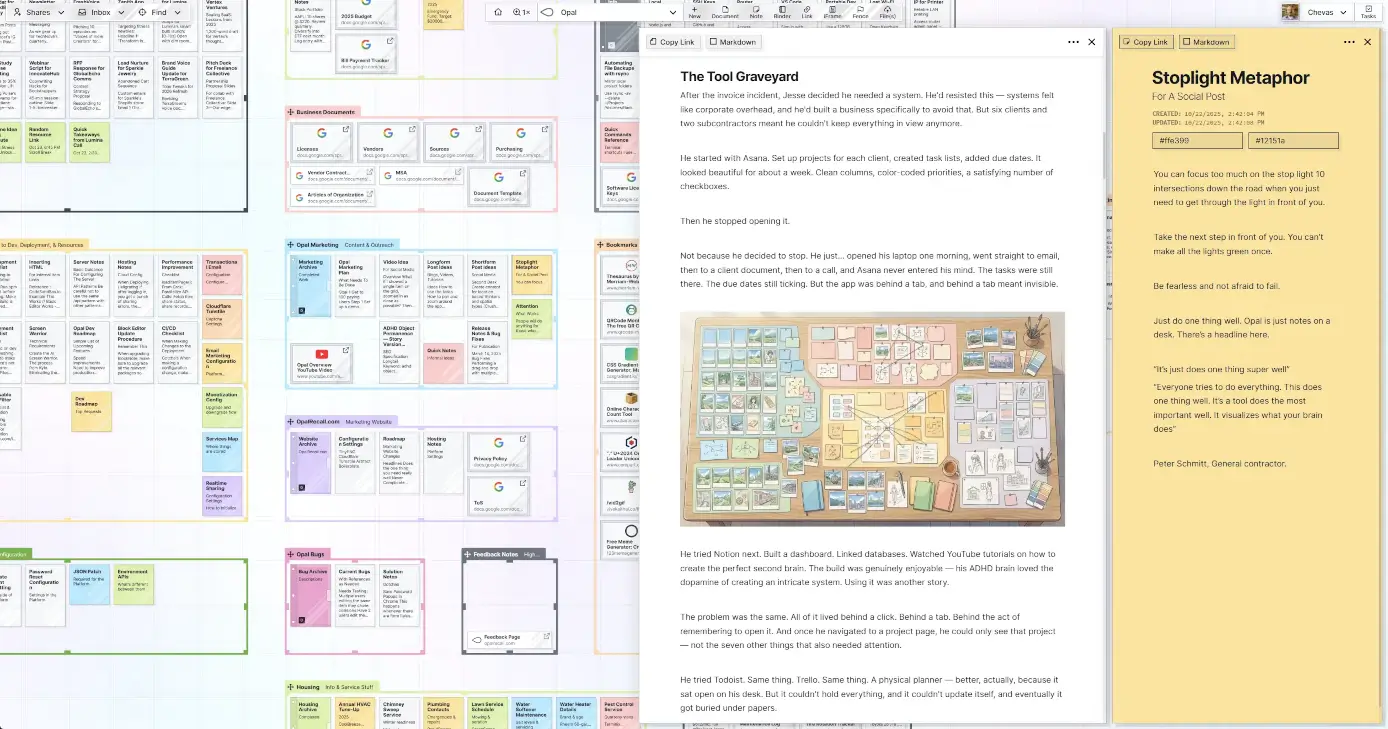
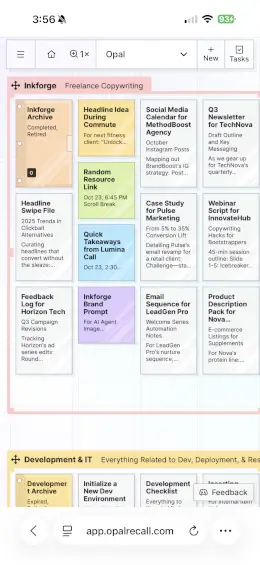
"It nails the one, must-have thing I need. Shared binders are a game changer."
"Having the big holistic view of the project is the most important thing for me. Opal let me structure a lot of information in a way that makes it convenient without the cognitive overload. And there was no learning curve."
"You made something that actually connects to my brain in a way that says 'I know where to put that thought.' My brain already knows where it is and I gravitate to it."
"Other tools feel like just another app. Opal feels like my real work."
Every time you stop work to go hunt for something, you lose time. Lose enough time, you lose momentum.
McKinsey has reported that more than a quarter of a typical knowledge worker's time can go toward searching for information. Pega analyzed nearly 5 million hours of desktop activity and found workers switching between job-critical applications more than 1,100 times per day.
Those numbers point to the same pain: the work is buried under the surface.
Here's the part you already know but don't say out loud:
You're not disorganized. Your tools are.
You don't forget because you're sloppy. You forget because your work disappears the second you close the tab.
Drag stuff where it makes sense to you. Then your brain just knows where everything is.
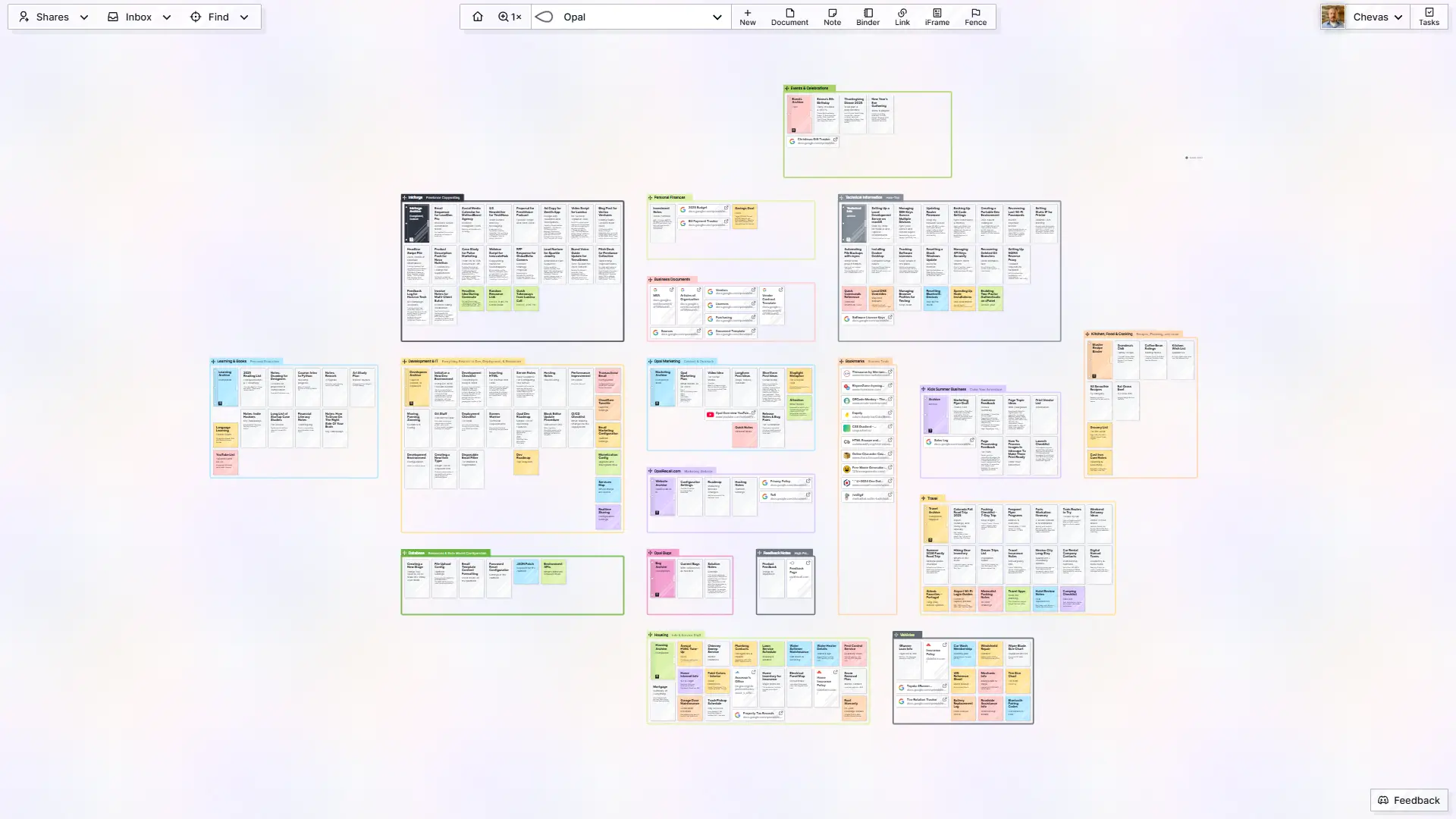
Because You Remember Where Things Are, Not Just What They're Called
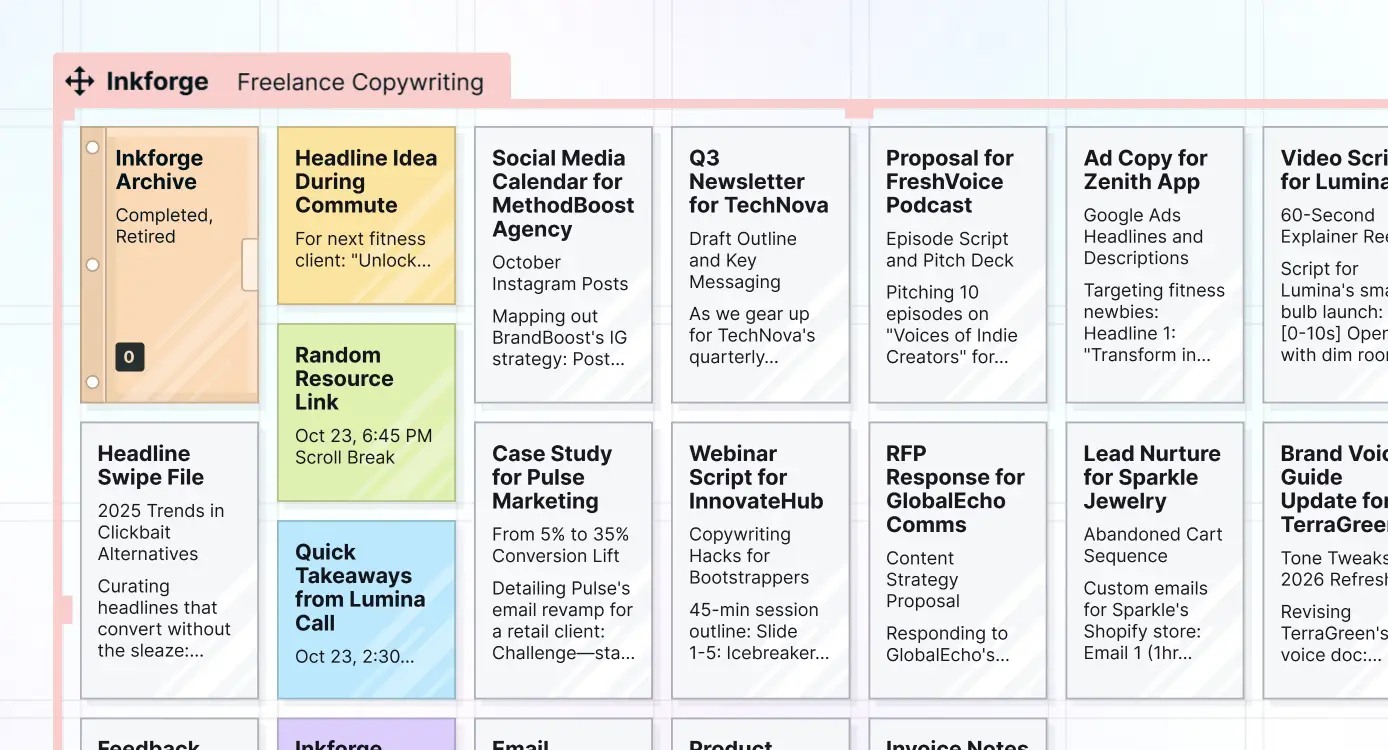
You remember the note was near the client brief. You remember the invoice was below the proposal. You remember the rough idea was beside the screenshot. That is spatial memory, and research on object-location memory keeps finding the same basic truth: remembering where things are located is central to how people navigate and act in the world.
A note, doc, link, file...whatever. No folder to pick. One-click to create or drag and drop onto your desk.
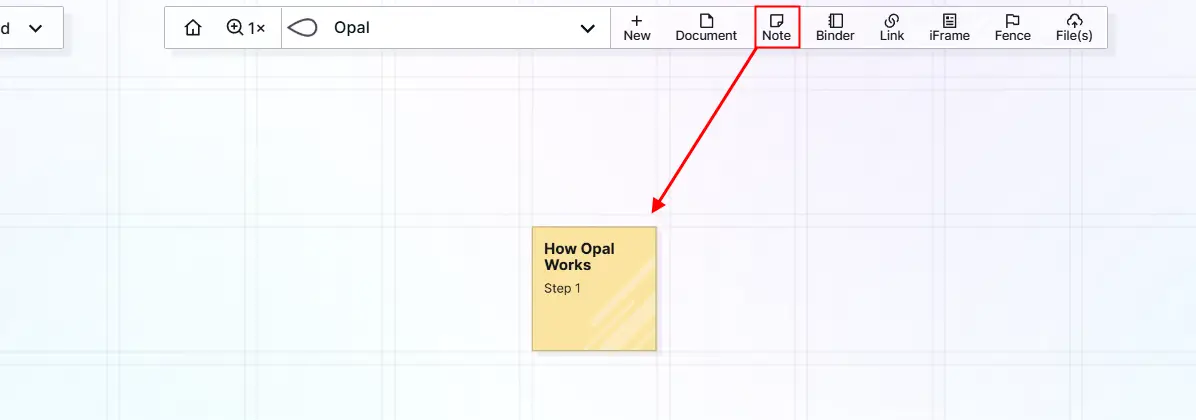
Working on a writing project? Drag every note, draft, reference, and source into one spot on the desk. Now your brain knows: writing stuff lives over here. Same way you remember where your coffee cup is on your desk.
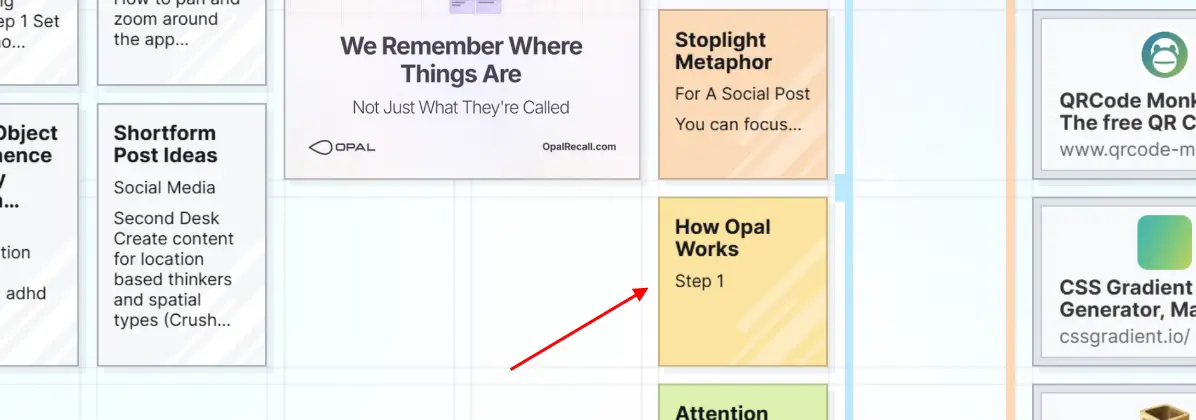
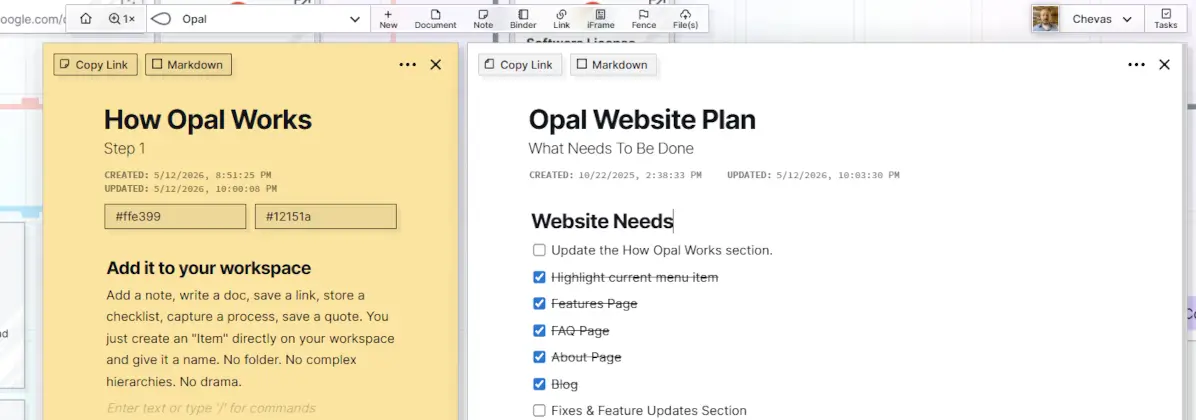
Click one, two, five. See your estimate, checklist, and client's notes all open at once, in one tab. No more "wait, which window was that in?"
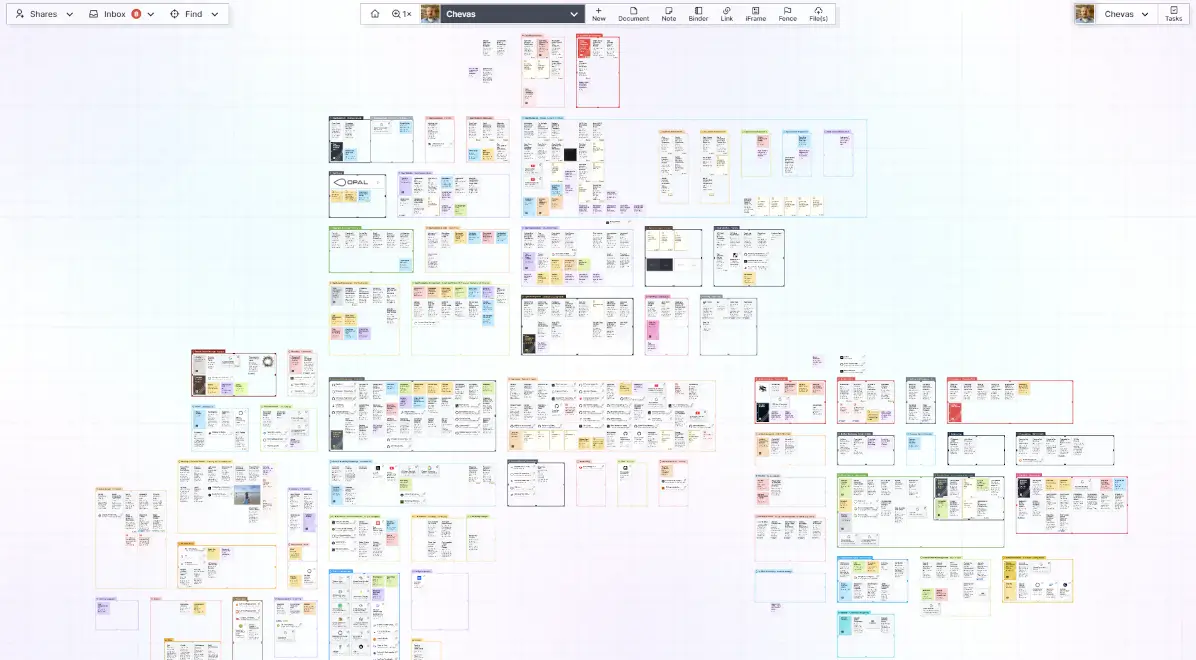
One look across your desk and it all comes back.
Your eyes do the remembering. You stop searching.
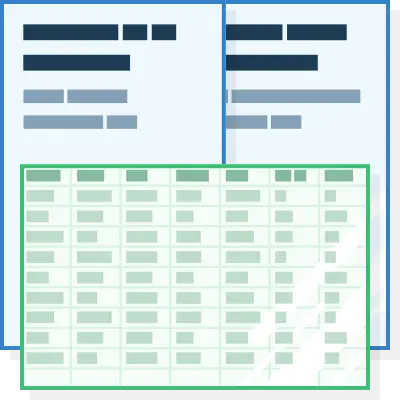
Drop in a live doc or sheet next to relevant work and edit them right inside Opal.
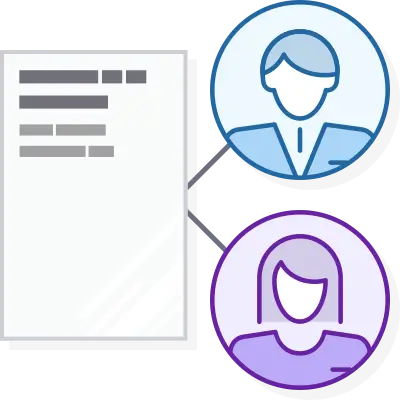
Share a note, doc, binder, or a whole fence full of stuff with others. Edit together in real-time.
Drag them onto your desk to keep what's important in context and read PDFs directly in Opal.

Make Opal the human-in-the-loop surface for what your AI Agent does with the Opal API and agent skill.
For 20 years I've built, shipped, and fixed software and digital systems for companies that can't afford for things to break, including internal tools used by Microsoft teams and B2B platforms where failure costs real money.
So when I built Opal, I didn't build a "startup." What do I mean?
That means it has to last and it has to protect the people who trust it.
If you're running a business, your attention is already taxed. You need a workspace that keeps what matters in view and won't disappear when trends shift.
That's the promise. That's why Opal exists.

iOS, Android, Windows, & Mac OS, but starting with mobile so notifications in Opal will have a greater impact.
Shared fences and binders are live. Next, I want teams to be able to share a whole workspace, so everyone can work from the same desk.
Select content on a web page or email, clip it, have it appear in a note or document in your inbox.
The web clipper will also have one-click creation of links and iframes of the URL of any page which will appear in your inbox.
These will be named, visual ornaments (fun images) that you can position on the grid in a workspace and then position your items nearby.
This will complete the idea of Opal acting as a mind palace.
We want to provide the ability for users have total peace of mind with End-To-End Encryption.
E2EE encrypts data locally on your device before transmitting (saving) to the database. The data is stored in an encrypted state. When data is downloaded (an item is opened), the data will be decrypted by your key (long password).
Create AI agents in 1-click to automate your work, business, or life (like Claude Code, Claude Co-Work, Perplexity Computer, OpenClaw) while also being able to give them context and prompts from your Opal Content (in markdown format) via drag and drop and/or proximity.
Share a fence or binder with others and work in it together, or publish it as a public page. Shared fences arrived on October 19, 2026. See the release notes.
Opal now keeps the people you work with as contacts, so you don't have to type their email every time you share. Thanks for your patience while this one was on the list.
Generate full access and read-only API keys for AI agents (like OpenClaw, with the Opal Recall SKILL) or for programmatic access to Opal from other applications.
Drag a PDF, document, image, or other file onto the grid and it appears as its own item.
A PDF opens as a readable PDF. An image shows on the grid and opens to a larger version.
It's your content. I don't want you to feel locked into Opal. You can export your whole account, or any single workspace, as a zip file.
Any document, note, or link (with block editor) can be exported to HTML, PDF, or Markdown.
No. Most people start by adding their “active jobs,” “hot clients,” or “current initiatives.” It's also easy to add Google Docs & Sheets so you can organize them spatially and edit them from Opal.
You'll feel the difference in under an hour when you stop chasing stuff.
Yes. You can share individual items, binders, and fences full of items with specific people and control what they can do (view, edit, add, remove, resize, etc.).
Yes. When you share a fence, your items inside it are shared too, including nested fences and binders, up to 500 items. Everyone sees the same layout inside the fence, and you choose what each person can do, like move items, add their own, remove items, or resize the fence.
Yes. The owner of a shared item, binder, or fence can make someone who has accepted the share the new owner. Open the item's Share panel and click Reassign under Item Owner.
The Reassign button appears only on an item that is actively shared itself, not on one that is shared only because it sits inside a shared fence or binder. You can keep access with the permissions you choose, or leave the share.
Yes. You can turn a document into a public, read-only page and send them the link.
No login required.
You can still access your data and export everything, but you won't be able to edit or create anything new.
We'll keep your data for 12 months before it's deleted. We'll email you 30 days and again 7 days before that happens.
See our pricing plans.
Built on enterprise-grade infrastructure trusted by major organizations. Regarding some specifics: