

Plus Choosing What You See After You Sign In
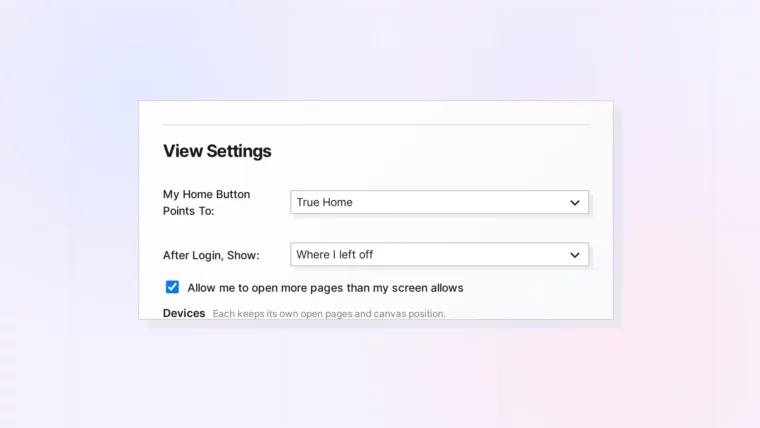
Plus Choosing What You See After You Sign In
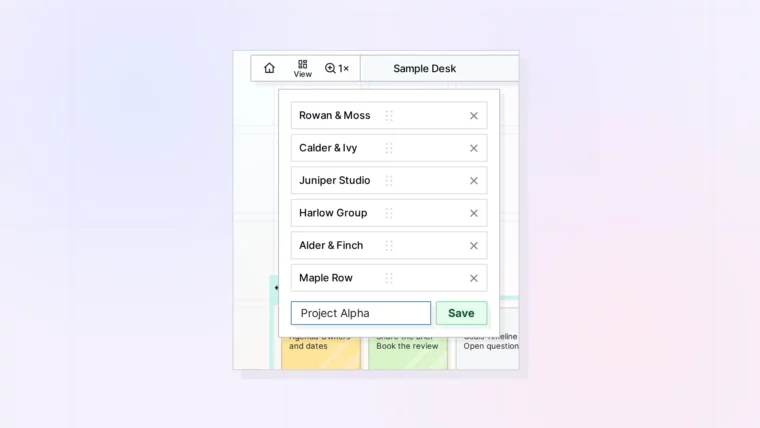
Plus Switching, Reordering, and Removing Saved Views
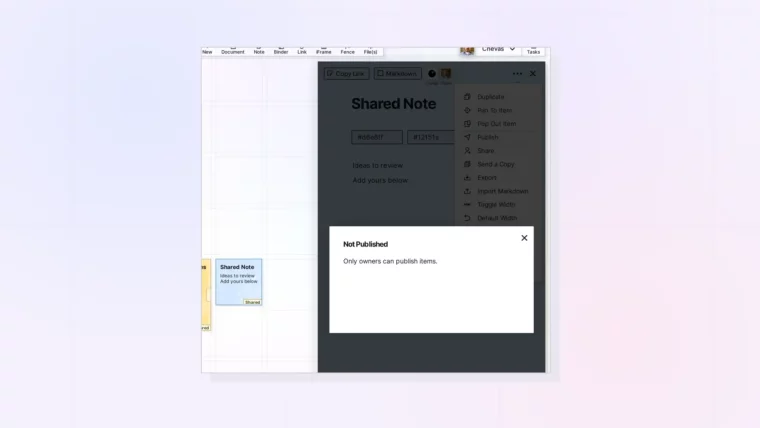
Plus What You See Without the Publish Permission
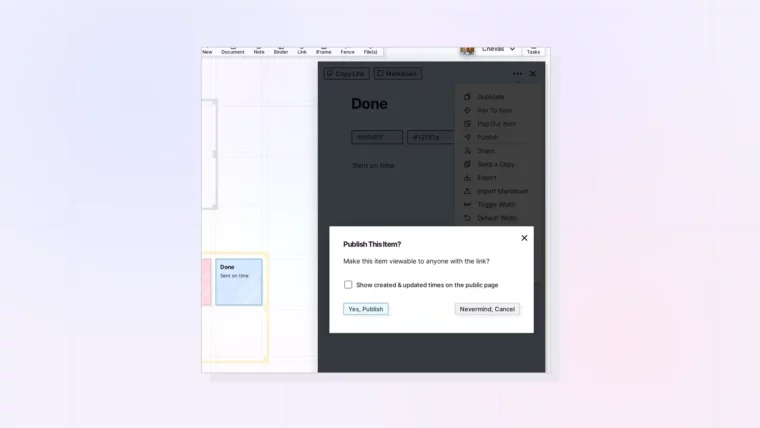
Plus Updating the Public Page and Unpublishing
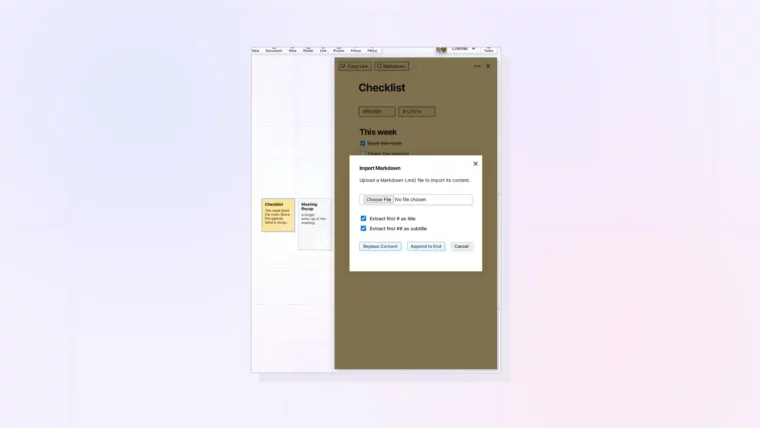
Plus Replace Content or Append to End
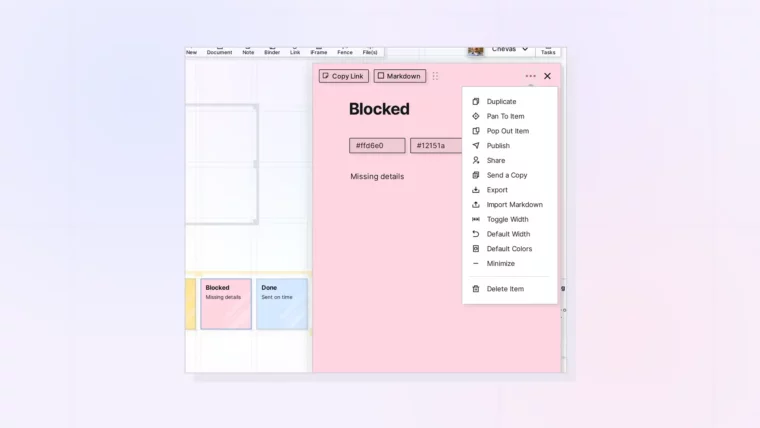
Plus When to Send a Copy Instead
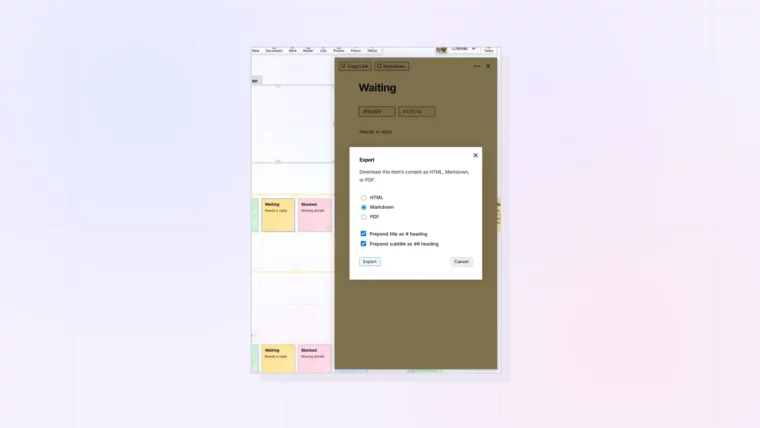
Plus Export Formats: HTML, Markdown, and PDF
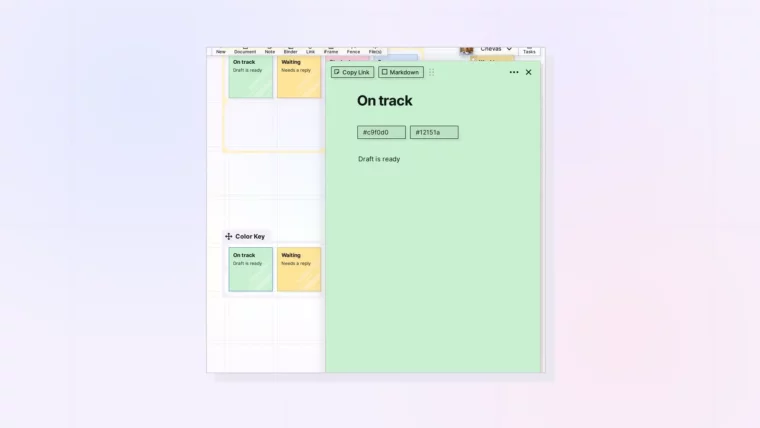
Plus a Simple Color Key You Can Reuse
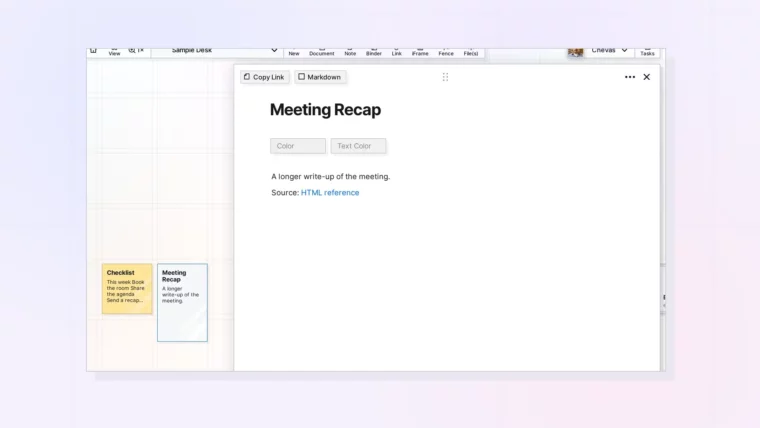
Plus Why There Is No Convert Option
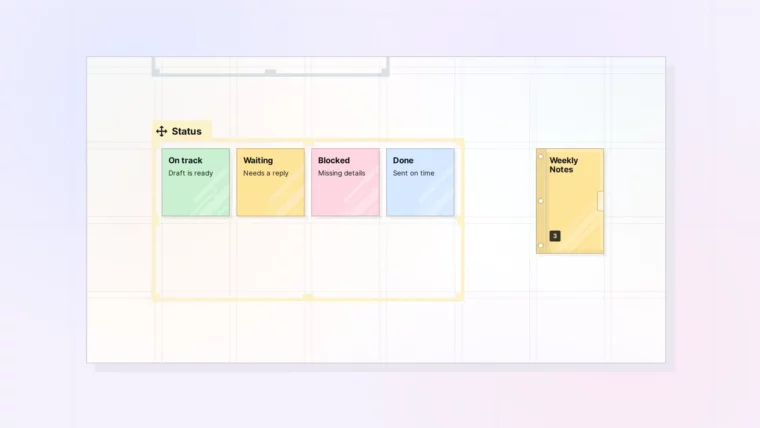
Plus Status Boards in a Fence and Recurring Notes in a Binder
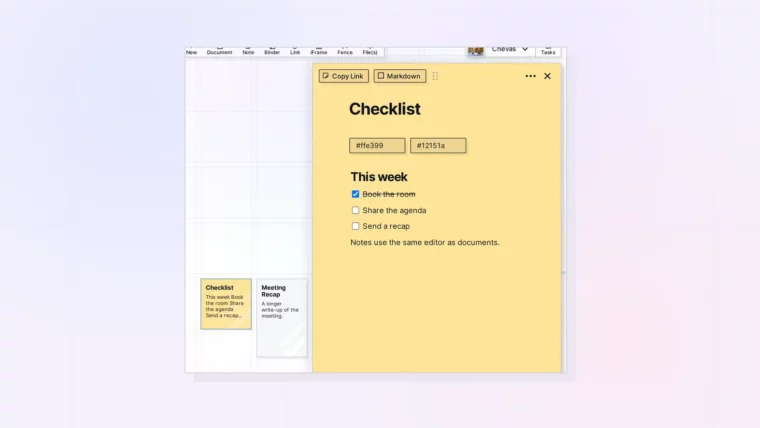
Plus Headings, Checklists, and Images in a Note
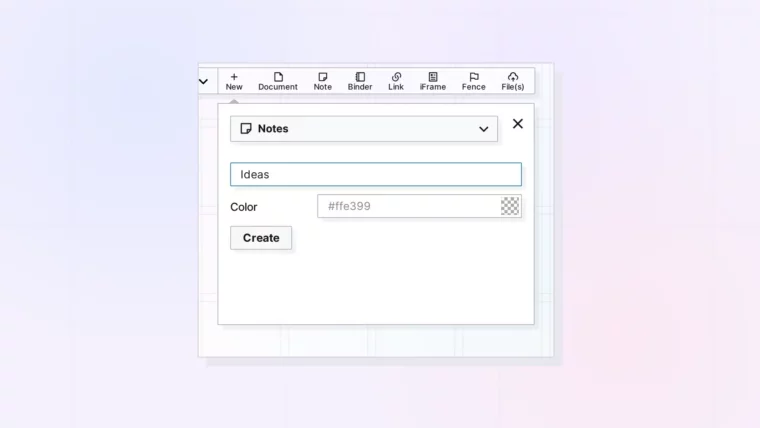
Plus the One-Click Note Button and the Default Color
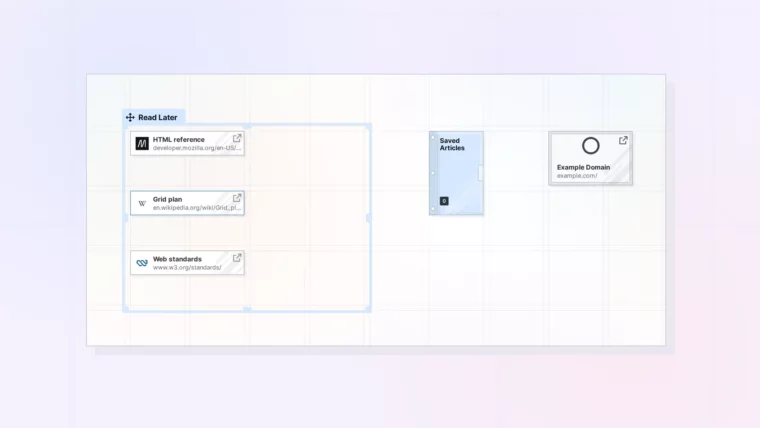
Plus What to Do When a Site Won’t Embed
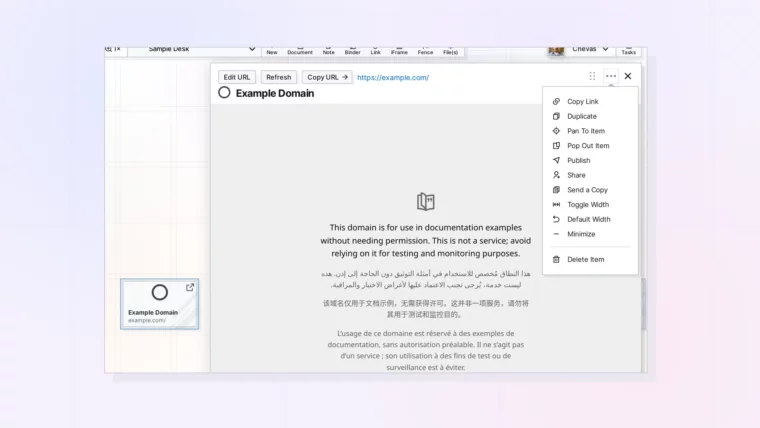
Plus Publishing, Sending a Copy, and Access to the Embedded Site

Plus Wider Pages, Fences, and Binders for iFrames
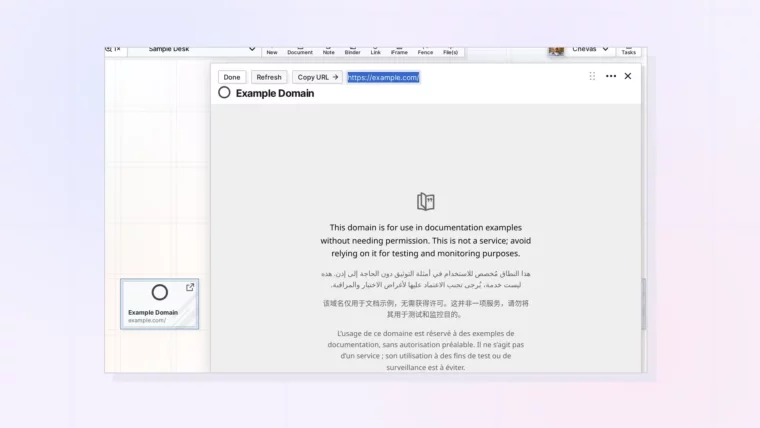
Plus What Refresh and Copy URL Do
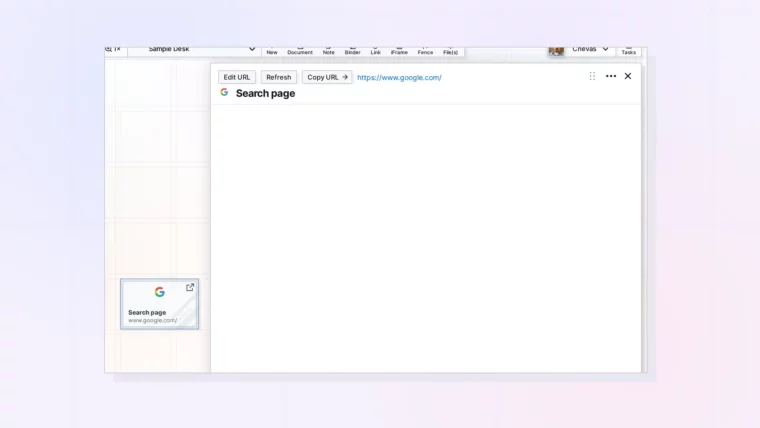
Plus What to Use Instead When a Site Blocks Embedding
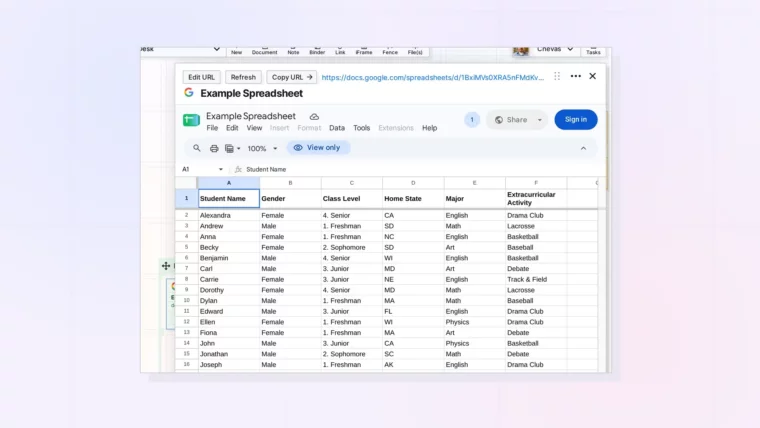
Plus Using a Sheet as a Live Dashboard Next to Your Work
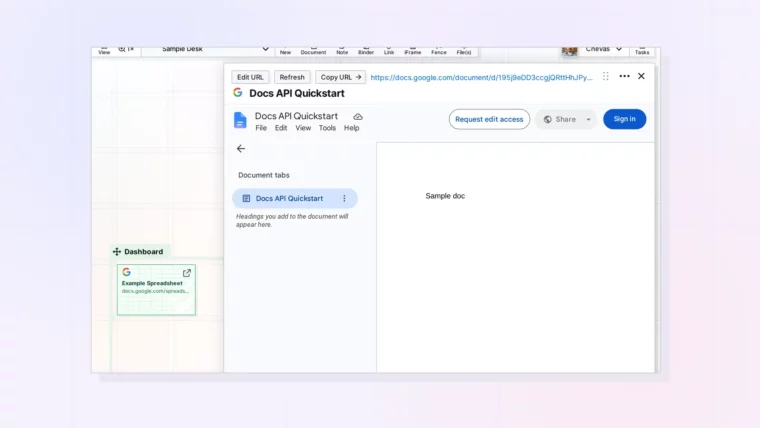
Plus Sign-In, Sharing Settings, and When to Use a Link Item Instead
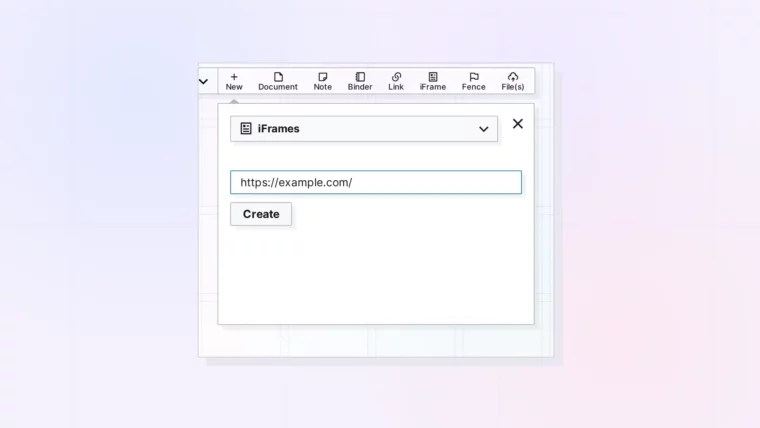
Plus Where It Lands and How to Fix a Missing URL

