
The promise of a second brain app is simple. Capture what matters, organize it somewhere reliable, and find it again when you need it.
The reality is usually the opposite.
You install the app. You watch tutorials. You pick a framework. PARA. Zettelkasten. Daily notes. Maps of content. Tags. Templates. Databases. Views. Before you’ve saved anything useful, you’re already maintaining a system.
That is the first bad assumption behind most second brain tools.
They assume the hard part is storing information.
It isn’t.
The hard part is retrieval under pressure.
You are not trying to build a museum. You are trying to remember the client’s constraint before a call. Find the note from last Tuesday. Surface the idea you had when you were tired but still right. When a tool makes that harder, it is not acting like a second brain. It is acting like another place to lose things.
The first principle most second brain apps ignore
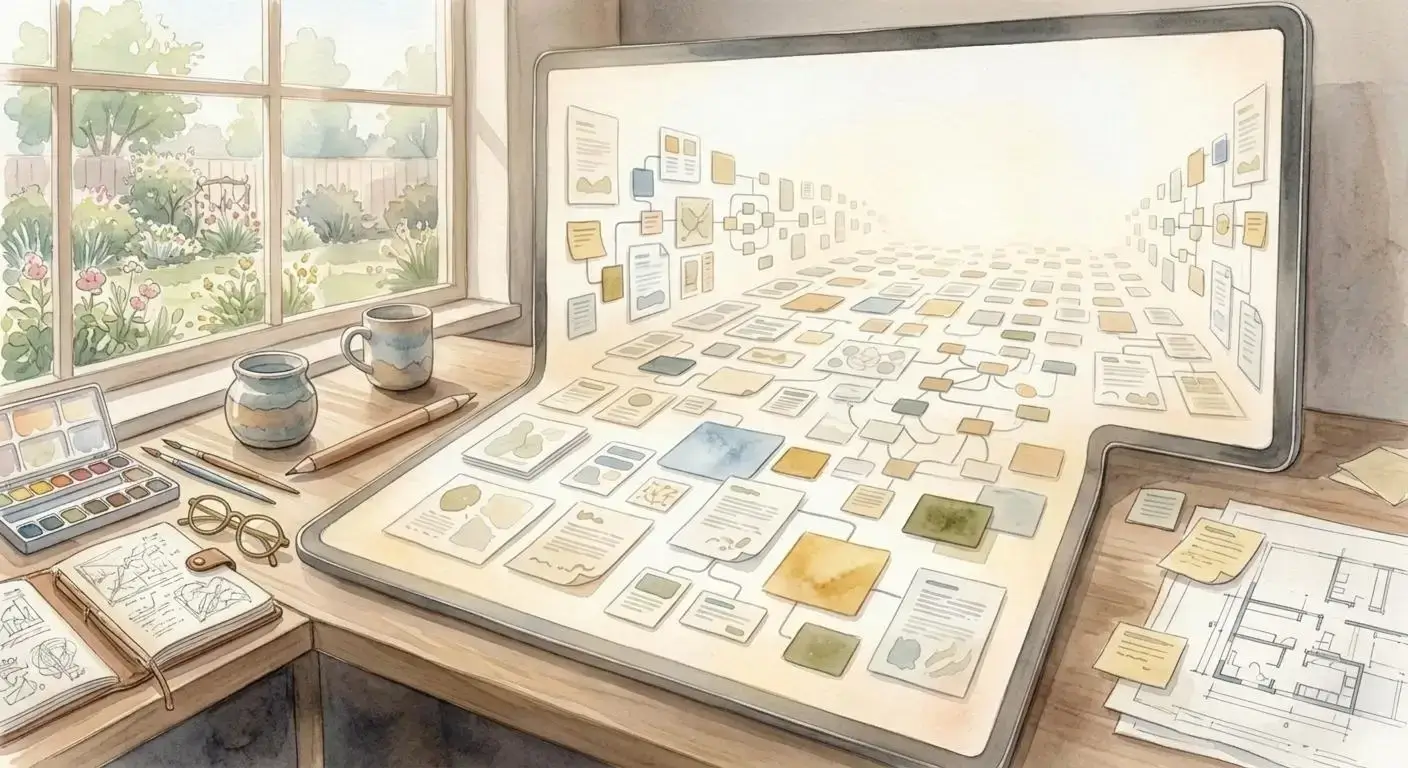
Human memory is not purely verbal. We do not remember only by title, tag, or folder path. We also remember by position, proximity, and visual context.
That is why you can often remember where a paper is sitting on your desk faster than you can remember its file name on your laptop.
A useful second brain app should work with that instinct instead of fighting it.
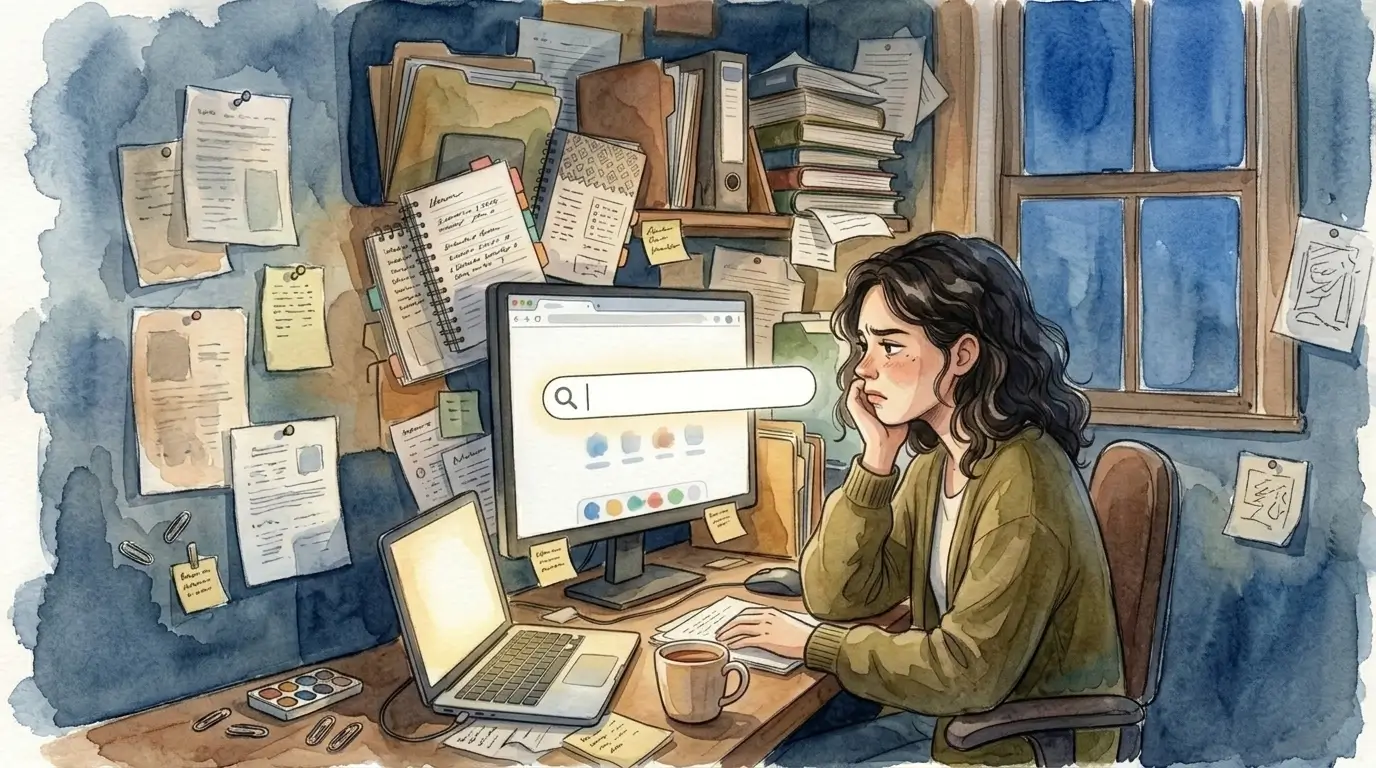
When everything is buried behind search bars, nested pages, and side menus, you are forced to remember exactly what something was called. That sounds efficient until real work gets messy. Notes are incomplete. Names are inconsistent. Projects overlap. The same piece of information could belong in three places.
So you search. Then search again. Then open three wrong results. Then give up and rewrite the thing you already had.
That is not personal failure. That is a retrieval design failure.
Why setup kills adoption
A lot of second brain content online treats setup as proof of seriousness. If your dashboard is complicated enough, maybe it feels like progress.
But most people do not need a hobby system. They need a tool they can trust on a busy Wednesday.
If a second brain app requires an hour of categories before it becomes useful, it has already lost.
Real work is dynamic. A client changes direction. A project grows sideways. A personal note suddenly matters to a business decision. Rigid systems break because they depend on you predicting your future filing logic in advance.
That prediction is fragile.
A better approach is lighter. Capture quickly. Place things where they make sense now. Keep related ideas visible near each other. Let organization emerge from use instead of forcing a taxonomy before value exists.
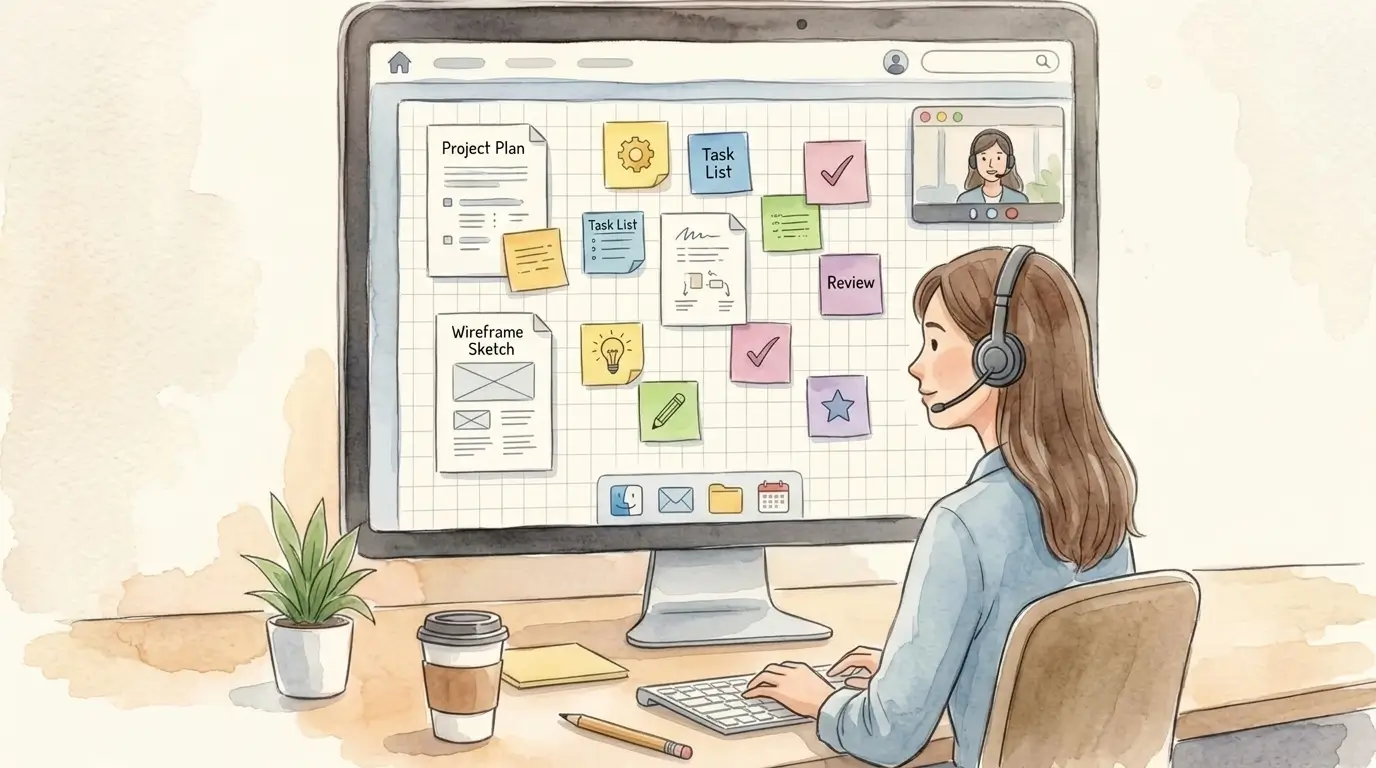
This is why physical desks still outperform many digital systems for practical thinkers. You can spread things out. You can glance. You can remember where something lives. The layout itself becomes memory support.
A good second brain app should preserve that advantage digitally.
What a second brain app should actually do
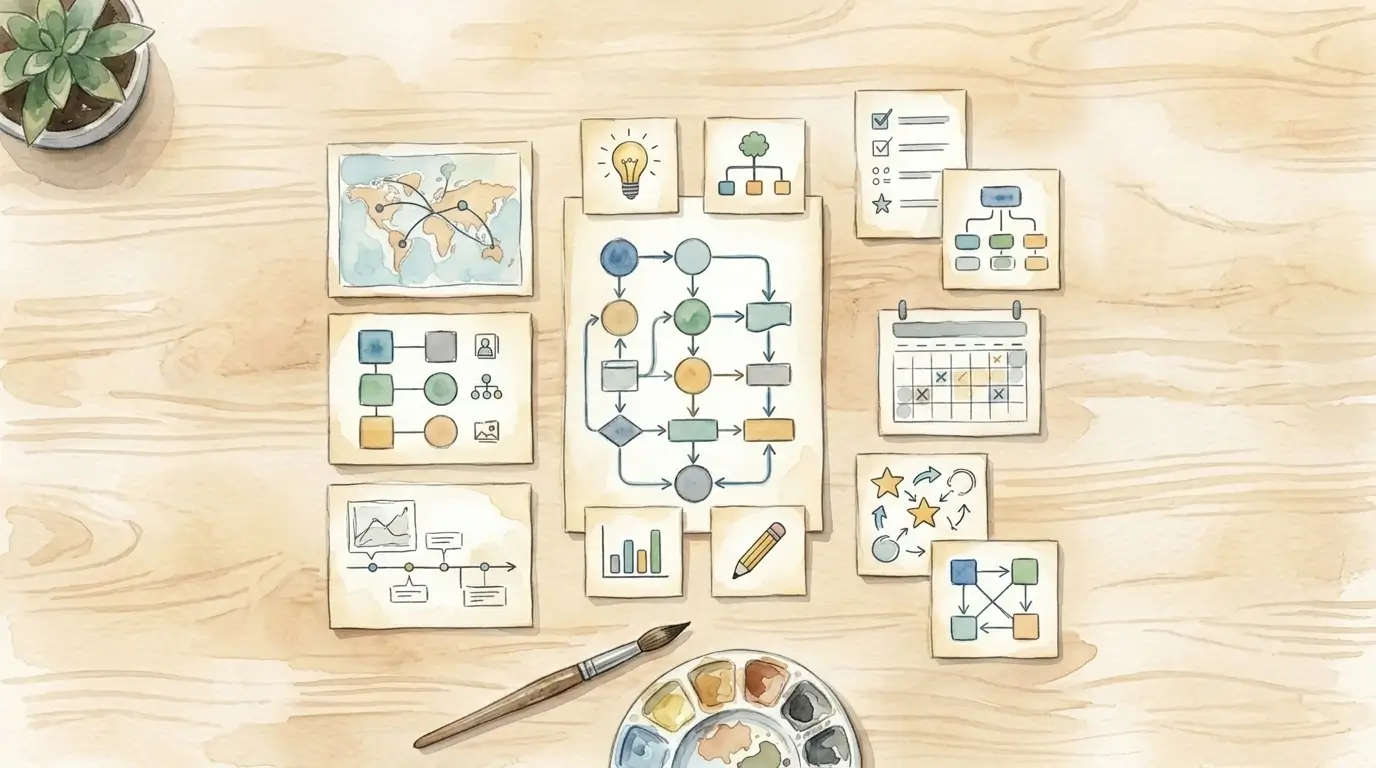
Strip away the jargon and a second brain app only needs to do four jobs well.
1. Capture without ceremony
If it takes too many steps to save a note, you will postpone it. Then it is gone.
2. Keep important things visible
Buried information might as well not exist. Visibility is not decoration. It is how your brain keeps work alive.
3. Support spatial recall
You should be able to remember that the proposal is on the left, the meeting notes are below it, and the key idea is next to the client plan. Position can be retrieval.
4. Reduce search, not glorify it
Search is useful as a fallback. It should not be the main way you navigate your own work.
That changes the standard for what counts as a good second brain app.
The question is not, “How many advanced features does it have?”
The better question is, “When I need something fast, does this help me see it or hide it?”
The five-minute test
If you want to judge any second brain app honestly, ignore the marketing and run this test.
Open it for five minutes.
Can you create a space for your current work without watching a tutorial?
Can you put a few notes, documents, or links where they make intuitive sense?
Can you return ten minutes later and know where things are by looking?
Can you see multiple related items at once without clicking through a stack of panels?
If the answer is no, the tool may still be impressive. It is just not practical.
The best second brain app is not the one with the most philosophy behind it. It is the one you actually trust when your day is moving.
What changes when the tool fits the way you think
When a second brain app stops acting like a filing cabinet, a few things change fast.
You spend less time naming and more time doing.
You stop rebuilding ideas you already captured.
You hold context longer because your work stays in view.
You move through client calls, writing sessions, and planning blocks with less friction.
Most of all, the system stops feeling like something you maintain.
It starts feeling like a workspace.
That difference matters.
A workspace supports action. A system demands obedience.
If you have bounced off second brain apps before, that does not mean you are bad at organization. It probably means the software was optimized for structure, not retrieval.
And retrieval is the point.
The simpler standard
A second brain app should not require a PhD in systems design.
It should give your ideas a place.
It should let your eyes help your memory.
It should make retrieval feel obvious.
It should be useful before you finish setting it up.
That is the standard.
If a tool cannot pass it, you do not need more discipline. You need a better shape for digital work.
That is why the best second brain app is often the simplest one: the one that lets you place information in space, keep it visible, and come back to it exactly where you left it.