

Most software treats memory like storage. Save the file. Archive the note. Search it later. That sounds reasonable until you notice how people actually keep important work alive. We do not remember our priorities because they are technically retrievable. We remember them because they stay in view.
That is the deeper idea behind Opal. The goal is not just to give you another place to put things. The goal is to create an environment where your work remains visually present enough to shape your attention. When projects occupy space, your brain keeps rehearsing them in the background. That peripheral awareness changes recall. It changes prioritization. It changes what gets finished.
The API Forced the Product to Tell the Truth
This week, building Opal's API made that clearer than ever. A user wanted their AI agent to work directly inside Opal. Another wanted an agent to help with SEO research, document creation, and workflow execution. That requirement sounds technical on the surface, but it exposes something more fundamental. The moment a product becomes machine-usable, every hidden assumption gets dragged into the light.
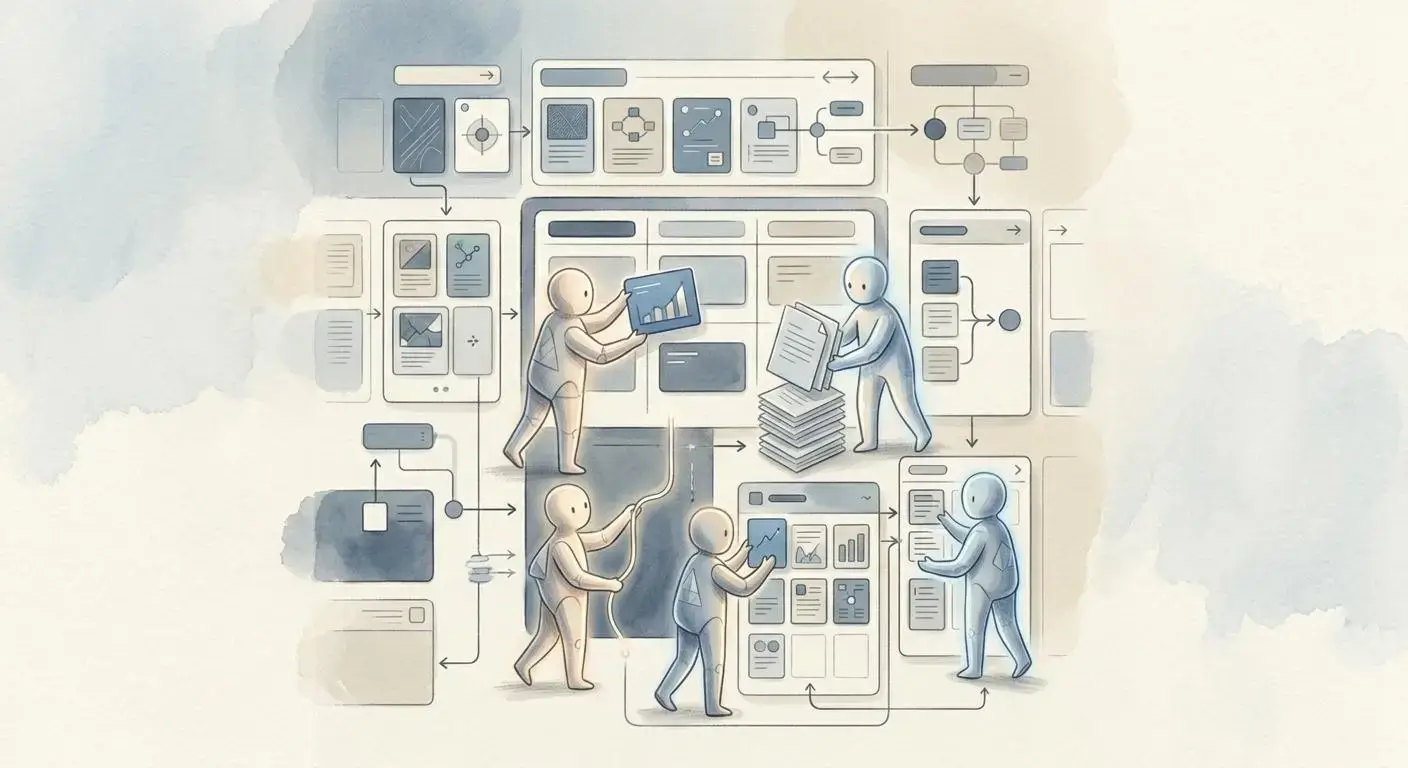
A user interface can hide rough edges. An API cannot. It forces you to account for every object, every relationship, every edge case, and every small behavior that makes the product feel coherent. That meant revisiting years of tiny decisions inside Opal. How does an item move? What happens when it is deleted? What permissions cascade through shared spaces? Which assumptions only make sense when a human is clicking around, but break when an agent needs direct access?
In that sense, the API was not just an integration layer. It was a truth serum. It revealed how much of the product's value lives in details that are easy to overlook when you only evaluate software from the surface.
Small Details Are Not Small
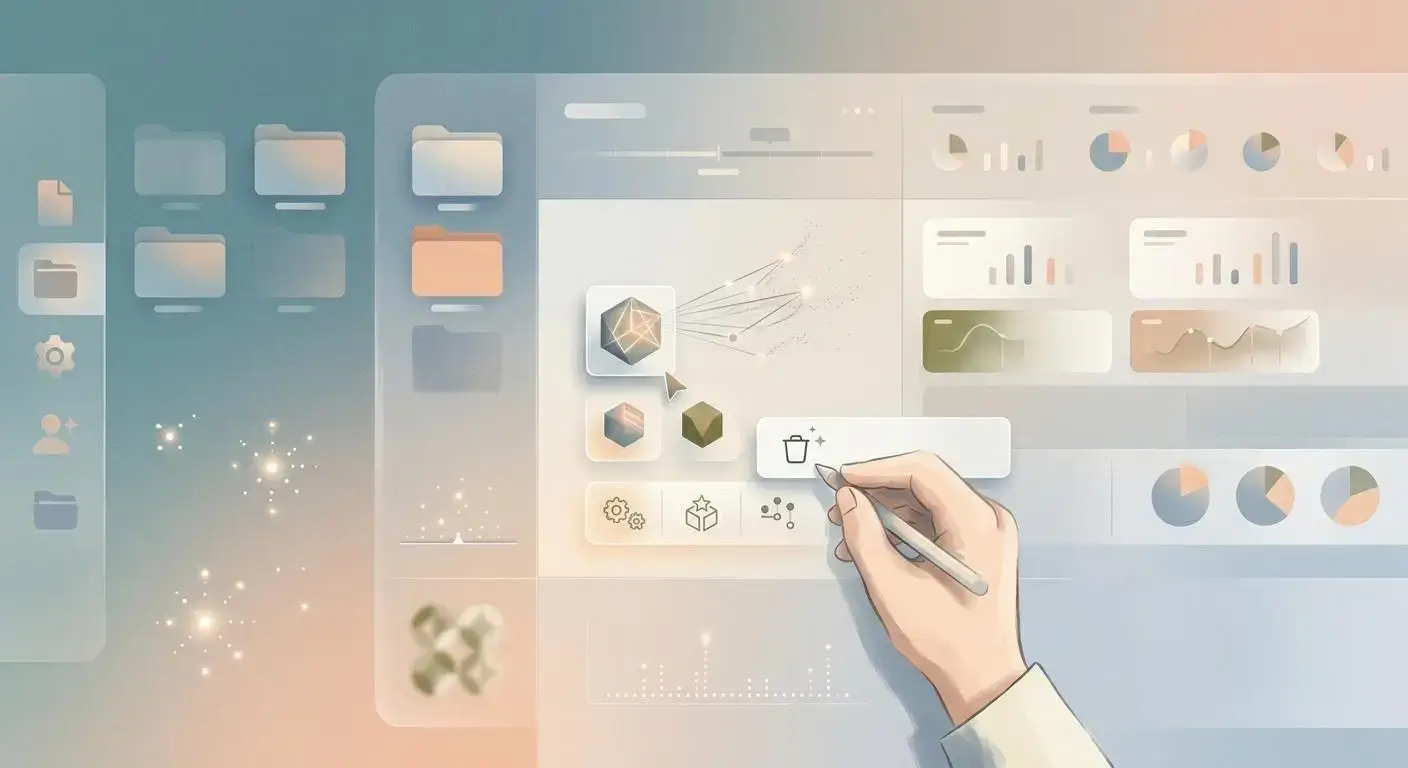
That is also why the boring parts matter so much. If a delete action removes a visible object but leaves files orphaned in storage, the product is not finished. If permissions work at the workspace level but collapse when you introduce shared binders and fenced-off areas, the product is not finished. If the system looks tidy until one unusual workflow shows up and breaks the model, the product is not finished.
These are not cosmetic improvements. They are the difference between software that demos well and software you can trust. Trust is built in invisible places: cleanup, consistency, containment, hierarchy, and edge-case handling. The glamorous part of product design gets attention. The quiet integrity underneath it is what makes people stay.
Real Users Do Not Organize Themselves Into Clean Diagrams
Another lesson surfaced in how different people want to structure work. Some users want neatly segmented workspaces for each role or domain. Others want one giant workspace where everything lives together. On paper, the segmented model seems cleaner. In practice, real behavior is messier. People think across projects. They connect active work with future work, personal work with business work, ideas with execution. For some of them, one visual field is not chaos. It is context.
That creates harder design problems, especially once sharing enters the picture. Shared workspaces are one thing. Shared binders and fenced-off regions inside a broader environment are another. Now you need a permissions hierarchy that reflects how people actually collaborate, not how software diagrams prefer to simplify collaboration. Those decisions are difficult precisely because they are close to reality.
Why Peripheral Awareness Matters More Than Speed
The strongest idea underneath all of this is that digital work is not only about input and output. It is about what your environment teaches your brain to keep alive. When work stays spatially visible, you do not have to reconstruct your priorities from scratch every time you sit down. You see the project. You remember its state. You feel the unfinished edge. You notice what belongs together. The interface is training recall in the background.
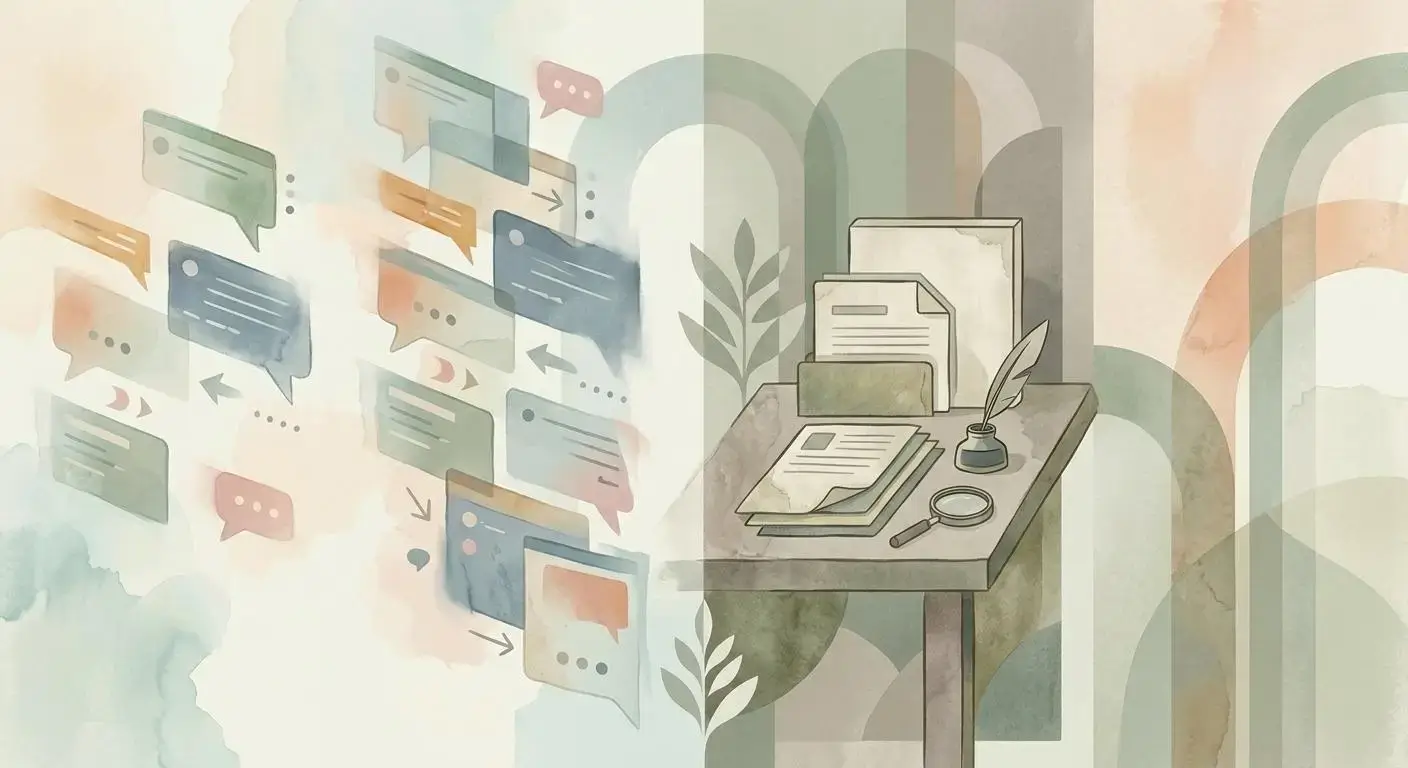
That is why faster is not always better. Chat is fast. Fast feels powerful, especially when AI is involved. But fast interfaces are a risky default for important work because they encourage speed without structure. They move information past you before it has taken shape. Documents are slower. Visual workspaces are slower still. That is not a weakness. It is often the reason they hold up under real use.
A good system should support multiple speeds. Chat is useful for quick moves. Email is better when a thought needs a container. Documents help an idea mature. Visual space does something neither of those can do on its own: it lets important work remain present without demanding constant re-reading. That presence is the missing layer.
The Point Is Not Organization for Its Own Sake
Organization is usually sold as neatness. Color-code everything. Put every note in the right folder. Reduce clutter. But the deeper win is cognitive, not aesthetic. The right environment does not just make work look orderly. It changes how you think inside it. It helps you remember. It helps you prioritize. It helps you return to meaningful work without paying the full reorientation cost every time.
That is what Opal is aiming at. Not a prettier filing cabinet. Not a faster chatbox. A workspace that captures peripheral awareness, preserves visual context, and becomes usable by both humans and AI agents without losing the small details that make the whole thing trustworthy.
Because if the future of software includes agents acting on our behalf, the environment still matters. Maybe it matters more. The tools that win will not just execute commands. They will hold context in a form that people can see, remember, and direct with confidence.