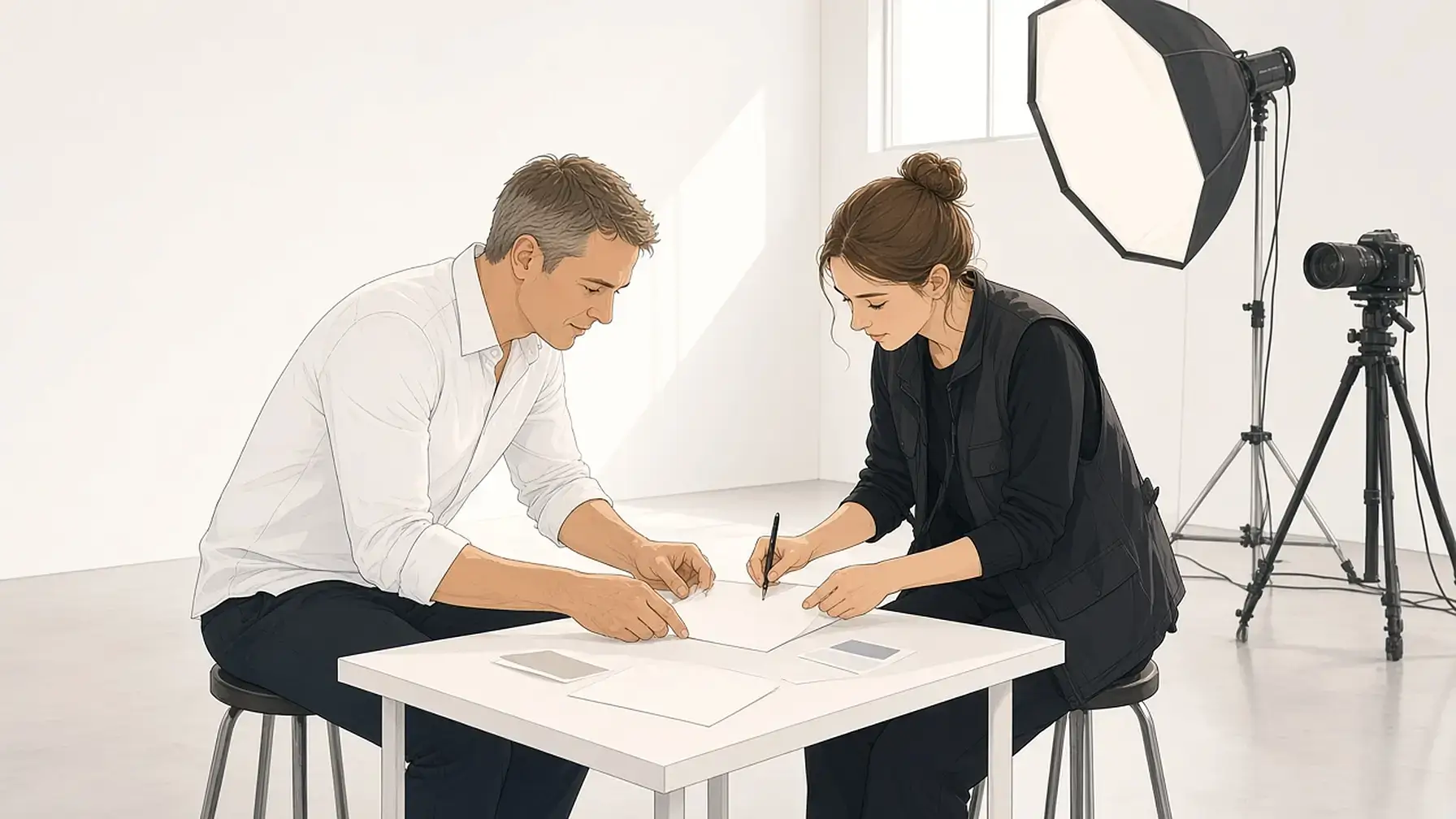
A creative brief puts the goal, the audience, and the message on one page, and it keeps doing its job when it sits beside the work it guides.
You send a designer a few paragraphs in an email, they send back a first draft, and it misses. Nobody did bad work. The direction was thin, or it changed, or it lived in three places at once. In a 2021 global survey, 80 percent of marketers said they write good briefs, while only 10 percent of agencies agreed. A clear creative brief closes that gap, and this guide shows what to put in one and where to keep it.
What Is a Creative Brief?
It is a short document that tells the people making the work what they are making, who it is for, what it should say, and what done looks like. Many fit on one or two pages. The nonprofit FHI 360 describes it in its creative brief template as a short document that guides the development of materials, and it adds that briefs “give everyone involved in developing materials and activities all the information they need in one place.”
You will also hear it called a design brief, a client brief, or a project brief. The names overlap. A design brief leans toward visual deliverables, a project brief covers scope and schedule, and a client brief is whatever the client hands you before a kickoff. The core questions stay the same.
You do not need an agency to use one. A freelancer taking on a logo, a founder hiring a video editor, and a two-person studio planning a launch all benefit from writing the job down before anyone opens a design file. If you run your own client work, the same page becomes part of your freelancer tools, right next to the contract and the invoice.

Why a Brief Matters
Weak direction costs real money. That survey, run by the BetterBriefs Project and released by the IPA in October 2021, drew on more than 1,700 marketers and agency staff. Respondents estimated that 33 percent of the marketing budget goes to waste because of poor briefs and misdirected work. Rebriefs happen too often, according to 69 percent of marketers and 73 percent of agencies.
The people receiving briefs see the problem more clearly than the people writing them. When asked about the last three briefs they received, agencies rated 75 percent as not good enough, 22 percent as OK, and 3 percent as good. The same report found that 9 out of 10 marketers admit their briefs change after they have been handed over.
That last number matters most for small teams. A brief that changes is normal. A brief that changes in a chat thread, while the original sits in an email from three weeks ago, is how a project drifts. Janet Hull of the IPA put the stakes simply: “you can’t produce good work without a good evidence-based brief with realistic outcomes and sensible budgets.” When the direction does shift, write the change and the reason down. A short decision log beside the brief keeps both in view.
What to Include in a Creative Brief
Templates vary, but most good briefs answer the same nine questions. Keep each answer short. If a section runs past a few sentences, it probably belongs in a separate document that the brief links to.
- Background: who the client or company is, and what led to this project now.
- Objective: the one result the work should produce, stated so you could tell later whether it happened.
- Audience: who will see the work, what they care about, and what they already believe.
- Key message: the single thing the audience should take away. FHI 360’s template calls this the key promise, the benefit the audience gets.
- Support: the reasons that message is true, such as facts, proof, or product details.
- Tone: how the work should feel, in a few plain words like calm, confident, or playful.
- Deliverables: every file, format, size, and version you expect to receive.
- Timeline and budget: the deadline, the review dates, and what the work can cost.
- Stakeholders and approval: who gives feedback, who signs off, and who has the final word.
Add references when they help. A few examples of work you like, and one or two you do not, explain taste faster than adjectives. If you collect them on a mood board app or a shared folder, link to it from the brief so the references and the words travel together.
How to Write One in About an Hour
You do not need a perfect template. You need a short page that everyone agrees with before the work starts.
- Talk before you type. Spend 20 minutes with the client or the person requesting the work. Ask what success looks like, who it is for, and what has gone wrong before.
- Draft the objective first. If you cannot write it in one sentence, the project is not ready to brief.
- Fill in the nine questions. Use the client’s words where you can. Leave a question blank and flag it rather than guessing.
- Cut it to one page. Move long research, brand guidelines, and old files into links.
- Review it together. Walk through it with the person who will approve the work, and fix anything they read differently than you meant.
- Keep it findable. Save the agreed version where the team will look first, and note any later change with its date.
That last step is the one most guides skip. A brief only helps if people open it again at the second review, when the first draft comes back and someone asks what the goal was. Keep it with the rest of your project notes so it is there when that question comes up.
A Short Example
Here is a made-up brief for a small job, to show the level of detail that works.
- Background: a local bakery is opening a second location in March.
- Objective: 300 email signups for the opening week offer by March 1.
- Audience: neighbors within two miles who have not visited the first shop.
- Key message: the bakery you have heard about is now around the corner.
- Support: 12 years at the first location, the same bread, and 10 percent off any loaf during opening week.
- Tone: warm and neighborly, never pushy.
- Deliverables: one flyer (letter size, print-ready PDF), two square social images, and one signup page header.
- Timeline and budget: first drafts February 5, final files February 15, budget agreed in the contract.
- Approval: the owner signs off; the manager gives feedback on the first round.

Keep the Brief Where the Work Happens
Most briefs are written once and then lost among email threads, chat messages, and downloads folders. That matters, because finding things is already a drag on most workdays. In Microsoft’s 2023 Work Trend Index, 62 percent of respondents said they struggle with too much time spent searching for information. Every time someone hunts for the brief, the reference images, or the latest feedback, the project loses a little momentum.
The fix is placement. Put the brief beside the things it describes: the references, the drafts, the client’s logo files, the feedback, and the decisions made along the way. Then a glance answers most questions. If you want a broader system for the files themselves, our guide on how to organize digital files covers naming and folders.
Opal is built around that idea. Your workspace is a large grid, like a desk, and each project can sit inside its own fence. The brief is a document in that fence, written with Opal’s interactive notes, next to the PDFs, images, and Google Docs that belong to the same job. You can open the brief and a draft side by side, so checking a design against the objective takes one look. Many people recall where they put something more easily than what they named it, so “the brief at the top left of the bakery fence” is quicker to reach than a file name. That is spatial memory doing the finding.
When a client needs to read the brief, you can publish the document as a read-only page and send the link; they do not need an Opal account. On the Studio and Workshop plans you can share a whole fence, so a collaborator gets the brief, the references, and the files together. When the job wraps, move the fence’s contents into a binder so the active desk stays clear and the history stays close.
Opal is a visual workspace for notes, docs, and files. It does not handle creative-request intake, proofing with markup and approvals, or agency time tracking. If your team runs dozens of briefs through formal routing every week, a tool built for that will serve you better. Plans start with Day Desk at $9 per seat per month, or $7 per month billed yearly, and the full list is on the pricing page.

Common Mistakes to Avoid
- Too long. A ten-page brief does not get read. Keep the page short and link out to the rest.
- Several objectives. If the work has to do five things, it will do none of them well. Pick one.
- Solutions instead of direction. “Make the logo blue” is a design decision. “The brand should feel calm and trustworthy” is direction the designer can work with.
- No sign-off. A brief nobody approved is a guess. Get a clear yes before work starts.
- Lost after kickoff. Keep it where the team works, and record changes with their dates.
Key Takeaways
- A brief tells makers what they are making, for whom, with what message, and what done looks like.
- Briefs fail often: in a 2021 survey, agencies rated 75 percent of recent briefs as not good enough.
- Nine short answers cover most briefs, from background to sign-off.
- Write it in about an hour, cut it to one page, and review it with the approver.
- Most briefs change, so record each change and keep the brief beside the work.
FAQ
What is a creative brief?
A creative brief is a short document, usually one or two pages, that sets the direction for a piece of creative work. It covers the objective, the audience, the key message, the tone, the deliverables, the timeline, and who approves the result.
What is an example of a creative brief?
A small example: a bakery opening a second location wants 300 email signups by March 1 from neighbors who have not visited yet. The brief names that objective, the message (“now around the corner”), the tone, the files needed, the dates, and the owner as the approver.
What seven details should be included in a creative brief?
Seven common ones are the background, objective, audience, key message, tone, deliverables, and timeline with budget. Many teams also add supporting proof and a named approver, which makes nine.
Who typically writes a creative brief?
Usually the client, the marketer, or the account lead writes it, often with the creative lead in the room. Freelancers frequently write it themselves after a kickoff call and send it back to the client to confirm.
How long should a brief be?
One page is a good target, and two is the usual limit. Keep the essentials on the page and link to longer research, brand guidelines, and reference folders.
Does Opal have a free plan?
No. Opal’s plans are paid. Day Desk is $9 per seat per month, or $7 per month billed yearly, and Studio and Workshop add more workspaces, items, storage, and fence sharing. Current details are on the pricing page.
Can I use Opal on my phone?
Opal runs in the browser today. You can open it in a phone browser, but the desk is built for a larger screen where you can see a brief and its files side by side. Native apps are on the roadmap and are not available yet.
When is Opal not the right fit for briefs?
If you need request forms, routing, proofing with markup, or approval workflows across a large team, use a tool made for creative operations. Opal fits when you want the brief, references, files, and feedback kept together where you can see them.
What Opal Is For
- Opal gives your notes a desk: notes, docs, files, and links laid out where you can see them
- Fences that keep each project’s brief, references, and drafts together
- Items you can open side by side, so the brief sits next to the work it guides
- Come back to a project and pick up where you left off without rebuilding context
Guide: Why productivity apps keep failing you
Get the blueprint by email — same one from the lead magnet page. No spam.