Image from the post
Opal - See Your Work - opalrecall.com
  • Home
  • Features
  • Pricing
  • Resources
      Opal Resources
    • Opal Blog Visual Organization + AI
    • Help Docs Get the most out of Opal
    • AI Agents Opal Recall Agent Skill
    • Release Notes Latest updates and changes
    • Opal - See Your Work - opalrecall.com About Company & History
  • Contact
Register
Sign In
Sign In

Help Docs:

  • All Help Docs
  • Getting Started
    • What is Opal and How to Register
    • Opal Quick Start: Your First 10 Minutes
    • Set Up Your Opal Profile
    • Create Your First Workspace: A Visual Desk
    • What Are Opal Items
    • Creating Items in Opal: Your First Few
    • Moving, Positioning, and Managing Items on a Workspace
    • How to Navigate Opal: Pan, Zoom, and Locating Items on the Workspace Grid
    • Tour of the Opal Interface: Toolbar, Workspace Menu, and Panels
    • Using Opal on a Phone or Tablet: The Small-Screen Layout
    • Delete or Archive an Item in Opal (and Whether You Can Undo It)
  • Workspaces
  • Opal Documents
  • Notes & Links
  • Files & Media
  • REST API

Getting Started.

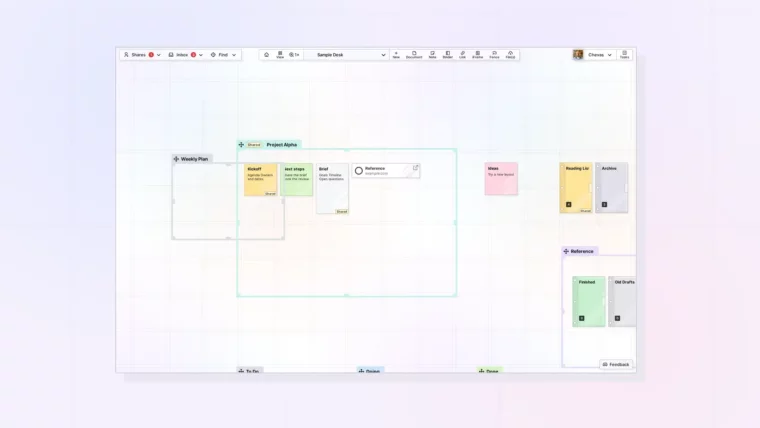
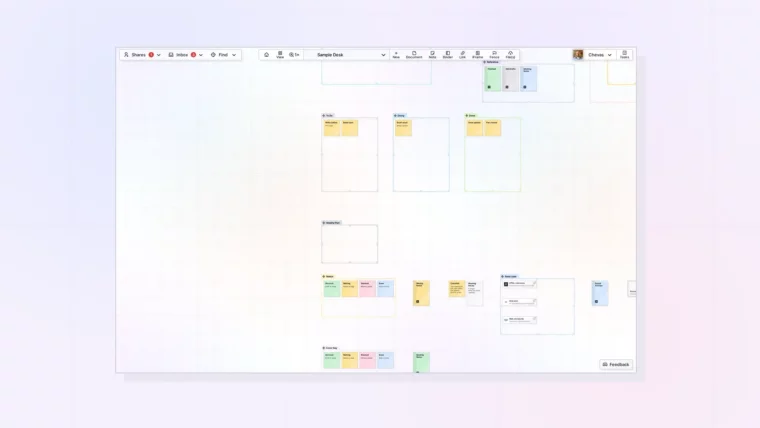
Visual workspace app showing projects, notes, files, and tasks in one Opal workspace

What is Opal and How to Register

Plus How to Register and Choose a Plan
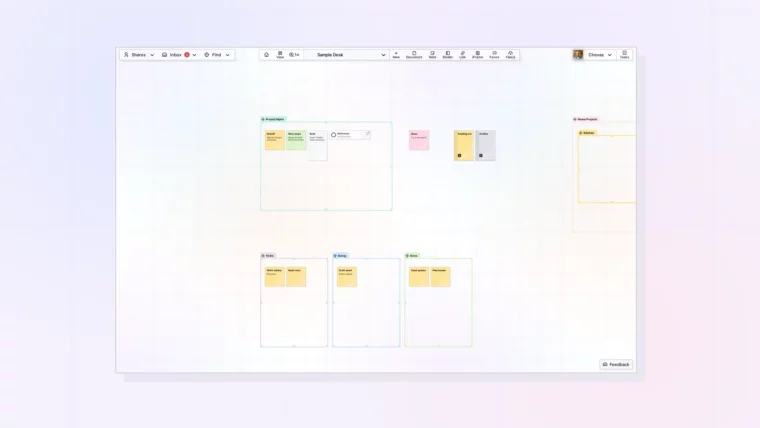
Opal Quick Start: grid with a document, a note, and a link, thumbnail

Opal Quick Start: Your First 10 Minutes

Plus Where to Go Next Once Your Desk Is Ready
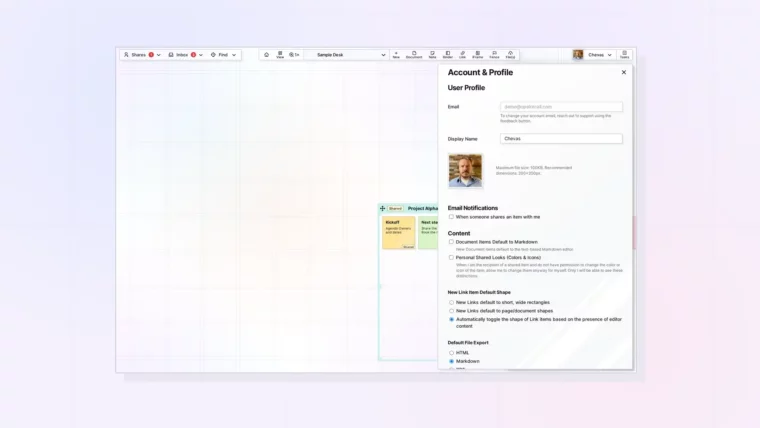
Opal Profile Thumbnail

Set Up Your Opal Profile

Set Your Display Name, Photo, and Email Notification Settings
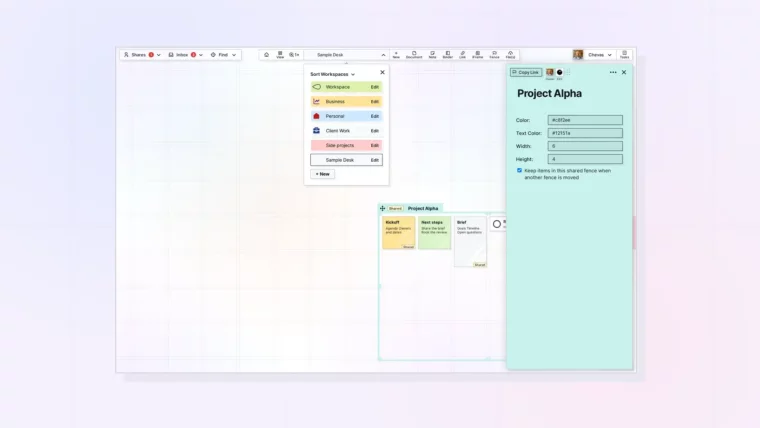
Visual Desk: Workspace created

Create Your First Workspace: A Visual Desk

Plus ONE Important Thing to Consider Before You Create Your First Workspace
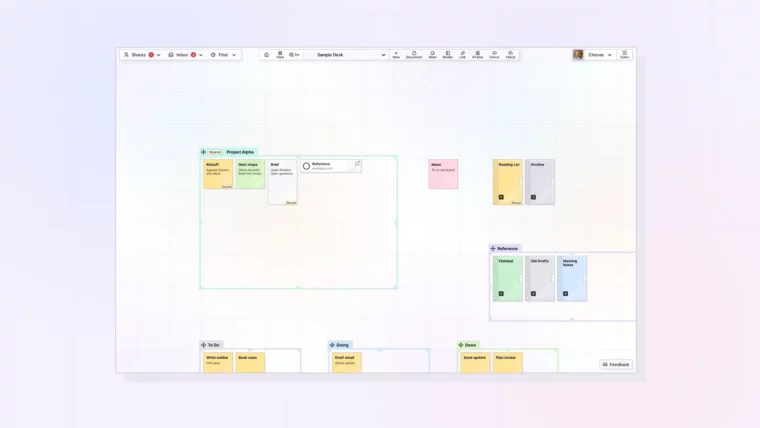
What Are Opal Items: Thumbnail

What Are Opal Items

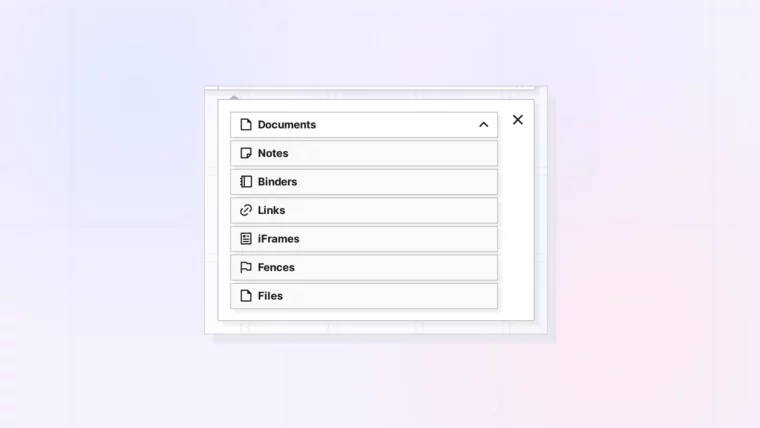
Grid View, Page View, and Item Types

Creating Items in Opal: Thumbnail

Creating Items in Opal: Your First Few

Plus the Basics of Moving and Positioning Items
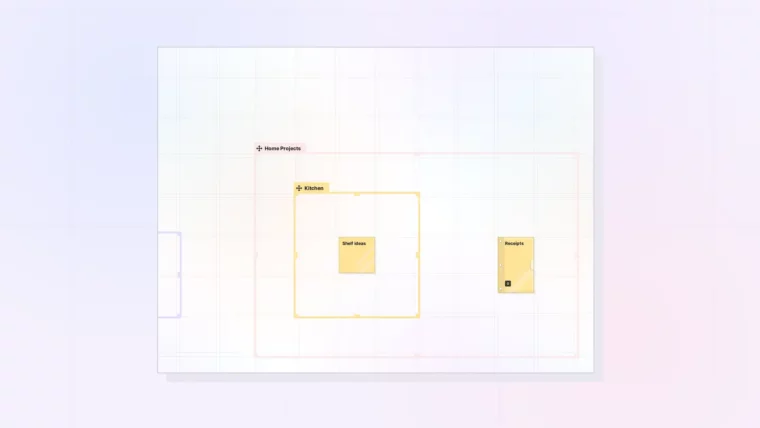
Managing Items

Moving, Positioning, and Managing Items on a Workspace

Plus Moving Multiple Items at Once

How to Navigate Opal Thumbnail

How to Navigate Opal: Pan, Zoom, and Locating Items on the Workspace Grid

Plus Resetting Your View and Returning Where You Left Off
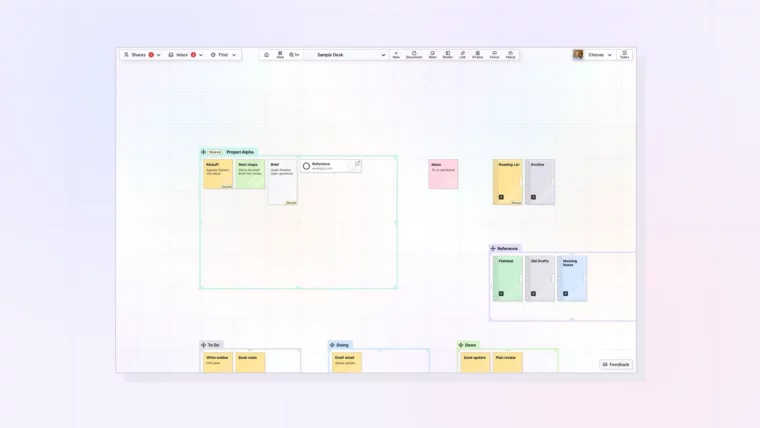
Opal interface tour: full screen workspace with toolbar and panels, thumbnail

Tour of the Opal Interface: Toolbar, Workspace Menu, and Panels

Plus What Collapses on Smaller Screens
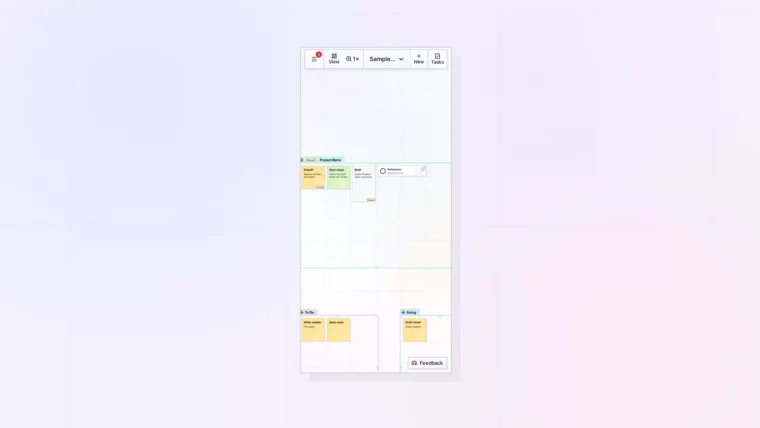
Opal on a phone or tablet: small-screen layout with the collapsed toolbar, thumbnail

Using Opal on a Phone or Tablet: The Small-Screen Layout

Plus What Works on Touch Screens and What Does Not
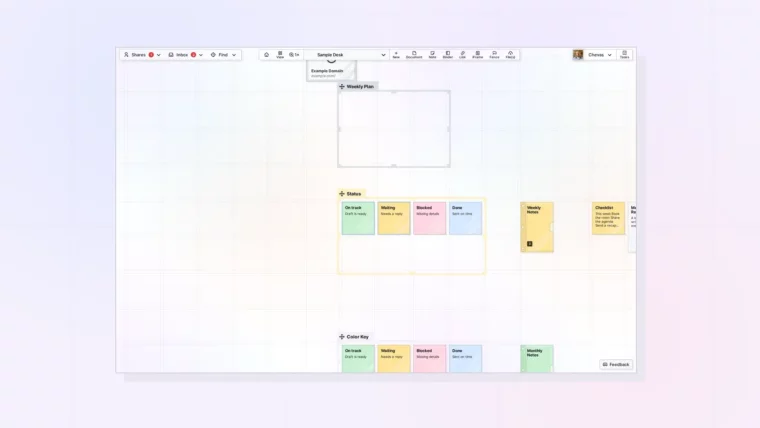
Delete an item: note menu with the Delete Item option, thumbnail

Delete or Archive an Item in Opal (and Whether You Can Undo It)

Plus Safer Ways to Archive and Back Up Your Work
Opal - See Your Work - opalrecall.com
Beta
© Opal Recall LLC. All rights reserved.
info@opalrecall.com
Live on FoundrList Verified on Verified Tools

Follow Chevas on X/Twitter

Chevas Balloun, Operator, Opal Recall
Chevas A.F. Balloun
Opal Operator
@Chevas
Register Now
About Contact Terms Of Service Policies Privacy Policy DMCA Policy