


Your brain doesn’t have folders.
It doesn’t have pages, tabs, or scroll limits. When you think about your work — clients, projects, ideas, tasks — they don’t exist in a neat vertical list. They exist in relation to each other. This project is connected to that client. That idea belongs near this reference. The urgent stuff is front and center. The archived stuff is somewhere in the back.
That’s not a filing system. That’s a canvas. And it doesn’t have edges.
So why does every productivity tool you’ve ever used force your thinking into boxes?
What Is an Infinite Canvas?
An infinite canvas is a workspace with no boundaries. No page breaks. No scroll limits. No “you’ve reached the end of this document.”
You place things wherever they belong. You zoom in to focus. You zoom out to see the big picture. Items exist in space — and that space goes on as far as you need it to.
It sounds simple because it is. The concept isn’t complicated. What’s complicated is why it took this long for software to offer it.
The answer: screens are small, and for decades, software worked around that limitation with folders, pages, and hierarchies. Those weren’t good ideas — they were engineering constraints disguised as organization systems.
An infinite canvas removes the constraint. And when the constraint disappears, so does the need for most of the organizational overhead you’ve been maintaining.
Why Your Brain Already Works on an Infinite Canvas

Close your eyes and think about your current projects.
You didn’t just pull up a mental list. You felt their relative weight. Some are close — urgent, active, top of mind. Others are further away — important but not right now. Some cluster together because they share a client or a theme.
That’s spatial reasoning. Your brain places concepts in imagined space and navigates between them. It’s automatic, effortless, and deeply wired into how humans process information.
This is why your physical desk works even when it’s messy. You know where things are because you can see them, and because their position carries meaning.
An infinite canvas app gives your digital workspace the same property: things exist in space, and their position matters.
What Infinite Canvas Apps Actually Look Like
Not all infinite canvas apps are the same. The category ranges from collaborative whiteboards to design tools to personal workspaces.
Collaborative whiteboards (Miro, FigJam, Excalidraw): Built for teams brainstorming together. Shallow items — sticky notes, shapes. Session-based, not daily-driver.
Design-first canvases (Figma, Canva Whiteboards): Optimized for visual design work. The canvas is a feature inside a design tool, not a standalone workspace.
Knowledge canvases (Scrintal, Heptabase, Kosmik): Built for researchers and writers. Deep but narrow — they solve one workflow well.
Workspace canvases (Opal): Built for daily work. The infinite canvas holds full documents, notes, tasks, images, links — things you work inside, not just look at. Persistent layout. You live here.
The question isn’t “which infinite canvas app is best.” It’s “what do you need the canvas for?”
The Problem With Finite Tools
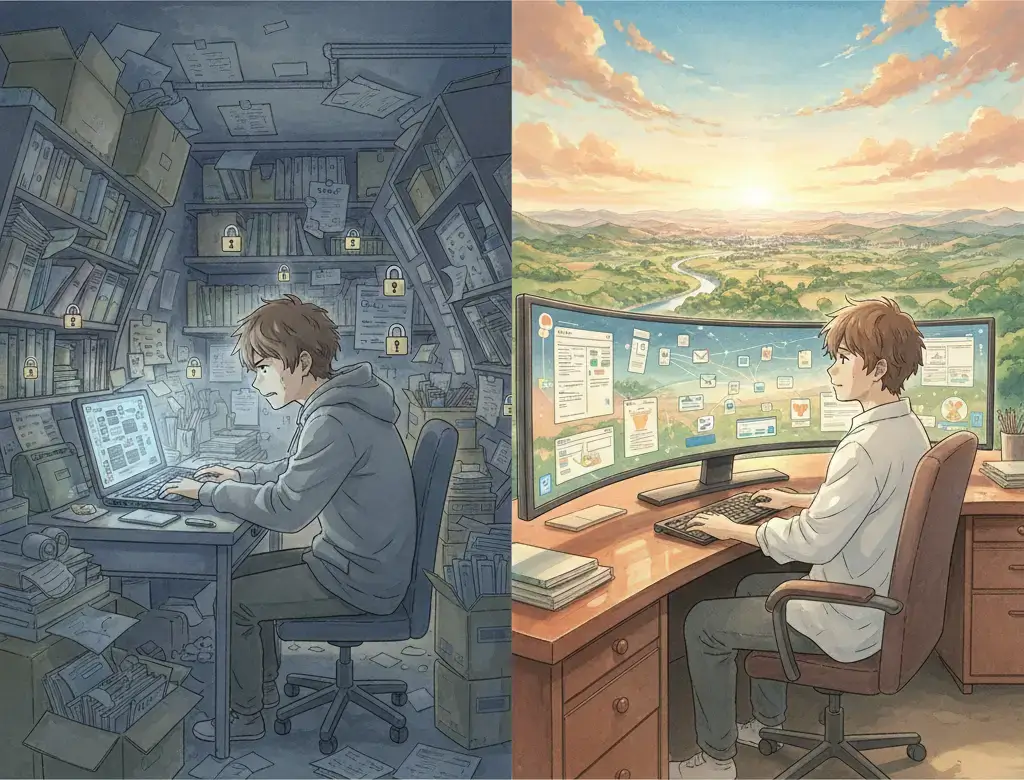
Every traditional productivity tool is finite in ways you’ve stopped noticing.
Documents are single-page thinking. A Google Doc is one stream of content. You can’t see two documents side by side in context.
Folder trees hide information. The moment you file something into a folder, it disappears from view.
Task lists are linear. Your work isn’t sequential. Three things are urgent. Five are in progress. Two are blocked.
Tabs are temporary. You open twelve tabs for a project, and they’re gone when you close the browser.
An infinite canvas doesn’t flatten anything. It lets your digital workspace be as spatial as your thinking already is.
Why “Infinite” in Infinite Canvas Matters More Than You Think
The word “infinite” isn’t about needing a lot of space. Most people don’t use more than a few screens’ worth.
“Infinite” means you never hit an edge. You never have to make an architectural decision about where something goes because you’ve run out of room.
You stop over-organizing. You start seeing connections. You stop losing things. You stop context-switching.
Who an Infinite Canvas App Is For
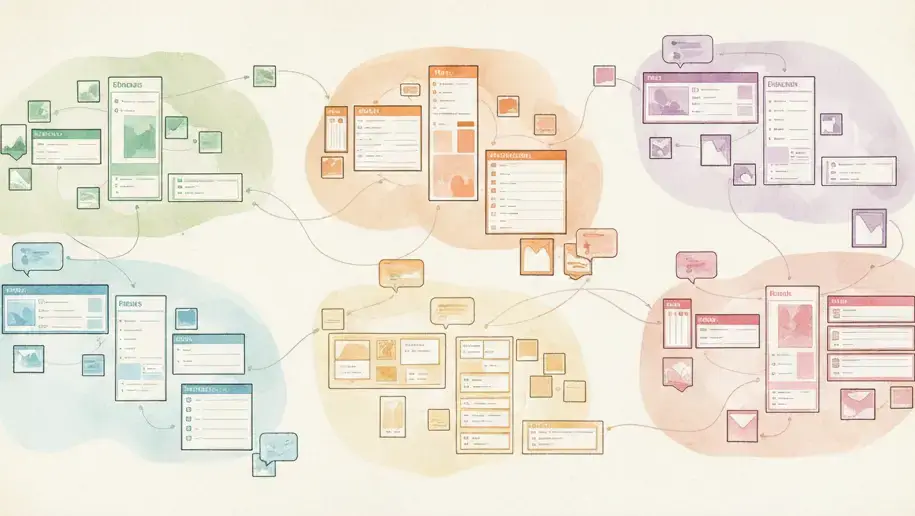
Infinite canvas apps are specifically powerful for:
- People who manage multiple projects or clients simultaneously
- Visual thinkers who need to see it to understand it
- Solopreneurs and freelancers whose system is scattered across six apps
- Anyone who’s abandoned a productivity app because it felt like work to maintain
- People with ADHD or neurodivergent thinking styles — out of sight, out of mind is literal
The Bottom Line on Infinite Canvas Apps
Your brain has been working on an infinite canvas your entire life. Every finite tool you’ve used was a workaround for screens that couldn’t show you everything at once.
The screens caught up. The tools are catching up. And an infinite canvas isn’t a new idea — it’s the removal of an old limitation.
If your current workspace forces you to think in lists when your brain thinks in space, the tool is the bottleneck. Not you.
Ready to try an infinite canvas for your daily work? Setup your desk today. One workspace, no edges.