

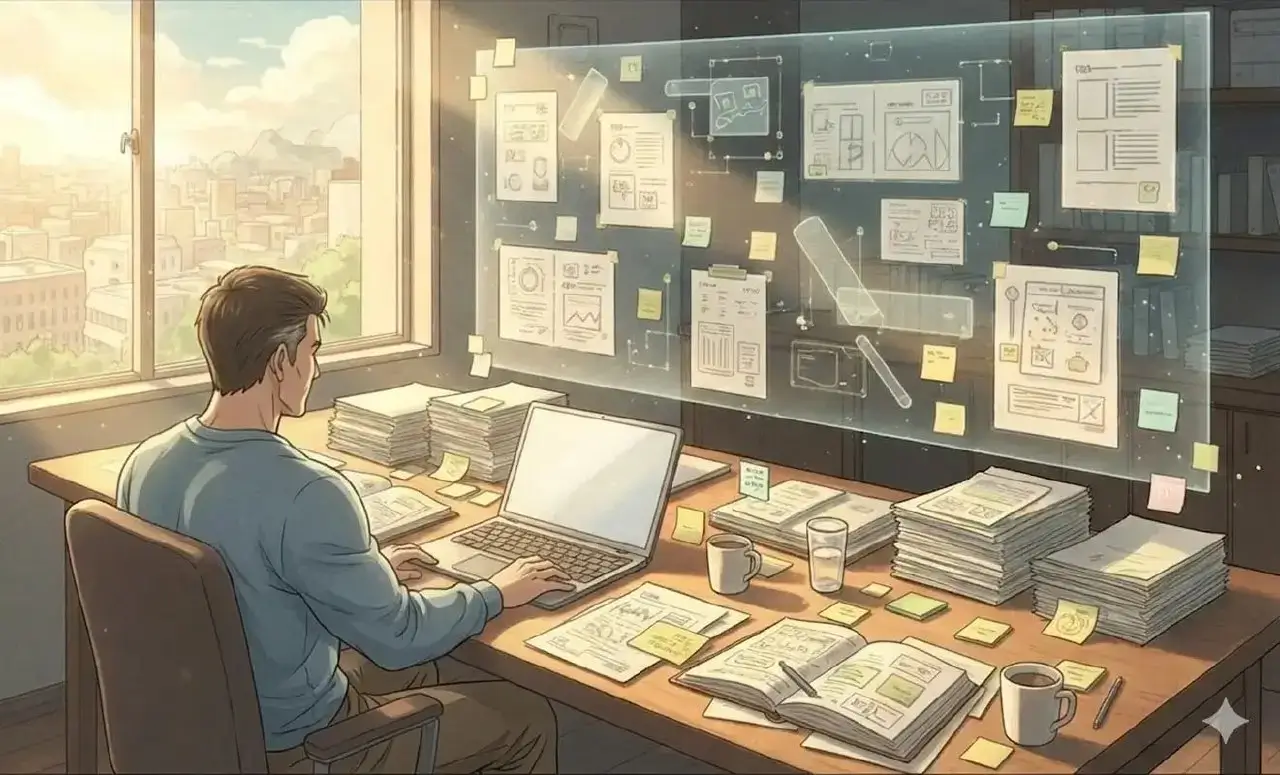
You’ve seen the pitch. Infinite canvas. Sticky notes. Team brainstorming. Real-time collaboration.
And for that one weekly planning session, Miro is great. Genuinely.
But then the meeting ends. You close the board. And you go back to… what? A task list in one app, notes in another, client files in a third, and that important reference doc you bookmarked somewhere but can’t remember where.
The canvas disappears. And you’re back to juggling. If this sounds familiar, you’re not looking for a better whiteboard — you’re looking for a Miro alternative built for daily work.
Here’s the question nobody asks: If a spatial canvas works so well for brainstorming, why don’t you use one for everything else?
The Whiteboard Lie: Why You Need a Miro Alternative
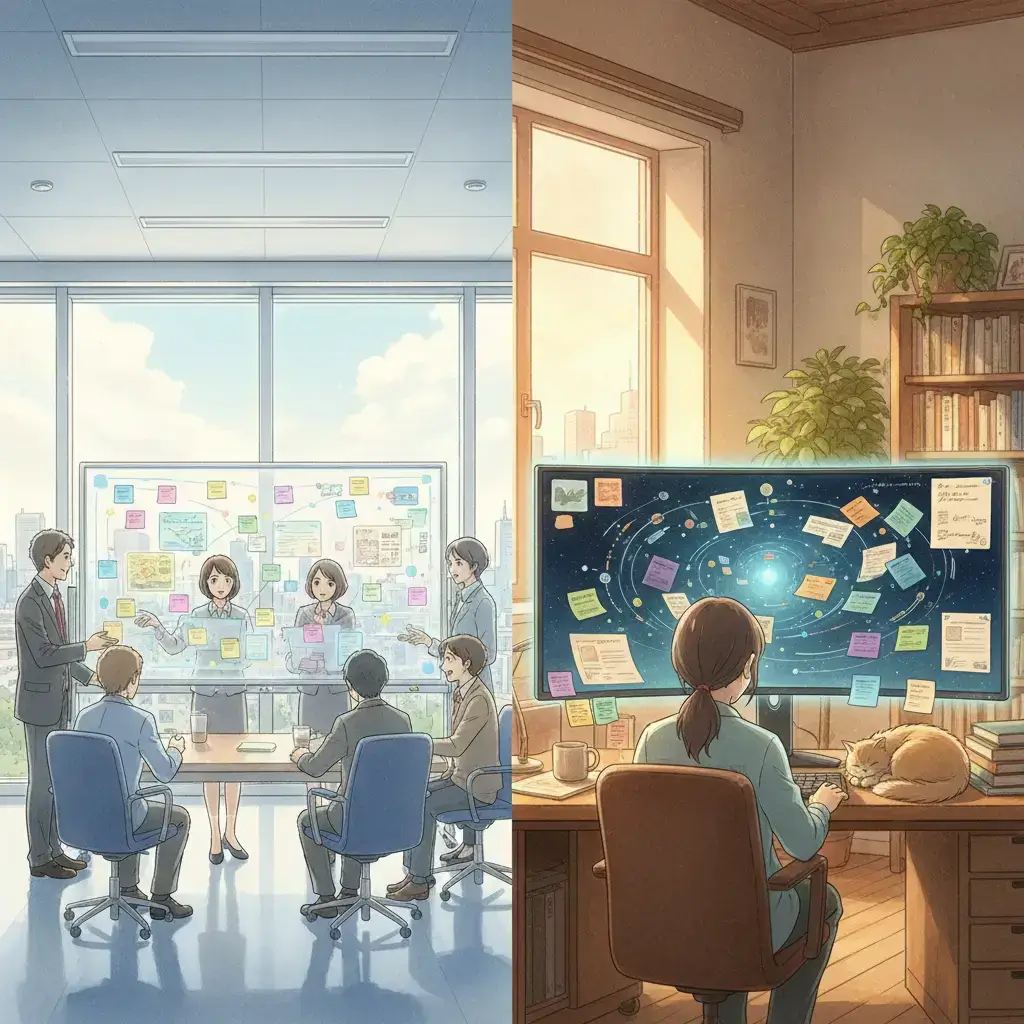
Somewhere along the way, we decided that visual, spatial tools were for collaboration. For workshops. For meetings where people move sticky notes around.
But daily work? That’s for databases. Task lists. Folder trees. Linear tools for linear thinking.
This is the whiteboard lie: the idea that a canvas is an occasional tool rather than a daily workspace.
Think about it. Your physical desk is spatial. Your kitchen counter is spatial. The shelf where you always put your keys — spatial. Every environment where you reliably find things uses space, not categories.
Yet the moment you sit down at your computer, you abandon space entirely. You open folders. You search tags. You scroll lists.
Miro recognized that people think spatially. They just confined that insight to meetings. That’s why the best Miro alternative isn’t another whiteboard tool — it’s a workspace that applies spatial thinking to everything you do.
What “Daily Work” Actually Looks Like
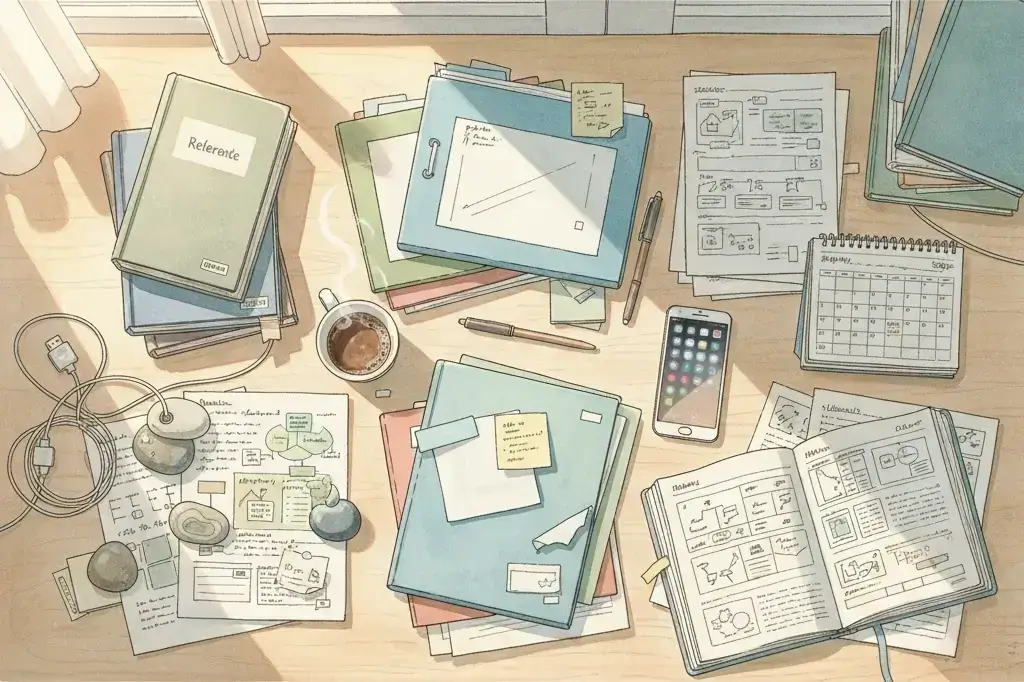
Before comparing tools, let’s be honest about what daily work is for most people.
It’s not neat. It’s not a Kanban board. It’s not a sprint backlog.
Daily work is:
- The proposal you’re halfway through, plus the reference doc you keep checking
- Three client conversations happening simultaneously, each with its own context
- A quote from last week that you need to follow up on, but you can’t remember which app it’s in
- The task you keep forgetting because it’s buried in a list of 47 other tasks
- Notes from a call that are relevant to two different projects
- An idea that doesn’t fit any existing category
What it fits naturally into is a workspace — a place where you can see everything, arrange it however makes sense to you, and find it again by remembering where you put it.
Why Miro Doesn’t Work for Daily Use
Miro is excellent at what it was designed for. But when you try to use it as a daily workspace:
- It’s built for sessions, not continuity. Miro boards are designed to be created, used in a meeting, and then archived.
- It’s built for collaboration, not personal workflow. Miro’s pricing, UI, and feature set assume you’re working with a team. Cursors, comments, voting, facilitation tools — all designed for group sessions. If you’re a solopreneur or solo operator most of the time, you’re navigating around features that aren’t for you.
- Items are shallow by design. Miro’s building blocks — sticky notes, shapes, text boxes — are meant for capturing quick ideas during a session. Your daily work includes full documents, detailed notes, and rich content. There’s a gap between what a sticky note can hold and what your actual work requires.
Collaboration overhead. If you’re a solopreneur, you’re paying for features you don’t need.
These limitations are why more people are searching for a Miro alternative that works for their actual day-to-day, not just scheduled brainstorming sessions.
What a Daily Spatial Workspace Actually Needs
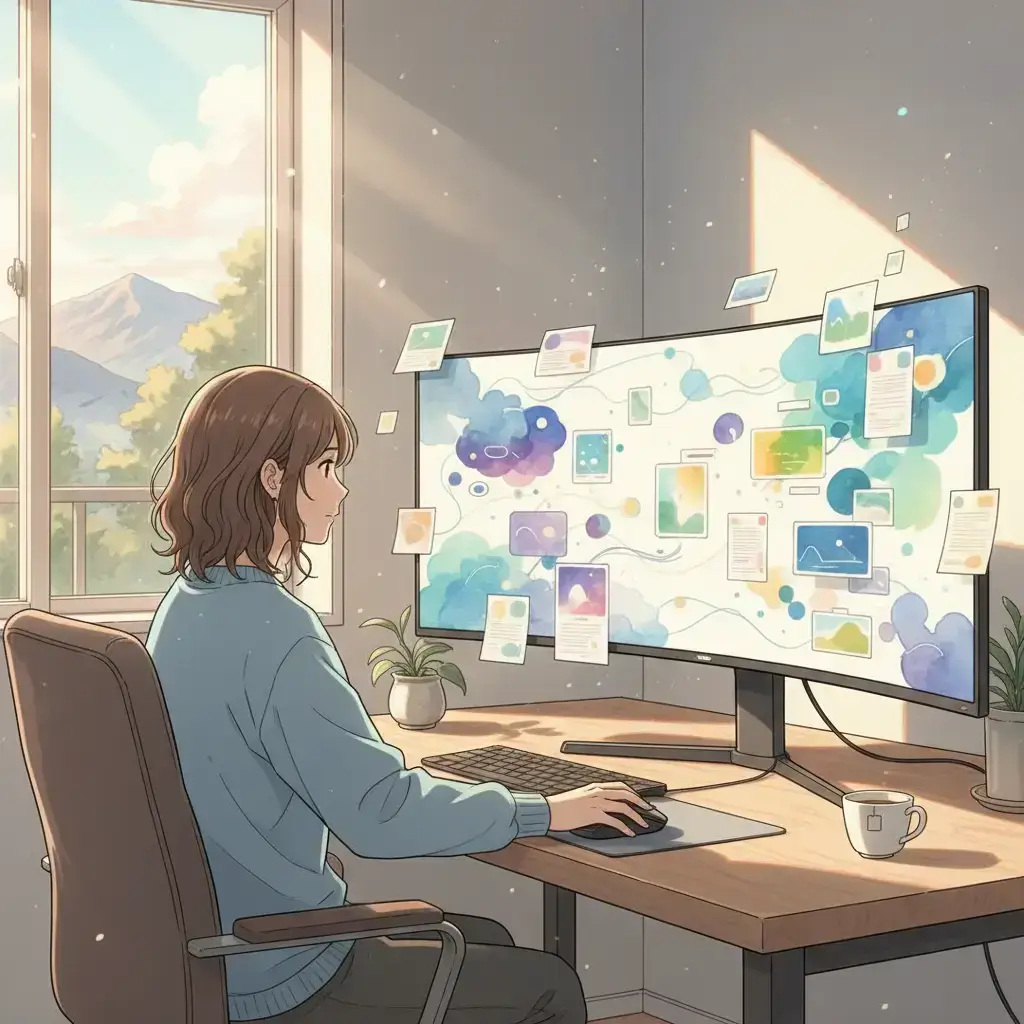
Persistence. Your workspace stays exactly how you left it.
Depth. Items on your canvas aren’t sticky notes — they’re real documents, full notes, task lists.
Scale. Hundreds of items without performance collapse.
Personal spatial logic. You organize by placing things where they make sense to you.
Visibility without overwhelm. See your active work at a glance. Zoom in for detail. Zoom out for the big picture.
The Desk Test
Can you see everything that matters in one view?
Can you rearrange things when your priorities change?
Can you find something by remembering where it was?
Can you work inside the items, not just look at them?
Does it get out of your way?
If your current tool fails more than two of these, it’s not built for daily work.
The Best Miro Alternative Is a Different Kind of Canvas
There’s a category of Miro alternatives emerging that takes the spatial insight seriously but applies it to daily work instead of meetings.
Opal is one of these. Instead of boards you create for meetings and archive after, you get workspaces you live in. Every item is a full document you can open and edit. Your spatial layout persists.
Miro says: “Use a canvas when you need to think visually.” Opal says: “Your brain always thinks visually. Your workspace should too.”
When Miro Is Still the Right Choice
- If your primary need is team brainstorming, Miro is purpose-built for it
- If you run design sprints or workshops, Miro’s templates are unmatched
- If you need Jira/Confluence integration, Miro’s ecosystem is deep
Miro isn’t bad. It’s specific. The mistake is using it for something it wasn’t designed for.
What Changes When Your Workspace Is Spatial
- You stop losing things. Spatial memory is automatic, effortless, and reliable.
- Your mornings get faster. One workspace, one visual scan.
- Ideas connect. Proximity reveals patterns that folders never would.
- You use one tool instead of five.
The Best Miro Alternative Isn’t a Better Whiteboard
The best Miro alternative for daily work isn’t a better whiteboard. It’s a workspace that treats your spatial intelligence as the default, not a special occasion.
If you’re spending 39 hours a week in task lists and folder trees, and one hour on a canvas, the ratio is backwards. The right Miro alternative fixes that ratio.
You might find you never needed a better whiteboard. You needed a different kind of desk.
Ready to try a spatial workspace for your daily work? Setup your desk today. Just open a workspace and start placing things where they belong.