

Physical sticky notes work because they stay visible. You glance at the monitor and remember the client call, invoice follow-up, or meeting action item. Most digital sticky note apps lose that advantage by hiding notes inside windows, trays, and menus.
A sticky note app for business needs more than quick capture. It needs persistent visibility, team-friendly organization, search, backup, and enough structure to support real workflows without turning into heavy project management software.
Why Sticky Notes Still Work in Business
Walk into almost any small business office and you will still see paper sticky notes on monitors, desks, whiteboards, file cabinets, and walls. People keep using them because sticky notes solve a real working-memory problem: important things stay where the eye can catch them.
Nielsen Norman Group explains that recognition is easier than recall. That is exactly why sticky notes work. You do not have to remember to search for the task. The note reminds you because it is already visible.
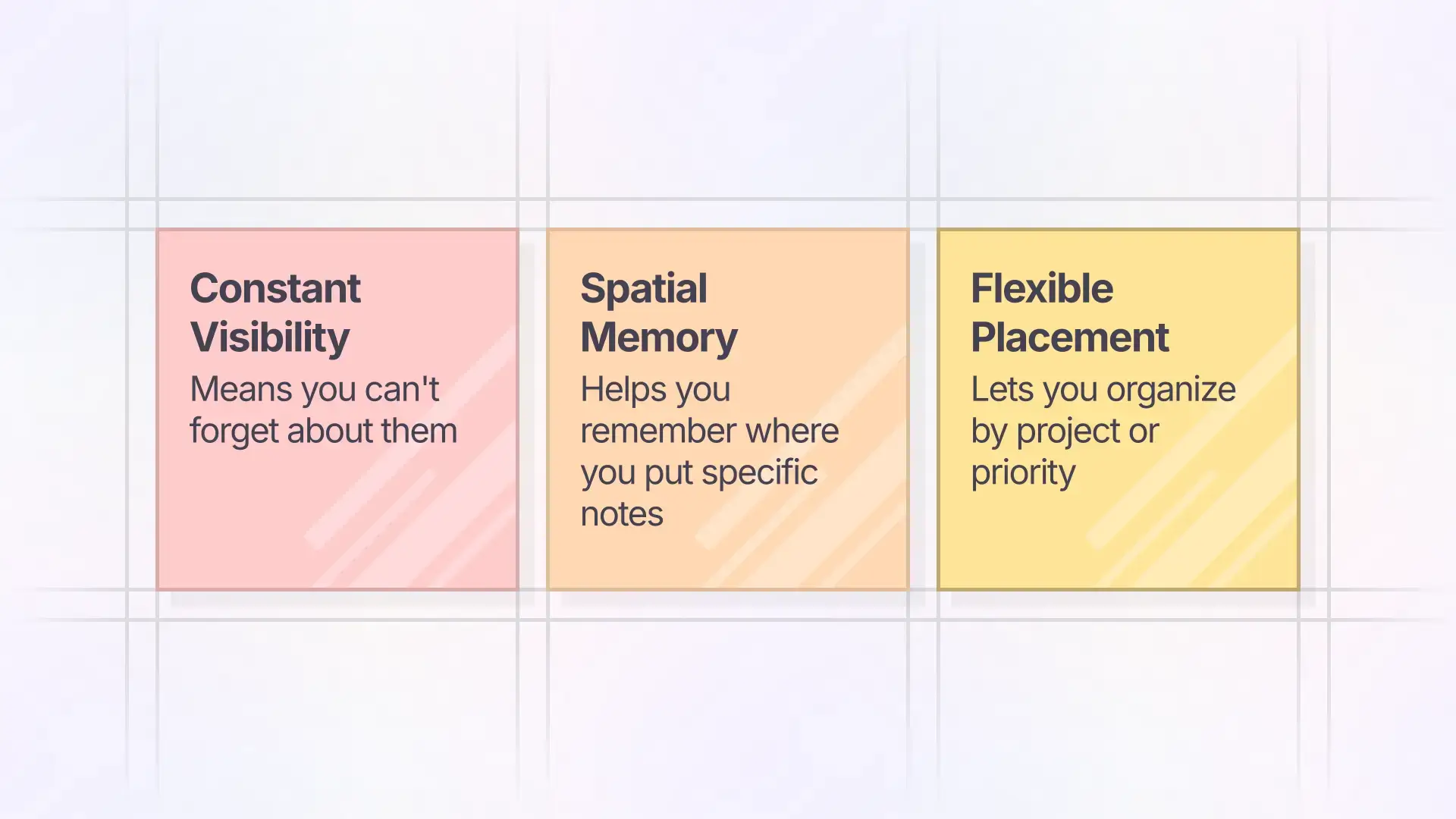
What makes physical sticky notes effective:
- Constant visibility keeps active work in sight.
- Spatial memory helps you remember where a note lives.
- Quick capture lets you write the thought before it disappears.
- Flexible placement lets you group notes by client, project, priority, or deadline.
- Color coding gives each note type an instant visual signal.
- Low friction means everyone can use them without training.
Where physical sticky notes break down:
- They cannot be searched when the board fills up.
- They fall off, get covered, or disappear during cleanup.
- They do not back up or sync across devices.
- They are not available when you work from another location.
- They do not support remote collaboration.
- They become hard to read, sort, or archive over time.
The goal is not to copy paper exactly. The better goal is to keep what makes sticky notes useful while adding the digital benefits a business actually needs.
The Problem with Digital Sticky Notes That Hide
Most operating systems and note-taking apps include some version of sticky notes. They usually fail for the same reason: the note disappears as soon as the window, app, or tab is closed.
The typical digital sticky note loop:
- You have a thought you need to remember.
- You open a sticky note app.
- You type the note.
- You close the app and return to work.
- The note vanishes from sight.
- You rediscover it later while looking for something else.
That workflow trades visibility for digital capture. For personal reminders, that may be annoying. For a business, it can mean missed follow-ups, lost context, duplicated work, and a team that keeps returning to paper because paper stays in front of them.
Common workarounds still miss the point:
- Desktop sticky widgets cover the work you are trying to do.
- Always-on-top note windows become visual clutter.
- Notification reminders show up at the wrong time and get dismissed.
- Mobile sticky note apps keep notes on a device that may not be where the work is happening.
- Whiteboard-only sticky notes are useful for workshops, but they often live apart from the daily workspace where follow-through happens.
A business sticky note system needs to keep notes visible without forcing them to sit on top of every other task.
For a broader version of the same problem, see how a visual workspace app keeps work visible without turning everything into folders and dashboards.
What a Business Sticky Note App Should Include
A sticky note app for business should support more than personal reminders. It needs to handle team visibility, shared context, and active work that changes during the week.
Microsoft Whiteboard describes notes and note grids as tools for brainstorming, planning, and organizing ideas on a shared board. That points to the business need clearly: sticky notes are not just memory scraps. They are a lightweight planning surface.
Look for these features:
- Persistent visual canvas: Notes stay where you place them instead of disappearing into a list.
- Fast capture: A new note should take seconds, not a full form.
- Search: You should be able to find an old note when the workspace gets crowded.
- Sharing: A team should be able to see the right notes without forwarding screenshots.
- Permissions: Business notes often contain client or operational context, so sharing needs boundaries.
- Remote access: Notes should be available from the office, home, job site, or client meeting.
- Backup and history: Important reminders should not depend on a paper square staying stuck to a monitor.
- Flexible organization: Notes should be grouped by client, workflow, team, urgency, or project without forcing one rigid structure.
That is why a business productivity app should not just add more lists. The point is to help a team see the work that matters.
Visual Workspace: Digital Sticky Notes That Stay in Sight
A better digital sticky note system starts with a persistent workspace. Instead of opening a small note window, you open a visual surface where notes live in stable locations.
A workspace that shows notes together: You can see many notes at once, grouped spatially the way you would arrange paper notes on a desk or wall.
Zoom and pan for different levels of attention: Zoom out to scan every active client or project. Zoom in when you need the details around one area.
Spatial organization that matches memory: Put urgent notes in the top-left, client notes in the center, and reference notes in a quieter area. NN/g describes spatial memory as memory for where things are located, which is the same advantage paper notes have on a physical desk.
Notes stay visible without covering the work: The workspace is one click away. Notes do not need to float over every screen, and they do not vanish into an app drawer.
This is the same idea behind a visual note taking app: the note becomes easier to use because its location and context stay visible.
Business Workflows That Fit Digital Sticky Notes
Sticky notes are strongest when the work is active, small enough to move quickly, and important enough to stay visible.
Sales follow-up board: Put each active lead on a note. Group notes by stage: needs call, proposal sent, waiting on answer, closed, and nurture later. This keeps follow-up visible without opening a full CRM for every small reminder.
Client and project reminders: Put open client tasks in one area per client. Contractors can use this for simple job tracking from the truck or office, while service businesses can keep client follow-ups visible between calls.
Meeting action items: During a team meeting, capture action items as notes. After the meeting, group them by owner, urgency, or project so the notes become follow-through instead of meeting residue.
Lightweight SOP reminders: Sticky notes can sit next to a process as reminders about exceptions, updates, or handoffs. For more permanent process documentation, use a standard operating procedures app that keeps the process visible and usable.
Digital desk clearing: When notes, files, and reminders are scattered across apps, a digital desk gives them one visible place to land.
Organizing Sticky Notes for Projects and Teams
The beauty of paper sticky notes is flexible organization. You can group them by project, arrange them by priority, or create visual clusters that make sense to your team. Digital sticky notes should preserve that freedom.
Organize by project or client: Create a workspace area for each active client or project. Keep the related notes nearby so the context is visible at a glance.
Organize by priority: Put urgent notes where the eye naturally lands first. Put reference notes farther away from the center of action.
Use color for context: Yellow for general reminders, blue for client communication, green for money, pink for waiting on someone else. The exact system matters less than the team sharing the meaning.
Cluster related notes: Group notes about the same account, campaign, project, or launch. Digital notes should let you make these clusters without requiring folders.
Separate temporary and permanent notes: Some notes are throwaway reminders. Others become reference material. Move completed reminders out of active view, and preserve useful context near the work it supports.
This is also why many teams eventually need to organize digital files without folders. Sticky notes are useful, but they become much stronger when they sit next to the files, links, and decisions they affect.
From Quick Capture to Permanent Reference
Sticky notes move through a lifecycle. A good business sticky note app should support each stage without making the workflow heavy.
Quick Capture
A client mentions a small change during a call. You create a note in seconds: “Miller – quote for deck expansion.” No template, no required fields, no setup.
Active Reference
The note stays visible in your active work area. You see it every time you open the workspace, and you can add detail as the work develops.
Resolution
Once the quote is sent, the note either gets deleted or moved out of active view. Completed notes should not keep shouting for attention.
Reference Archive
If the note contains useful context, keep it in a quieter reference area. It remains searchable and visible when needed without cluttering the main workspace.
When Digital Sticky Notes Are Better Than Paper
Paper still wins in a few situations: physical rooms, in-person workshops, tactile thinking, and work that never leaves one desk. But business work usually moves across people, places, and devices.
Digital sticky notes are stronger when you need:
- Search across hundreds of notes.
- Backup and recovery for important reminders.
- Remote access from multiple devices.
- Shared visibility with teammates.
- More detail than fits on a 3×3 square.
- Notes that live beside files, links, images, and project context.
For insurance agents managing client information and renewals, digital sticky notes provide searchability that paper cannot. For teams trying to keep daily priorities visible, a visual workspace keeps reminders in sight without scattering them across tools.
Sticky Note App for Business FAQ
What is the best sticky note app for business?
The best sticky note app for business is the one that keeps notes visible, searchable, shareable, and organized around real work. For many teams, that means a visual workspace rather than a small desktop widget.
Can digital sticky notes be shared with a team?
Yes. Business sticky notes should support shared workspaces, comments or context, and permission boundaries so the right people can see the right notes.
What is the difference between desktop sticky notes and online sticky notes?
Desktop sticky notes usually live on one machine and can become screen clutter. Online sticky notes can sync, search, and support collaboration, but they still need a visible workspace or they become another hidden app.
Are sticky notes good for project management?
Sticky notes are good for lightweight project visibility, quick reminders, meeting action items, and active priorities. They are not a replacement for every formal project management workflow, but they are often better for small teams that need speed and visibility.
How do you keep digital sticky notes visible without clutter?
Use a visual workspace where notes stay in stable locations. Keep active notes near the center of work, move completed notes away, and group related notes by client, project, or priority.
Ready to keep sticky notes visible without losing the benefits of digital work? Try Opal and organize notes, files, and reminders on one persistent visual workspace.


