Your work is probably saved somewhere.
That is not the same as having it in front of you.
Most digital systems are good at storing work after it is finished. They are much worse at holding the messy middle: notes, links, half-written drafts, files, reminders, questions, and next actions that all belong together. A digital desk gives that active work a visible place to live.
What Is a Digital Desk?
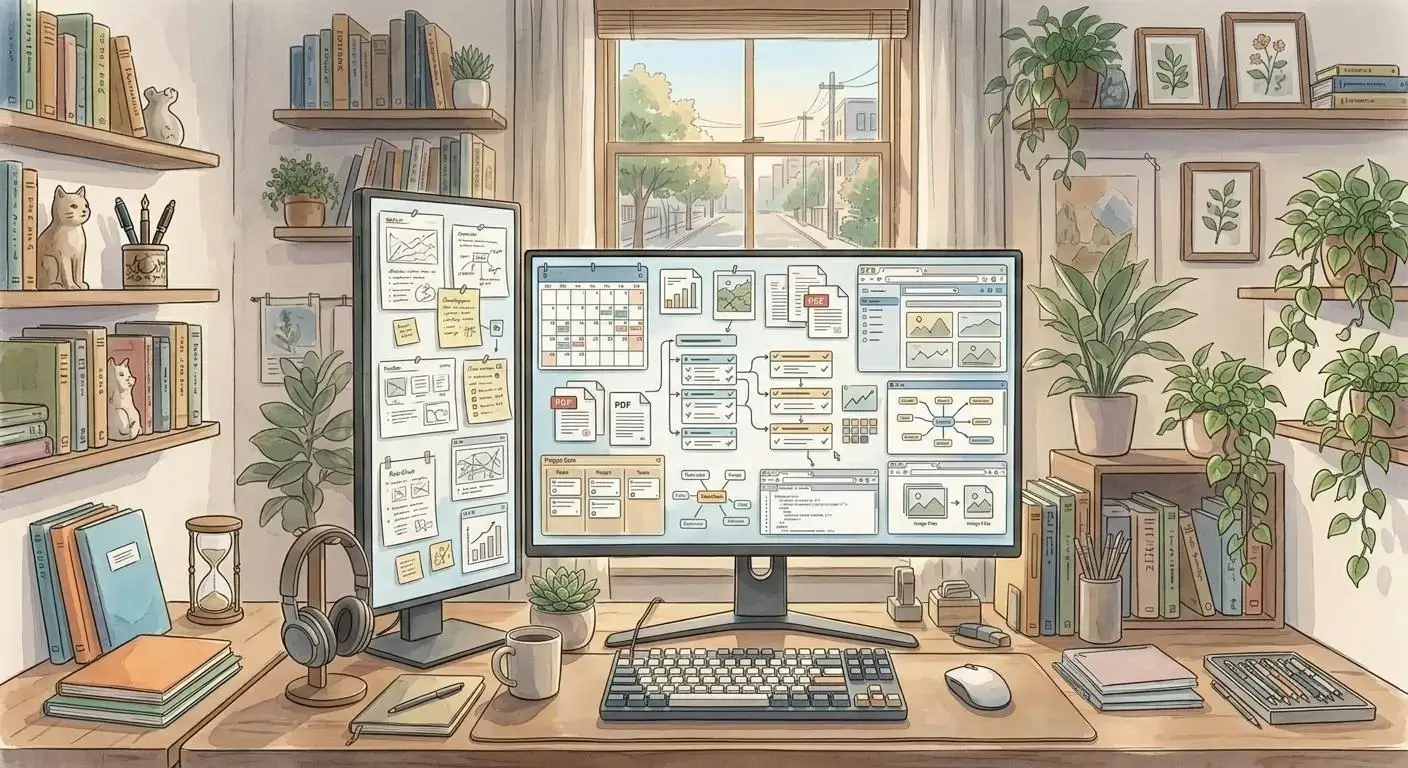
A digital desk is a visual workspace for the work you are using right now.
Instead of burying every note, file, link, and task inside folders or separate apps, a digital desk lets you arrange those items in a space you can recognize. The position matters. The grouping matters. The empty space matters too.
Think about a physical desk. It is useful because active work stays visible. A document can sit beside handwritten notes. A reference can stay near the draft it supports. A bill can wait in the corner until you handle it.
A good digital desk brings that same visible working surface to your computer.
Opal does this with a visual workspace app built around draggable notes, documents, links, files, binders, and fences. The goal is simple: keep active work where your brain can find it again.
Why Folders Make Active Work Disappear
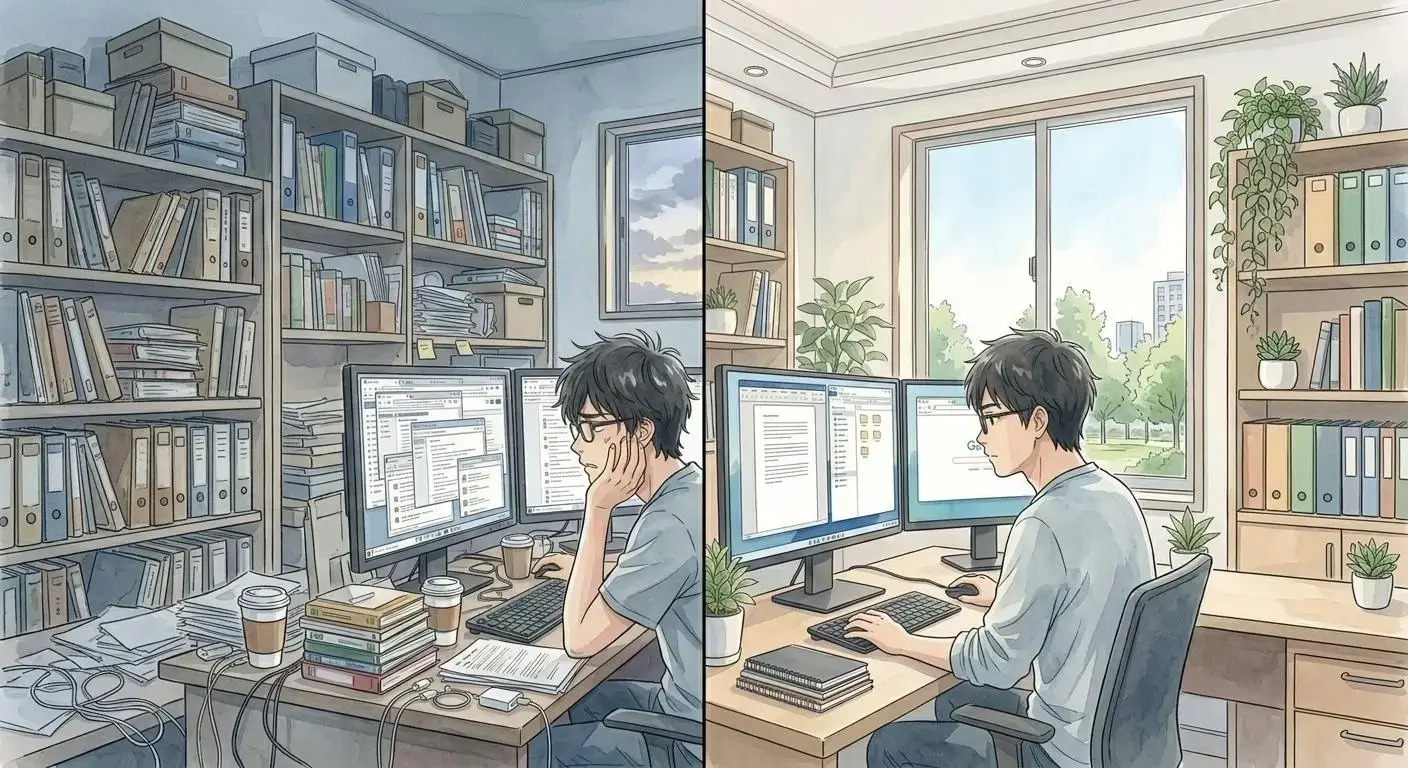
Folders are useful for storage. They are less useful for momentum.
The problem shows up when you are still thinking. You save a note. Then you save a file. Then the link goes into a browser tab. Then the task goes into a separate app. By the time you come back, the work is technically organized and practically invisible.
That invisibility has a cost.
McKinsey has reported that more than a quarter of a typical knowledge worker’s time can go toward searching for information. Pega analyzed nearly 5 million hours of desktop activity and found workers switching between job-critical applications more than 1,100 times per day.
Those numbers point to the same pain: the work is buried under too many surfaces.
One early Opal user described the old pattern this way: “they end up just out of sight.” Another said the friction came from “switching between the pages” and losing the big picture.
That is exactly the gap a digital desk is meant to close.
A Good Digital Desk Uses Spatial Memory
Search helps when you remember the right words.
But a lot of work is remembered by place.
You remember the note was near the client brief. You remember the invoice was below the proposal. You remember the rough idea was beside the screenshot. That is spatial memory, and research on object-location memory keeps finding the same basic truth: remembering where things are located is central to how people navigate and act in the world.
Digital tools often ignore this.
They ask you to remember names, tags, folders, and database fields. A digital desk gives you another path. You can scan the workspace, recognize the cluster, and recover the thought without reconstructing the whole system from scratch.
This is why spatial organization matters. It turns retrieval into recognition.
What Belongs on a Digital Desk?

Your digital desk should hold active work, not everything you have ever saved.
That usually includes:
- Notes you still need to use
- Files connected to current projects
- Links you keep reopening
- Tasks that need context beside them
- Screenshots, references, and examples
- Meeting materials
- Drafts in progress
- Questions waiting on an answer
The point is not to make a beautiful board. The point is to reduce the cost of re-entering work.
If a file belongs near a note, put it there. If a reminder only makes sense beside a proposal, keep them together. If a client project has five pieces that usually live in five different tools, give those pieces one visible home.
That is the practical promise of a digital desk.
Digital Desk vs Folder System vs Kanban Board
Different systems solve different jobs.
| System | Best for | Where it breaks |
| Folder system | Long-term storage and archive structure | Active work disappears unless you remember where to look |
| Kanban board | Tracking status across known tasks | Notes, files, links, and messy context get separated from the task |
| Search | Finding a known item fast | You need the right keyword, title, or memory cue |
| Digital desk | Keeping active work visible and spatially grouped | Needs light review so the workspace does not become clutter |
A folder system answers, “Where should this be stored?”
A Kanban board answers, “What status is this task in?”
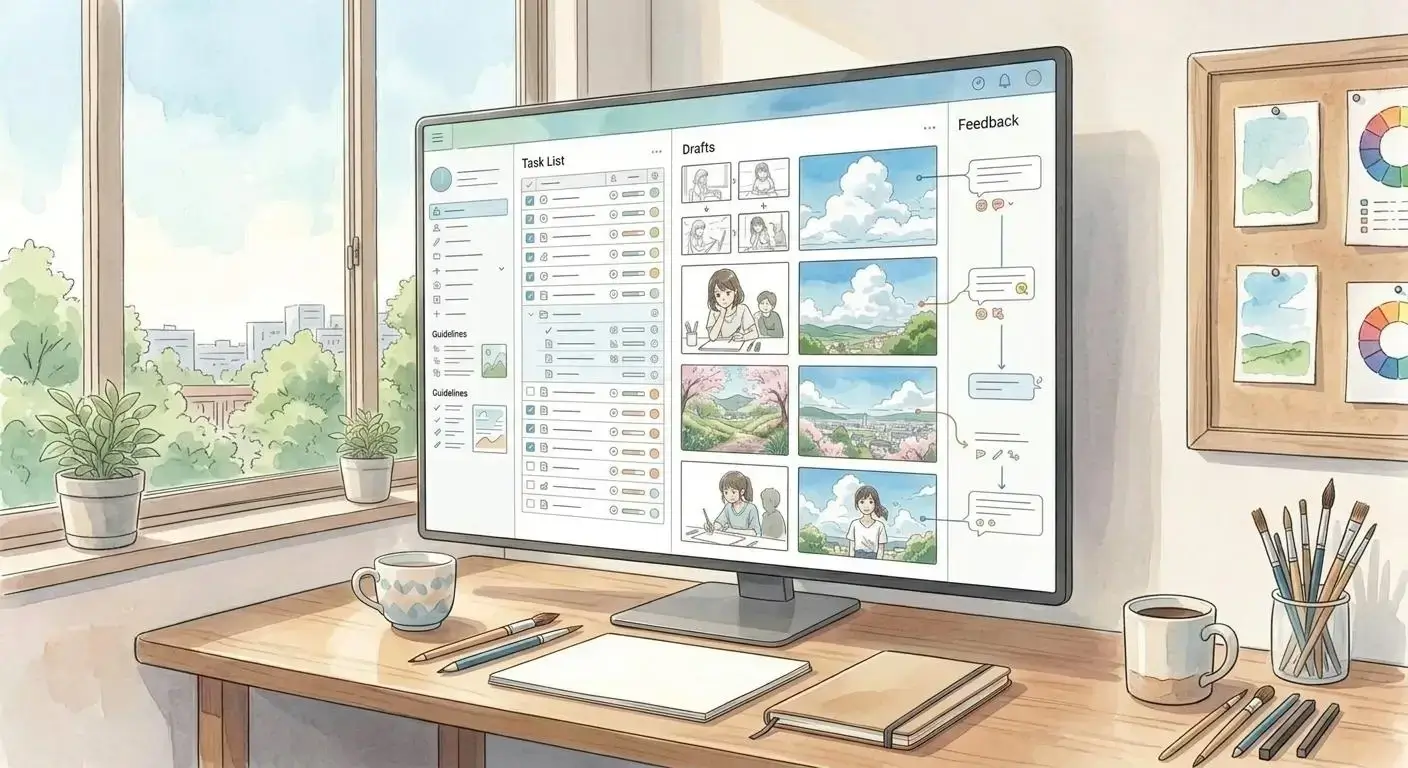
A digital desk answers, “What am I working with, and how does it all fit together?”
That last question is the one most productivity tools leave to your memory.
How Opal Works as a Digital Desk
Opal gives active work a spatial layer.
You can drop a note next to a document. You can put links beside a draft. You can group a client project inside a fence. You can use a binder when a cluster needs more structure. You can keep the current project visible instead of forcing it into a hidden folder tree.
That matters because many people do not need a more complicated productivity system. They need a calmer surface where the pieces of the work remain present.
This is different from a traditional personal knowledge management tool. PKM systems often reward people who enjoy building taxonomies. Opal is for people who want to put the work where it makes sense and keep moving.
It is also different from a standard infinite canvas app. A blank canvas can become another pile if it does not support real work objects. Opal combines the canvas with documents, notes, files, links, binders, and project zones.
The workspace becomes a place to think.
How to Set Up Your First Digital Desk

Start smaller than you think.
Pick one active project. Do not migrate your whole life. Do not rebuild your entire folder system. Choose the project that keeps making you dig through tabs, files, and old notes.
Then create four simple zones:
- Current materials
- Open questions
- Next actions
- References
Add only the items you keep needing. Put the brief beside the draft. Put the follow-up note beside the meeting notes. Put the file you keep losing where you can see it.
After a week, remove what is no longer active. A digital desk works because it stays connected to present work. If everything is important, the workspace stops telling you anything.
Opal’s visual organization approach is built around that balance: enough structure to keep things understandable, enough freedom to match how your project actually feels.
The Digital Desk Test
You can tell whether your current system is working by asking five questions:
- Can I see my active work without opening five apps?
- Can I tell what belongs together at a glance?
- Can I recover context after an interruption?
- Can unfinished work wait somewhere visible?
- Can I add a new idea without breaking the system?
If the answer is no, you may not have an organization problem. You may have a visibility problem.
That is why a digital desk for visual project management can feel like relief. The work stops disappearing just because it is not finished yet.
Key Takeaways
- A digital desk is a visible workspace for active work.
- Folders are useful for storage, but they often hide unfinished work.
- Spatial memory helps people recover context through location and proximity.
- A good digital desk keeps notes, files, links, tasks, and references together.
- Opal works as a digital desk by combining visual space with real work objects.
FAQ
What is a digital desk?
A digital desk is a visual workspace where active notes, files, links, tasks, and project materials stay visible. It works more like a physical desk than a folder tree. The goal is to help you recover context quickly.
Is a digital desk the same as a desktop organizer?
No. A desktop organizer usually rearranges files on your computer desktop. A digital desk is broader: it gives active work a visual place to live, including notes, documents, links, tasks, and project context.
Who needs a digital desk?
A digital desk is useful for people who lose work inside folders, tabs, apps, or project boards. It is especially helpful for freelancers, founders, creators, consultants, and visual thinkers who manage many active materials at once.
Does a digital desk replace folders?
No. Folders are still useful for archives and long-term storage. A digital desk sits above storage and holds the work you are actively using.
How is a digital desk different from a Kanban board?
A Kanban board tracks task status. A digital desk holds the context around the task, including files, notes, links, sketches, and references. You can use both, but they solve different problems.
Is a digital desk good for ADHD?
It can help because visible work is harder to forget. Many people with ADHD struggle when important materials go out of sight. A digital desk supports visual reminders without forcing everything into a rigid system.
What should I put on my digital desk first?
Start with one active project. Add the files, notes, links, and tasks you keep reopening or searching for. Leave long-term archives where they are until you actually need them.
How often should I clean up a digital desk?
Review it lightly once a week. Remove stale items, archive finished materials, and keep active work visible. The goal is not a perfect workspace. The goal is a useful one.
Can Opal be used as a digital desk?
Yes. Opal is built around a visual workspace where you can arrange notes, documents, links, files, binders, and fences spatially. It is designed to make your digital work feel more visible and easier to return to.
What is the biggest benefit of a digital desk?
The biggest benefit is continuity. You spend less time rebuilding context after switching projects, closing tabs, or stepping away. Your workspace keeps the shape of the work available.
How do I try a digital desk workflow?
Use Opal to set up one active project as a visible workspace, then keep your current notes, files, links, and next actions together. If you want the deeper framework first, start with why productivity apps don’t work.
Setup your desk today