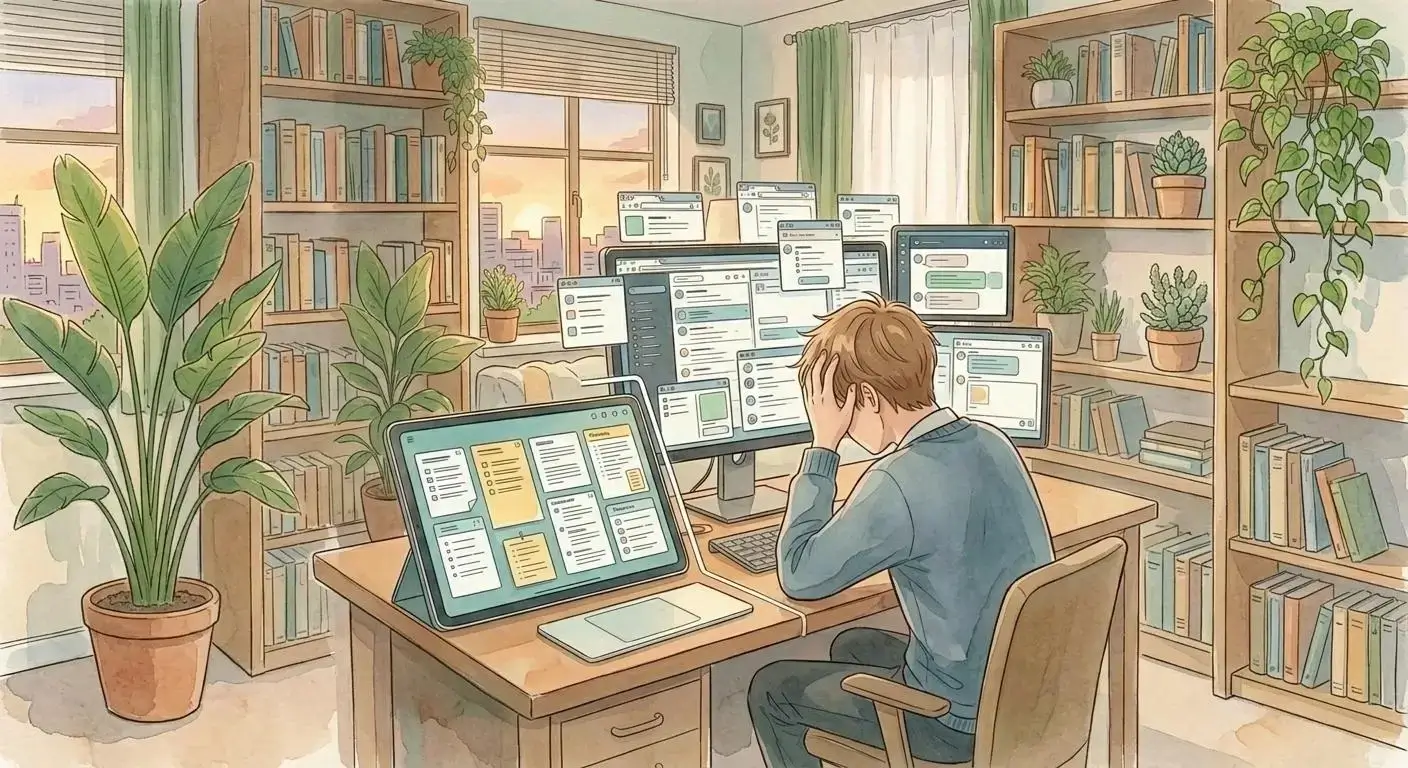
If too many apps are scattering your notes, tasks, drafts, and decisions, the answer is not one giant replacement tool. Start with a single source of truth, then make that source of truth visual enough to recognize your work at a glance.
Too Many Apps Is Usually a Source-of-Truth Problem
When people say they have too many apps, they usually describe it like a software problem.
Too many apps for notes. Too many apps for tasks. Too many apps for documents. Too many apps for messaging. Too many apps for links they meant to save somewhere else.
But the deeper problem is not the number of icons in your dock.
The deeper problem is that your work no longer has one place to be true. A 2023 review of workplace information overload found that digitalization and communication technologies can increase information overload when information volume, channels, and interruptions outgrow the system people use to manage them.
The note is in one app. The task is in another. The client decision is buried in a message thread. The draft is in a document tool. The reference is in a browser tab you hope is still open somewhere.
Each tool may be doing its job. The whole system still feels fragile because no single place tells the full story of what is happening.
That is why too many apps makes simple work feel strangely hard. You are not just doing the work. You are reconstructing the work before you can begin.
A Single Source of Truth Gives Your Work a Center
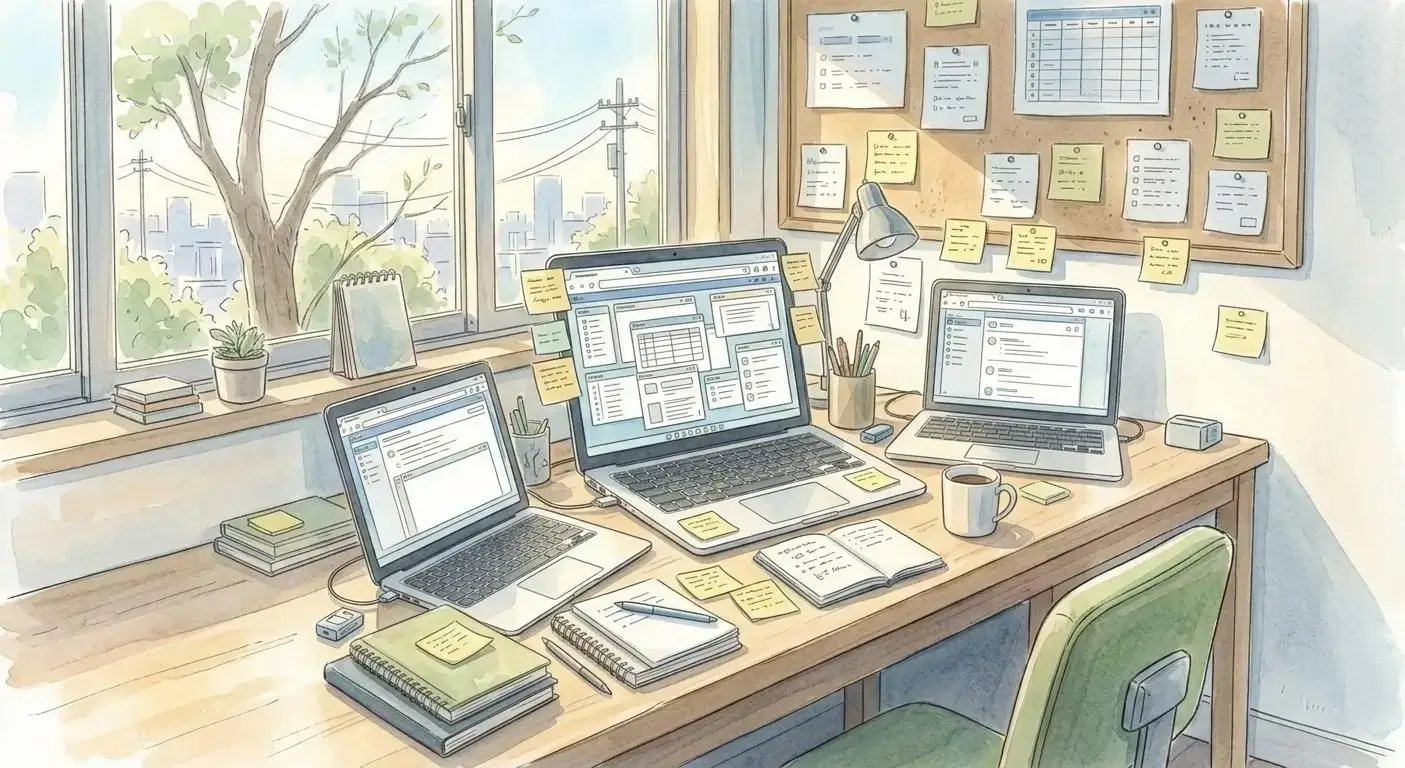
The solution to too many apps is not replacing ten tools with one giant complicated tool.
That usually recreates the same problem in a more impressive-looking package. Instead of hunting through ten places, you end up maintaining one overbuilt system that demands constant upkeep.
A better fix starts with a smaller question: where does the work come together? In Opal language, that is closer to building a digital desk than building a software museum.
For freelancers, that might be the place where client notes, deadlines, drafts, links, invoices, and follow-ups all orbit around the same project. The audience is not small: the Bureau of Labor Statistics counted 11.9 million independent contractors in July 2023, which means a lot of people are carrying project continuity without a big internal operations team.
For solopreneurs, it might be the place where product ideas, marketing plans, customer conversations, content drafts, and open decisions stay connected.
For small teams, it might be the shared surface where people can see what matters without asking someone else to forward the right thread, doc, or screenshot.
The point is not that every specialized tool disappears.
The point is that your active work needs a center of gravity. A single source of truth gives notes, tasks, references, decisions, and next steps a place to gather so they stop drifting into separate systems. This is the same reason freelancer tools should be judged by whether they preserve context, not only whether they add another feature.
Why Scattered Work Creates Constant Context Loss

Too many apps does not usually fail all at once.
It fails in tiny recovery loops.
You open one app to check a note. Then another to find the task connected to it. Then email to confirm what the client actually asked for. Then a browser tab to reopen the reference you were using yesterday. Then a cloud folder because the file is not where you hoped it would be.
None of those steps are dramatic. Together, they drain the day. Asana’s Anatomy of Work research repeatedly frames this as work about work: the coordination, searching, switching, and status-checking that surrounds the actual work.
This is why too many apps creates constant context loss. The information may still exist, but it no longer lives in one working surface your brain can read quickly.
For visual thinkers, that cost is even higher. Many people remember where something was, what it sat beside, and how it related to the rest of the project. When work is scattered across apps, spatial memory gets replaced by navigation.
That is not efficiency. It is friction with cleaner branding.
What Belongs in Your Source of Truth
A source of truth should not become a dumping ground.
If everything goes in and nothing gets organized, you have not consolidated your workflow. You have just created a new pile.
The useful version is more specific. Your source of truth should hold the pieces you need to regain context quickly:
- The goal or project you are trying to move forward
- The current next steps
- The decisions that changed the work
- The notes that explain why something matters
- The drafts, files, links, and references that support the next action
- The open loops that should not disappear
This is especially important for freelancers, solopreneurs, and small teams because there is often no dedicated project manager protecting continuity. The system has to carry enough context that future-you, or a teammate, can re-enter the work without rebuilding the whole situation from memory.
That is the job of a source of truth. It is not there to be impressive. It is there to make the next right action obvious.
A Visual Workspace Is a Step Up From a Static Hub
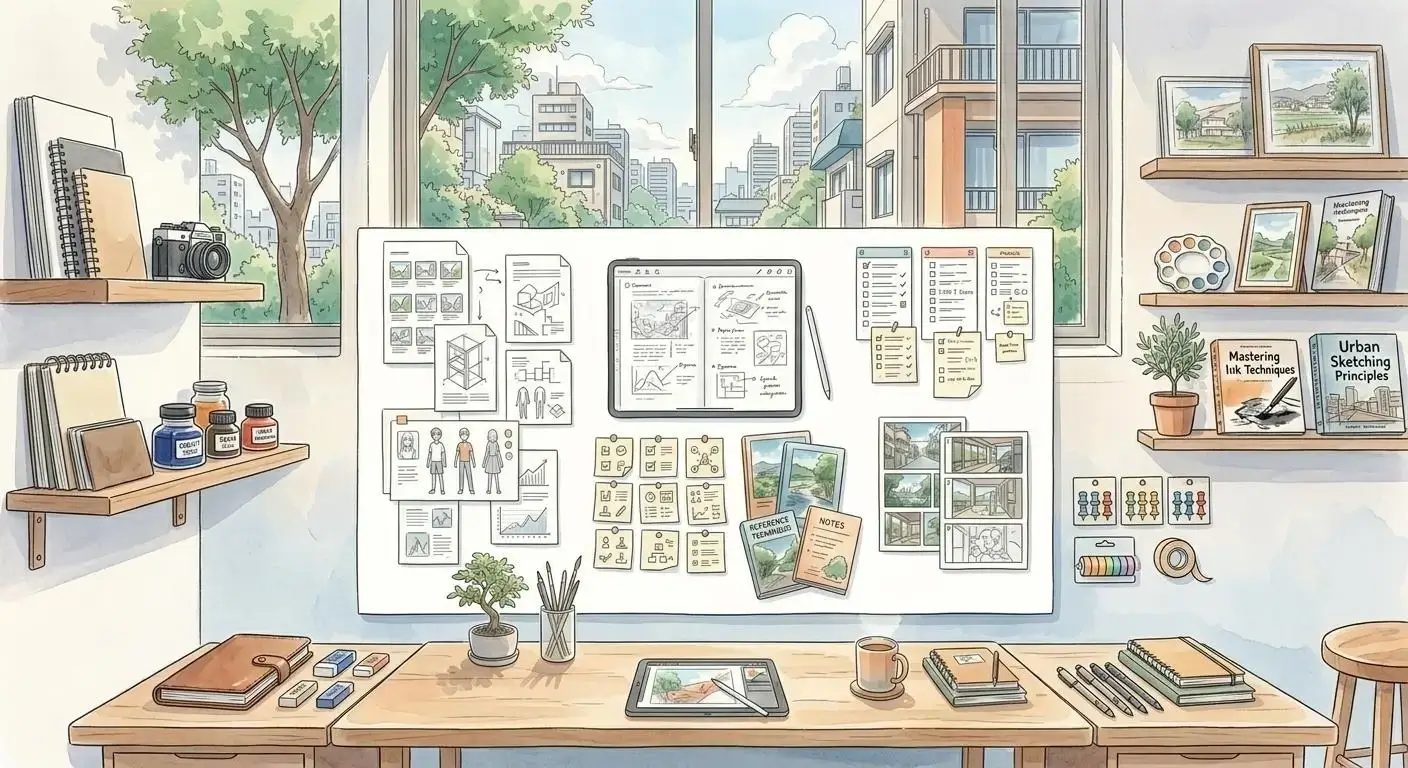
Once you accept that your work needs a single source of truth, the next question is what kind. A visual workspace is one answer, but it is stronger when it serves the source of truth rather than replacing the source-of-truth argument.
A list can work for simple tracking. A folder can work for storage. A document can work for a linear plan.
But active work is rarely linear. This is the case for an infinite canvas approach: the advantage is not decorative space, but enough room for related materials to sit where the relationship is obvious.
A client project might have a meeting note, three reference links, a draft, a follow-up task, a pricing decision, and a screenshot that explains the real problem. Those pieces do not just need to exist. They need to make sense together.
That is where a visual workspace becomes a step up.
In a visual workspace, proximity carries meaning. The note can sit near the task it explains. The draft can sit near the references that shaped it. The client decision can sit beside the follow-up it created. You are not forcing every part of the project into a flat list or a folder path. You are using visual organization to make the relationship visible.
You are arranging the work in a way your brain can recognize.
This matters because recognition is faster than recall. Nielsen Norman Group includes recognition rather than recall as a core usability heuristic; interfaces are easier when people can recognize visible options instead of remembering where everything lives. The same principle applies to your workspace.
How to Consolidate Without Building a Monster System
The practical move is to consolidate around active context, not around software ideology.
Start with one project, client, offer, or workstream that currently feels scattered. Do not migrate your entire life in a weekend.
Ask what needs to stay visible together.
Then bring those pieces into one source of truth:
- The current goal
- The next tasks
- The live notes
- The important links
- The relevant files or drafts
- The decisions and open questions
If a specialized app still does something well, keep using it. Your source of truth does not have to replace every tool. It needs to tell you where the work stands and what should happen next. Opal’s workspace features are built around that idea: keep the pieces visible together while letting outside tools remain useful when they are truly useful.
That distinction keeps consolidation from turning into another productivity project.
You are not trying to build the perfect command center. You are trying to make the work easier to re-enter.
The Goal Is Continuity, Not Fewer Apps for Its Own Sake

Too many apps is not really about the apps.
It is about the loss of continuity that happens when the pieces of your work cannot see each other.
The answer is a single source of truth: one place where the important parts of a project, client relationship, campaign, or decision can gather. For many people, a visual workspace is the stronger version of that idea because it lets the work stay connected in space instead of disappearing into tabs, folders, and lists.
You do not need software minimalism for its own sake.
You need fewer invisible handoffs.
You need a place your work can orbit around.
And when that place is visual, your brain gets something most productivity systems forget to offer: recognition.
If your notes, tasks, drafts, links, and follow-ups are scattered across too many apps, Opal gives you a visual source of truth where related work can stay visible together when you are ready to give active work one place to come back to.
Not because every tool should disappear.
Because your work needs one place to come back to.
Setup your desk today