
Most personal knowledge management advice assumes you want to become a systems designer. You probably do not. You want a simpler way to keep useful information visible, connected, and easy to retrieve when real work is moving.
Personal Knowledge Management Has a Setup Problem
Most personal knowledge management tools are sold like they are giving you a second brain.
What they often give you instead is a second job.
You start with a blank workspace. Then comes the advice. Pick your framework. Define your folders. Build your categories. Create your naming rules. Decide what belongs in projects, areas, resources, archives, daily notes, evergreen notes, fleeting notes, maps of content, linked references, and templates.
Before your system is useful, it has already asked you to become its administrator.
That is the first failure in most personal knowledge management.
The promise sounds practical. Capture what matters. Organize it. Find it later. Early personal knowledge management writing framed the goal as turning scattered information into knowledge you can actually use, not building a beautiful notes museum. The practical standard is usefulness.
The real test is not whether information can be stored. Any app can store information. The real test is whether you can retrieve it in the exact moment you need it.
Personal information management research describes the ideal as having the right information, in the right form, with the right context, exactly when needed. That is the same standard personal knowledge management should be judged by: retrieval in context, not storage in theory.
That is where most systems fall apart.
You do not forget because you are lazy. You forget because your tools hide information behind names, hierarchies, tabs, and search assumptions that stop matching reality the moment your week gets messy.
A client note belongs to a meeting, a proposal, a person, and a future deliverable at the same time. A good idea starts as a random scrap and turns into strategy two days later. A research note is not useful because it is technically saved. It is useful when it is visible at the right moment.
Personal knowledge management should start there.
If you want a second brain app that works in five minutes, the first question should not be, “What framework can I maintain?”
The first question should be, “How quickly can I get back to what matters?”
Why Personal Knowledge Management Keeps Collapsing Under Real Work

The internet teaches personal knowledge management like the goal is elegance. Real work needs usefulness.
That difference matters more than most people realize.
In theory, the perfect system is clean, neatly categorized, and fully logical. In practice, your workday is interruptions, half-finished thoughts, client requests, changing priorities, and ideas that arrive before structure does.
A rigid personal knowledge management system assumes you can predict where information belongs before you know what it will become.
You usually cannot.
So the system starts to drift.
You save a note quickly in the wrong place because you are busy. You mean to clean it up later. Later never comes. Then you create another version somewhere else. Then search becomes your main navigation method. Then search fails because you do not remember the exact title, keyword, or tag.
Now personal knowledge management is no longer helping you think. It is making you remember the logic of a filing system you built under pressure.
That is backward.
The problem is not that you need more discipline. The problem is that most personal knowledge management tools are optimized for storage theory instead of retrieval reality.
Retrieval reality is different.
When you are busy, your brain uses clues.
You remember where something sat. You remember what was beside it. You remember its shape, color, sequence, or context. You remember the cluster, not just the label.
This is not just a preference for pretty interfaces. Usability research has long favored recognition over recall because it is easier to recognize the right thing in context than to summon the exact label from memory. A visual workspace gives your memory more cues to work with.
Memory is also tied to spatial context. Research on visual short-term memory describes objects and their locations as linked parts of what we remember, because location can help distinguish one item from another. That is why “where it was” can be a real retrieval cue, not just a vague feeling.
That is why a paper on your physical desk can be easier to find than a document in a deep digital stack. Your eyes assist your memory. Space assists your memory. Context assists your memory.
This is the same reason peripheral awareness in digital work matters. When information stays visible around the edges of your attention, you do not have to rebuild context from scratch every time.
A useful personal knowledge management system should work with those instincts instead of flattening them.
Retrieval Comes First for Visual Thinkers

This is the shift.
Personal knowledge management is not mainly about creating a perfect archive.
It is about reducing the distance between saved information and usable information.
For anyone searching for personal knowledge management for visual thinkers, the real question is not which folder system looks smartest. The real question is which system helps you recognize, reconnect, and act when your attention is already stretched.
That changes what matters.
The best personal knowledge management system is not the one with the most sophisticated structure. It is the one that lets you capture quickly, keep important things visible, and reconnect with them fast.
For visual thinkers, this matters even more.
If you naturally remember where things are, then personal knowledge management should allow position to carry meaning. If ideas connect in your mind through proximity, then personal knowledge management should let related work live near related work. If your brain wants to scan instead of tunnel through menus, then personal knowledge management should help you see instead of dig.
That is the heart of spatial organization. Position is not decoration. Position can be part of the meaning.
A strong system usually does four things well.
- It captures without ceremony
If saving a note interrupts your thinking, you will avoid saving it. Personal knowledge management should lower friction, not add another ritual.
Capture should feel like putting something down where it belongs for now. You can refine later, but the first move should not require a taxonomy decision.
- It preserves visibility
Information that disappears into a sidebar or nested page is easy to forget. Visibility is not cosmetic. It is cognitive support.
This is why digital sticky notes that do not disappear can be more useful than another hidden note database. Visible information keeps working after you save it.
- It allows spatial grouping
Related ideas should be able to live near one another without being trapped in a single hierarchy. Personal knowledge management gets better when connection is visible.
An infinite canvas app can support this because it lets clusters grow by meaning, not by folder rules.
- It treats search as backup, not the main highway
Search is useful. It should not be the only reliable way to navigate your own thinking.
Search asks you to remember the right words. Visual retrieval lets you recognize the right context.
When those four things are true, personal knowledge management starts to feel less like administration and more like extension. The tool stops demanding obedience and starts giving back clarity.
A Simpler Standard for Personal Knowledge Management

If your personal knowledge management system needs constant maintenance, it is too expensive.
That cost is usually hidden because it does not show up on an invoice. It shows up as mental drag.
A few extra clicks here. A decision about tags there. A naming debate. A half hour reorganizing old notes instead of finishing the proposal. It does not feel dramatic, but it compounds into the exact thing people hoped personal knowledge management would fix: cognitive overload.
The best mainstream PKM frameworks understand part of this. A system has to be simple enough to maintain and organized around action, not academic taxonomy. The mistake is turning the framework itself into the work.
So use a simpler standard.
Ask these questions instead.
- Can I capture an idea in seconds?
- Can I place it where it makes intuitive sense right now?
- Can I come back later and locate it by looking, not just searching?
- Can I keep several related pieces of work visible together?
- Can the system survive a chaotic week without becoming a cleanup project?
That is a better test for personal knowledge management than any feature comparison chart.
You do not need a digital monastery. You need a workspace that still makes sense when life speeds up.
That is why the most useful personal knowledge management systems tend to feel surprisingly plain. They are not obsessed with impressive architecture. They are obsessed with practical retrieval.
And that is enough.
If you are evaluating a visual note taking app, look past how impressive the demo looks. Ask whether it helps you retrieve useful context during a normal, messy day.
A Practical Visual PKM Reset
If your current system feels too heavy, do not start by rebuilding everything.
Start smaller.
Pick one active workspace
Choose one project, client, topic, or week of work. Do not migrate your whole digital life.
Capture without sorting first
Put useful notes, links, screenshots, ideas, and tasks into one visible place. The goal is to reduce loss, not build architecture.
Group by meaning
Move related items near each other. Put the proposal beside the notes. Put the research beside the draft. Put the decision beside the task it affects.
This is visual organization at its most practical. You are letting context carry some of the load.
Review by scanning
At the end of the day or week, scan the workspace. What still matters? What is done? What should stay visible? What can be archived?
You are not trying to become a systems person. You are building trust through repeated retrieval.
The Point of Personal Knowledge Management Is Trust
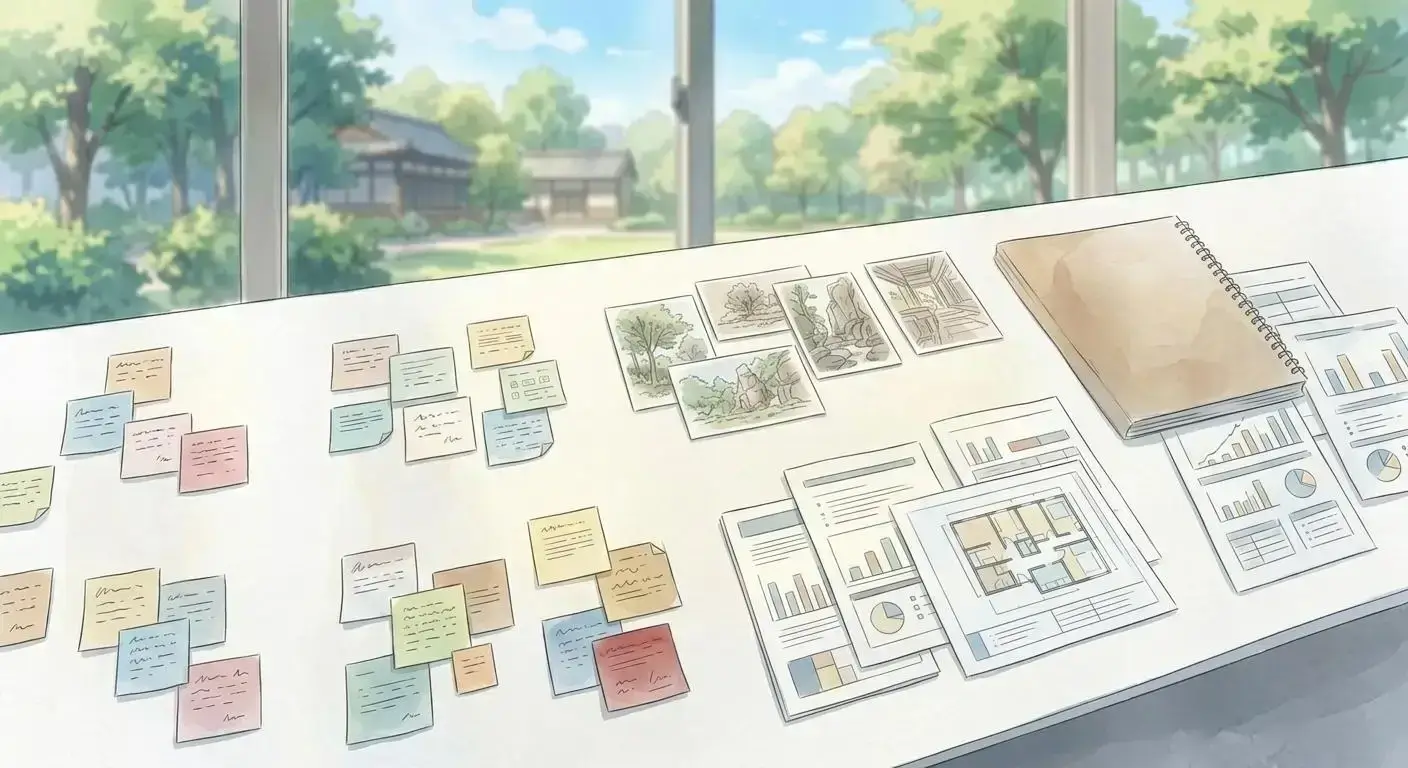
The end goal of personal knowledge management is not to be organized in theory.
It is to trust that what matters will still be available when you need it.
That trust changes the day.
You stop rebuilding notes you already wrote. You stop keeping everything open because you are afraid to lose it. You stop carrying unfinished context in your head all day. You stop treating every search bar like a small emergency.
Instead, you work.
That is the real promise behind personal knowledge management. Not intellectual aesthetics. Not a beautiful dashboard. Not a system that impresses strangers online.
Just a calmer way to think with your own information.
If personal knowledge management has felt harder than it should, there is a good chance the problem is not you. The problem may be that the software keeps forcing linear filing behaviors onto a brain that relies on visual context, proximity, and recall by position.
You are not broken.
Your tools may simply be asking you to think in the wrong shape.
That is also why productivity apps do not work for so many people. They often demand a cleaner, more linear version of your work than your actual life provides.
The fix is smaller than it sounds.
Use less structure. Keep more in view. Group by meaning, not just taxonomy. Optimize for retrieval before optimization. Let space do some of the remembering.
That is personal knowledge management without the PhD in systems design.
It is simpler, but it is also more honest. Because the point was never to build a perfect system.
The point was to stop losing what matters.
If you want a workspace built around visibility, context, and retrieval, explore Opal’s visual workspace features.
Key Takeaways
- Personal knowledge management should be judged by retrieval, not storage.
- Visual thinkers often remember location, proximity, and context before exact labels.
- Search is useful, but it should not be the only way back to your own ideas.
- A good PKM system captures quickly, preserves visibility, supports spatial grouping, and survives messy weeks.
- Start with one active workspace, then build trust through repeated retrieval.
FAQ
What is personal knowledge management?
Personal knowledge management is the practice of capturing, organizing, retrieving, and using information that matters to your work or life. The useful version is not about building a perfect archive. It is about making saved information available when you need it.
Why do personal knowledge management systems fail?
They often fail because they require too much setup and maintenance. If a system depends on perfect folders, tags, templates, and weekly cleanup, it breaks when work gets chaotic. The problem is usually retrieval, not storage.
What makes personal knowledge management different for visual thinkers?
Visual thinkers often remember context, location, proximity, and shape before they remember exact names. A visual PKM system uses those cues instead of hiding everything inside nested structures. That makes retrieval feel more natural.
Is search enough for personal knowledge management?
Search helps, but it should not be the whole system. Search requires you to remember the right word or title. Visual retrieval lets you recognize the right context even when you do not remember the exact label.
Do I need a framework like PARA or Zettelkasten?
You might benefit from one, but you do not need to start there. Frameworks can help when they support action. They become a problem when maintaining the framework becomes more work than using the information.
What is the simplest way to start personal knowledge management?
Start with one active workspace. Capture useful notes, links, screenshots, ideas, and tasks in a visible place. Group related items by meaning, then review by scanning instead of reorganizing everything.
How many folders should a PKM system have?
As few as you can get away with. Folders are useful for storage, but they are not always useful for retrieval. If something belongs to several contexts, spatial grouping or visual clustering may work better than forcing one folder choice.
What should I do with old notes?
Do not migrate everything first. Pull old notes into view only when they become useful to current work. A system that starts by demanding a full archive cleanup is already too expensive.
How does Opal help with personal knowledge management?
Opal gives you a visual workspace where notes, links, files, tasks, and context can live near each other. That supports retrieval by visibility, proximity, and spatial memory instead of relying only on folders or search.
Is visual personal knowledge management only for creative work?
No. Visual organization helps anywhere context matters: client work, writing, research, planning, product strategy, and daily execution. The point is not decoration. The point is making related information easier to find and use.
See how Opal keeps your ideas visible