

And How to Manage Other Hyperlinks When you Create SOPs
And How to Manage Other Hyperlinks When you Create SOPs
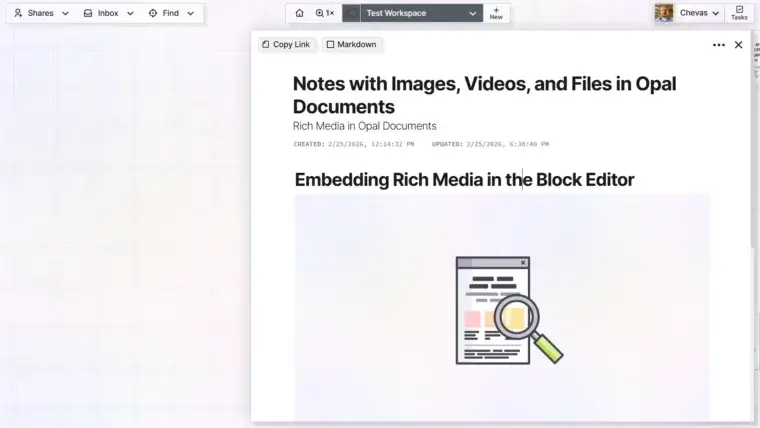
Embedding Notes with Images and Manipulating Rich Media in Opal Documents
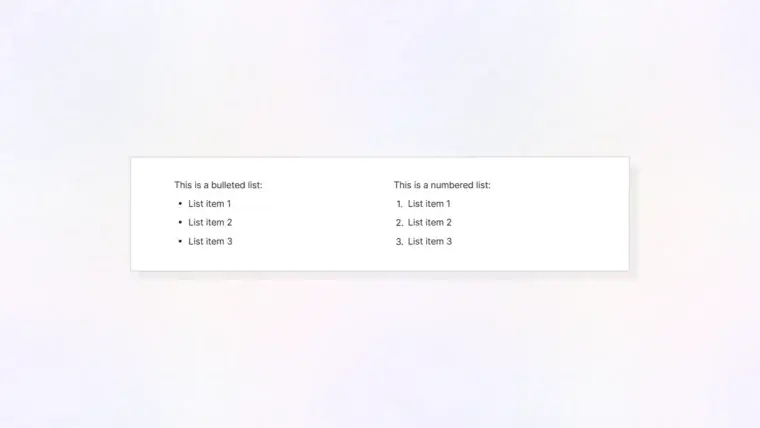
How to Create Bullet Lists, Numbered Lists, Code Blocks, Tables, and Other Text-Based Block Types
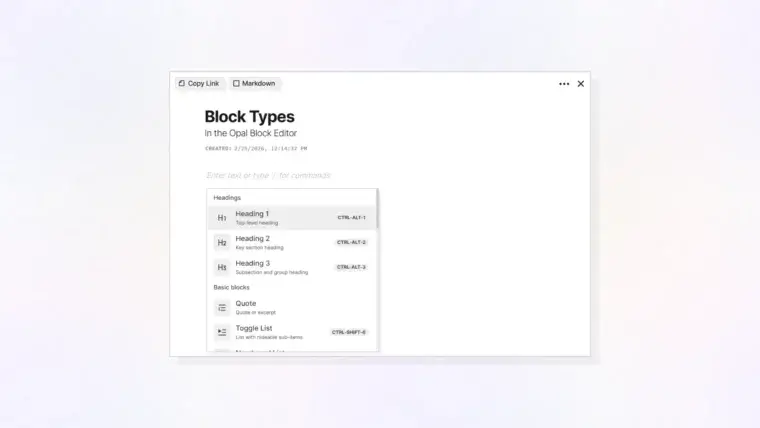
Plus Deleting and Moving Blocks Within the Block Editor
What are Opal Documents and What Are Some Use Cases
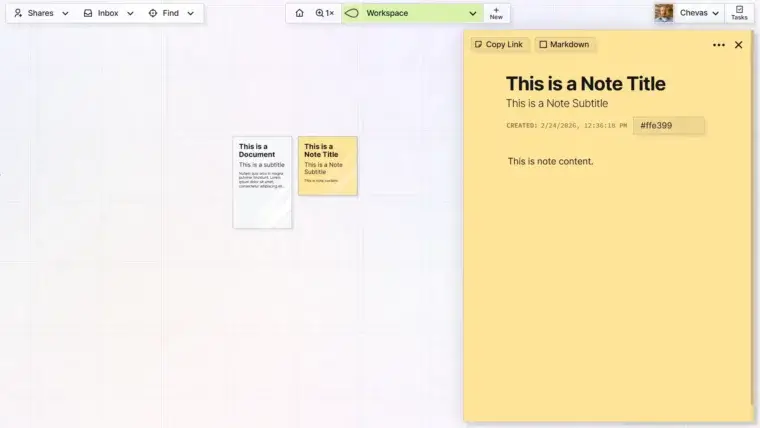
Grid View, Page View, and Item Types
Plus Resetting Your View and Returning Where You Left Off
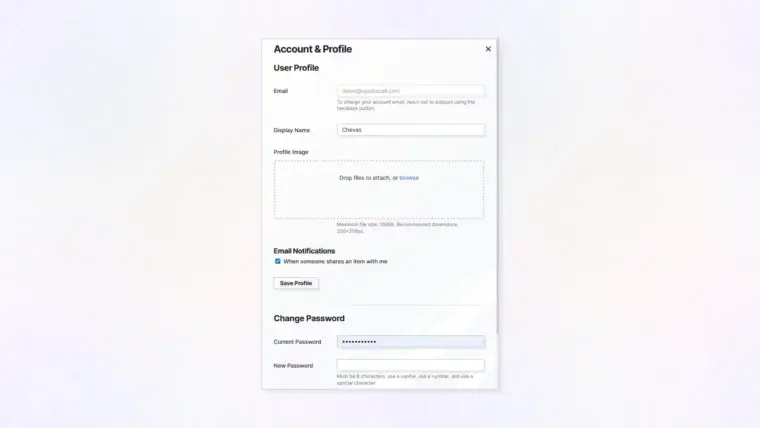
Set Your Display Name, Photo, and Email Notification Settings
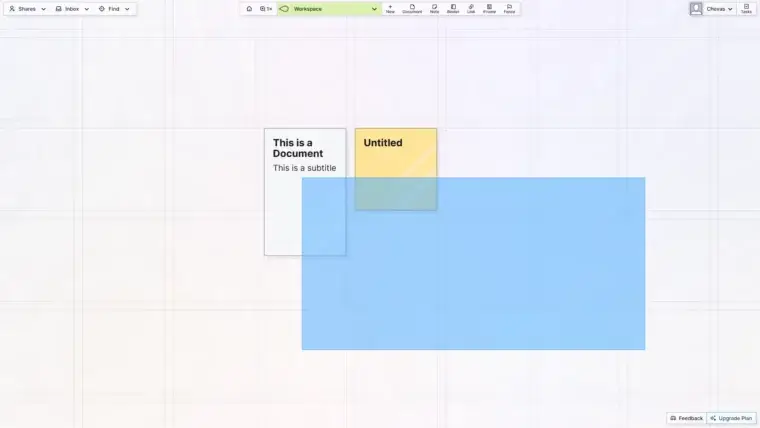
Plus Moving Multiple Items at Once
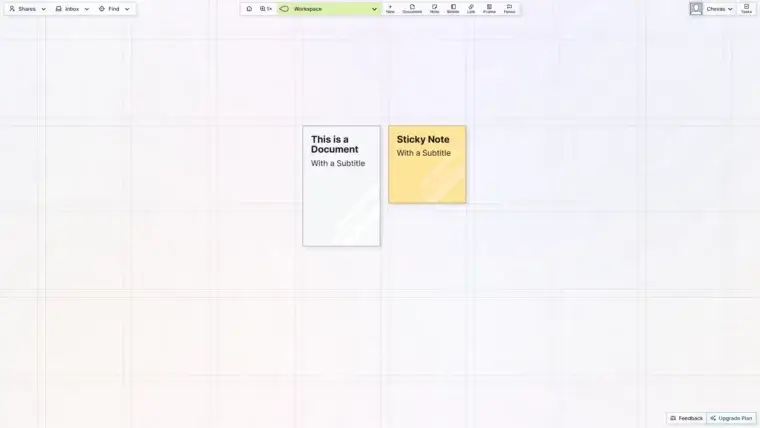
Plus the Basics of Moving and Positioning Items
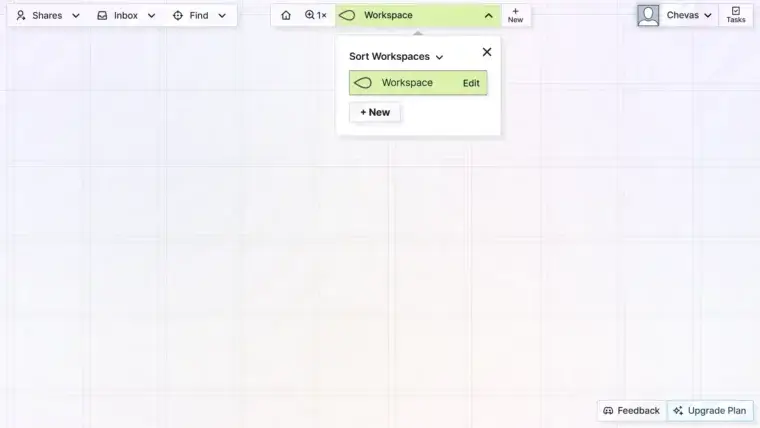
Plus ONE Important Thing to Consider Before You Create Your First Workspace
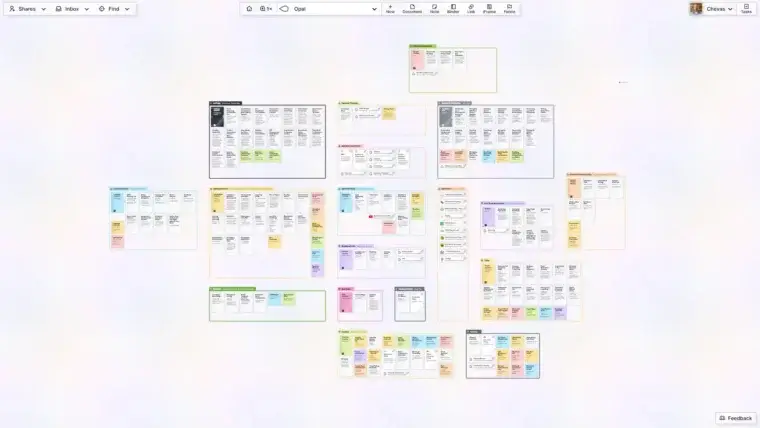
The Philosophy Behind Opal and How to Register