Image from the post
Opal - See Your Work - opalrecall.com
  • Home
  • Features
  • Pricing
  • Resources
      Opal Resources
    • Opal Blog Visual Organization + AI
    • Help Docs Get the most out of Opal
    • AI Agents Opal Recall Agent Skill
    • Release Notes Latest updates and changes
    • Opal - See Your Work - opalrecall.com About Company & History
  • Contact
Register
Sign In
Sign In

Help Docs:

  • All Help Docs
  • Getting Started
  • Workspaces
  • Opal Documents
    • The Basics of Opal Documents
    • What is a Block Editor, What are Blocks, and the Basics of Editing Text
    • How to Use the Opal Text Editor: Formatting, Slash Commands, and Shortcuts
    • Additional Text-Based Block Types in Opal Documents
    • Notes with Images, Videos, and Files in Opal Documents
    • Opal Block Types Cheat Sheet: Every Block and How to Insert It
    • What are Internal Item Links and How to Create SOPs with Them in Opal Documents
    • Item Links: Link Opal Items Together (Wikilinks)
    • Markdown Mode: Write, Import, and Export Markdown in Opal Documents
    • Advanced Layouts: Drag Blocks to Build Multi-Column Content
    • Open Items in Opal: One Panel, Pan To Item, and Pop Out Item
  • Notes & Links
  • Files & Media
  • REST API

Opal Documents.

The Basics of Opal Documents: Thumbnail

The Basics of Opal Documents

What are Opal Documents and What Are Some Use Cases
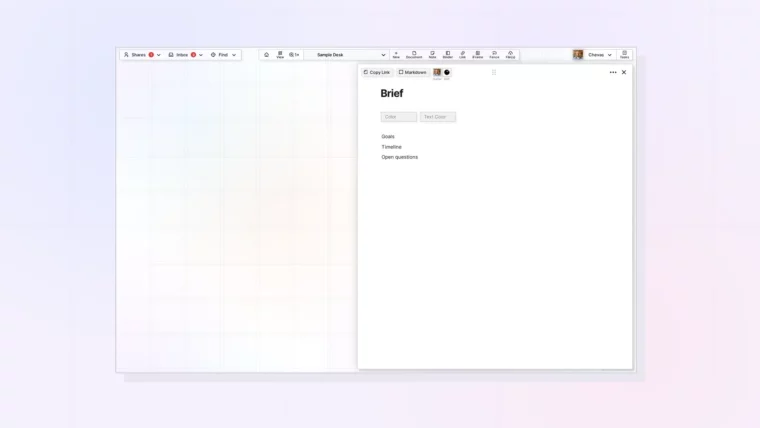
The Opal Block Editor: Thumbnail

What is a Block Editor, What are Blocks, and the Basics of Editing Text

Plus Deleting and Moving Blocks Within the Block Editor
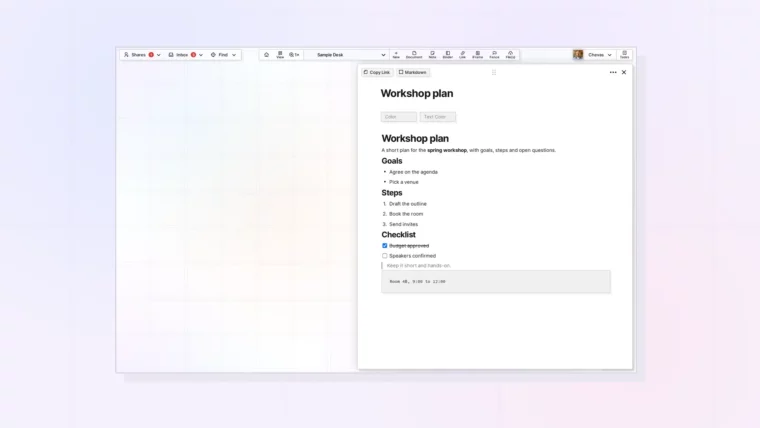
Use the text editor: slash menu thumbnail

How to Use the Opal Text Editor: Formatting, Slash Commands, and Shortcuts

Plus the Typing Shortcuts Worth Learning First
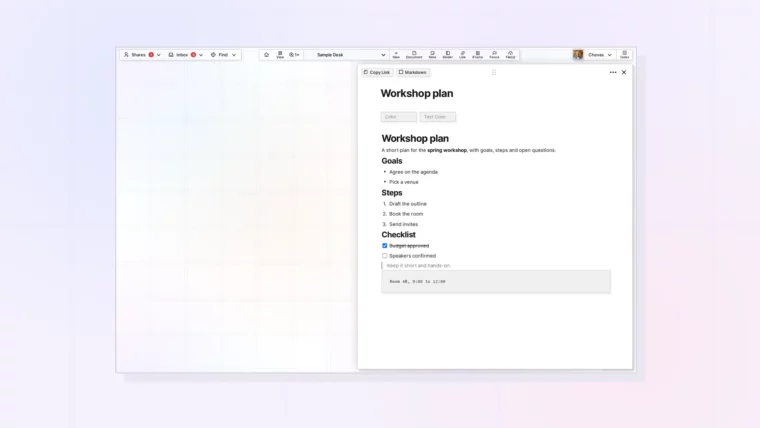
Text-Based Block Types: Thumbnail

Additional Text-Based Block Types in Opal Documents

How to Create Bullet Lists, Numbered Lists, Code Blocks, Tables, and Other Text-Based Block Types
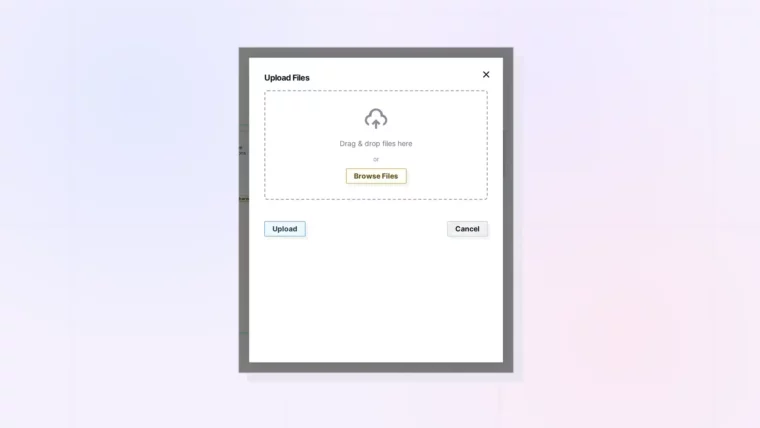
Notes with Images: Thumbnail

Notes with Images, Videos, and Files in Opal Documents

Embedding Notes with Images and Manipulating Rich Media in Opal Documents
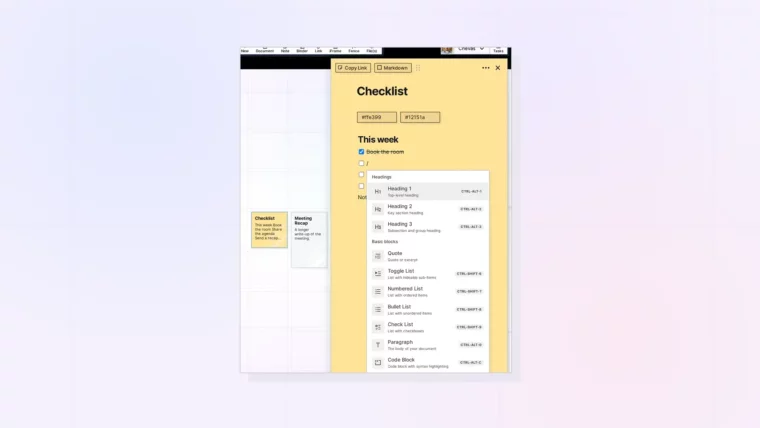
Block types cheat sheet: demo document with block types, thumbnail

Opal Block Types Cheat Sheet: Every Block and How to Insert It

Plus Slash Commands and Typing Shortcuts in One Table
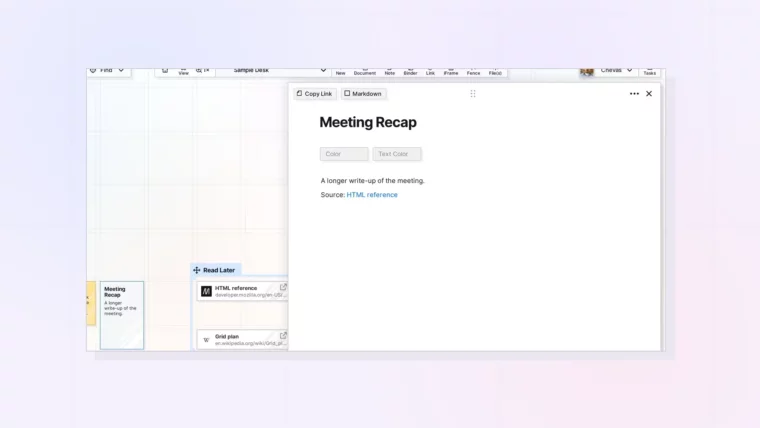
Create SOPs: Thumbnail

What are Internal Item Links and How to Create SOPs with Them in Opal Documents

And How to Manage Other Hyperlinks When you Create SOPs
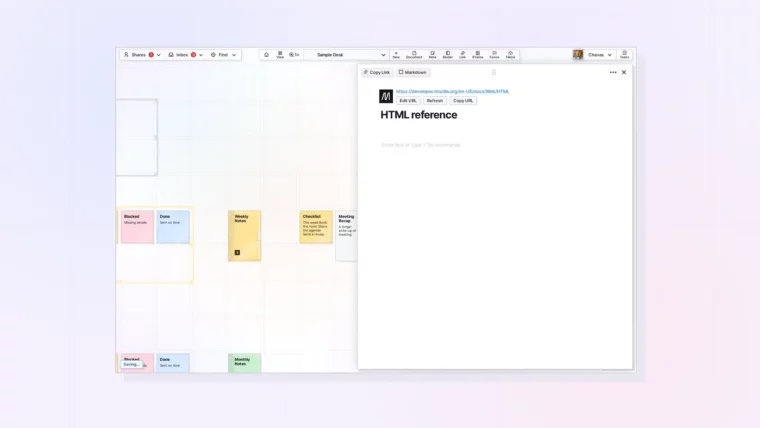
Item links: @ menu for linking items, thumbnail

Item Links: Link Opal Items Together (Wikilinks)

Plus Two Ways to Link One Item to Another
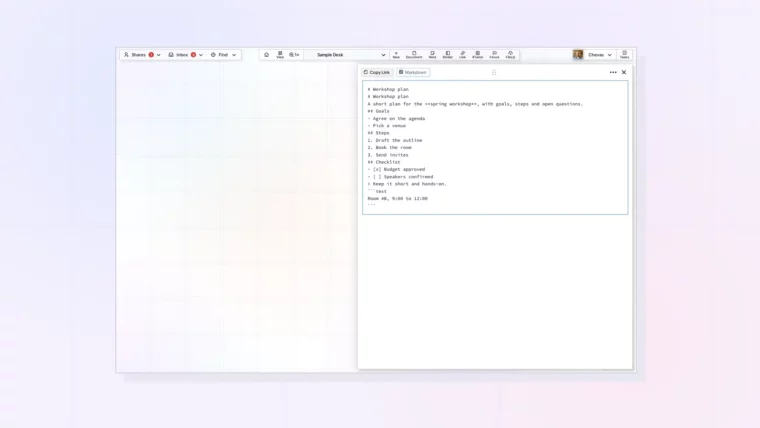
Markdown mode: document in Markdown view, thumbnail

Markdown Mode: Write, Import, and Export Markdown in Opal Documents

Plus How to Bring Markdown Files In and Out of Opal
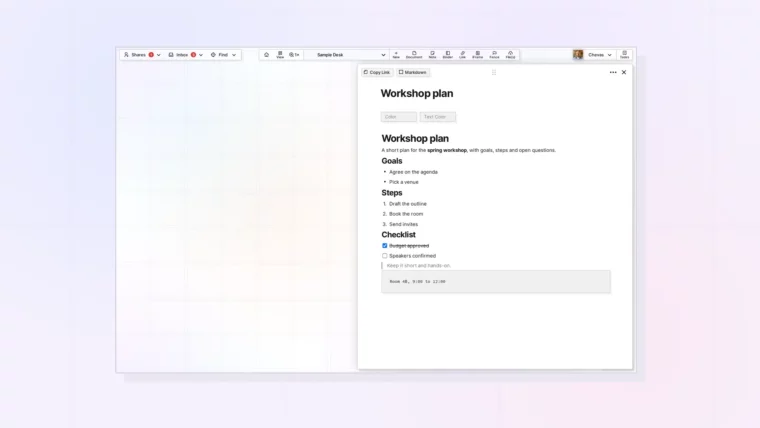
Multi-column layouts: three-column layout with an image, thumbnail

Advanced Layouts: Drag Blocks to Build Multi-Column Content

Plus Layout Patterns for Notes, Checklists, and Images
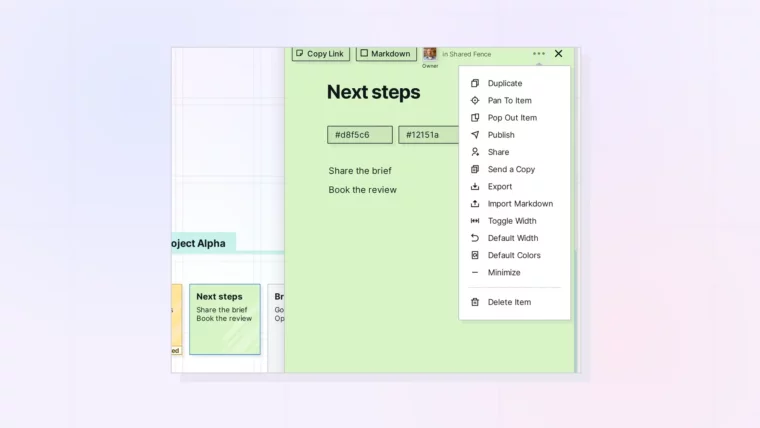
Open multiple items: item menu with Pan To Item and Pop Out Item, thumbnail

Open Items in Opal: One Panel, Pan To Item, and Pop Out Item

Plus How Item Links Swap the Open Item

Opal - See Your Work - opalrecall.com
Beta
© Opal Recall LLC. All rights reserved.
info@opalrecall.com
Live on FoundrList Verified on Verified Tools

Follow Chevas on X/Twitter

Chevas Balloun, Operator, Opal Recall
Chevas A.F. Balloun
Opal Operator
@Chevas
Register Now
About Contact Terms Of Service Policies Privacy Policy DMCA Policy