

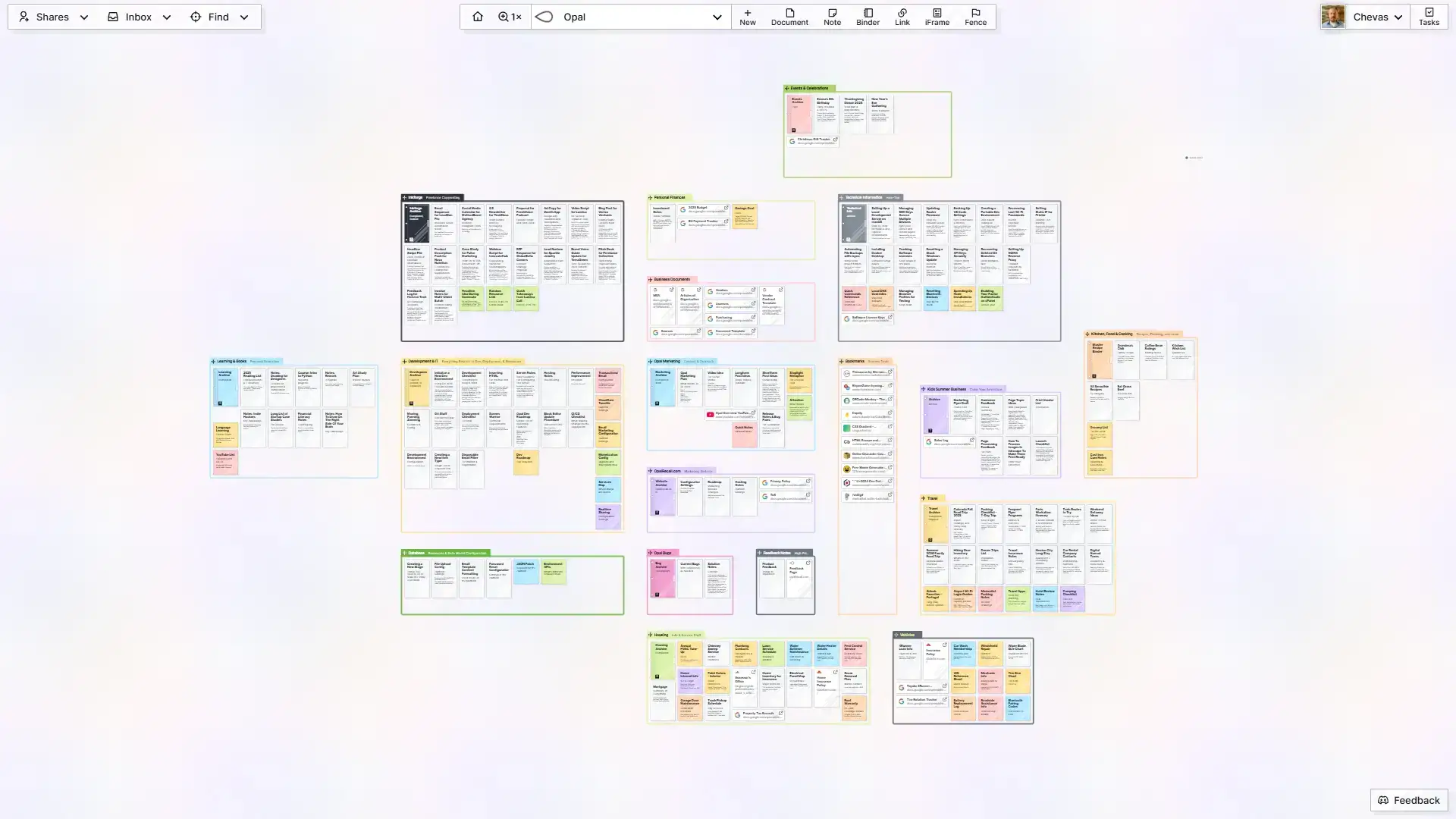
Watch the video OR read below.
You can browse your content by panning and zooming around your workspaces. Items (notes, documents, binders, etc.) can be dragged around and positioned wherever you want. Click on anything to view its content and open as many as your screen will allow at the same time.
Registering for Opal
Opal is currently invite only, so you will first have to join the waitlist. If you haven’t already, head over to the waitlist page and join it.
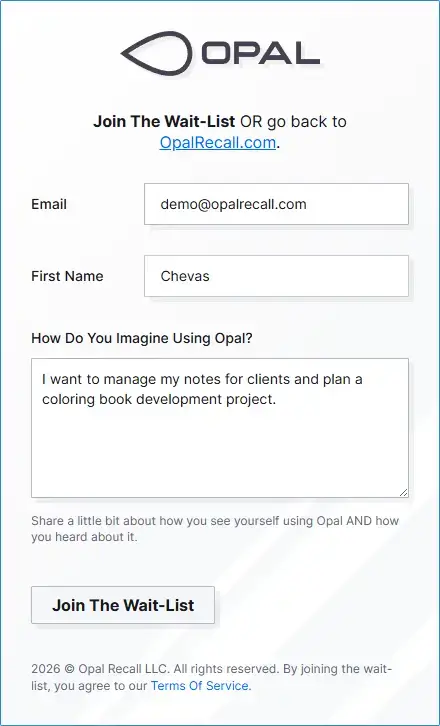
Once invited, you’ll receive an email with an invite code and a link to the registration page. It’s free to register and no credit card is required.

Clicking the Register button in the email will open the registration page and pre-populate the following into their respective fields:
- Your email address
- Your first name
- The invite code provided to you.
You will then need to create a password.
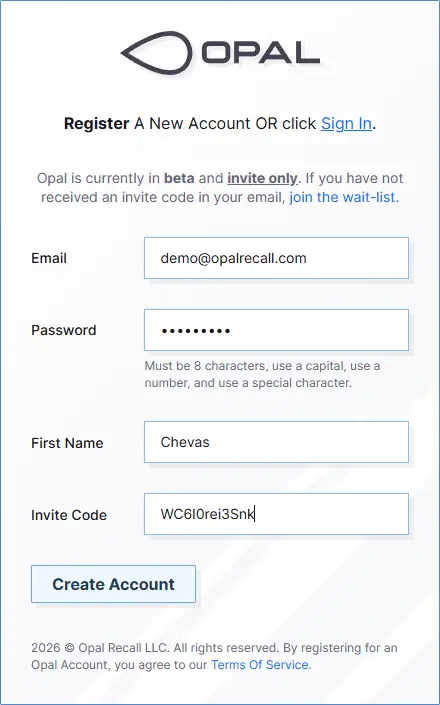
Upon successfully registering, you’ll be automatically logged in:
Bookmark: https://app.opalrecall.com for easy access.