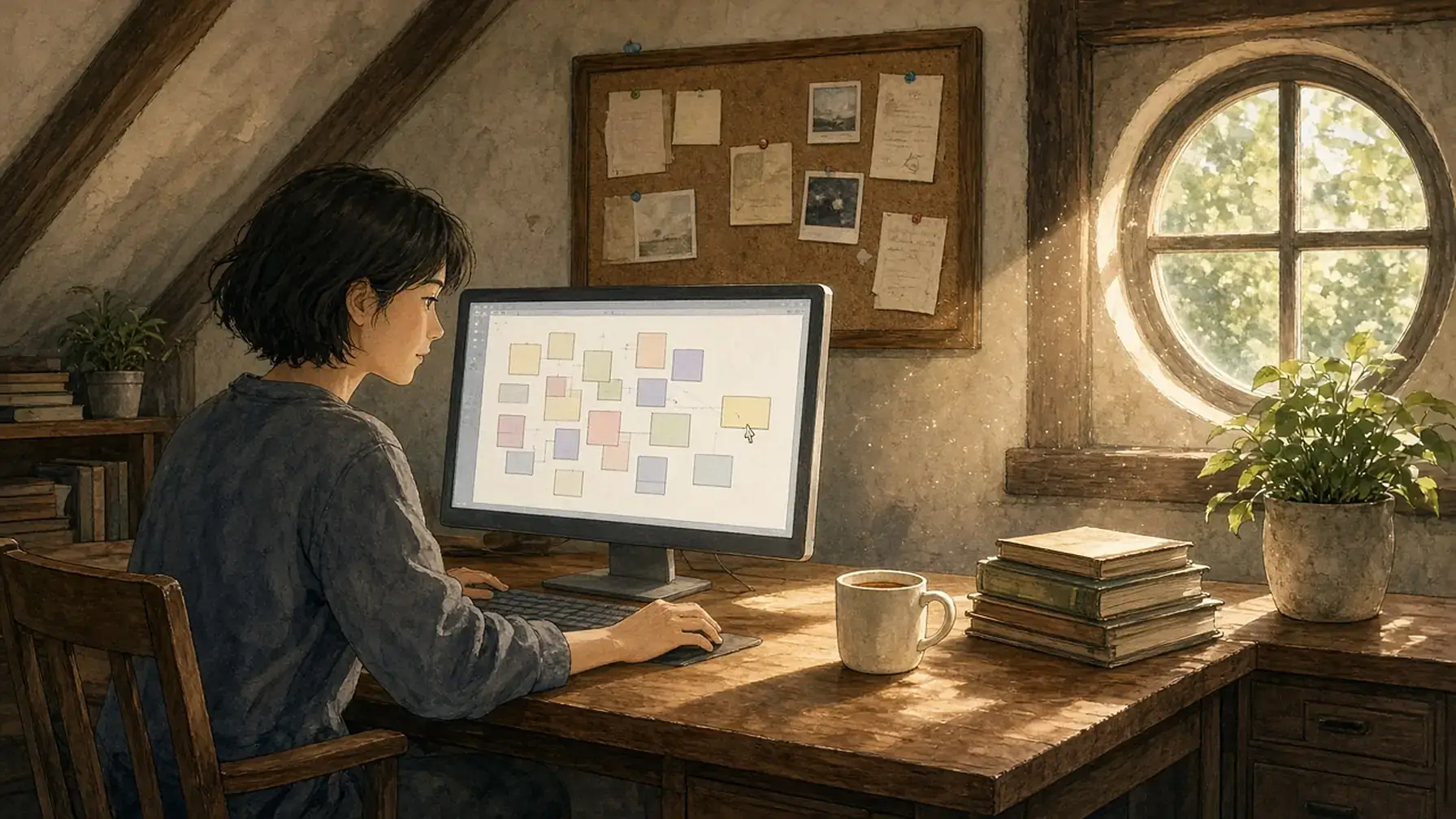
An online corkboard gives you one wall where notes, photos, files, and links stay pinned in view. Opal gives your notes a desk, so each project keeps its own spot and you can find it by remembering where you put it.
An online corkboard is a screen version of the board that used to hang over a desk: a big open surface where you pin the notes, pictures, and papers you want to keep in sight. People use one to plot a novel, plan a renovation, or keep a client project in front of them. This guide covers why a corkboard works, what to look for, and how to set one up so it stays useful.
What Is an Online Corkboard?
An online corkboard (also called a digital corkboard or virtual corkboard) is a web or desktop app that lets you place notes, images, files, and links anywhere on a shared surface, then move them around by dragging. Everything stays where you put it until you move it again.
That last part is what sets it apart from a folder or a notes list. A folder sorts things by name or date. A corkboard sorts things by where you decided they belong. The sticky note about the venue goes next to the floor plan. The photo of the tile goes beside the budget. When you look at the board later, the layout tells you what goes with what.
Why a Corkboard Works
A corkboard leans on spatial memory, the part of memory that tracks where things are. The Nielsen Norman Group defines spatial memory as the ability to learn the location of objects by interacting with them repeatedly. Their research summary lists two conditions for it to form: a stable layout where things don’t move around much, and repeated practice going back to the same objects. They add that people remember locations relative to boundaries and landmarks. A corkboard gives you fixed positions, a board you see every day, and corners and clusters to anchor on.
A board also lets you recognize instead of recall. Recalling a file name from scratch is harder than spotting the right thing when you see it, and NN/g’s article on recognition and recall explains that recognition is easier because it gives memory more cues to work with. When your notes are spread out in view, you’re scanning for something familiar instead of trying to remember what you called it.
The idea has been tested on screens before. In 1998, a Microsoft Research team led by George Robertson built the Data Mountain, a prototype that let people place saved web pages anywhere on a tilted surface. Their user study found it had statistically reliable advantages over the Internet Explorer Favorites list for managing documents, and the authors concluded that it took advantage of spatial memory.
There’s also a limit to how much you can hold in your head. In Current Directions in Psychological Science, psychologist Nelson Cowan describes a central memory store limited to 3 to 5 meaningful items in young adults. A board holds the rest, so you don’t have to.

What People Pin to a Corkboard
The same board shape shows up in a lot of different jobs.
- Writers pin scenes, characters, and research so they can move a chapter around and see the whole story at once.
- Teachers and students collect links, images, and assignments for a unit in one visible place.
- Project owners keep the brief, the latest estimate, open questions, and photos from the site together.
- Home planners line up paint swatches, measurements, receipts, and contractor notes for a remodel.
If you mainly collect images for a look or a feel, a mood board app covers that kind of board in more detail.
What to Look for in an Online Corkboard
A few questions help sort out which tools will still work for you a month from now.
- Do items stay where you put them? Some boards reflow into columns or a feed when you add something new. That breaks the layout your memory is built on.
- Is the board big enough? A fixed-size board fills up fast. An infinite canvas lets you keep adding room around the edges.
- Can you group things? Zones, frames, or colored areas let you keep one project’s pieces together and move them as a group.
- Can you pin more than sticky notes? Look for real documents, images, PDFs, links, and files, so the board holds the work itself.
- Can you clear old items without losing them? A board you never prune turns into a wall of paper.
Set Up an Online Corkboard in Opal
Opal is a visual workspace that runs in your web browser. It works like a big desk where every note, document, link, file, and image is an item you place anywhere on an open grid. That makes it a good fit for a board that has to hold real project work.
Lay Your Items Out on the Grid
Create a note or document in one click, or drag a file onto the desk, and place it wherever it makes sense to you. Pan in any direction when you need more room, and zoom out when you want to see everything at once. Items keep their positions, so the spot you picked on Monday is still the spot on Friday.
Group Them With Fences
Fences are resizable zones you draw on the desk. Make one for each chapter, client, or room of the house, then drag items into it. Move a fence and everything inside moves with it. You can color notes, fences, and binders, which gives you a quick visual category for each part of the board.
Pin the Real Work
You can drag images, PDFs, and other files onto the grid, and a PDF opens as a readable PDF right in Opal. You can also embed a live Google Doc or Sheet and edit it inside Opal, or store a link as an iframe for sites that allow it. Notes and documents use a block editor, and you can open as many items as your screen fits, side by side, in one tab.

Find Things by Where You Put Them
After a few days of using the board, you’ll start to know that the venue notes sit in the upper left and the budget sits near the bottom. That’s spatial memory doing the work. There is a search feature for the times you blank, and when you pick a result, Opal pans the desk to where that item sits, so the next time you know where to look.
Share One Board With Your Team
You can share a fence with other people. A shared fence keeps one layout for everyone and holds up to 500 items, so the whole team sees the same board in the same order. You can also publish a fence or binder as a public link that anyone can view without an account.
Anna Zhikhareva, a freelance experience designer, put it this way on the Opal homepage: “Having the big holistic view of the project is the most important thing for me. Opal let me structure a lot of information in a way that makes it convenient without the cognitive overload. And there was no learning curve.”
Keep Your Board Useful
A physical board gets messy because nothing ever comes down, and screens are no different. A few habits keep the board readable.
- Give each project its own area. One cluster per project makes it easy to glance at the right corner. A project dashboard works the same way for tracking status.
- Keep active work in sight. If out of sight tends to mean out of mind for you, a pattern this piece on adhd object permanence explores, leave current items on the board.
- Move finished items into a binder. Binders tuck old or repeating items away while keeping them close by.
- Use a separate desk for each side of life. Opal lets you set up multiple desks, so work and home don’t share one crowded board.
- Empty your head onto it. A quick brain dump app session gives the board fresh notes to sort.
Interruptions make a visible board more valuable. Microsoft 365 data in the 2025 Work Trend Index shows employees are interrupted by a meeting, email, or chat every two minutes during core work hours. Coming back to a board that still shows where you left off is quicker than retracing your steps through folders. Keeping things in your side view this way is what peripheral awareness is about.
If your current board is sticky notes stuck around a monitor, this guide to a sticky note app for business shows how to keep that at-a-glance feel on screen.
When Another Tool Fits Better
Opal isn’t the right fit for everyone. Another tool may suit you better if:
- You want to draw red string between pins. Whiteboard and detective-board tools are built for drawn lines and arrows. Opal links notes and documents with wikilinks instead.
- You work mostly on a phone or tablet. Opal runs in the web browser. Native apps for iOS, Android, Windows, and macOS are on the roadmap but aren’t available yet.
- You need a classroom wall for dozens of anonymous posts. Tools made for class activities handle that kind of quick group posting better.
Opal fits best when your board holds real work, like documents, files, and live sheets, and you want each project to keep a steady place on a visual workspace app you can see every day.

Key Takeaways
- A corkboard app lets you place notes, images, files, and links anywhere on a board and keeps them where you put them.
- A board works because spatial memory needs stable positions, repeated visits, and landmarks, and a corkboard provides all three.
- Seeing items in view lets you recognize what you need instead of recalling a name from scratch.
- Look for stable positions, room to grow, groups, real files, and a way to clear old items.
- Opal runs in the browser and fits best when your board holds real project work.
FAQ
What is an online corkboard?
An online corkboard is an app that gives you a large surface to place notes, images, files, and links anywhere you like, the same way you would pin papers to a cork board on the wall. Items stay where you put them until you move them.
What can I use an online corkboard for?
Common uses include plotting a novel, planning a class unit, running a client project, and planning a home remodel. Any project with many loose pieces you want to see together fits.
Can I share a board with my team in Opal?
Yes. In Opal you can share a fence with other people, and everyone sees the same layout. A shared fence holds up to 500 items. You can also publish a fence or binder as a public link that anyone can view without an account.
Can I import my existing notes into Opal?
Yes. You can import a Markdown file to replace or add to a document, drag files and images onto your desk, and embed live Google Docs and Sheets. Most people start with their active projects instead of moving everything at once.
How much does Opal cost?
Opal is a paid app. Plans start at $9 per seat per month, or $7 per month billed yearly, and every plan is listed on the pricing page.
Can I use Opal on my phone?
Opal runs in your web browser. Native apps for iOS, Android, Windows, and macOS are on the roadmap, starting with mobile, but they aren’t available yet.
When is Opal not the right online corkboard?
If you want to draw lines between pins, work mostly on a phone, or need a classroom wall for quick group posts, a tool built for that job may suit you better. Opal fits when your board holds real project work you want to see laid out in one place.
Pin Your Work to a Desk
Opal gives your notes a desk, so everything you’d pin to a corkboard stays where you put it and in view.
- Place notes, documents, images, PDFs, and links anywhere on an open grid.
- Group each project into a colored fence and move it as one piece.
- Embed live Google Docs and Sheets next to the rest of the work.
- Share a fence so your team sees the same board.
Guide: Why productivity apps keep failing you
Get the blueprint by email — same one from the lead magnet page. No spam.