

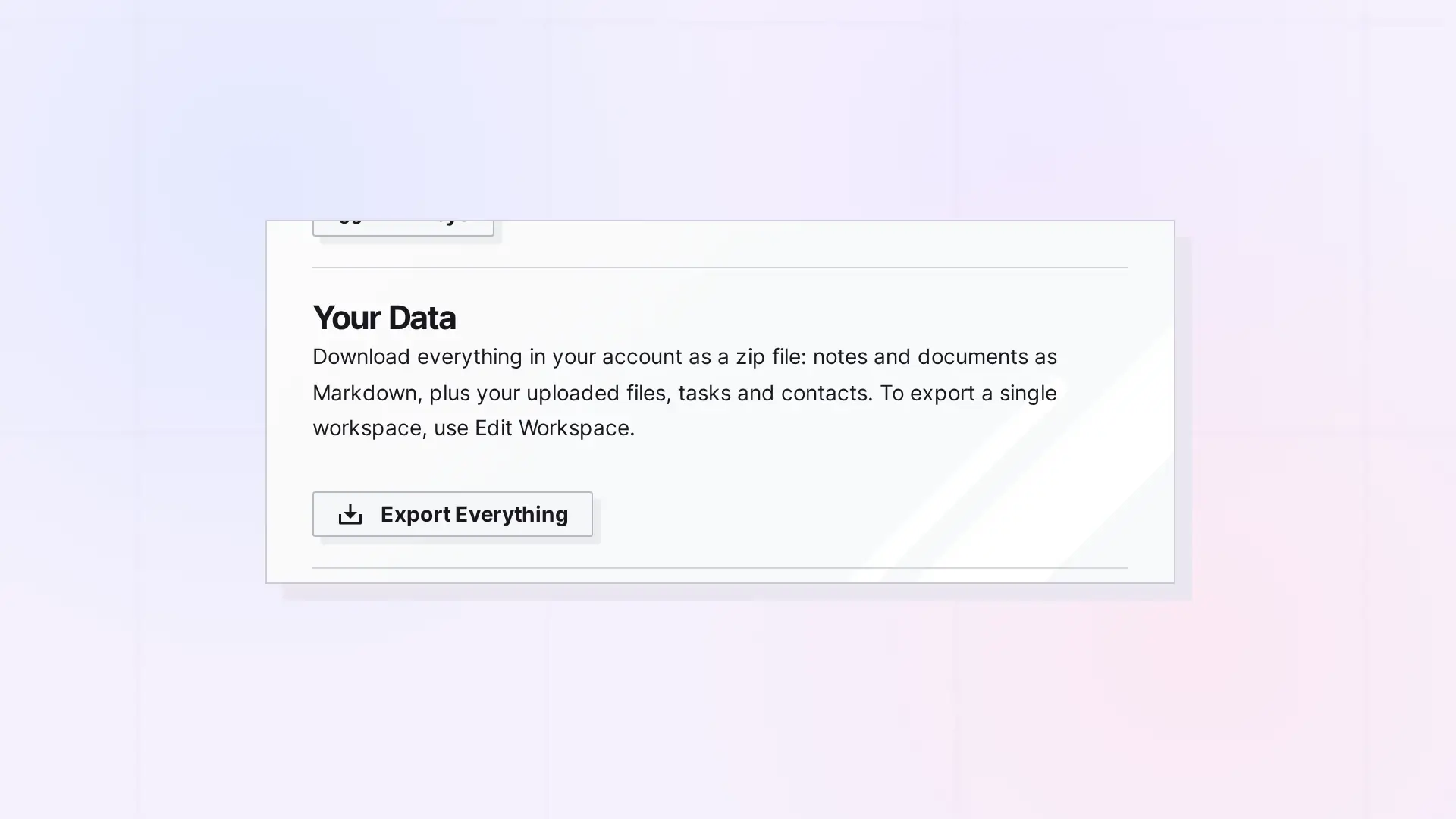
To download everything in your Opal account, click your name at the top right, click Account & Profile, scroll to Your Data, and click Export Everything. Opal builds a zip file of your notes and documents as Markdown, plus your uploaded files, tasks, and contacts.
Export Everything Step by Step
- Click your name at the top right of the toolbar.
- Click Account & Profile.
- Scroll to Your Data.
- Click Export Everything and save the zip file.
What Is in the Zip
- Notes and documents as Markdown files.
- Your uploaded files.
- Your tasks and contacts.
Export Less
- To export one workspace, see Export a Workspace.
- To export one item, see Export an Item as HTML, Markdown, or PDF.
Next Steps
FAQ
Does exporting change anything in my account?
No. Exporting only makes a copy for you to download.
Can I open the Markdown files without Opal?
Yes. Any text editor can open them.

