Plus How Link Items Differ from iFrames
Help Docs:
-
All Help Docs
-
Getting Started
-
Workspaces
-
Opal Documents
-
Notes
-
Links
-
Save a Link as an Item: Link Items and Their Notes
-
Link Items, Hyperlinks, and Item Links: What's the Difference?
-
Name a Link Item
-
Change or Update a Link Item's URL
-
Refresh or Copy a Link Item's URL
-
Build a Reading List with Link Items
-
Link Item or iFrame: Which Should You Use?
-
Share a Link Item
-
Link Item, iFrame, or Document? Choosing the Right Opal Item Type
-
-
Files & Media
-
Fences
-
iFrames & Embeds
-
Binders
-
Sharing & Publishing
-
Import, Export & Integrations
-
REST API
Links.
Link Items, Hyperlinks, and Item Links: What’s the Difference?
Plus When to Use Each One
Name a Link Item
Plus Why Opal Sometimes Changes the Title
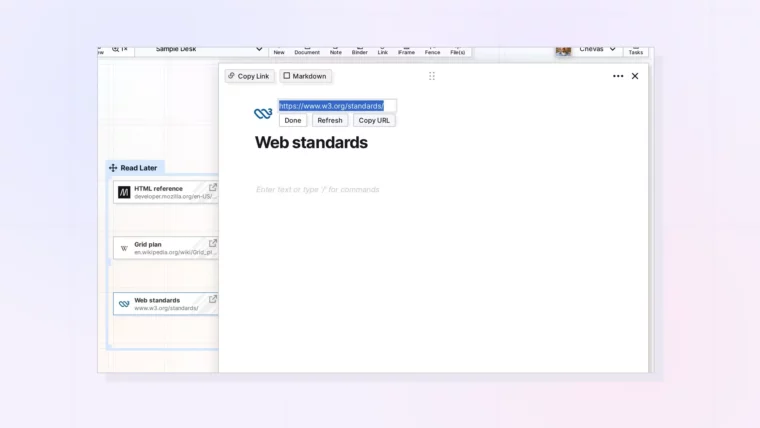
Change or Update a Link Item’s URL
Plus What Stays the Same When You Edit a Link
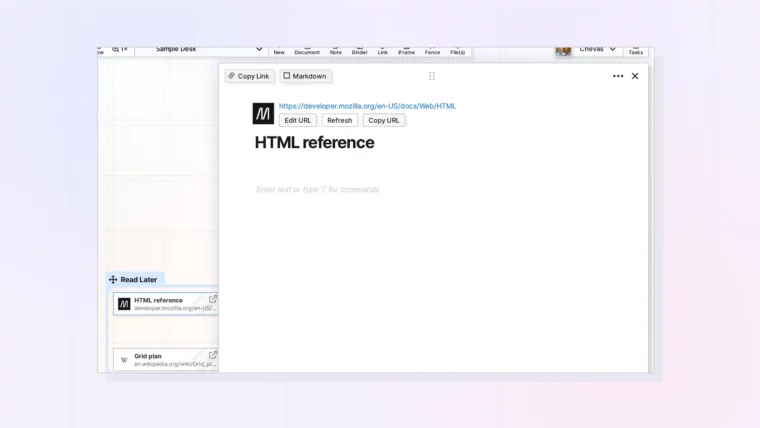
Refresh or Copy a Link Item’s URL
Plus Copy URL vs Copy Link
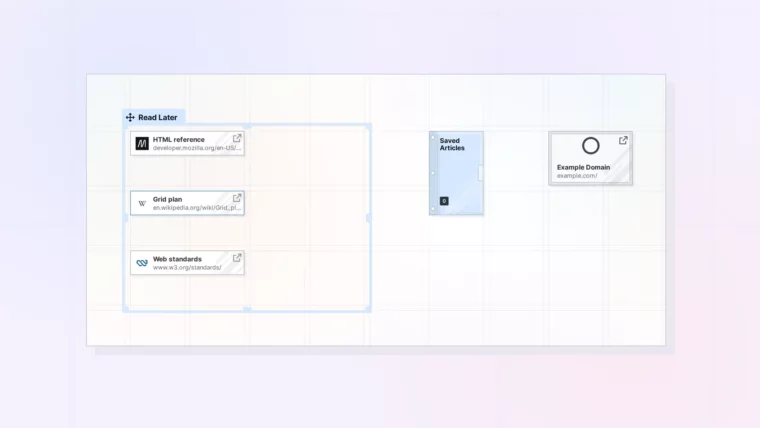
Build a Reading List with Link Items
Plus Filing Finished Reads in a Binder
Link Item or iFrame: Which Should You Use?
Plus What to Do When a Site Won’t Embed
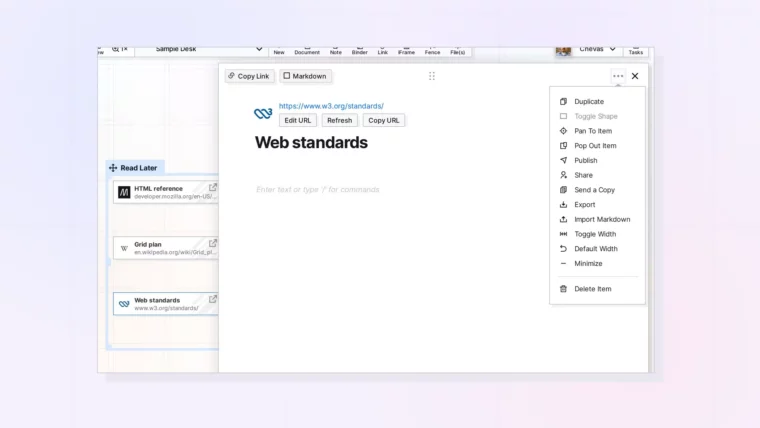
Share a Link Item
Plus Sending a Copy and Publishing a Link
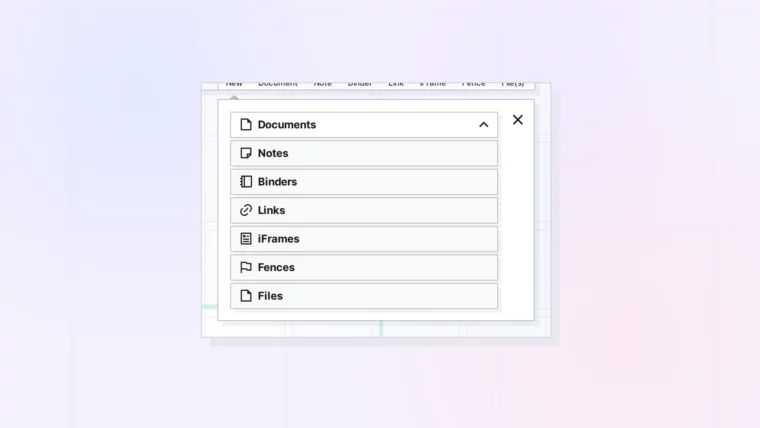
Link Item, iFrame, or Document? Choosing the Right Opal Item Type
Plus Examples by Job: Meetings, SOPs, References, and Dashboards