

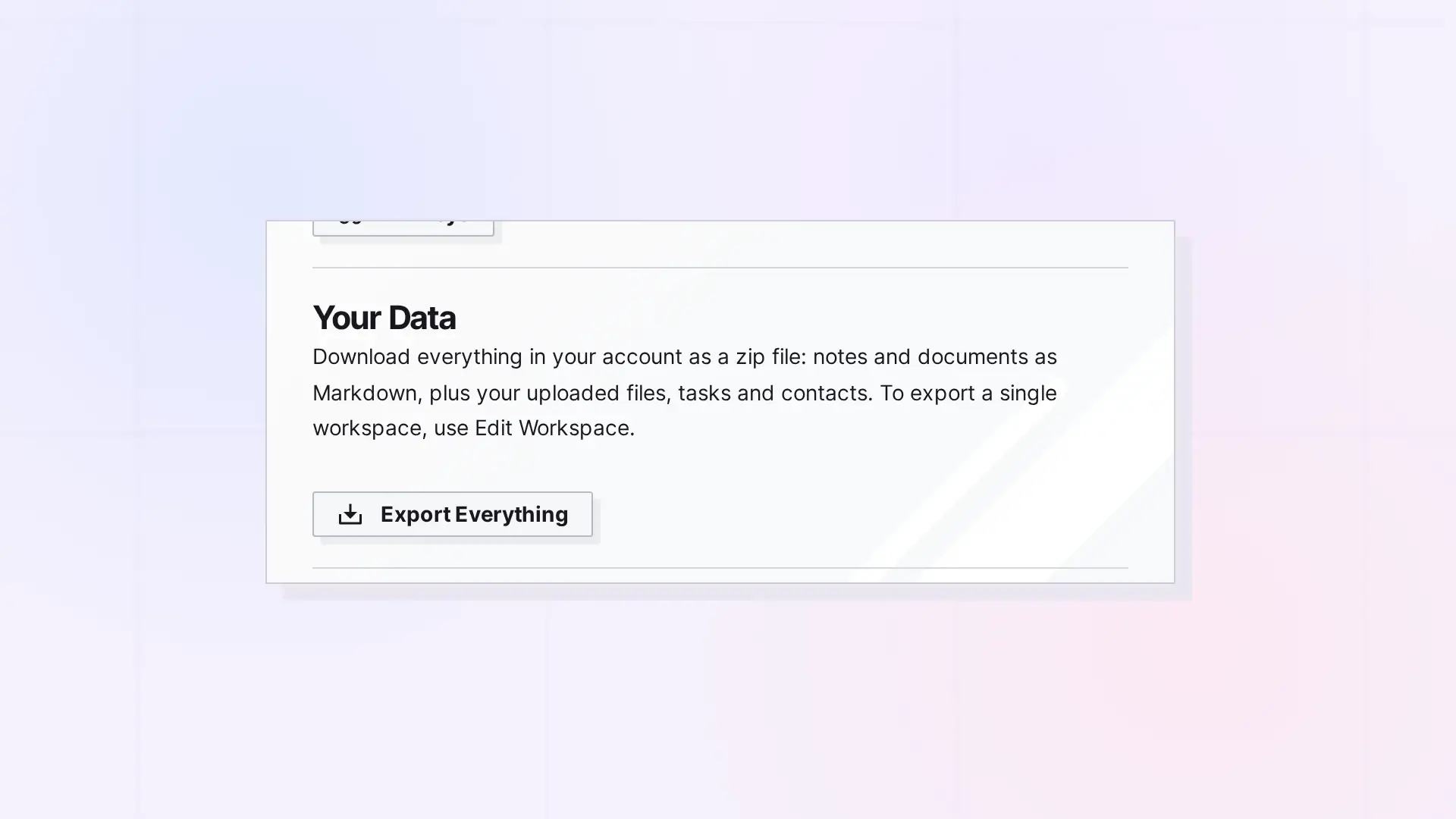
The Export API downloads a zip of Markdown files plus your stored files. Call GET /export/check first, then GET /export for everything, or add ?workspace=WORKSPACE_ID for one workspace. Exporting everything is allowed once a day. Read-only keys and locked accounts can export.
Check Before Exporting
GET /api/v1/export/check
GET /api/v1/export/check?workspace=WORKSPACE_ID
Returns { "ok": true } when the export can start now, or the error the export itself would return:
| Status | When |
|---|---|
404 | workspace is not one of yours (Workspace not found.). |
409 | Another export of yours is still downloading, from the app or the API (Your export is still downloading. Try again when it has finished.). |
429 | You exported everything in the last 24 hours (You can export everything once a day. Try again in 22 hours.). No Retry-After header. |
Download an Export
GET /api/v1/export
GET /api/v1/export?workspace=WORKSPACE_ID
Streams the zip (Content-Type: application/zip) with Content-Disposition: attachment; filename="Opal export - everything - 2026-10-10.zip". For a workspace export, the workspace’s name replaces everything.
| Export | Contents and limits |
|---|---|
Everything (no workspace) | A folder per workspace plus Inbox, Tasks.md, and Contacts.json. Once a day: the 24 hours start when a full export finishes downloading. A cancelled or broken download does not count. |
| One workspace | That workspace’s items, without a workspace folder, tasks, or contacts. Not limited. |
What the Zip Contains
- Notes, documents, and links become Markdown files (title, description, URL, and content).
- Uploaded files are included as files.
- A binder becomes a folder of its items.
- Files stored in a document go in a
<document> filesfolder beside it, linked relatively. - Only items you own are exported.
- Files that cannot be fetched are listed in
Files that could not be exported.txt.
One export runs at a time per user.
Save a Full Export With curl
curl -f https://app.opalrecall.com/api/v1/export/check \
  -H "Authorization: Bearer opal_read_xxx"

curl -f -o opal-export.zip https://app.opalrecall.com/api/v1/export \
  -H "Authorization: Bearer opal_read_xxx"
Use -OJ instead of -o opal-export.zip to keep the server’s file name. To export one workspace:
curl -f -o workspace-export.zip "https://app.opalrecall.com/api/v1/export?workspace=WORKSPACE_ID" \
  -H "Authorization: Bearer opal_live_xxx"
Next Steps
- List workspaces to find an ID: Workspaces API: List, Create, Update, Reorder, and Delete
- Understand the 429 and 409 responses: Errors, Rate Limits, and Plan Limits in the Opal API
- Check locked-account behavior: Plan, Limits, and Usage in the Opal API: GET /account
- Use Markdown inside documents: Markdown Mode: Write, Import, and Export Markdown in Opal Documents
FAQ
How often can I export everything?
Once a day. The 24 hours start when a full export finishes downloading. Exporting one workspace is not limited.
Can a read-only key export?
Yes. Read-only keys and locked accounts can export. Export is a GET request.
What format is the export?
A zip file. Notes, documents, and links become Markdown files, and uploaded files are included as files.
Does the export include items shared with me?
No. Only items you own are exported.

