Image from the post
Opal - See Your Work - opalrecall.com
  • Home
  • Features
  • Pricing
  • Resources
      Opal Resources
    • Opal Blog Visual Organization + AI
    • Help Docs Get the most out of Opal
    • AI Agents Opal Recall Agent Skill
    • Release Notes Latest updates and changes
    • Opal - See Your Work - opalrecall.com About Company & History
  • Contact
Register
Sign In
Sign In

Help Docs:

  • All Help Docs
  • Getting Started
  • Workspaces
    • Edit a Workspace: Rename, Colors, Icon, and Slug Prefix
    • Delete a Workspace (and What Happens to Its Items)
    • Export a Workspace
    • Switch and Sort Your Workspaces
    • One Workspace or Many? How to Organize Your Opal Desks
    • Move Items Between Workspaces
    • Save a View of Your Workspace
    • Set Your Home Button and First View
  • Opal Documents
  • Notes
  • Links
  • Files & Media
  • Fences
  • iFrames & Embeds
  • Binders
  • Sharing & Publishing
  • Import, Export & Integrations
  • REST API

Workspaces.

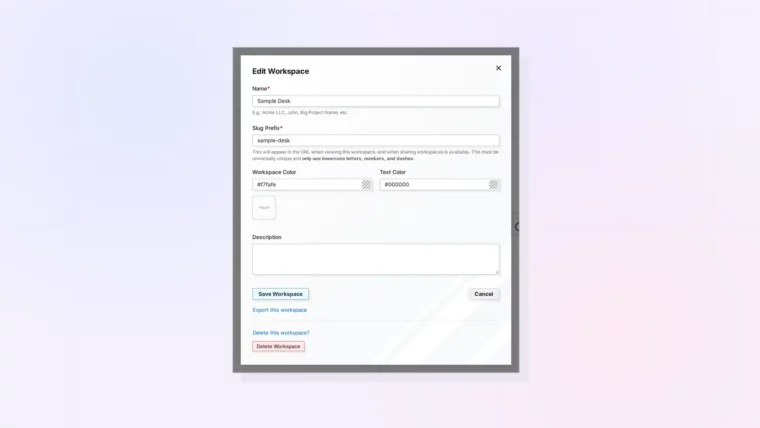
Edit a Workspace: Rename, Colors, Icon, and Slug Prefix: screenshot of Opal

Edit a Workspace: Rename, Colors, Icon, and Slug Prefix

Plus Picking Readable Colors and Changing Your Icon
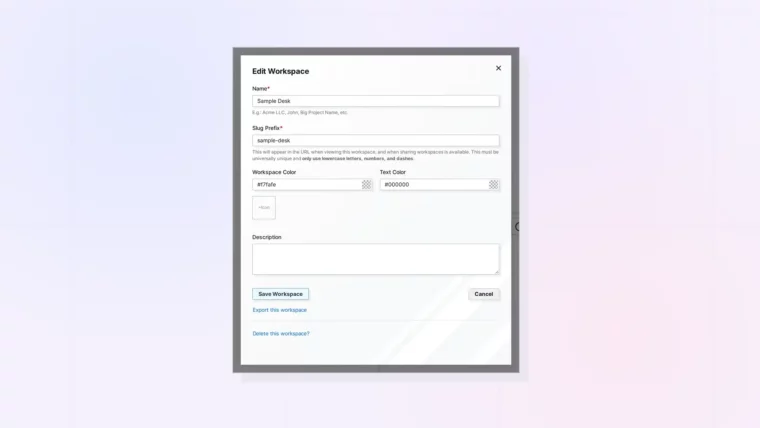
Delete a Workspace (and What Happens to Its Items): screenshot of Opal

Delete a Workspace (and What Happens to Its Items)

Plus How to Protect Your Items Before You Delete
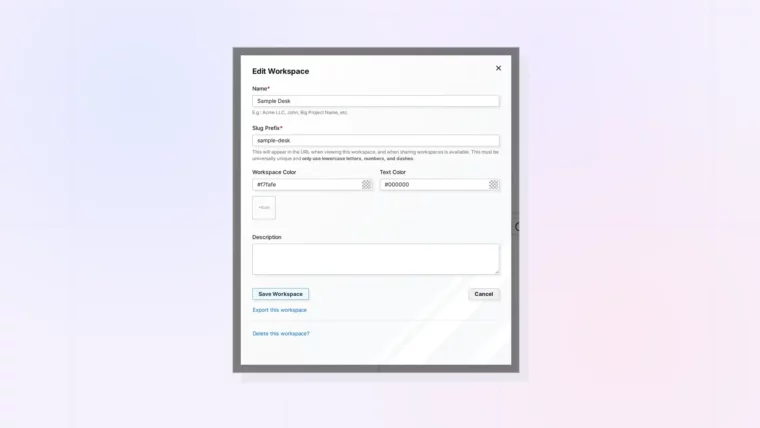
Export a Workspace: The Edit Workspace dialog with the Export this workspace link, screenshot

Export a Workspace

Plus Where to Find Export This Workspace
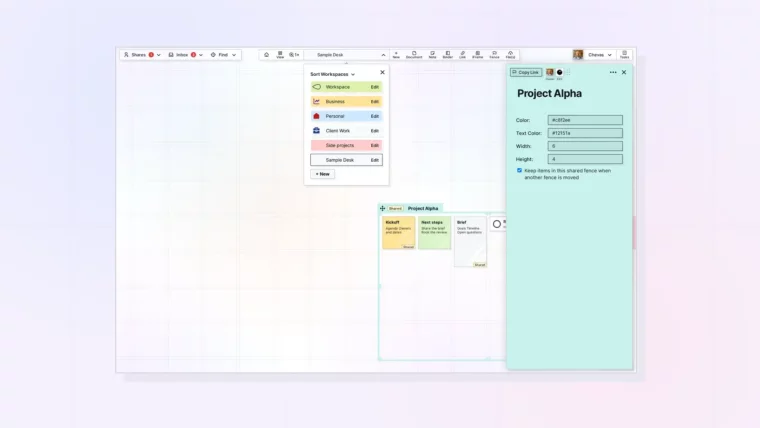
Switch and Sort Your Workspaces: screenshot of Opal

Switch and Sort Your Workspaces

Plus How Opal Remembers Your Place in Each Workspace
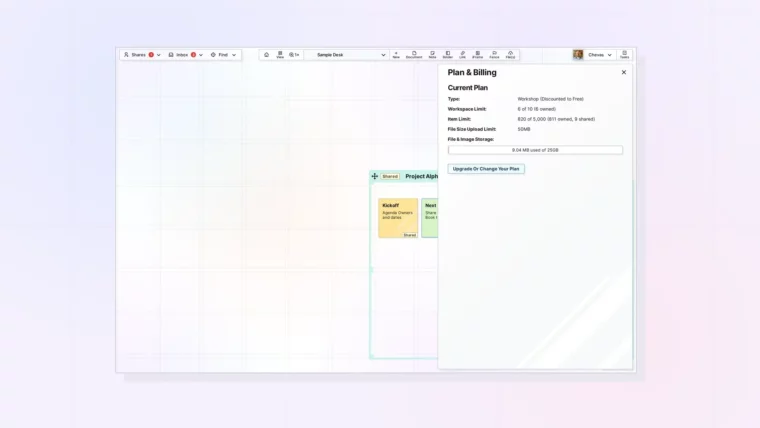
One Workspace or Many? How to Organize Your Opal Desks: screenshot of Opal

One Workspace or Many? How to Organize Your Opal Desks

Plus Examples for Consultants, Small Teams, and Solo Founders
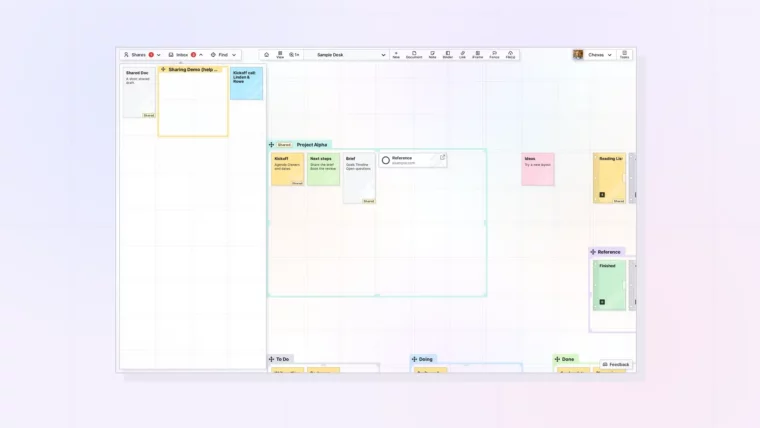
Move Items Between Workspaces: screenshot of Opal

Move Items Between Workspaces

Plus Using the Inbox to Hold Items on the Way
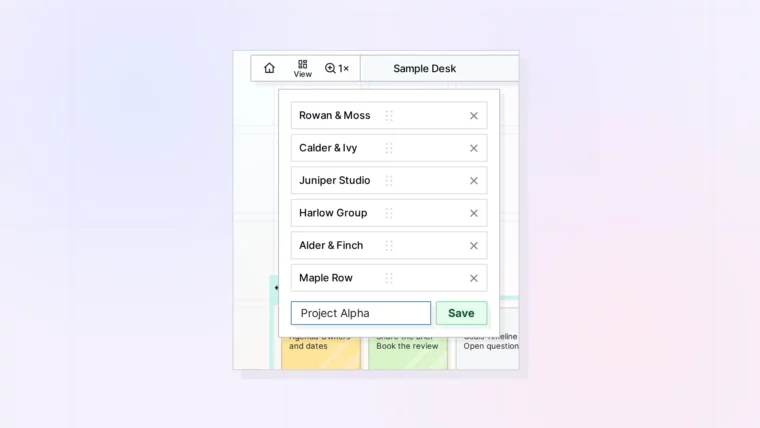
Save a View of Your Workspace: The View menu with saved views and a new view name typed in, screenshot

Save a View of Your Workspace

Plus Switching, Reordering, and Removing Saved Views
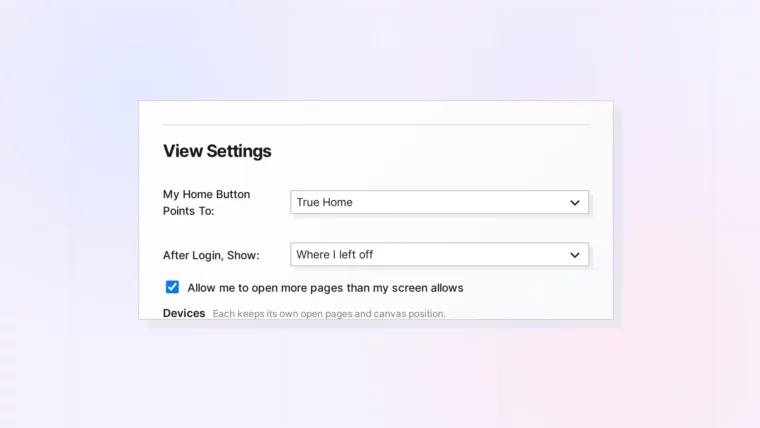
Set Your Home Button and First View: View Settings with the Home button and After Login choices, screenshot

Set Your Home Button and First View

Plus Choosing What You See After You Sign In

Opal - See Your Work - opalrecall.com
© Opal Recall LLC. All rights reserved.
info@opalrecall.com
Live on FoundrList Verified on Verified Tools

Follow Chevas on X/Twitter

Chevas Balloun, Operator, Opal Recall
Chevas A.F. Balloun
Opal Operator
@Chevas
Register Now
About Contact Terms Of Service Policies Privacy Policy DMCA Policy