Plus When to Choose a Note Over a Document
Help Docs:
-
All Help Docs
-
Getting Started
-
Workspaces
-
Opal Documents
-
Notes
-
What Is a Note in Opal? Notes vs Documents
-
Create a Note
-
Write in a Note: The Same Editor in a Smaller Page
-
Use Notes for Quick Capture and At-a-Glance Status
-
Move a Note's Content into a Document
-
Color-Code Your Notes
-
Duplicate, Pop Out, and Export a Note
-
Import Markdown into a Note
-
Share or Publish a Note
-
Change an Item’s Color and Text Color
-
-
Links
-
Files & Media
-
Fences
-
iFrames & Embeds
-
Binders
-
Sharing & Publishing
-
Import, Export & Integrations
-
REST API
Notes.
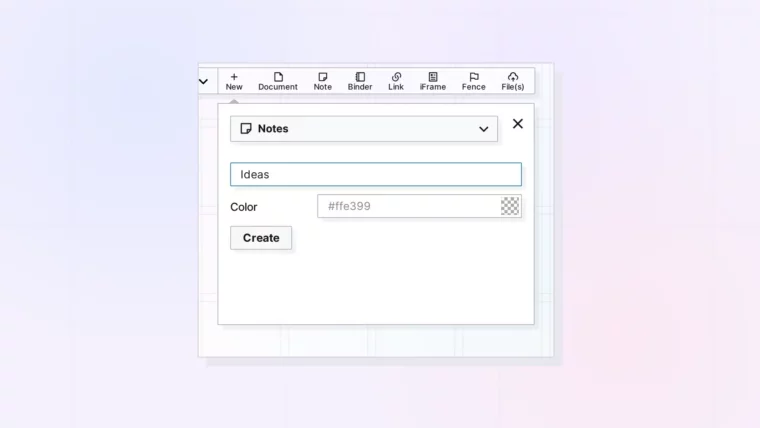
Create a Note
Plus the One-Click Note Button and the Default Color
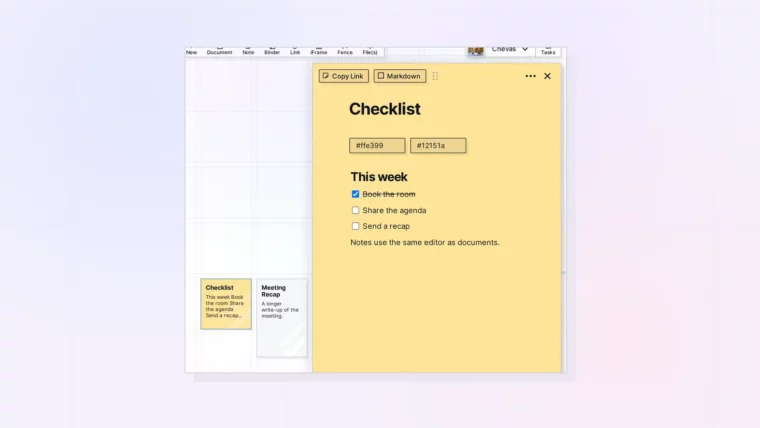
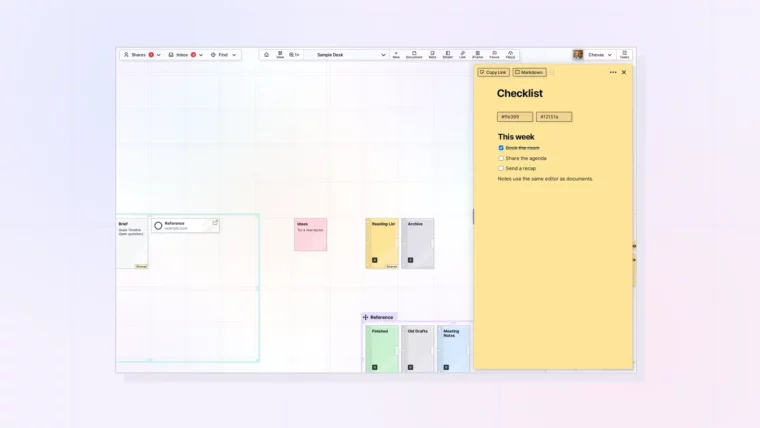
Write in a Note: The Same Editor in a Smaller Page
Plus Headings, Checklists, and Images in a Note
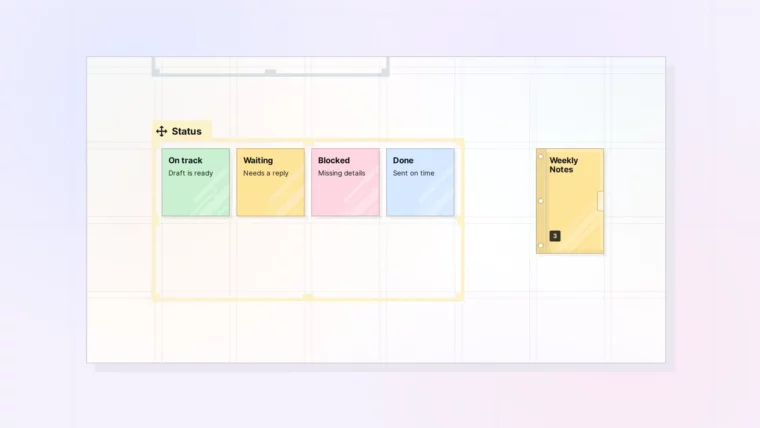
Use Notes for Quick Capture and At-a-Glance Status
Plus Status Boards in a Fence and Recurring Notes in a Binder
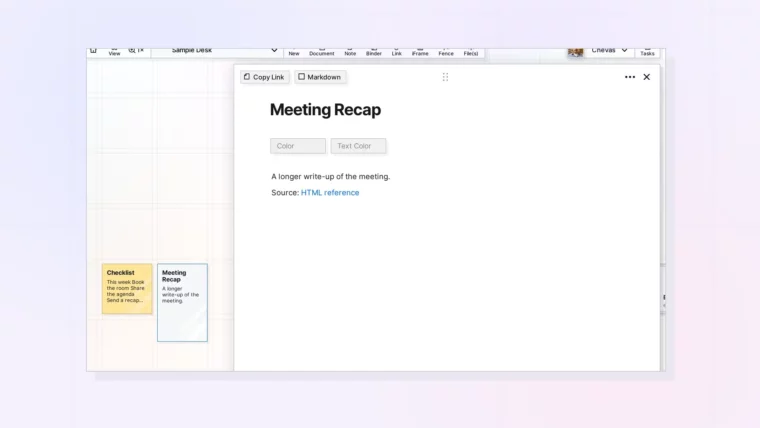
Move a Note’s Content into a Document
Plus Why There Is No Convert Option
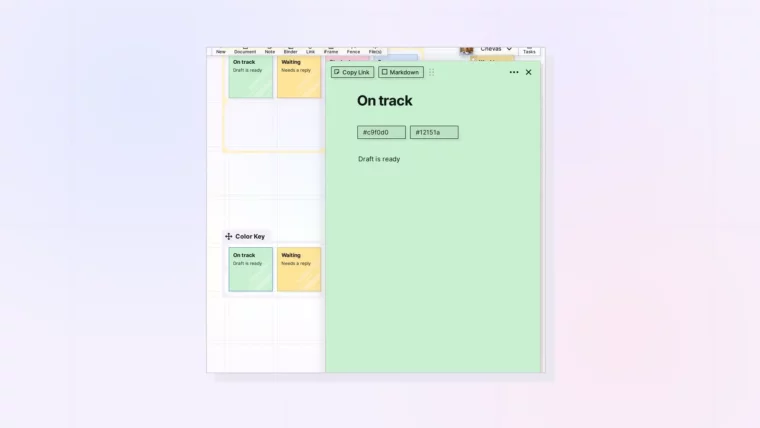
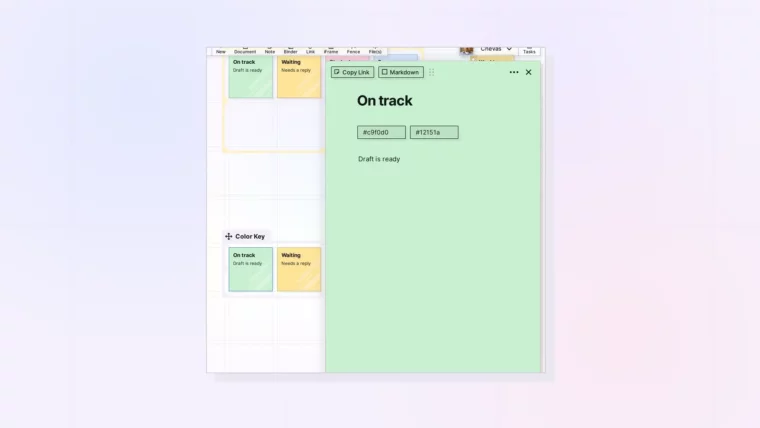
Color-Code Your Notes
Plus a Simple Color Key You Can Reuse
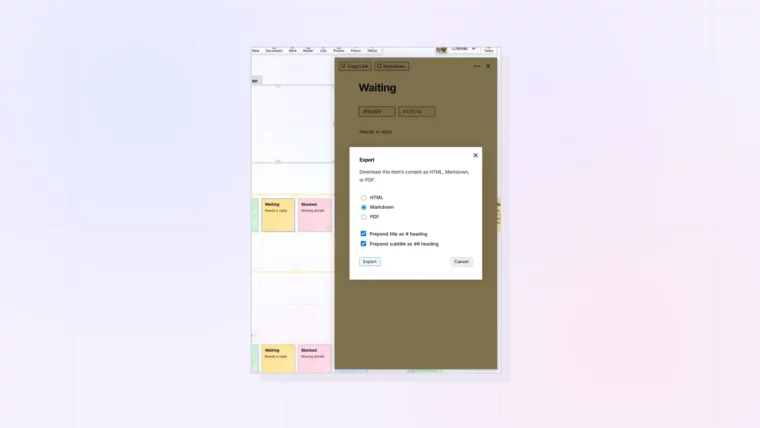
Duplicate, Pop Out, and Export a Note
Plus Export Formats: HTML, Markdown, and PDF
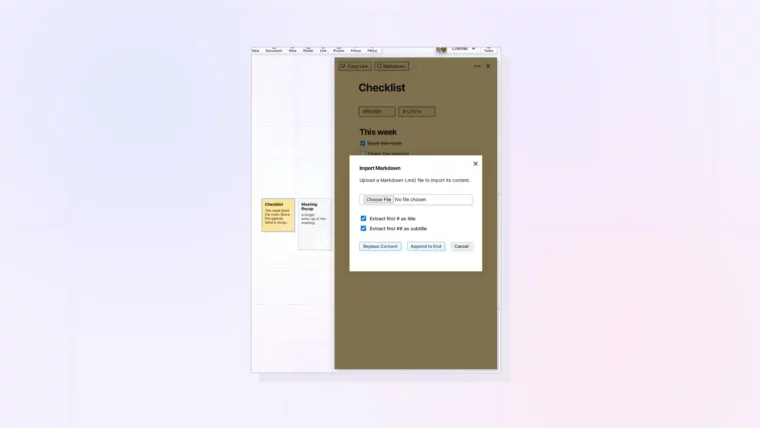
Import Markdown into a Note
Plus Replace Content or Append to End
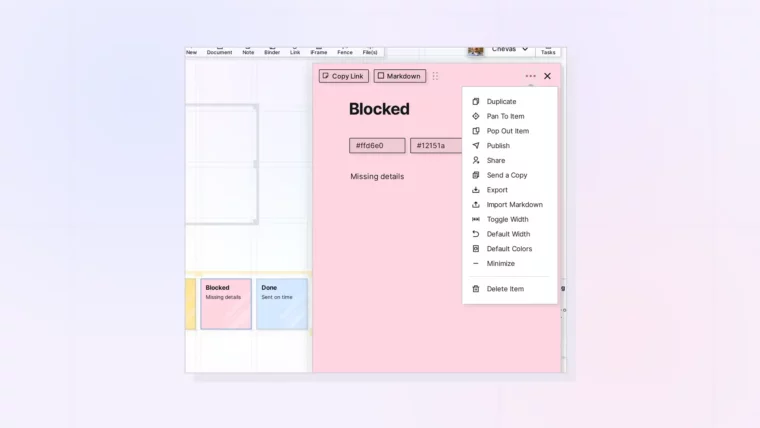
Share or Publish a Note
Plus When to Send a Copy Instead
Change an Item’s Color and Text Color
Plus Using Colors as Categories and Keeping Text Readable