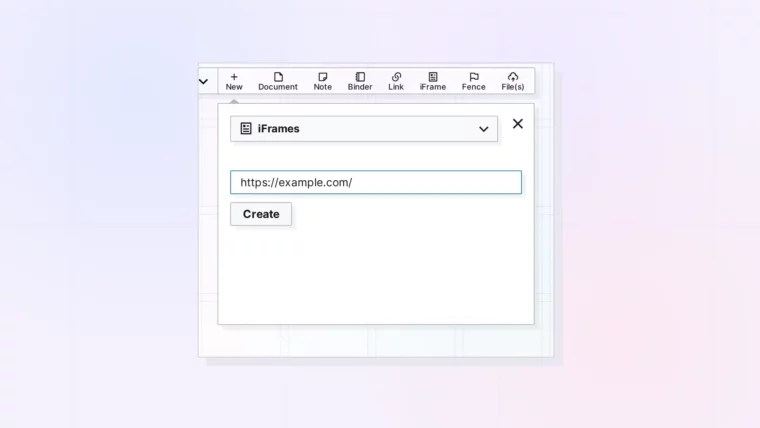
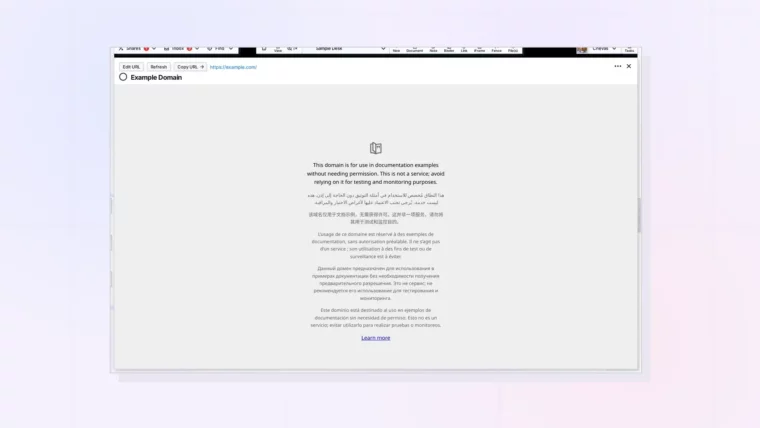
Plus What You Can and Can’t Do with One
Help Docs:
-
All Help Docs
-
Getting Started
-
Workspaces
-
Opal Documents
-
Notes
-
Links
-
Files & Media
-
Fences
-
iFrames & Embeds
-
What Is an iFrame in Opal?
-
Create an iFrame in Opal
-
Embed a Google Doc in Opal
-
Embed a Google Sheet in Opal
-
Why a Website Won't Show in an iFrame
-
Change an iFrame's URL
-
Resize and Arrange iFrames
-
Link Item or iFrame: Which Should You Use?
-
Share an iFrame
-
Link Item, iFrame, or Document? Choosing the Right Opal Item Type
-
-
Binders
-
Sharing & Publishing
-
Import, Export & Integrations
-
REST API
iFrames & Embeds.
Create an iFrame in Opal
Plus Where It Lands and How to Fix a Missing URL
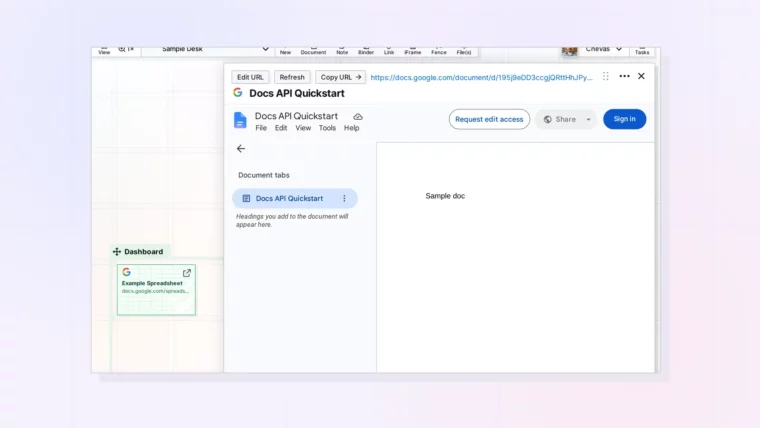
Embed a Google Doc in Opal
Plus Sign-In, Sharing Settings, and When to Use a Link Item Instead
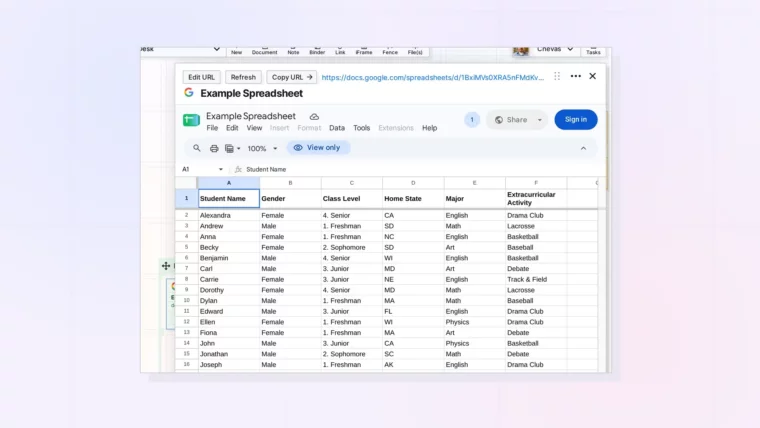
Embed a Google Sheet in Opal
Plus Using a Sheet as a Live Dashboard Next to Your Work
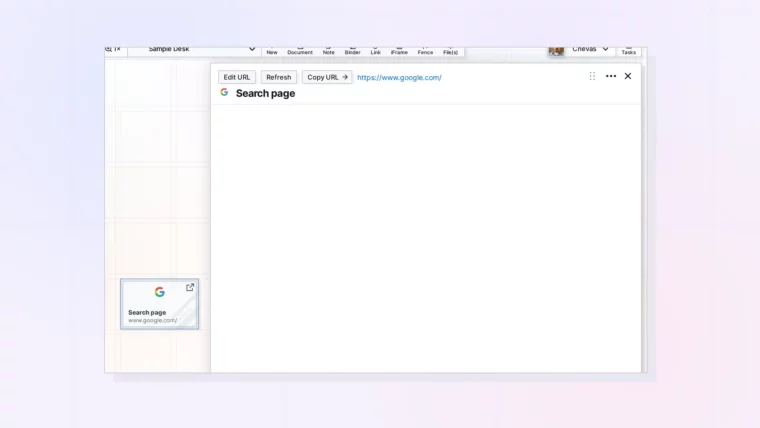
Why a Website Won’t Show in an iFrame
Plus What to Use Instead When a Site Blocks Embedding
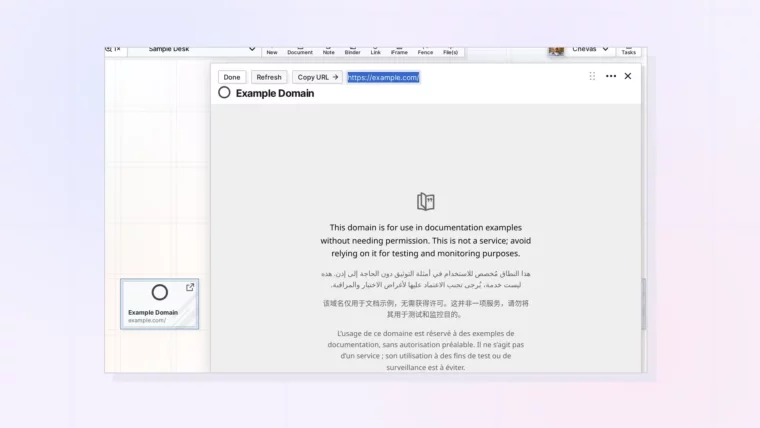
Change an iFrame’s URL
Plus What Refresh and Copy URL Do
Resize and Arrange iFrames
Plus Wider Pages, Fences, and Binders for iFrames
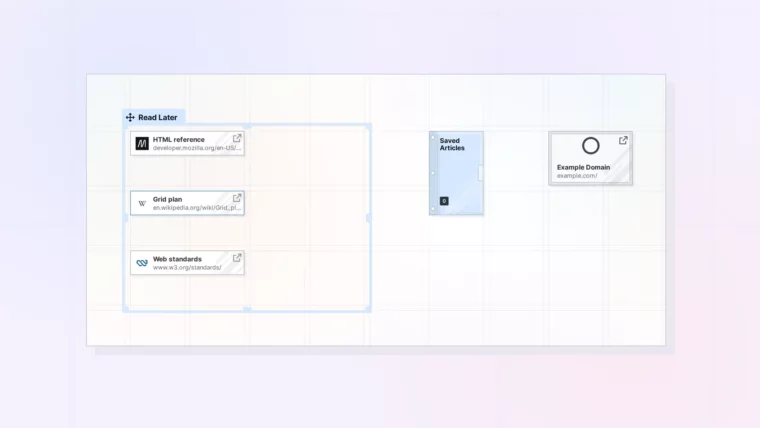
Link Item or iFrame: Which Should You Use?
Plus What to Do When a Site Won’t Embed
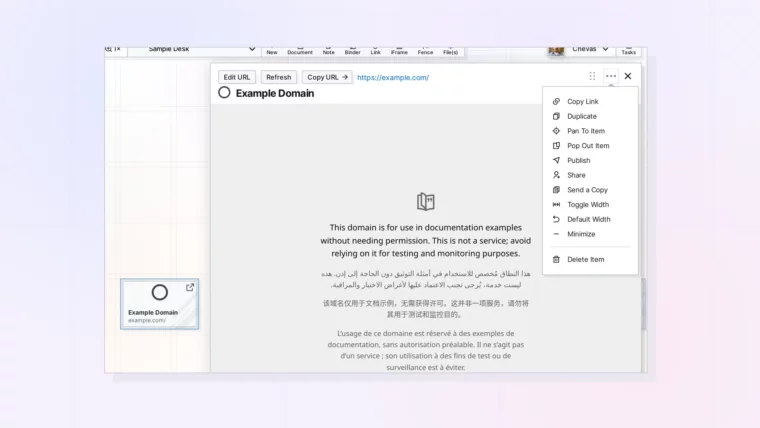
Share an iFrame
Plus Publishing, Sending a Copy, and Access to the Embedded Site
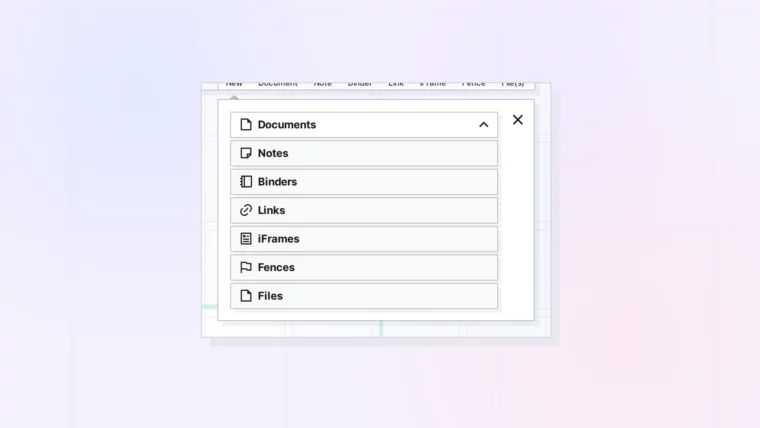
Link Item, iFrame, or Document? Choosing the Right Opal Item Type
Plus Examples by Job: Meetings, SOPs, References, and Dashboards