

Plus Shares, Copies, and Public Pages Side by Side
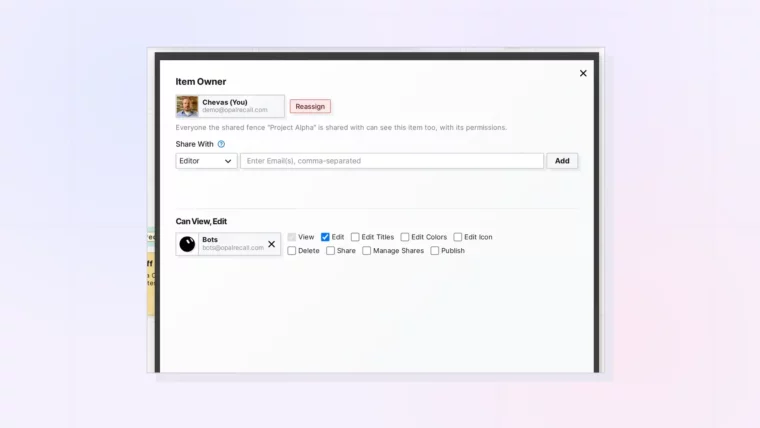
Plus Shares, Copies, and Public Pages Side by Side
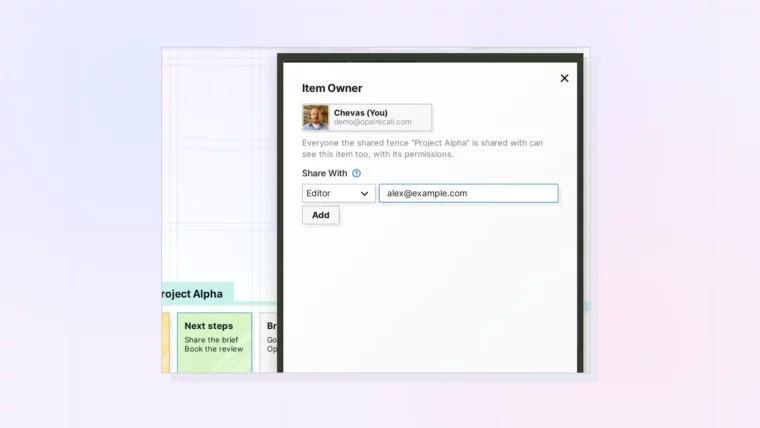
Plus Inviting Several People at Once and Checking Who Has Access
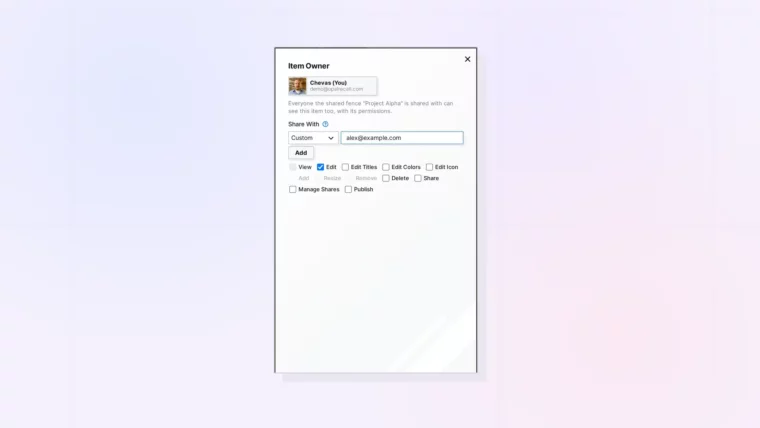
Plus Building a Custom Set of Permissions
Plus Shared Binders and Fences That Hold Items You Already Have
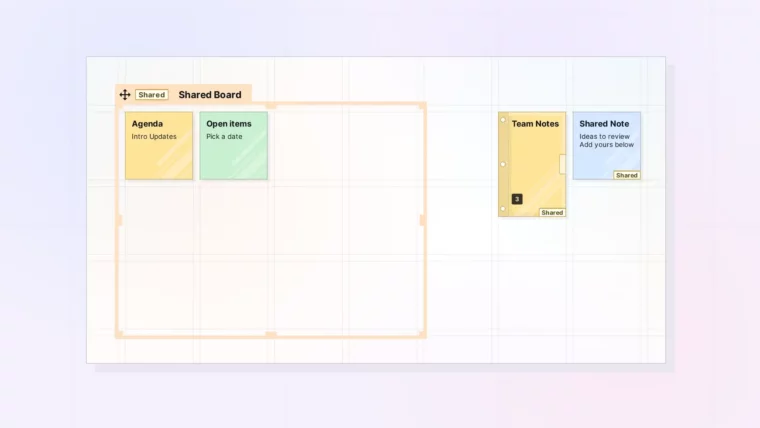
Plus Filing Shared Items in Your Own Binders
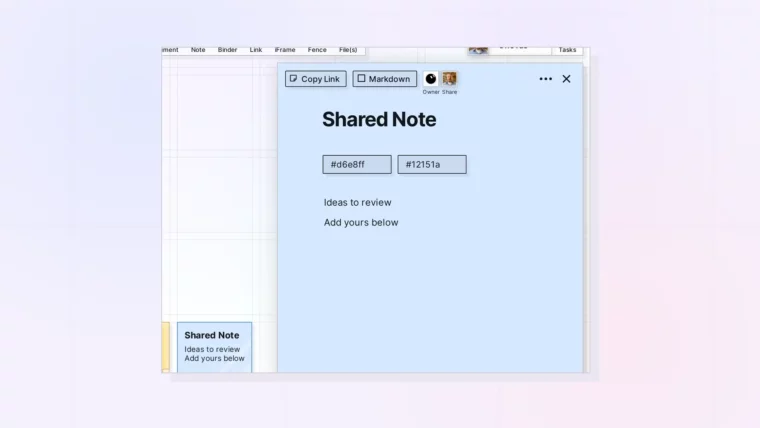
Plus Markdown Mode While Others Are Editing
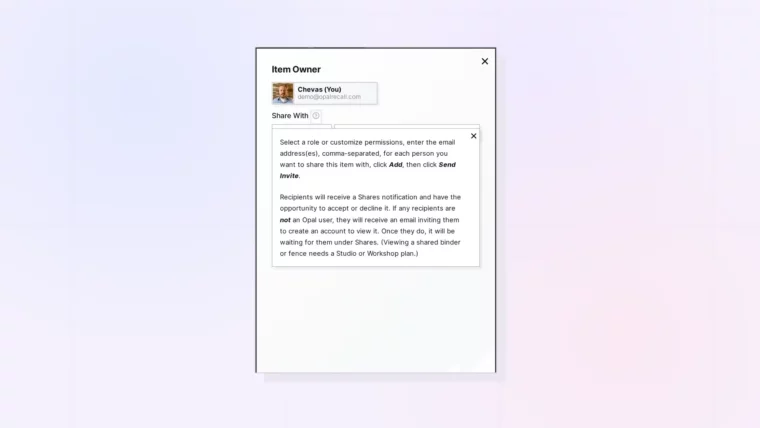
Plus What Pending Sign Up Means
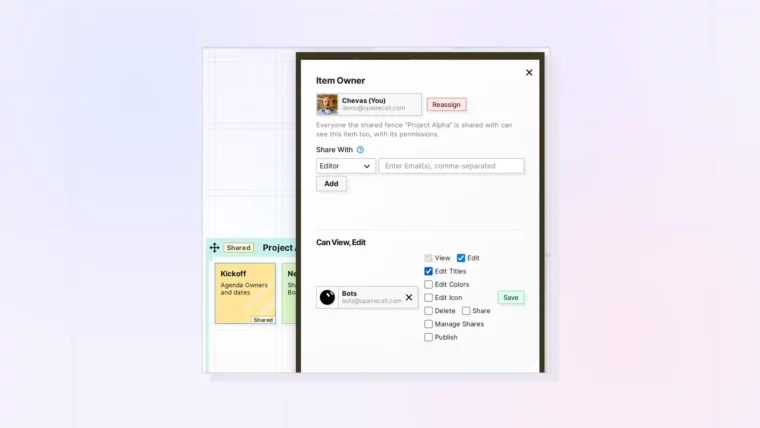
Plus Withdrawing a Pending Invitation
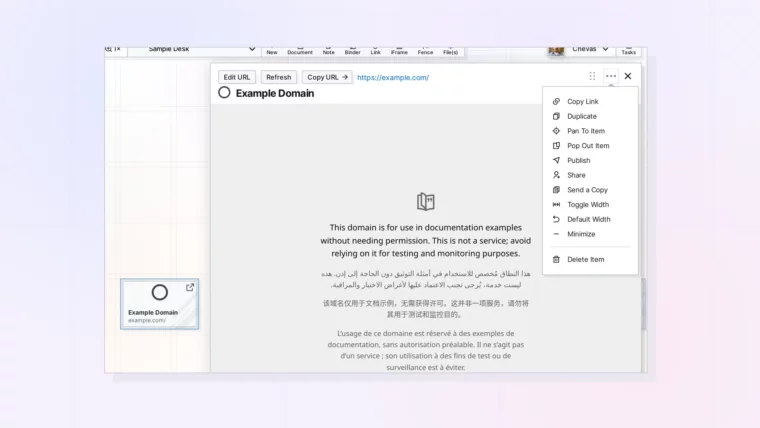
Plus Publishing, Sending a Copy, and Access to the Embedded Site
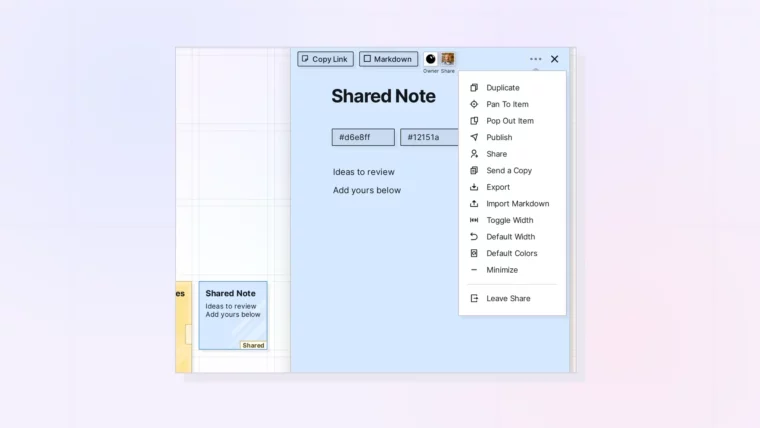
Plus What Happens to Items You Added to a Shared Binder or Fence
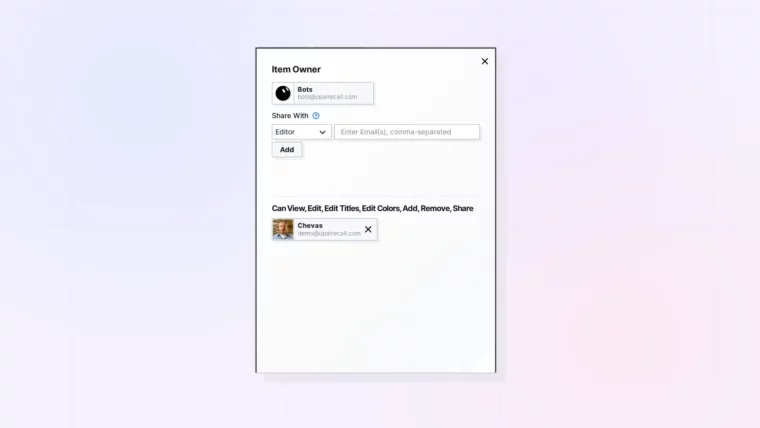
Plus Passing On Manage Shares
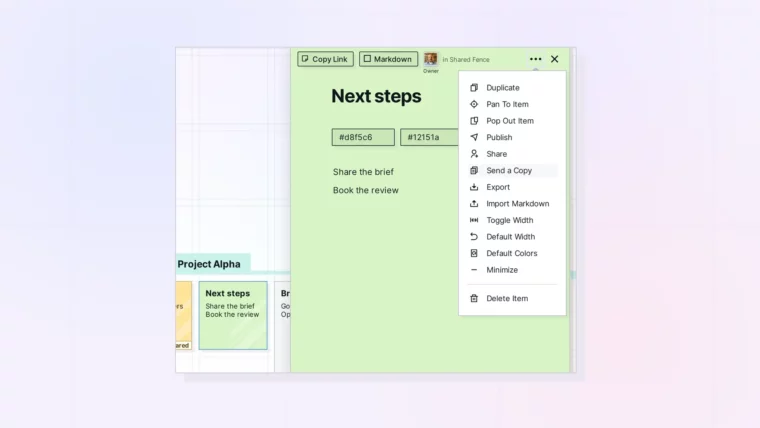
Plus Which Item Types Support Each Option
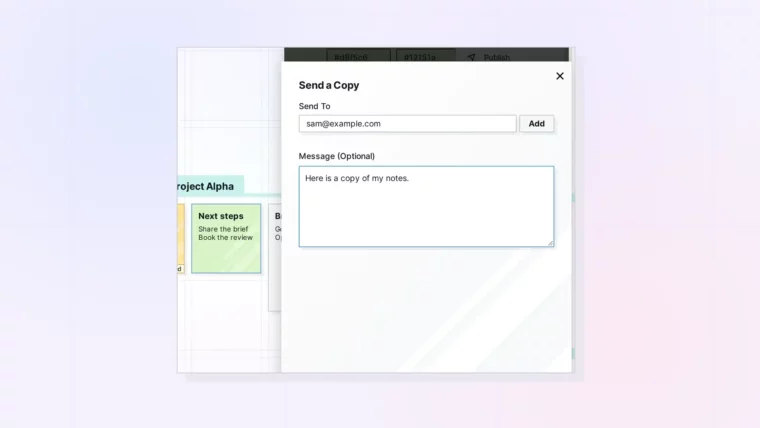
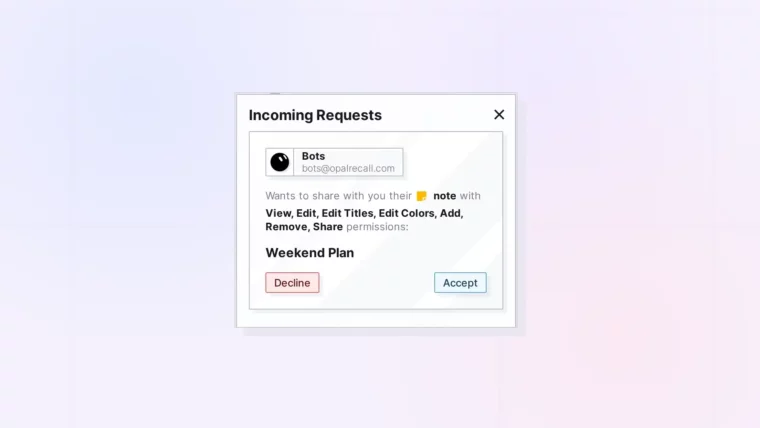
Plus Adding a Message and Accepting a Copy
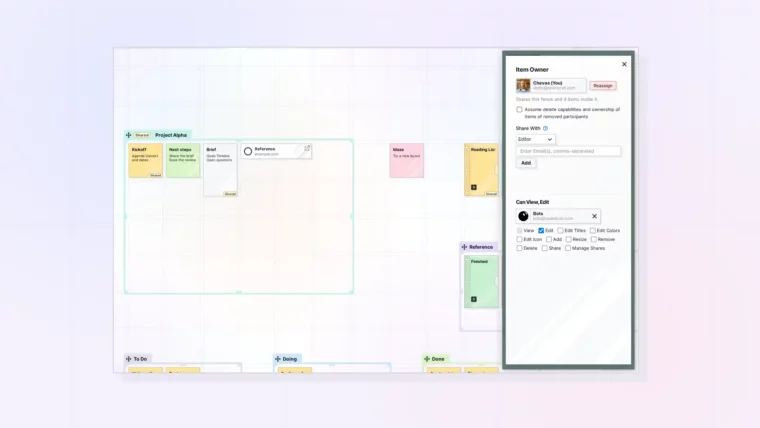
Plus Permissions, Limits, and What Happens When Someone Leaves
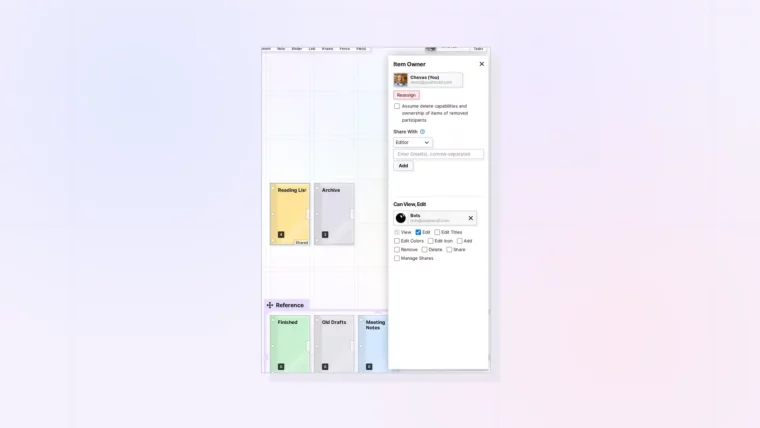
Plus Permissions, Limits, and What Happens When Someone Leaves
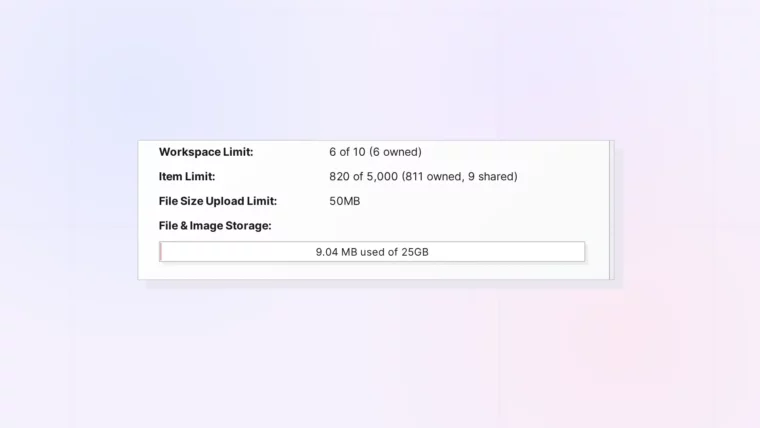
Plus View-Only Accounts and Shared Binders and Fences
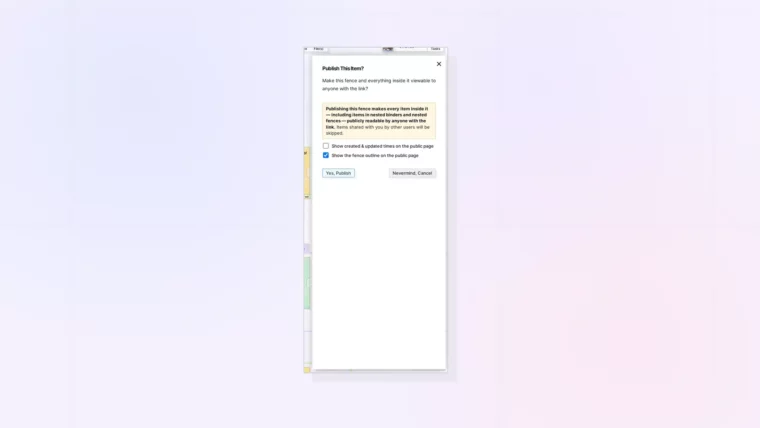
Plus Updating, Unpublishing, and What Is Left Out
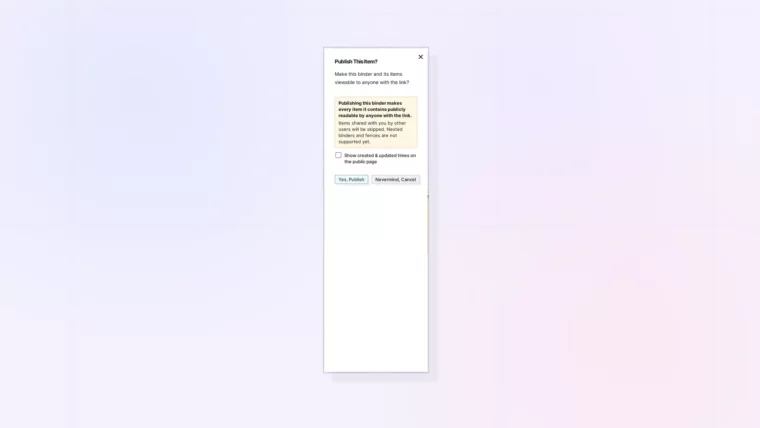
Plus Updating, Unpublishing, and What Is Left Out
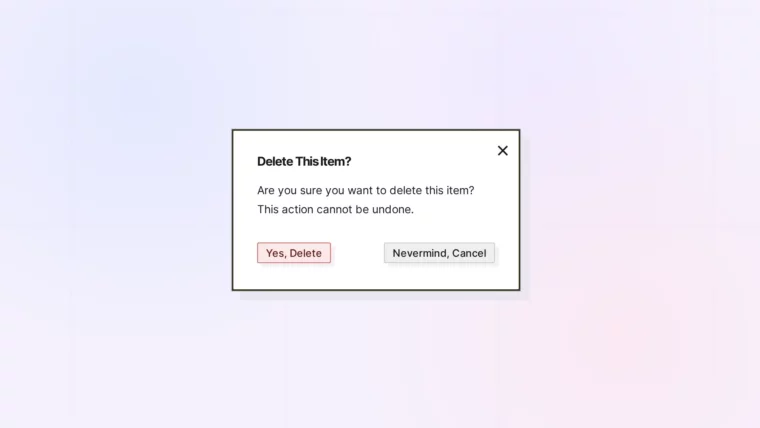
Plus Deleting Shared Binders and Fences
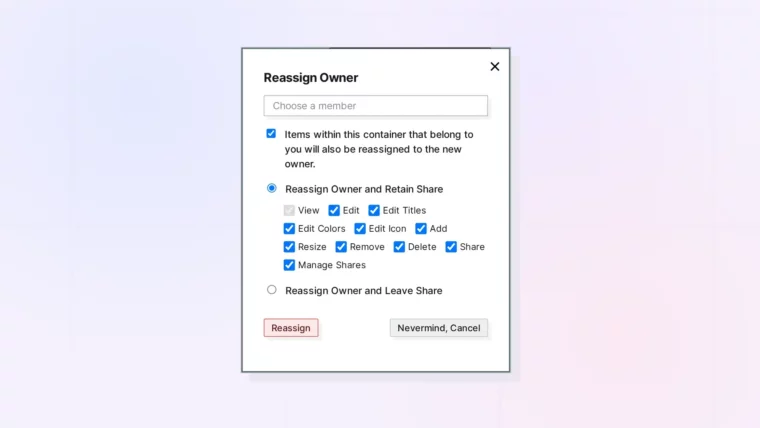
Plus Keeping Access, Published Pages, and When a Handoff Is Refused

