Image from the post
Opal - See Your Work - opalrecall.com
  • Home
  • Features
  • Pricing
  • Resources
      Opal Resources
    • Opal Blog Visual Organization + AI
    • Help Docs Get the most out of Opal
    • AI Agents Opal Recall Agent Skill
    • Release Notes Latest updates and changes
    • Opal - See Your Work - opalrecall.com About Company & History
  • Contact
Register
Sign In
Sign In

Help Docs:

  • All Help Docs
  • Getting Started
  • Workspaces
  • Opal Documents
  • Notes
  • Links
  • Files & Media
    • What Is a File Item? Images, PDFs, Office Files, and More
    • Upload Files and Images to Your Workspace (Drag and Drop)
    • View PDFs, Word, and Excel Files Inside Opal
    • Images on the Grid: View, Resize, and Open
    • Edit Text, Markdown, and Code Files in Opal
    • File Size and Storage Limits by Plan: Workshop, Studio, and Day Desk
  • Fences
  • iFrames & Embeds
  • Binders
  • Sharing & Publishing
  • Import, Export & Integrations
  • REST API

Files & Media.

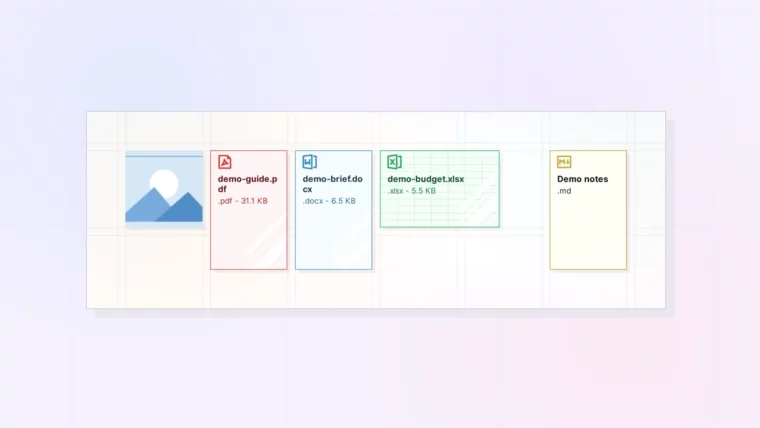
What Is a File Item? Images, PDFs, Office Files, and More: screenshot of Opal

What Is a File Item? Images, PDFs, Office Files, and More

Plus Which File Types Get Previews and Editing
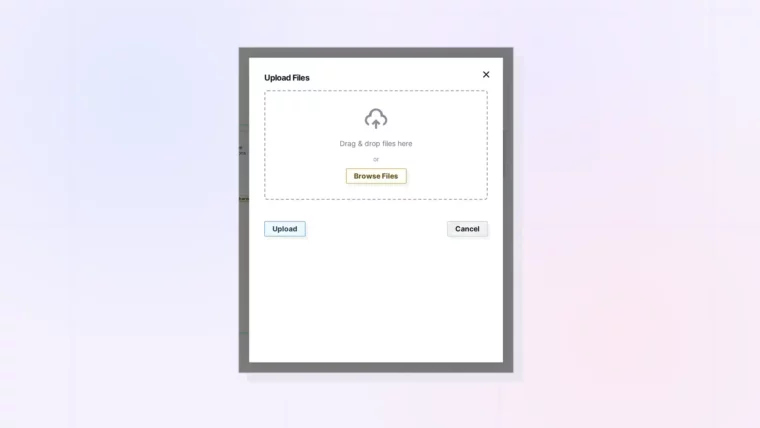
Upload Files and Images to Your Workspace (Drag and Drop): screenshot of Opal

Upload Files and Images to Your Workspace (Drag and Drop)

Plus Upload Limits and What to Do When an Upload Fails
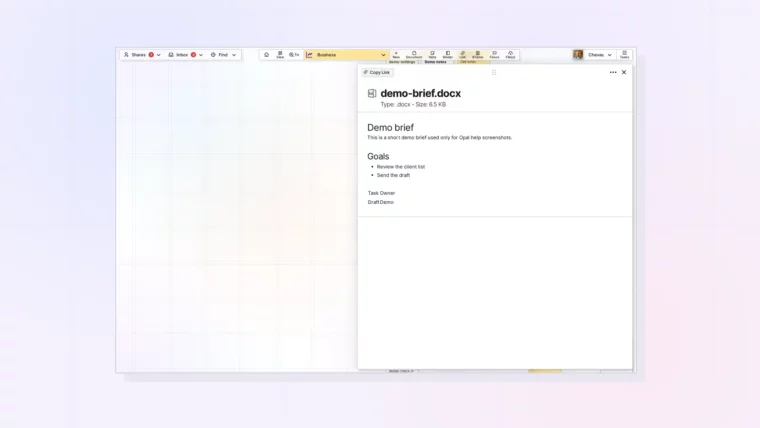
View PDFs, Word, and Excel Files Inside Opal: screenshot of Opal

View PDFs, Word, and Excel Files Inside Opal

Plus What You Can and Cannot Do with Office Files
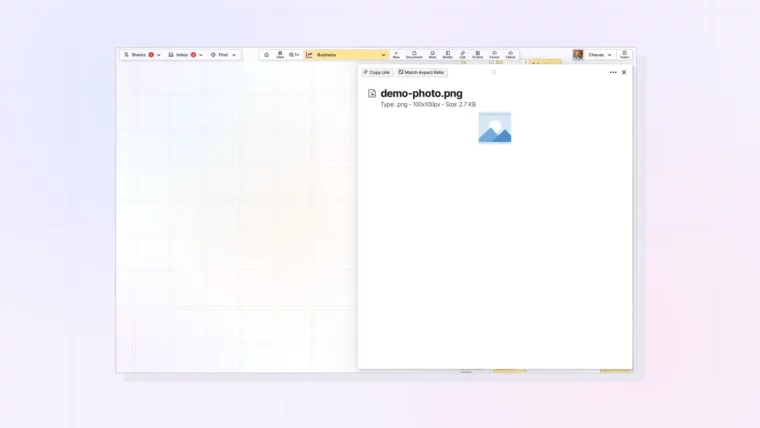
Images on the Grid: View, Resize, and Open: screenshot of Opal

Images on the Grid: View, Resize, and Open

Plus When to Use an Image Item Instead of an Image Block
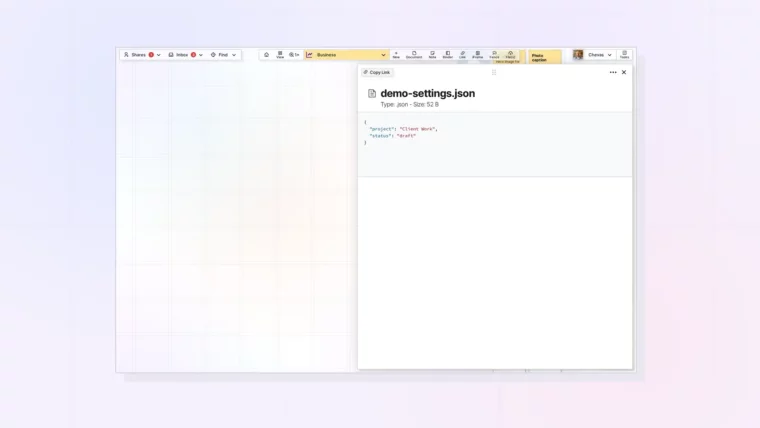
Edit Text, Markdown, and Code Files in Opal: screenshot of Opal

Edit Text, Markdown, and Code Files in Opal

Plus Exporting Edited Files and Using Them as Agent Context
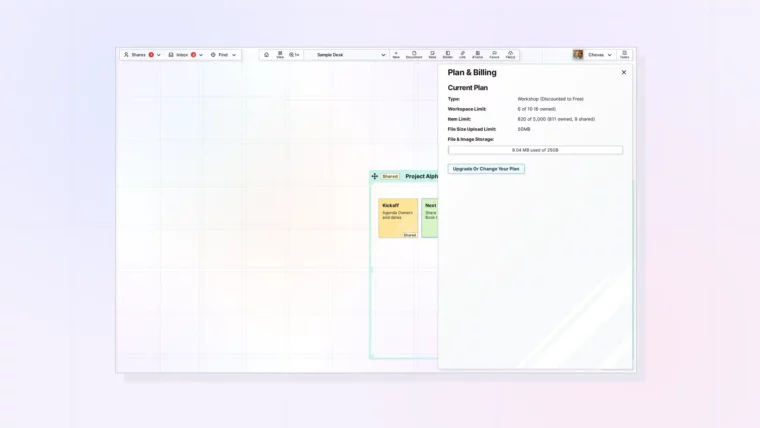
File Size and Storage Limits by Plan: Workshop, Studio, and Day Desk: screenshot of Opal

File Size and Storage Limits by Plan: Workshop, Studio, and Day Desk

Plus How to Check Your Usage and Make Room

Opal - See Your Work - opalrecall.com
© Opal Recall LLC. All rights reserved.
info@opalrecall.com
Live on FoundrList Verified on Verified Tools

Follow Chevas on X/Twitter

Chevas Balloun, Operator, Opal Recall
Chevas A.F. Balloun
Opal Operator
@Chevas
Register Now
About Contact Terms Of Service Policies Privacy Policy DMCA Policy