

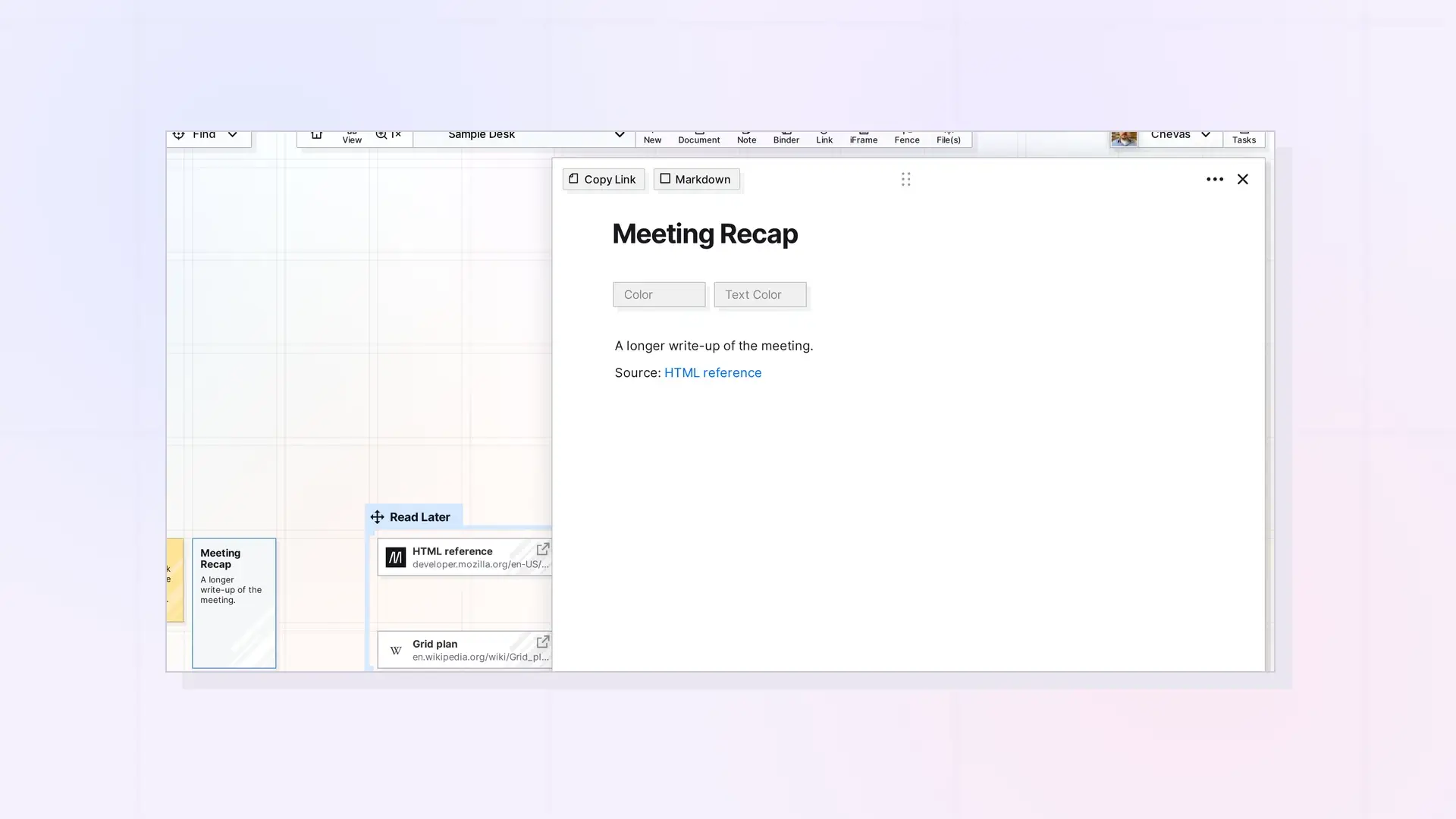
Opal has three kinds of links, and they do different jobs. A link item is its own item on your workspace that holds a web address and your notes. A hyperlink is clickable text inside a document or note that points to a web page. An item link is a link inside a document or note that points to another Opal item.
Side by Side
| Link item | Hyperlink | Item link | |
|---|---|---|---|
| — | — | — | — |
| What it is | Its own item on the grid | Text inside a page | A mention inside a page |
| Points to | A web page | A web page | Another Opal item |
| Has its own notes | Yes | No | No |
| Shows on the grid | Yes | No | No |
| How to make it | + New, then Links | Paste a web address in the editor | Copy Link, then paste and choose Mention Item, or type @ |
When to Use a Link Item
Use a link item when the web page matters enough to sit on your workspace, or when you want to write notes about it. Link items can go in fences and binders like any other item. See Save a Link as an Item: Link Items and Their Notes.
When to Use a Hyperlink
Use a hyperlink when the web page is a reference inside something you are writing, such as a source in a meeting recap. Paste the web address into the block editor where you want it.
When to Use an Item Link
Use an item link to connect your own Opal items, such as a procedure that points to a checklist. See Item Links: Link Opal Items Together (Wikilinks).
Next Steps
- Name a Link Item
- Build a Reading List with Link Items
- Link Item, iFrame, or Document? Choosing the Right Opal Item Type
FAQ
Is a link item the same as a hyperlink?
No. A link item is its own item on the grid. A hyperlink is text inside a document or note.
Can I add notes to a link item?
Yes. A link item opens into a page with the block editor, so you can write notes under its title.

