

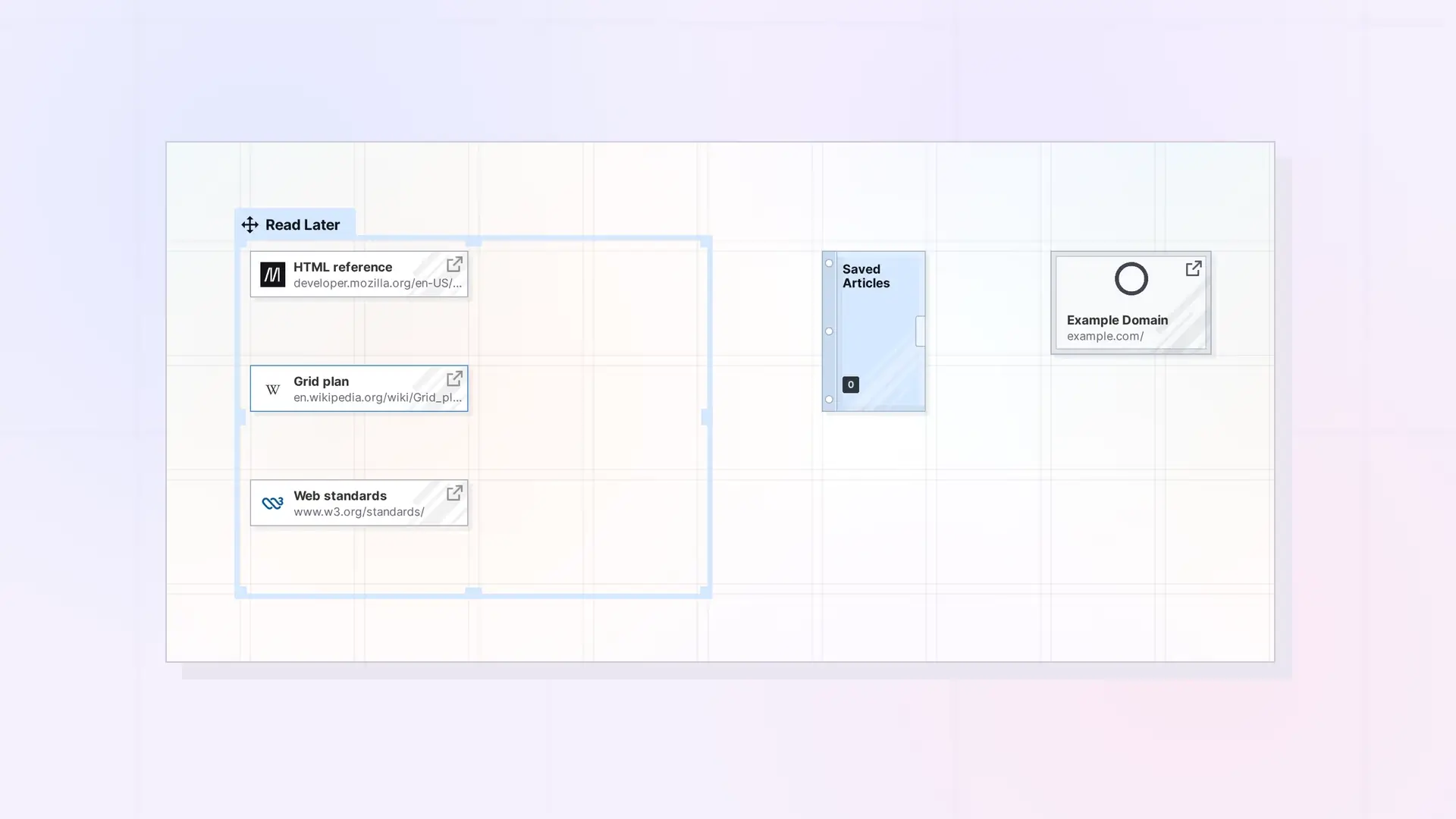
Both item types hold a web address. A link item saves the address with your own notes. An iFrame shows the web page itself inside Opal. Pick a link item when you want to save and annotate a page, and an iFrame when you want to see or use the page without leaving Opal.
Compare Them
| Link item | iFrame | |
|---|---|---|
| — | — | — |
| Opens into | A page with the web address, a title, and your notes | The web page itself, shown inside Opal |
| Notes | Yes, in the block editor | No |
| Works with every site | Yes | Only sites that allow embedding |
| Buttons under the address | Edit URL, Refresh, Copy URL | Edit URL, Refresh, Copy URL |
Choose a Link Item When
- You want to save a page to read later.
- You want to write notes about the page.
- The site will not show inside Opal.
Choose an iFrame When
- You check the page often and want it on your workspace, such as a dashboard.
- You want to work in the page from Opal, such as a Google Doc or Google Sheet.
When a Site Won’t Show
Some sites block being shown inside other apps, and the iFrame stays blank. Save those sites as link items instead. See Why a Website Won’t Show in an iFrame.
Next Steps
- What Is an iFrame in Opal?
- Save a Link as an Item: Link Items and Their Notes
- Link Item, iFrame, or Document? Choosing the Right Opal Item Type
FAQ
Can I add notes to an iFrame?
No. An iFrame shows the web page. Use a link item, a note, or a document for your notes.
Why is my iFrame blank?
The site probably does not allow embedding. Save it as a link item instead.

