

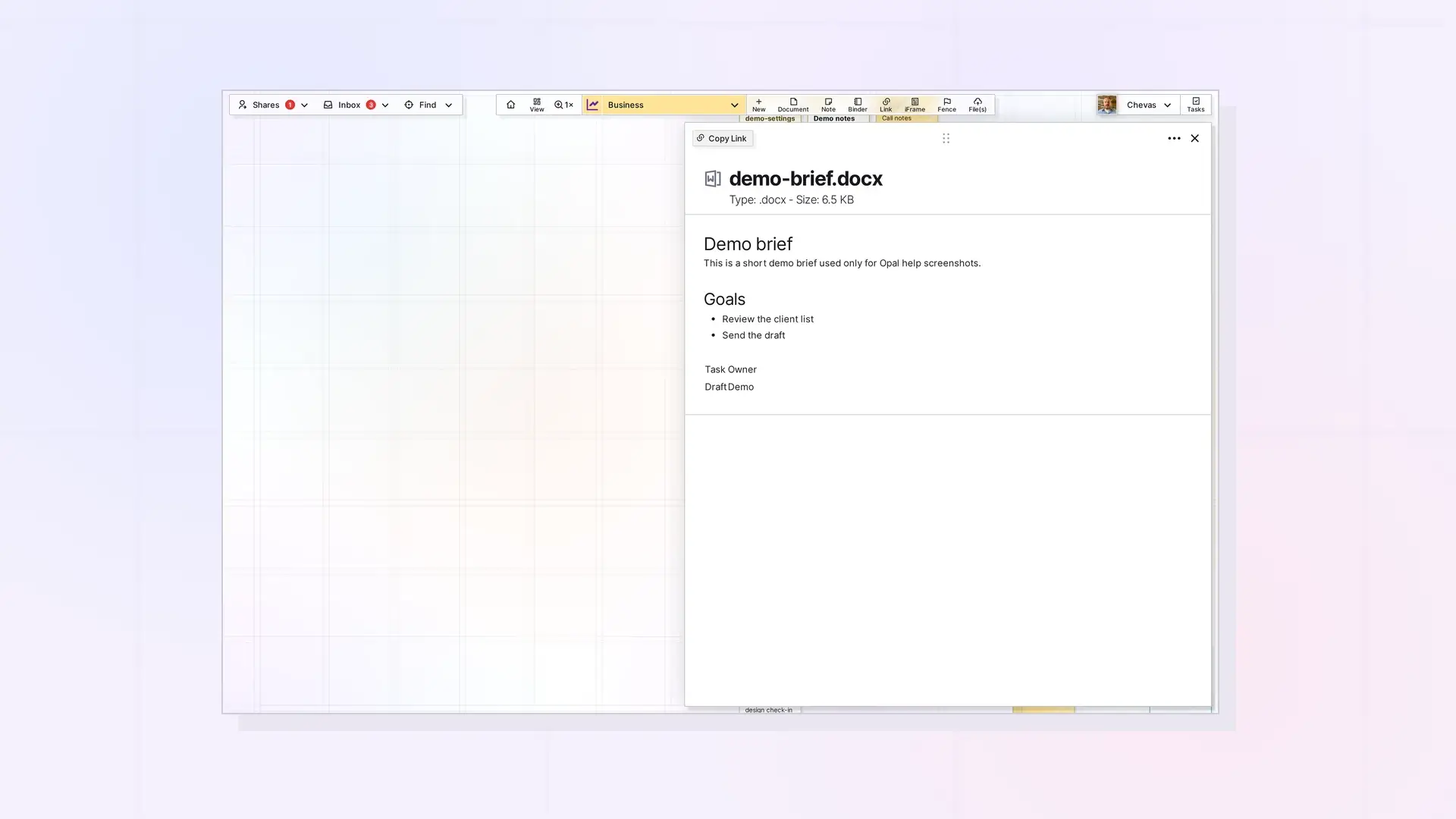
Yes, you can read PDFs and preview Word (.docx) and Excel (.xlsx) files inside Opal. Click the file item on your workspace to open its page view. Opal previews .docx and .xlsx files but does not edit them. To edit a Google Doc or Sheet from Opal, embed it as an iFrame instead.
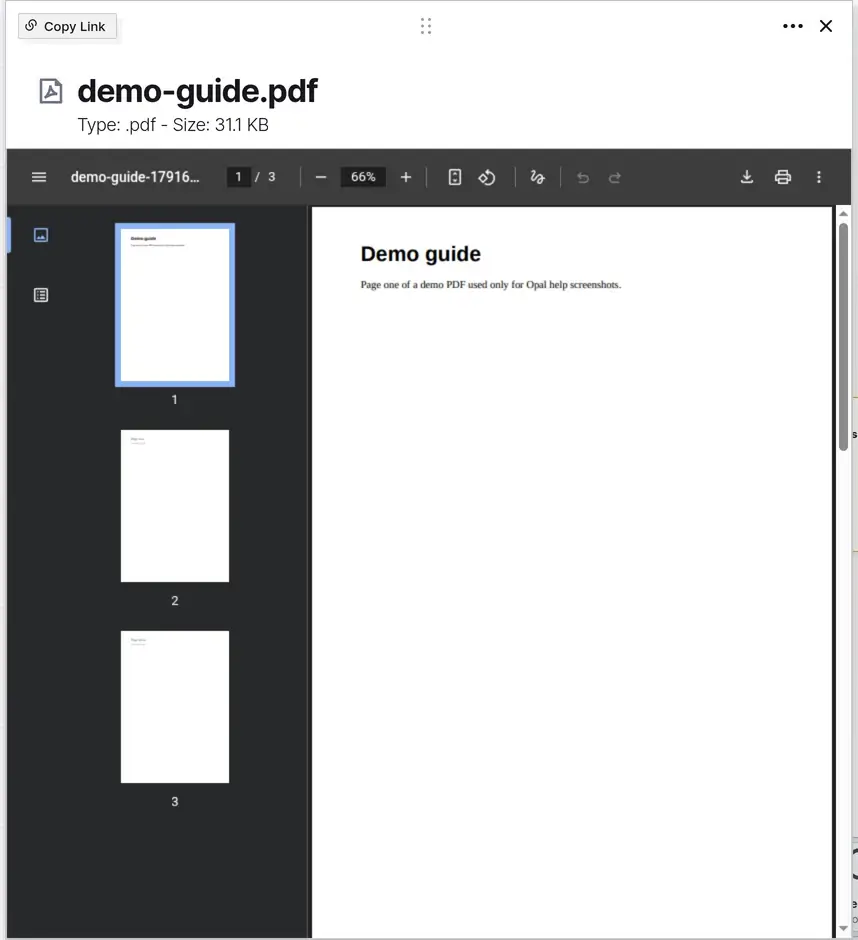
Open a PDF
Click the PDF’s file item on your workspace. Its page view opens and shows the PDF in a built-in PDF viewer, so you can read it without leaving Opal. The viewer has a thumbnail sidebar on the left and a toolbar with the page number (such as 1 / 3), zoom buttons, rotate, download, and print.
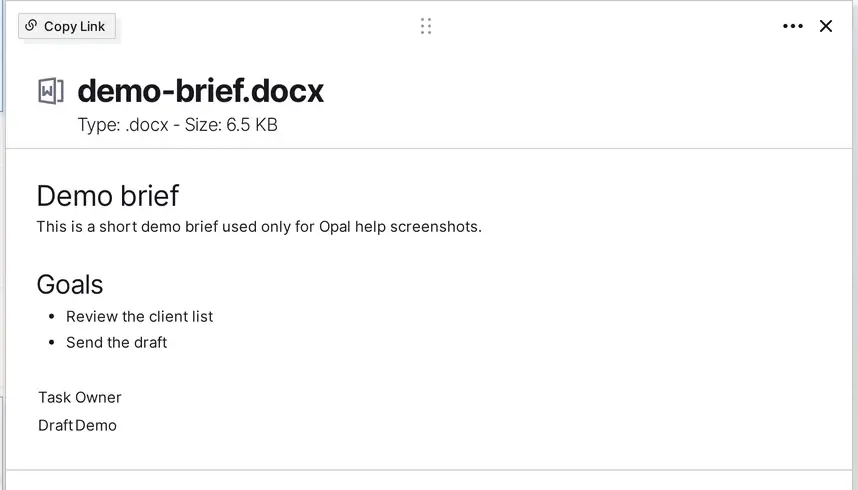
Preview a DOCX
Click the Word file’s item to open its page view. Opal shows a preview of the document. You cannot edit it there.
Preview an XLSX
Click the Excel file’s item to open its page view. Opal shows a preview of the spreadsheet. You cannot edit it there.
Download the Original
To get the original file back, click the ••• (more options) menu on the file item and choose Download. Your browser saves the file, and the saved name may have extra characters added after the original name. For a PDF, the viewer toolbar also has a download button. What Is a File Item? Images, PDFs, Office Files, and More covers the file types in one table.
What You Cannot Do
- You cannot edit a
.docxor.xlsxfile in Opal. The preview is read-only. .pagesand.numbersfiles show with their own icon and color. The preview feature covers PDF, DOCX, and XLSX files.- To edit a spreadsheet inside Opal, use a Google Sheet in an iFrame.
Next Steps
- Learn what a File item is: What Is a File Item? Images, PDFs, Office Files, and More
- Check your size and storage limits: File Size and Storage Limits by Plan: Workshop, Studio, and Day Desk
- Edit text-based files in Opal: Edit Text, Markdown, and Code Files in Opal
- Upload more files: Upload Files and Images to Your Workspace (Drag and Drop)
FAQ
Can I edit an Excel file in Opal?
No. Opal previews .xlsx files but does not edit them. Use a Google Sheet in an iFrame if you want to edit a spreadsheet inside Opal.
Can I read a PDF without downloading it?
Yes. Open the PDF’s file item and read it in page view.
Can I preview Pages or Numbers files?
They show with their own icon and color. The preview feature covers PDF, DOCX, and XLSX files.

