

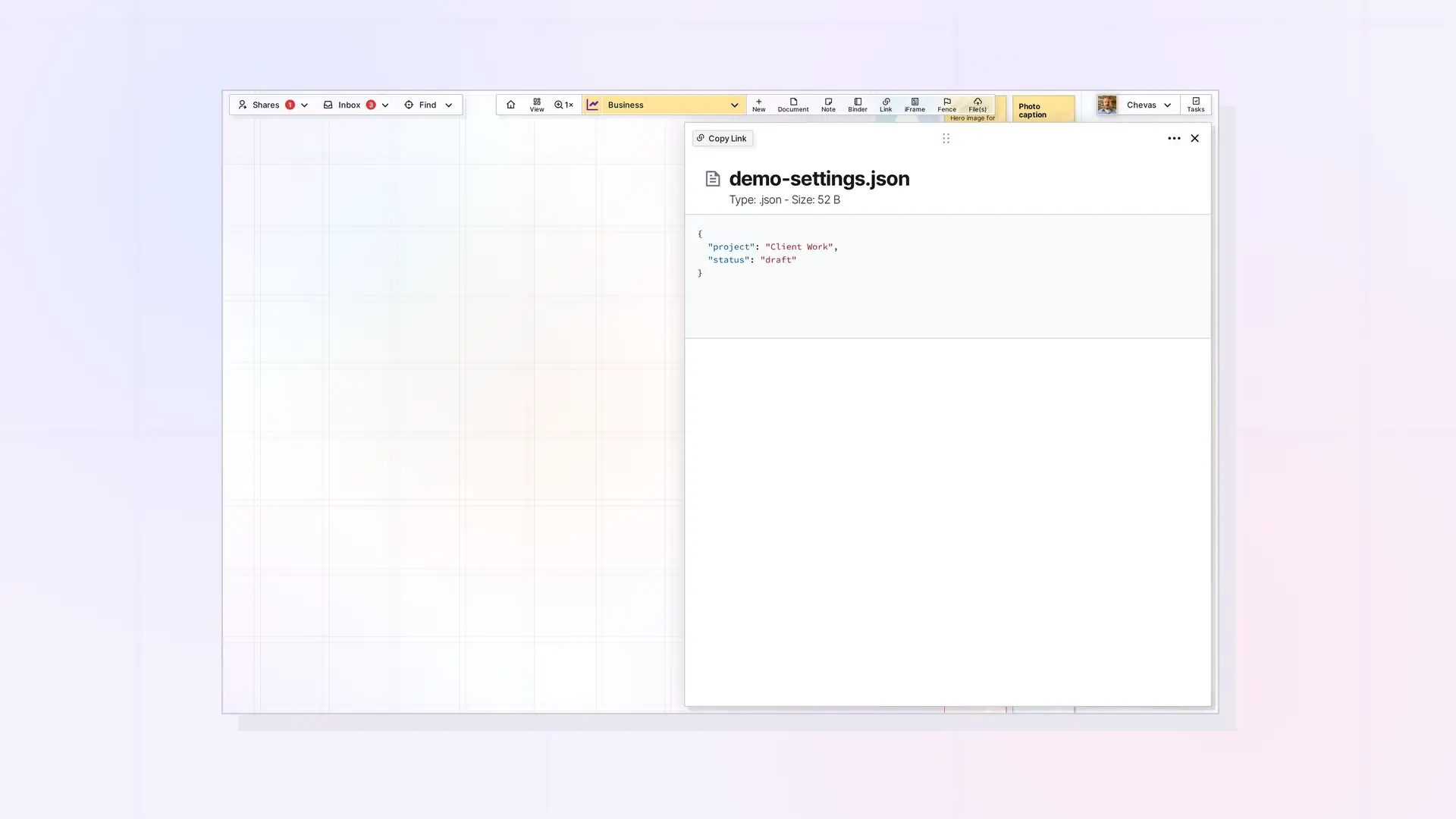
Text-based files you upload to Opal open as editable items. Click a file such as a .txt, .md, or .json file to open its page view and edit the text there. Text file types get their own icons on the grid. Office files such as .docx and .xlsx are previews only.
Which Files Open as Editable
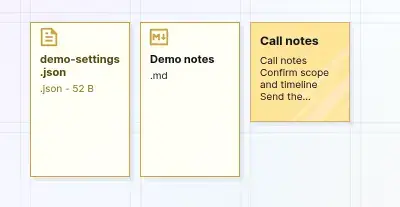
Text-based files, such as .txt, .md, and .json, are editable from page view. Several text-based types, such as JSON and Markdown, have their own icons on the grid. Word and Excel files do not open as editable, because Opal previews them only.
Open and Edit
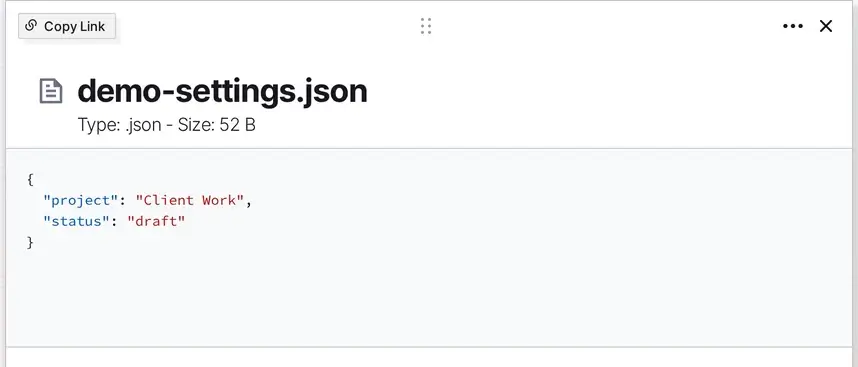
Click the file item to open its page view, then click in the text and edit it. The page view shows the file name, its type and size, and its contents, and the contents of a JSON file appear in color. Here is a small JSON file as an example:
{
  "project": "Client Work",
  "status": "draft"
}
Save Behavior
After you edit a file, close the item and open it again to confirm your change is there before you rely on it.
Download a Text File
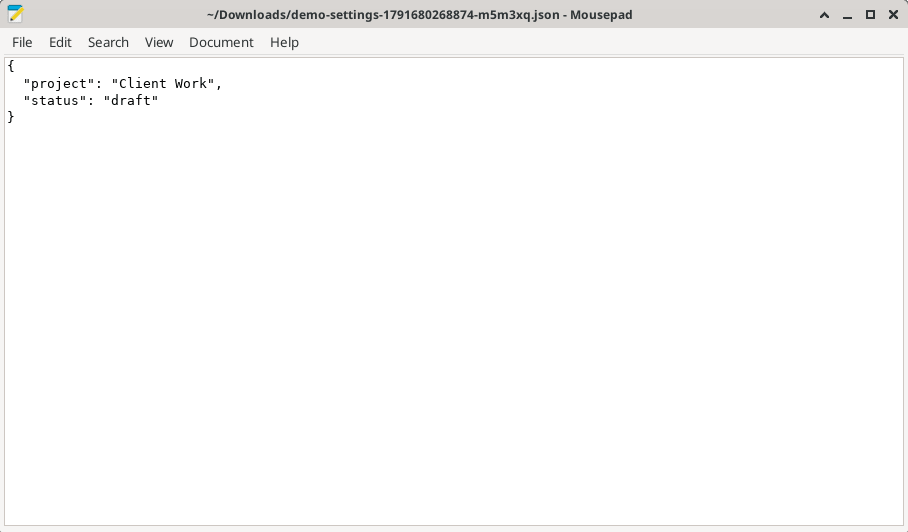
Open the file item’s ••• (more options) menu and choose Download. File items have no Export entry in this menu. Your browser saves the file, and a blank tab may open and close for a moment. The saved name has extra characters added after the original name, a long number and a few letters, for example demo-settings-1791680268874-m5m3xq.json, so rename the file if you need the original name. The text inside is the same as in Opal.
Using Text Files as AI Agent Context
Plain text and Markdown files are easy for AI tools to read. Keep context such as style notes or project briefs as .md or .txt files in your workspace, and copy them into your tool when you need them. Workshop also includes API access for agents that read your content directly.
Next Steps
- Learn what a File item is: What Is a File Item? Images, PDFs, Office Files, and More
- Write Markdown in a document: Markdown Mode: Write, Import, and Export Markdown in Opal Documents
- Check upload and storage limits: File Size and Storage Limits by Plan: Workshop, Studio, and Day Desk
FAQ
Can I edit text and code files inside Opal?
Yes. Text-based files, such as .txt, .md, and .json, open for editing in page view.
How do I get syntax highlighting for code?
Use a code block in a document. Type /code, press Enter, then click the light gray Plain Text label and choose your language. Additional Text-Based Block Types in Opal Documents explains code blocks.
Can I edit a Word document in Opal?
No. Opal previews .docx and .xlsx files but does not edit them. See View PDFs, Word, and Excel Files Inside Opal.

