

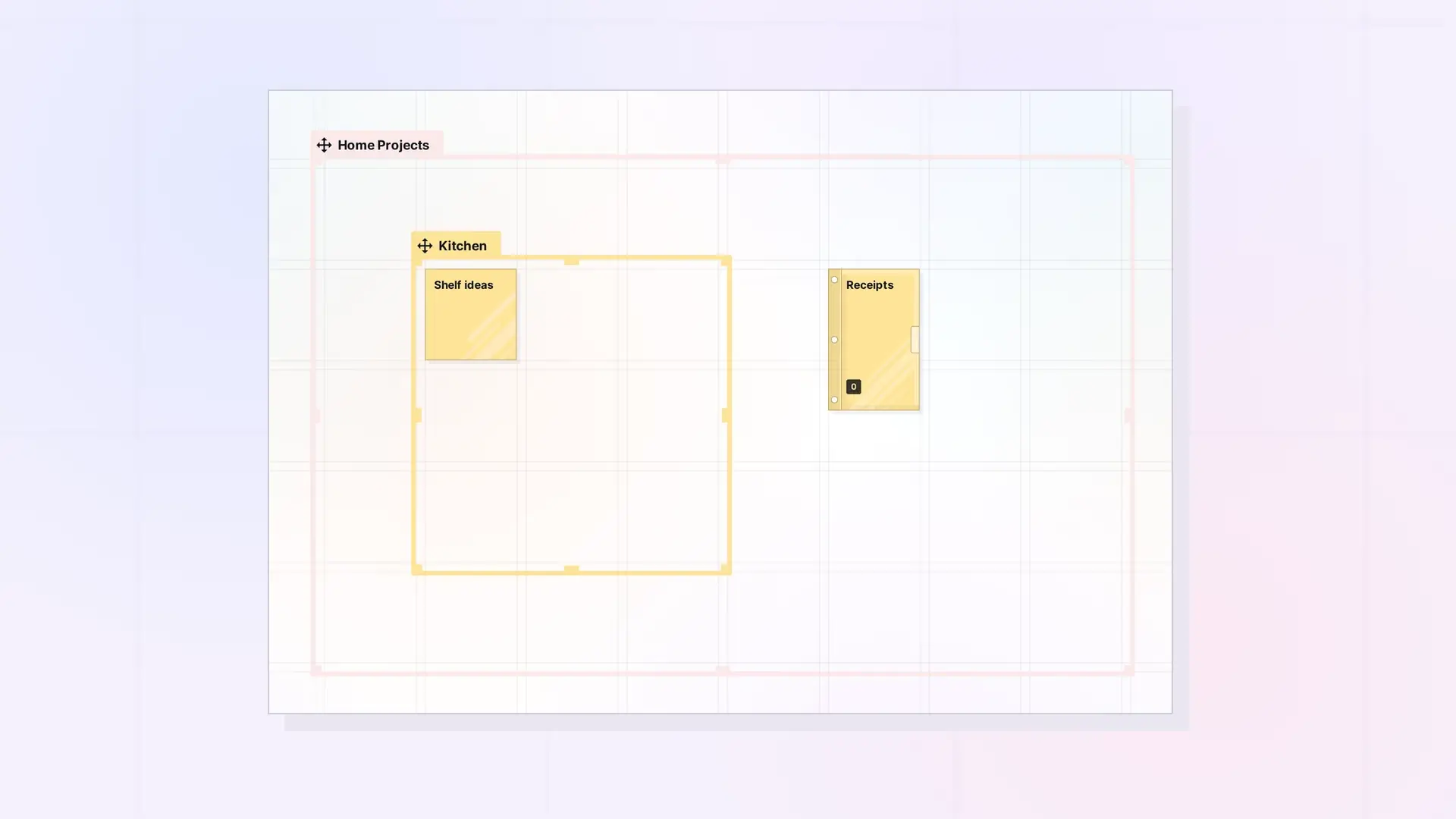
A fence can hold other containers. Drag a smaller fence or a binder into a fence, and it moves, shares, and publishes along with the outer fence. This lets you build zones within zones, for example a “Client” fence with a fence for each project inside it.
Put a Fence or Binder Inside a Fence
- Make sure the outer fence is large enough to hold the container you want to nest.
- Drag the container into the outer fence. A binder joins when its center is inside. A fence joins only when it sits entirely inside, including its name tab.
- Let go. It is now part of the outer fence.
What Happens to Nested Containers
- Moving: drag the outer fence and everything nested inside moves with it, keeping the same layout.
- Sharing: sharing the outer fence shares everything inside it, including nested fences and binders and their contents. A shared fence can hold up to 500 items, nested up to 10 levels deep.
- Publishing: a published fence includes everything inside it, including nested binders and fences.
What Cannot Be Nested
- A binder cannot hold a fence or another binder. Only fences can hold containers.
Next Steps
- Move a Fence and Everything in It
- Sharing a Fence: Give Others a Whole Zone of Your Desk
- Fences vs Binders: Which Should You Use?
FAQ
How deep can I nest fences?
For a shared fence, up to 10 levels deep.
Why is my smaller fence not part of the bigger one?
A nested fence must sit entirely inside the outer fence, including its name tab. Drag it fully inside.
Can a fence overlap another fence instead of sitting inside it?
Yes. An item in the overlap belongs to both fences.

