

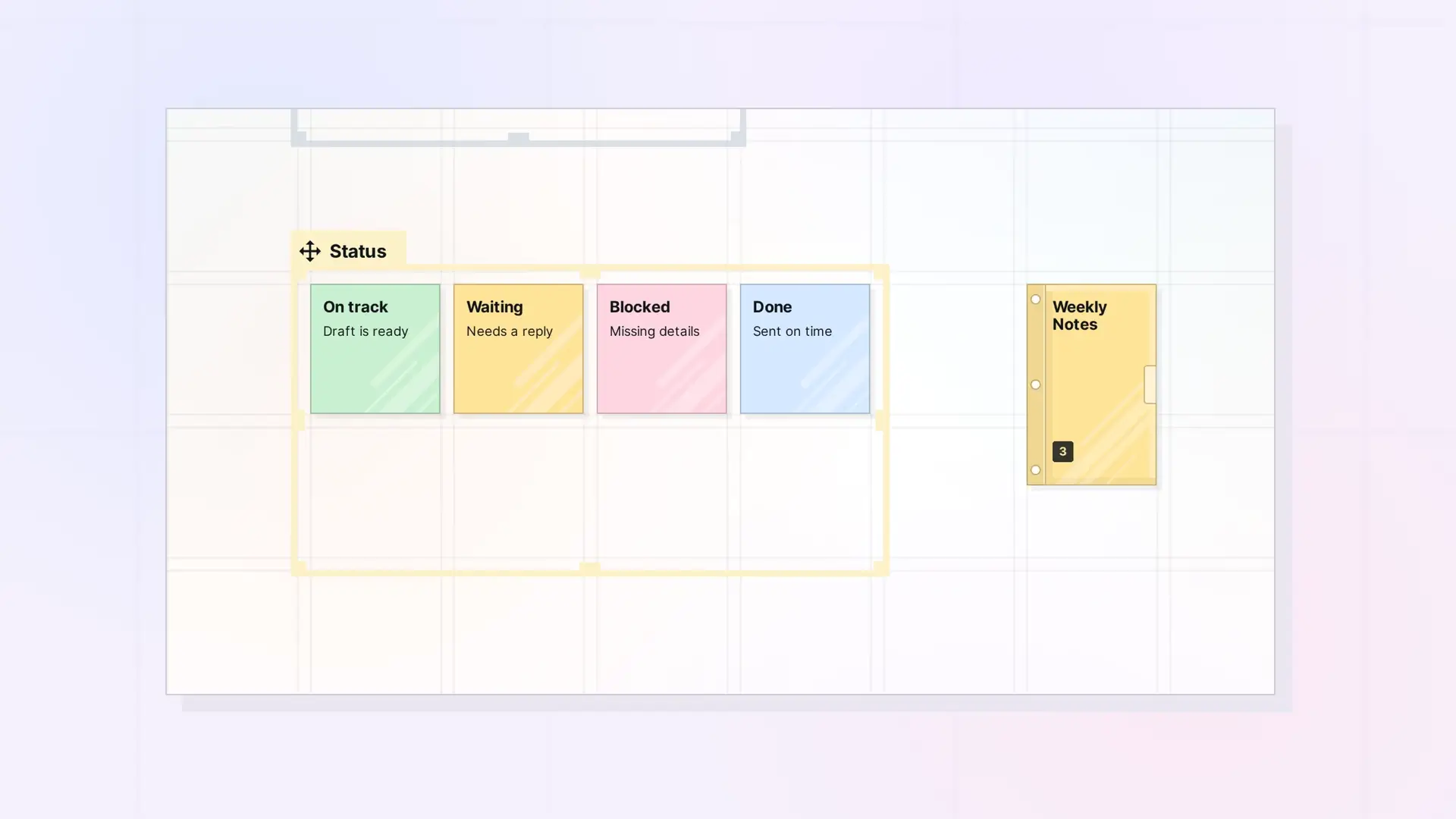
Notes are small enough to sit on your workspace in groups, and they show their title and first lines on the grid. That makes them a good fit for quick ideas and for status you want to see without opening anything. Here are three patterns that work well.
A Sticky-Note Board
Create a note for each idea as it comes up. Keep the title short and put the key detail in the first line, because that is what shows on the grid. Line the notes up along the grid lines so the board stays easy to scan.
A Status Board in a Fence
- Create a fence and name it after the project. See Create a Fence.
- Add one note per status, such as On track, Waiting, Blocked, and Done.
- Give each status its own color so you can read the board from a distance. See Color-Code Your Notes.
- Update the first line of each note as things change.
Because the notes are inside a fence, you can move the whole board at once by dragging the fence’s tab.
Recurring Notes in a Binder
For notes you write every week, such as a weekly plan, keep each week’s note in a binder. The binder stays small on your workspace, and you can open it to find any week. See Use Binders as an Archive (and for Recurring Notes).
Next Steps
- Create a Note
- Organize a Workspace with Fences: Layout Ideas
- What Is a Binder? Tuck Items Away Without Losing Them
FAQ
How much text shows on a note on the grid?
The title and the first lines of the note’s text. Open the note to read the rest.
Should I use a fence or a binder for a set of notes?
Use a fence when you want to see the notes on the grid. Use a binder when you want them tucked away but close by.

