

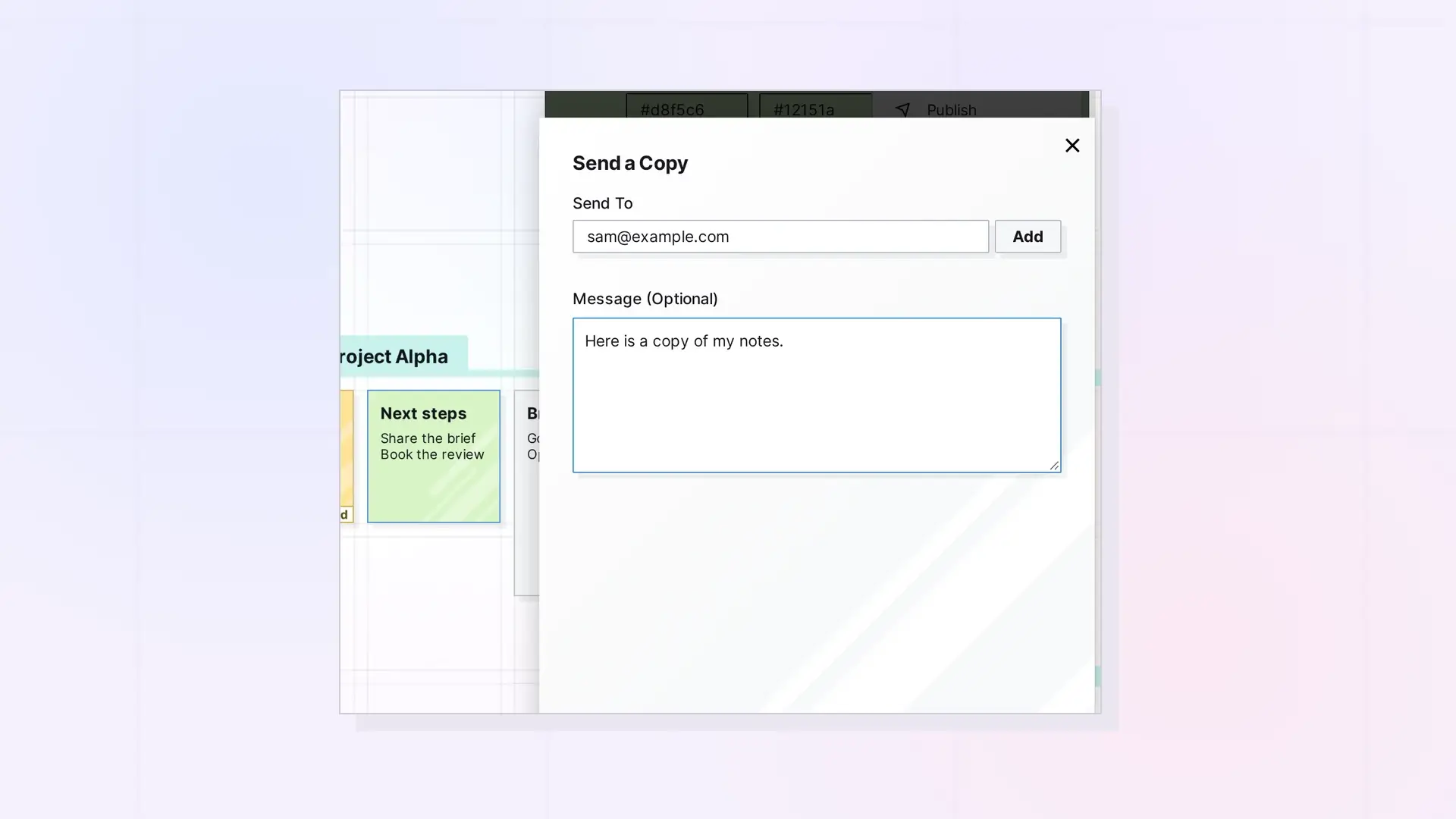
A copy is an independent duplicate: the recipient gets their own item after accepting, with no link back to yours. Use POST /copies/create to send one. Copies work for single items (document, note, link, iframe, file). A binder or fence returns 400. Shares are different: they link collaborators to one item. See Sharing API: Shares, Permissions, and Recipient Placement.
Send a Copy
POST /api/v1/copies/create
curl -X POST https://app.opalrecall.com/api/v1/copies/create \
  -H "Authorization: Bearer opal_live_xxx" \
  -H "Content-Type: application/json" \
  -d '{"itemId":"ITEM_ID","recipientEmail":"user@example.com","message":"Optional note"}'
itemId must be a submission ID. You must own the item, and you cannot send a copy to yourself (400). Someone without an Opal account gets the same invitation email as a share, with a link to /join.
Returns { "data": { "copyRecord": { id, status, sourceItemSubmissionId, sourceItemType, sourceItemTitle, senderUserSubmissionId, recipientUserSubmissionId, message, created, pendingNonUserRecipientEmail }, "partyKitError": null } }.
List Pending Copies
GET /api/v1/copies/pending
curl https://app.opalrecall.com/api/v1/copies/pending \
  -H "Authorization: Bearer opal_live_xxx"
Returns copy invitations sent to you: { "data": { "pending": [{ "copyRecord": {...}, "sender": { displayName, email, avatarUrl } }], "total": n } }.
Accept a Copy
POST /api/v1/copies/accept/:id
Creates a new independent item in your inbox, with its stored files copied into your storage. The item limit (403) and storage limit (413 with required, the bytes the copy needs) are checked first. A pending copy of a binder or fence (sent before they were refused) returns 400 and stays, to be declined.
Returns { "data": { "success": true, "item": {...}, "itemId": "NEW_SUBMISSION_ID" } }.
Decline a Copy
POST /api/v1/copies/decline/:id
Deletes the copy invitation without creating an item and returns { "data": { "success": true } }.
Limits and Locked Accounts
- Accepting a copy counts toward your item limit and your storage. See Errors, Rate Limits, and Plan Limits in the Opal API.
- A locked (view-only) account cannot accept or decline copies through the API. See Plan, Limits, and Usage in the Opal API: GET /account.
Next Steps
- Share an item instead: Sharing API: Shares, Permissions, and Recipient Placement
- See every limit: Errors, Rate Limits, and Plan Limits in the Opal API
- Create items: Items API: List, Get, Create, Update, and Delete
FAQ
What is the difference between a copy and a share?
A share links collaborators to the same item. A copy gives the recipient their own independent duplicate after they accept.
Can I send a copy of a binder?
No. Copies are of single items (document, note, link, iframe, file). A binder or fence returns 400. To duplicate a binder in your own workspace, see Binders API: Add, Remove, Reorder, and Duplicate.
Where does an accepted copy go?
Into your inbox, as a new independent item, with its stored files copied into your storage.
What if the recipient has no Opal account?
They get the same invitation email as a share, with a link to /join.

