

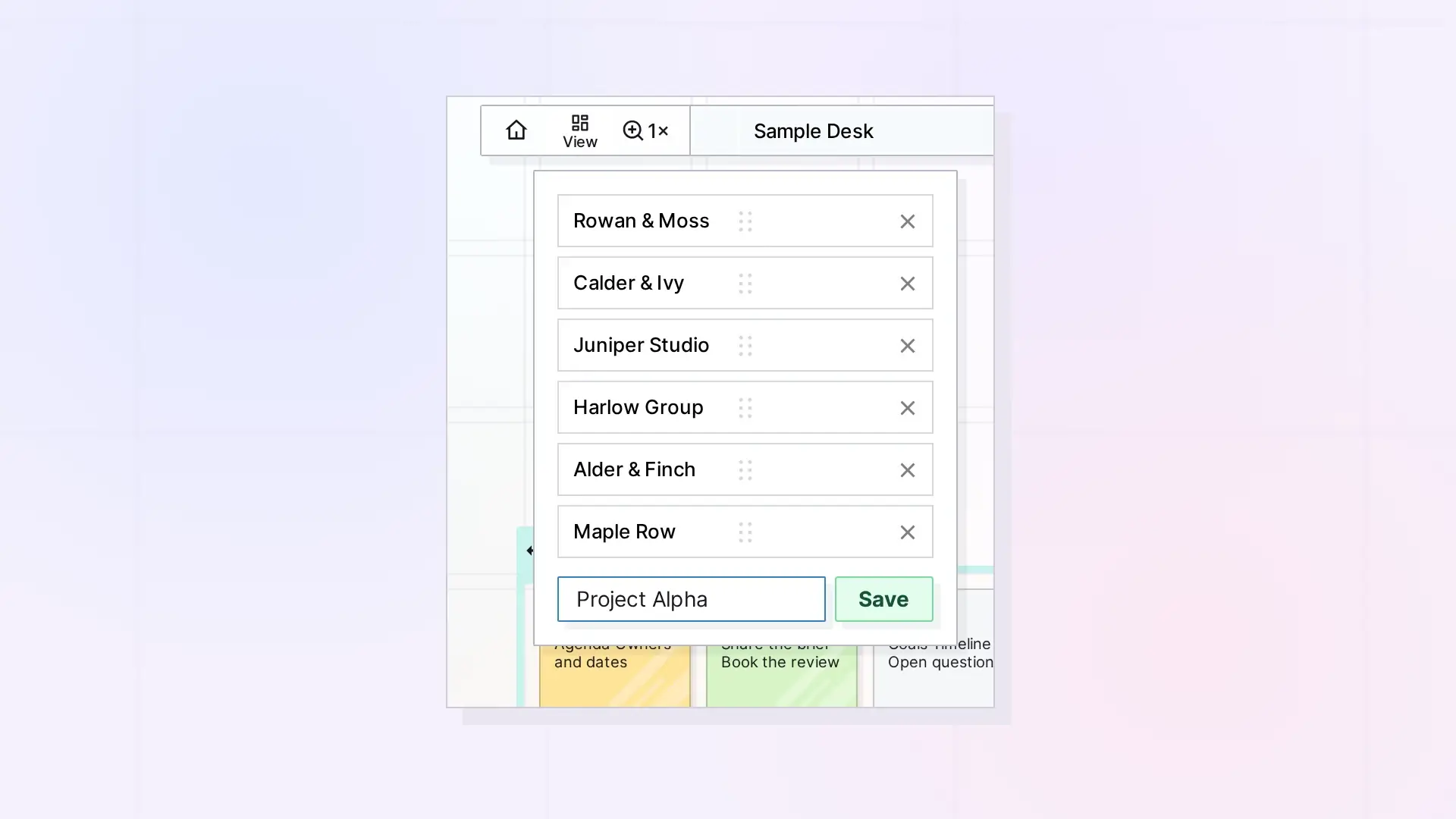
A saved view is a named spot on the canvas: a workspace, the canvas point at the center of the screen, and a zoom level. Saved views appear in the app’s View menu, and one of them can be the Home button’s target. The Saved Views API creates, lists, updates, and deletes them. You can have at most 100.
What a View Looks Like
{
  "id": "VIEW_ID",
  "name": "Client board",
  "workspaceId": "WORKSPACE_ID",
  "x": 10450,
  "y": 9800,
  "zoom": 1
}
x and y are canvas coordinates and must be JSON numbers. zoom is a number from 0.1 to 5, where 1 is 100%. See Position Items: Batch Move, Inbox, and Z-Order for canvas coordinates.
List Views
GET /api/v1/views
curl https://app.opalrecall.com/api/v1/views \
  -H "Authorization: Bearer opal_live_xxx"
Returns your views and the two settings:
{
  "data": {
    "views": [],
    "homeViewId": null,
    "firstView": "leftOff"
  }
}
homeViewId is the view the Home button goes to, or null for True Home (the canvas center at 100%), including when the stored view no longer exists. firstView is what shows after login:
firstView | What shows after login |
|---|---|
leftOff | Where the user left off. This is the default. |
everything | The whole workspace at a glance, no closer than 100%. |
home | The Home button’s target. |
Create a View
POST /api/v1/views
curl -X POST https://app.opalrecall.com/api/v1/views \
  -H "Authorization: Bearer opal_live_xxx" \
  -H "Content-Type: application/json" \
  -d '{"name":"Client board","workspace":"WORKSPACE_ID","x":10450,"y":9800,"zoom":1}'
All five fields are required. name is trimmed and must be 1 to 100 characters. workspace must be one of your workspaces. Returns 201 with the new view under data (the workspace is returned as workspaceId).
To save a view of items you have just arranged, center it on them: x is the middle of their left and right edges and y the middle of their top and bottom edges. See Position Items: Batch Move, Inbox, and Z-Order for card sizes.
Update a View
PATCH /api/v1/views/:id
curl -X PATCH https://app.opalrecall.com/api/v1/views/VIEW_ID \
  -H "Authorization: Bearer opal_live_xxx" \
  -H "Content-Type: application/json" \
  -d '{"name":"Client board (wide)","zoom":0.5}'
Send any of name, workspace, x, y, and zoom, with the same rules. Returns the updated view under data.
Delete a View
DELETE /api/v1/views/:id
Returns { "data": { "deleted": true, "id": "..." } }. If the Home button pointed to this view, Home goes back to True Home.
Change View Settings
PATCH /api/v1/views/settings
curl -X PATCH https://app.opalrecall.com/api/v1/views/settings \
  -H "Authorization: Bearer opal_live_xxx" \
  -H "Content-Type: application/json" \
  -d '{"homeViewId":"VIEW_ID","firstView":"home"}'
Send either field or both. homeViewId must be the ID of one of your saved views, or null (or an empty string) for True Home. firstView is leftOff, everything, or home. Returns the same shape as GET /views.
Errors
| Status | When |
|---|---|
400 | A missing or invalid field (name is required: 1 to 100 characters, x must be a number, zoom must be a number from 0.1 to 5, workspace is required: the id of one of your workspaces, firstView must be one of: leftOff, everything, home, homeViewId must be the id of a saved view, or null for True Home), no fields to change, or 100 views already. |
403 | The workspace is not yours. |
404 | The workspace or the view does not exist. |
Locked (view-only) accounts can still read their views with GET /views.
Next Steps
- Arrange items before you save a view: Position Items: Batch Move, Inbox, and Z-Order
- Create and list workspaces: Workspaces API: List, Create, Update, Reorder, and Delete
- Navigate the canvas in the app: How to Navigate Opal
- Try the combined example: REST API Recipes: Create, Arrange, Share, Publish, and Export
FAQ
How many saved views can I have?
Up to 100. Creating more returns 400.
What is True Home?
The canvas center at 100% zoom. homeViewId is null when the Home button goes to True Home.
What zoom values are allowed?
A number from 0.1 to 5, where 1 is 100%. x, y, and zoom must be JSON numbers.
Can a read-only key list my views?
Yes. GET /views is a read, so read-only keys and locked accounts can call it.

