

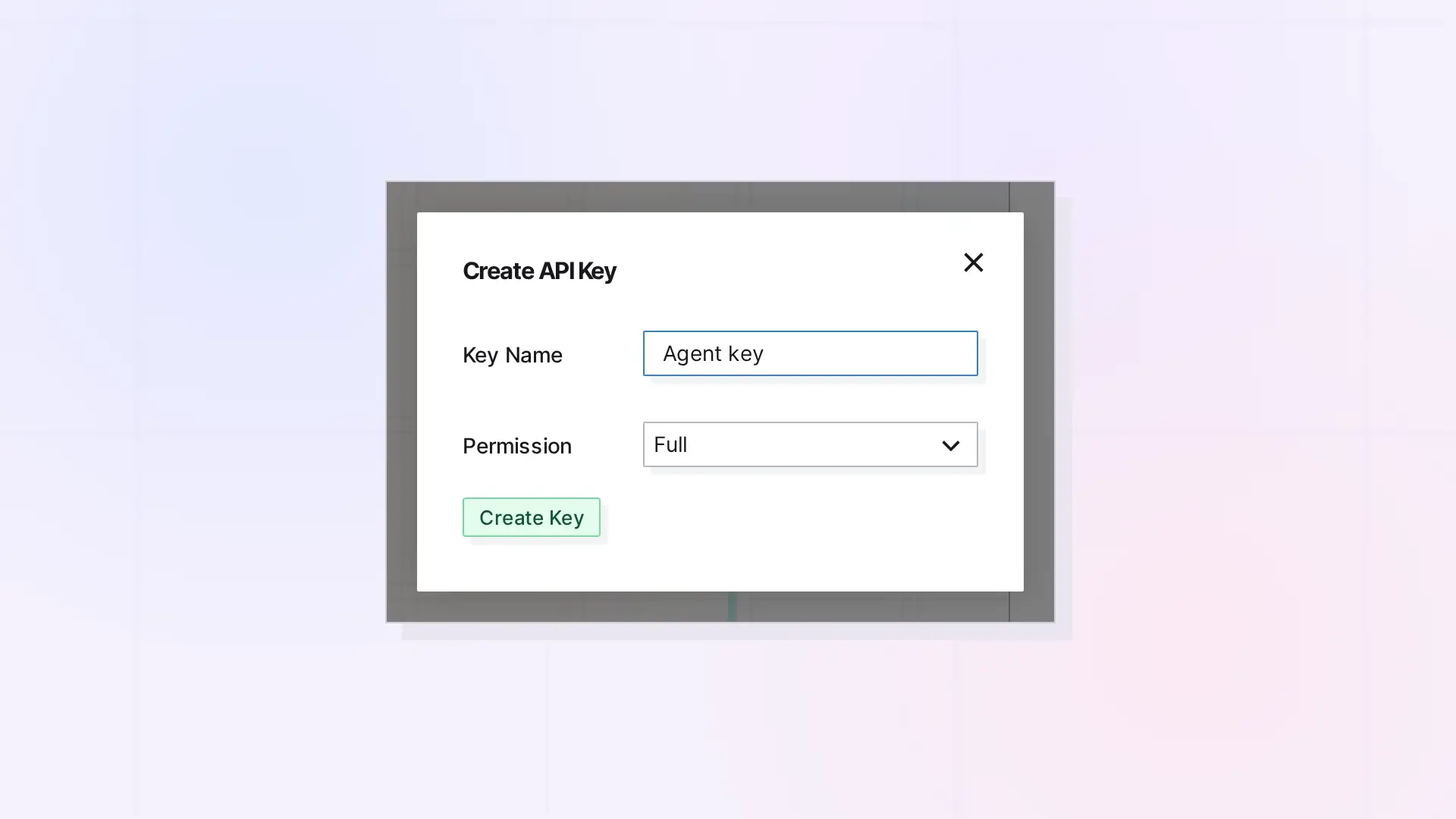
An Opal API key lets a script or AI agent call the Opal REST API as you. Create keys in the API Keys section of your account in the app, send the key in an Authorization: Bearer header, and revoke it when you no longer need it. You can have up to 10 active keys, and creating one needs the Workshop plan.
Key Types
| Key type | Prefix | Behavior |
|---|---|---|
| Full-access key | opal_live_ | Can call every API-key route. |
| Read-only key | opal_read_ | Can make only GET, HEAD, and OPTIONS requests. Any other method returns 403 with {"error":"Read-only API key"}. |
| Legacy test key | opal_test_ | Can no longer be created. Existing ones still work, act on live data, and keep the permission (full or read-only) they were created with. |
Every key acts on live data, including legacy test keys. To explore without changing anything, create a read-only key.
Create a Key in the App
- Sign in to the Opal app and open the API Keys section of your account.
- Create a new key and give it a name (up to 100 characters).
- Choose the permission: full access or read-only. Full access is the default.
- Copy the key right away. Opal shows the full key only once and cannot show it again.
Use placeholders such as opal_live_xxx and opal_read_xxx in your notes and examples, never a real key.
Send the Key With Each Request
Put the key in the Authorization header as a Bearer token:
curl https://app.opalrecall.com/api/v1/workspaces \
  -H "Authorization: Bearer opal_live_xxx"
A read-only key works the same way for GET requests:
curl https://app.opalrecall.com/api/v1/account \
  -H "Authorization: Bearer opal_read_xxx"
A missing, malformed, unknown, or revoked key returns 401. The conventions page lists the 401 messages.
Key Management Routes
Creating, listing, and revoking keys use your signed-in Opal browser session, not an API key. These routes are cookie-authenticated app routes mounted under /api/v1/keys, so you do not call them with a key. They are listed here for reference.
Create Key
POST /api/v1/keys
Request body:
{
  "name": "My integration",
  "permission": "full"
}
| Field | Required | Notes |
|---|---|---|
name | Yes | String, max 100 characters. |
permission | No | full (an opal_live_ key) or read-only (an opal_read_ key). Defaults to full. |
mode | No | Only live, the default. test returns 400: test keys are no longer available. |
Response (201):
{
  "success": true,
  "key": {
    "id": "KEY_ID",
    "name": "My integration",
    "mode": "live",
    "apiKey": "opal_live_xxx",
    "prefix": "opal_live_abc123...",
    "permission": "full",
    "createdAt": "2026-10-10T12:00:00.000Z"
  },
  "message": "API key created successfully. Save this key - it cannot be retrieved again."
}
The full key is returned only once. Creating a key needs a plan with API access. Other plans, including locked accounts, get 403. Other errors are 400: a missing or too-long name, a mode other than live, an unknown permission, or 10 keys already.
List Keys
GET /api/v1/keys
Returns { "success": true, "keys": [...] }, newest first. Each key has id, name, mode (always live), isActive, permission (full or read-only), createdAt, and lastUsedAt. Opal stores only a hash of each key, so the list has no key text or prefix.
Revoke Key
DELETE /api/v1/keys/:id
Deletes the key after checking that it is yours (403 otherwise, 404 if it does not exist). Returns { "success": true, "message": "API key revoked successfully" }. Locked accounts can still revoke keys in the app.
Limits
- Up to 10 active keys. Creating an 11th returns
400. - 100 requests per key in each 60-second window. Over the limit returns
429with aRetry-Afterheader. - 100 failed authentications per IP in each 60-second window. Requests with a missing, malformed, unknown, or revoked key count. Until the window resets, every request from that IP gets
429, including requests with a valid key.
Errors, Rate Limits, and Plan Limits in the Opal API has the full list of limits and how to handle them.
Next Steps
- Make your first calls: Opal REST API Quick Start: Your First Calls
- See the whole API: Opal REST API Overview: What You Can Build
- Check your plan and usage: Plan, Limits, and Usage in the Opal API: GET /account
- Give an agent a key: Opal Agent Skill: Let Your AI Agent Use the Opal REST API
FAQ
How many API keys can I have?
Up to 10 active keys.
Can I make a read-only key?
Yes. Choose read-only when you create the key. It starts with opal_read_ and can make only GET, HEAD, and OPTIONS requests.
Can I see my key again after I create it?
No. Opal shows the full key only once and stores only a hash of it. If you lose a key, revoke it and create a new one.
How do I stop a key from working?
Revoke it. Revoked keys return 401.
Do I need a particular plan to create a key?
Yes. Creating a key needs a plan with API access, which is Workshop. Other plans, including locked accounts, get 403.

