

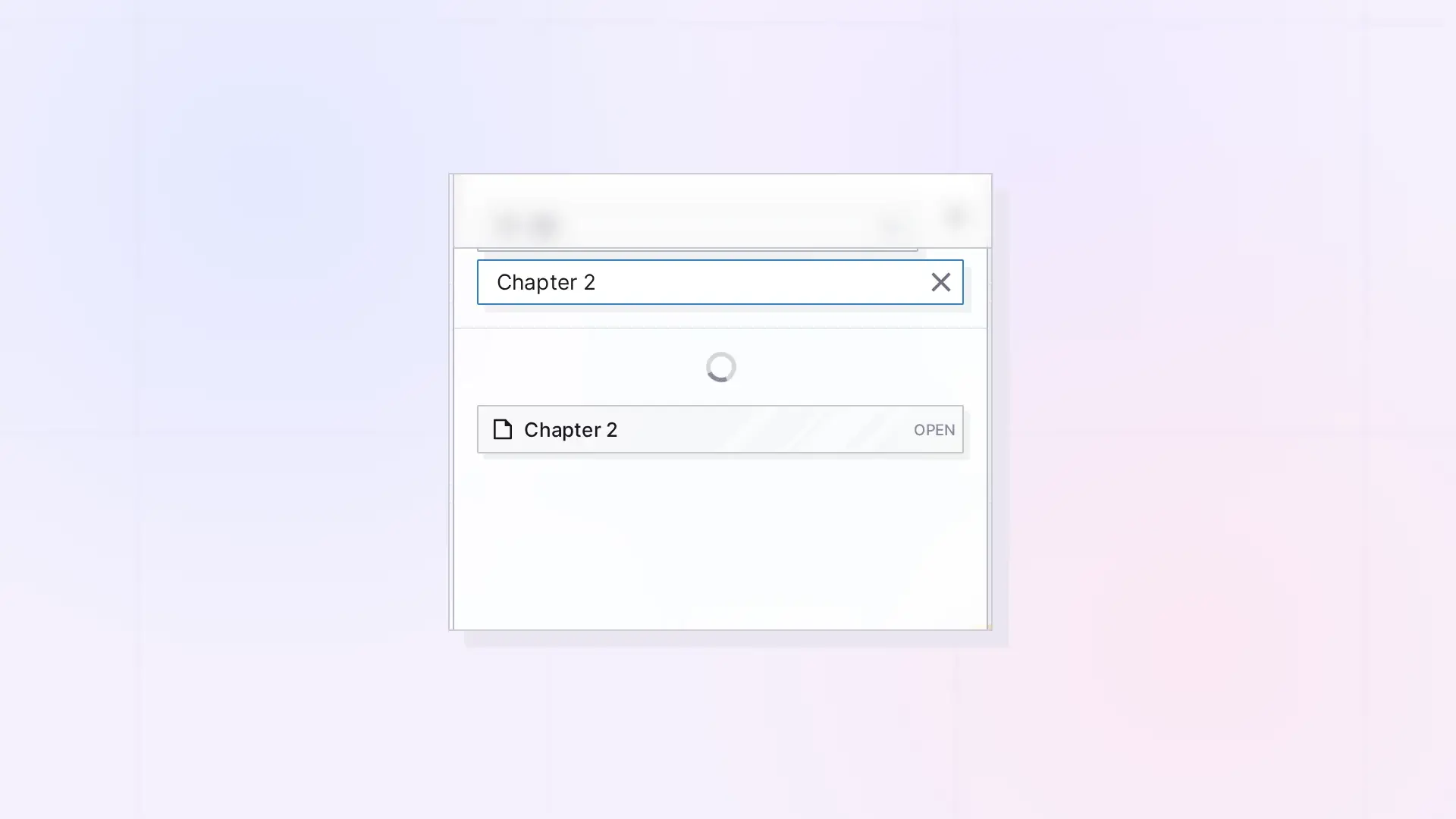
GET /search finds everything you have by title, description, and stored content, the same way the Find menu in the app does: the items you own and the items shared with you that you have accepted, on their own or inside a shared binder or fence. Pass q (at least 2 characters), and optionally workspace, type, and limit. Results come back best first with a score, and each one says whether it is yours.
Search Your Items
GET /api/v1/search
| Parameter | Required | Notes |
|---|---|---|
q | Yes | Minimum 2 characters. Split into words: items matching every word rank highest. Items matching some words are included with a low score. |
workspace | No | Filter to one of your workspaces: what is on it for you, your items and shared ones. |
type | No | Filter by item type. |
limit | No | Default 20, max 100. |
curl "https://app.opalrecall.com/api/v1/search?q=quarterly%20plan&type=document&limit=10" \
  -H "Authorization: Bearer opal_live_xxx"
Returns { "data": { "results": [...], "total": n, "query": "..." } }, best first. Each result has id, itemId, type, title, snippet, workspace, workspaceName, owned, score, and modified.
{
  "data": {
    "results": [
      {
        "id": "SUBMISSION_ID",
        "itemId": "item_...",
        "type": "document",
        "title": "Quarterly plan",
        "snippet": "...",
        "workspace": "WORKSPACE_ID",
        "workspaceName": "Clients",
        "owned": false,
        "score": 1,
        "modified": "2026-10-20T12:00:00.000Z"
      }
    ],
    "total": 1,
    "query": "quarterly plan"
  }
}
owned is true for your own items and false for items shared with you. workspace and workspaceName are where the item is for you: one of your workspaces, or null for your Inbox. An item in a binder is where the binder is.
How Results Are Scored
| Match | Score |
|---|---|
| Exact title | 1.0 |
| Title contains the query | 0.9 |
| Every word in the title | 0.8 |
| Every word in the description | 0.5 |
| Every word across title and description | 0.4 |
| Every word in the content | 0.3 |
| Some words matching | Lower |
Searching Shared Items
Search covers the items shared with you once you accept them: an item shared with you on its own, and everything inside a binder or fence shared with you. It looks on every one of your workspaces and in your Inbox. Pending invitations are not searched. List them with GET /shares/incoming; see Sharing API: Shares, Permissions, and Recipient Placement.
To list what is shared with you without a query, use GET /items/shared and GET /items/inbox, and read what is inside a shared binder or fence with GET /items/:id or GET /items/:id/fence/children. See Items API: List, Get, Create, Update, and Delete.
Next Steps
- List and read items: Items API: List, Get, Create, Update, and Delete
- Read a document’s full body: Get Full Page Content
- Work with items shared with you: Sharing API: Shares, Permissions, and Recipient Placement
- Find items in the app: How to Navigate Opal
FAQ
Does API search include shared items?
Yes, once you accept them. Items shared with you on their own and the items inside a shared binder or fence are searched, and their owned is false. Pending invitations are not searched.
How do I tell my own items from shared ones in the results?
Check owned on each result: true means you own it, false means it is shared with you.
Why is a result’s workspace null?
The item is in your Inbox. An item in a binder shows the binder’s workspace.
How long must the search query be?
At least 2 characters.
How are search results ranked?
By score, best first. An exact title match scores 1.0, and matches in the description or content score lower. See the table above.
Can a read-only key search?
Yes. Search is a GET request.

