Plus Avatars, the Icon Library, and URL Previews
Help Docs:
-
All Help Docs
-
Getting Started
-
Workspaces
-
Opal Documents
-
Notes
-
Links
-
Files & Media
-
Fences
-
iFrames & Embeds
-
Binders
-
Sharing & Publishing
-
Import, Export & Integrations
-
REST API
-
Opal REST API Overview: What You Can Build
-
Opal API Keys: Create, Use, and Revoke
-
Opal REST API Quick Start: Your First Calls
-
Plan, Limits, and Usage in the Opal API: GET /account
-
API Conventions: IDs, Response Format, and Status Codes
-
Errors, Rate Limits, and Plan Limits in the Opal API
-
Items API: List, Get, Create, Update, and Delete
-
Writing Page Content: BlockNote JSON and editorContent
-
Position Items: Batch Move, Inbox, and Z-Order
-
Upload Files and Media with the API
-
Workspaces API: List, Create, Update, Reorder, and Delete
-
Saved Views API: Save, List, and Set Your Home View
-
Binders API: Add, Remove, Reorder, and Duplicate
-
Fences API: Add Items, Read Children, and Move a Fence
-
Sharing API: Shares, Permissions, and Recipient Placement
-
Reassign Owner API: Hand a Shared Item, Binder, or Fence to a Member
-
Copies API: Send, Accept, and Decline Independent Copies
-
Publishing API: Publish, Refresh, Status, and Unpublish
-
Tasks API: Create, List, Update, and Delete Tasks
-
Search API: Find Items by Title, Description, and Content
-
Profile, Icons, and OpenGraph API Endpoints
-
Export API: Download Your Workspaces as a Zip
-
Opal REST API Endpoint Cheat Sheet
-
REST API Recipes: Create, Arrange, Share, Publish, and Export
-
REST API.
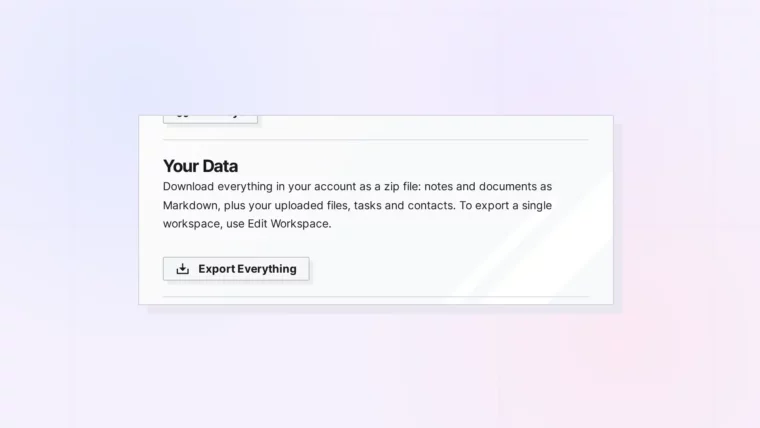
Export API: Download Your Workspaces as a Zip
Plus the Once-a-Day Limit and What Is Included
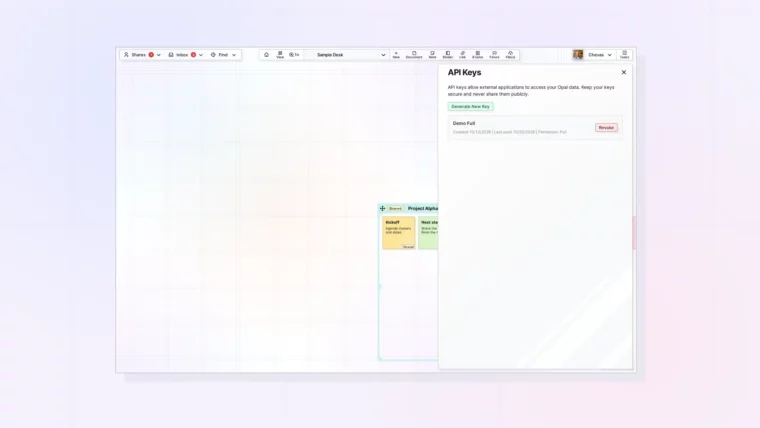
Opal REST API Endpoint Cheat Sheet
Plus Auth, Limits, and Plan Access at a Glance
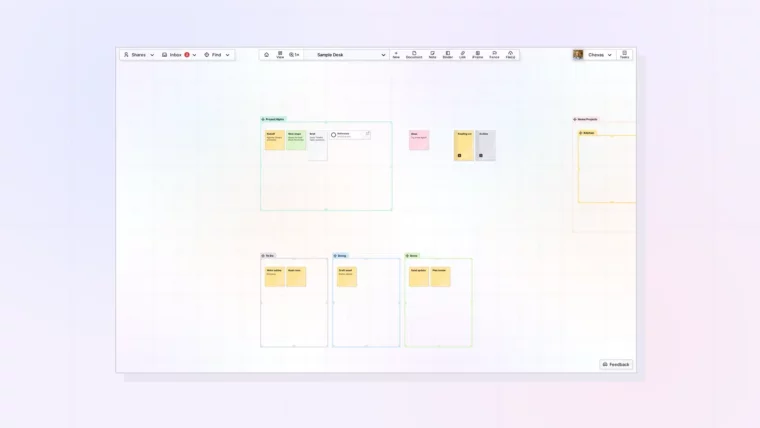
REST API Recipes: Create, Arrange, Share, Publish, and Export
Plus Step-by-Step curl Sequences Built From the Endpoints