

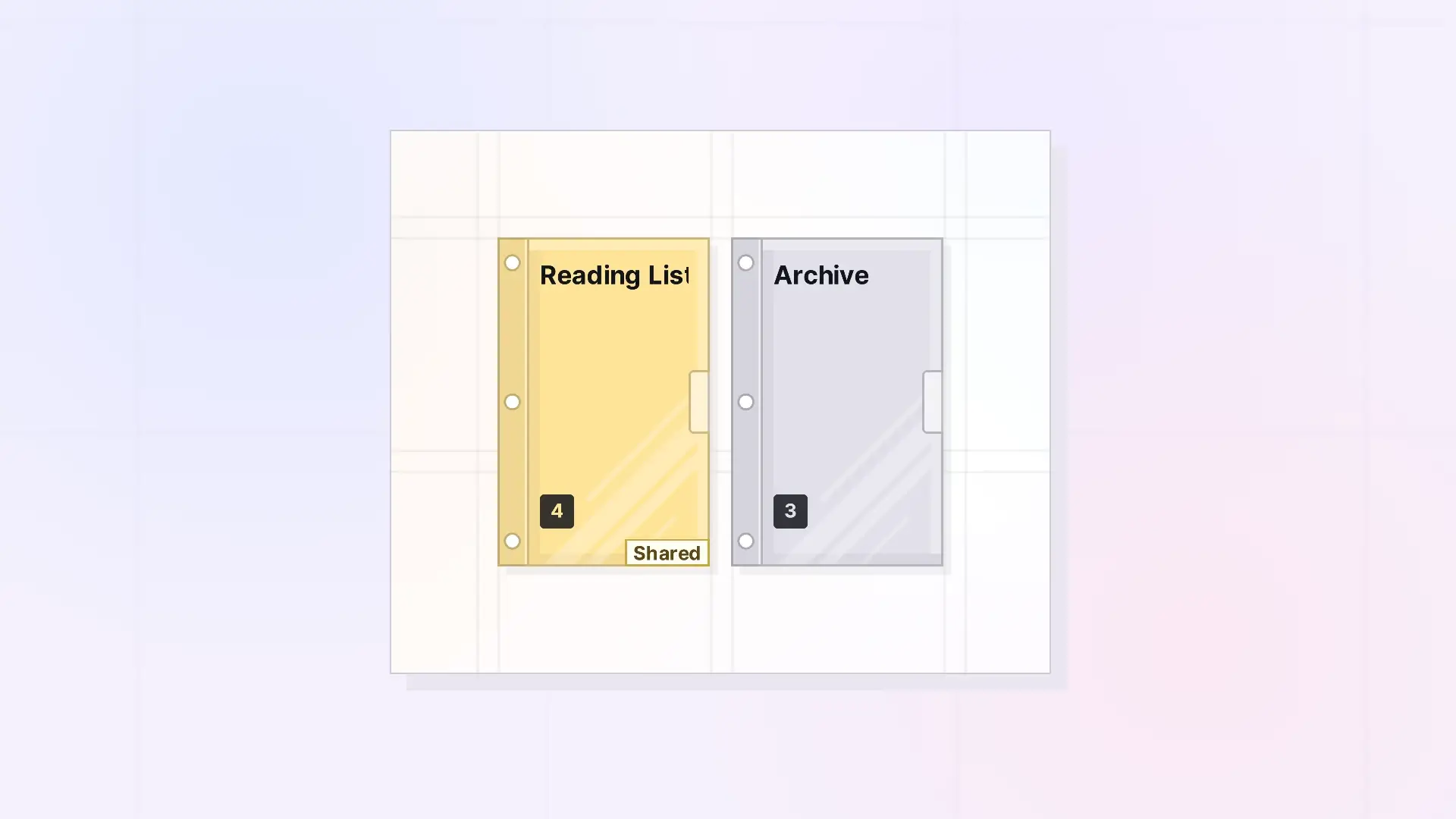
A binder is a container that collects items into one compact item on your workspace. The items inside move off the grid and into the binder’s list, in an order you choose. Click the binder to open its panel, where you can open, add, reorder, and remove the items in it. Binders are one of Opal’s two containers. The other is the fence.
What Binders Are Good For
- Tidying a busy desk: gather a pile of related notes into one item.
- Ordered sets: steps of a process, chapters, a reading list, or meeting notes in sequence.
- Archiving: keep finished work close at hand without cluttering the grid. See Use Binders as an Archive.
- Sharing a set: share the binder and everything inside it with one invitation. See Share a Binder.
- Publishing a collection: publish the binder as one public page.
What Can Go in a Binder
Documents, notes, links, iFrames, and files. A binder holds up to 500 items. Binders and fences cannot go in a binder. To group containers, use a fence. See Binder Limits: What Can and Cannot Go in a Binder.
Binders vs Fences
A binder tucks items away into a list. A fence keeps items visible where they are on the grid. Both can be shared and published, with the same roles and permissions. See Fences vs Binders: Which Should You Use?.
For Developers
You can add, remove, reorder, and duplicate binder items with the Opal REST API. See Binders API: Add, Remove, Reorder, and Duplicate.
Next Steps
FAQ
Do items in a binder still exist on their own?
Yes. Each item keeps its content, colors, and settings. It is listed in the binder instead of sitting on the grid.
Can an item be in a binder and on the grid at the same time?
No. An item in a binder is shown in the binder’s list. Take it out to put it back on the grid.
Can a binder go inside a fence?
Yes. A binder inside a fence moves, shares, and publishes with the fence.

