

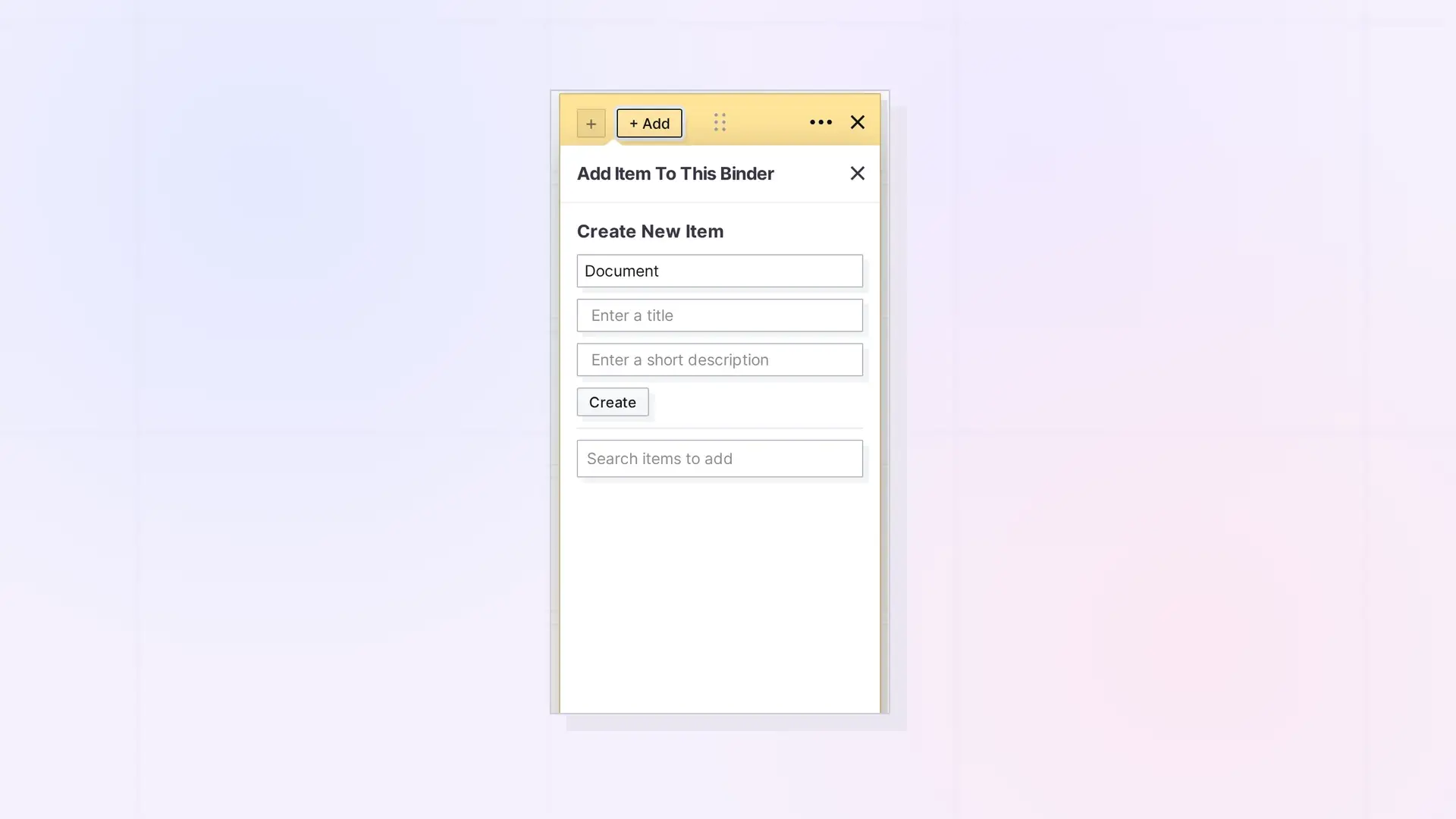
A binder can hold documents, notes, links, iFrames, and files, up to 500 items. Binders and fences cannot go inside a binder. If you need to group containers, put them in a fence instead.
The Rules
| Rule | Detail |
|---|---|
| Item types | Documents, notes, links, iFrames, and files |
| Containers | Binders and fences cannot go in a binder |
| Size | Up to 500 items |
| Shared binders | You need Add to add items and Remove to take out other people’s items |
| Plans | Sharing and publishing binders needs a Studio or Workshop plan |
When an Item Will Not Go In
Opal shows a message that starts “Not added to the binder”, followed by the reason. Common reasons:
- The item is a binder or a fence.
- The binder already holds 500 items.
- The binder is shared with you and you do not have the Add permission.
Need to Group Containers?
Use a fence. A fence can hold binders and other fences. See Nest Fences and Binders Inside a Fence.
Next Steps
FAQ
Do items in a binder count toward my item limit?
Yes. Each item in a binder is still an item. The binder counts too.
Can a binder hold a file?
Yes. Files, including images and PDFs, can go in a binder.

