

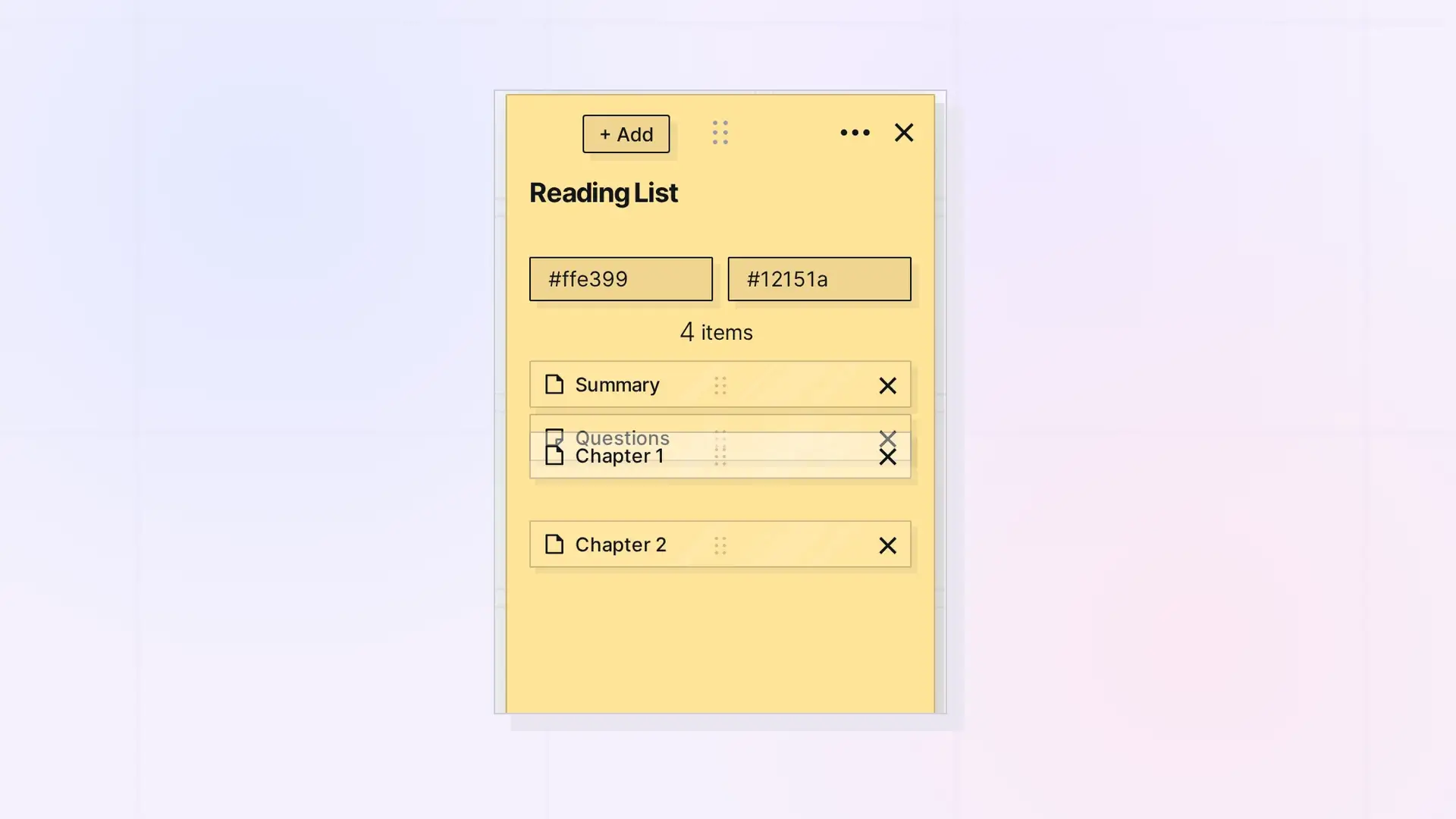
Items in a binder are kept in a list, and you choose the order. Open the binder’s panel and drag an item by its reorder handle to move it up or down.
Reorder Step by Step
- Click the binder to open its panel.
- Find the reorder handle (the six-dot icon) on the item you want to move.
- Drag it up or down to its new place, then let go.
Ordering Ideas
- Steps: put a process in the order you do it.
- Chapters: keep long writing in reading order.
- Priority: keep the most important items at the top.
- Newest first: drag each new item to the top as you add it.
Shared Binders
A binder’s order is the same for everyone it is shared with, so reordering a shared binder changes it for everyone. People you share with need the Edit permission to reorder. See Share a Binder.
For Developers
Reorder binder items with the Opal REST API. See Binders API: Add, Remove, Reorder, and Duplicate.
Next Steps
FAQ
Can I sort a binder alphabetically?
There is no automatic sort. Drag items into the order you want.
Why does an item jump back when I drop it?
The new order could not be saved, for example because the connection dropped. Try again.

