

The Opal REST API gives scripts, integrations, and AI agents programmatic access to your workspaces, items, pages, files, saved views, sharing, copies, publishing, tasks, search, profile data, icon assets, exports, and your plan and usage. Every call goes to one base URL and uses an API key from your account. API access is included on the Workshop plan.
Base URL and Authentication
Every endpoint in this section lives under one base URL:
https://app.opalrecall.com/api/v1
API-key routes read your key from the Authorization header:
Authorization: Bearer opal_live_xxx
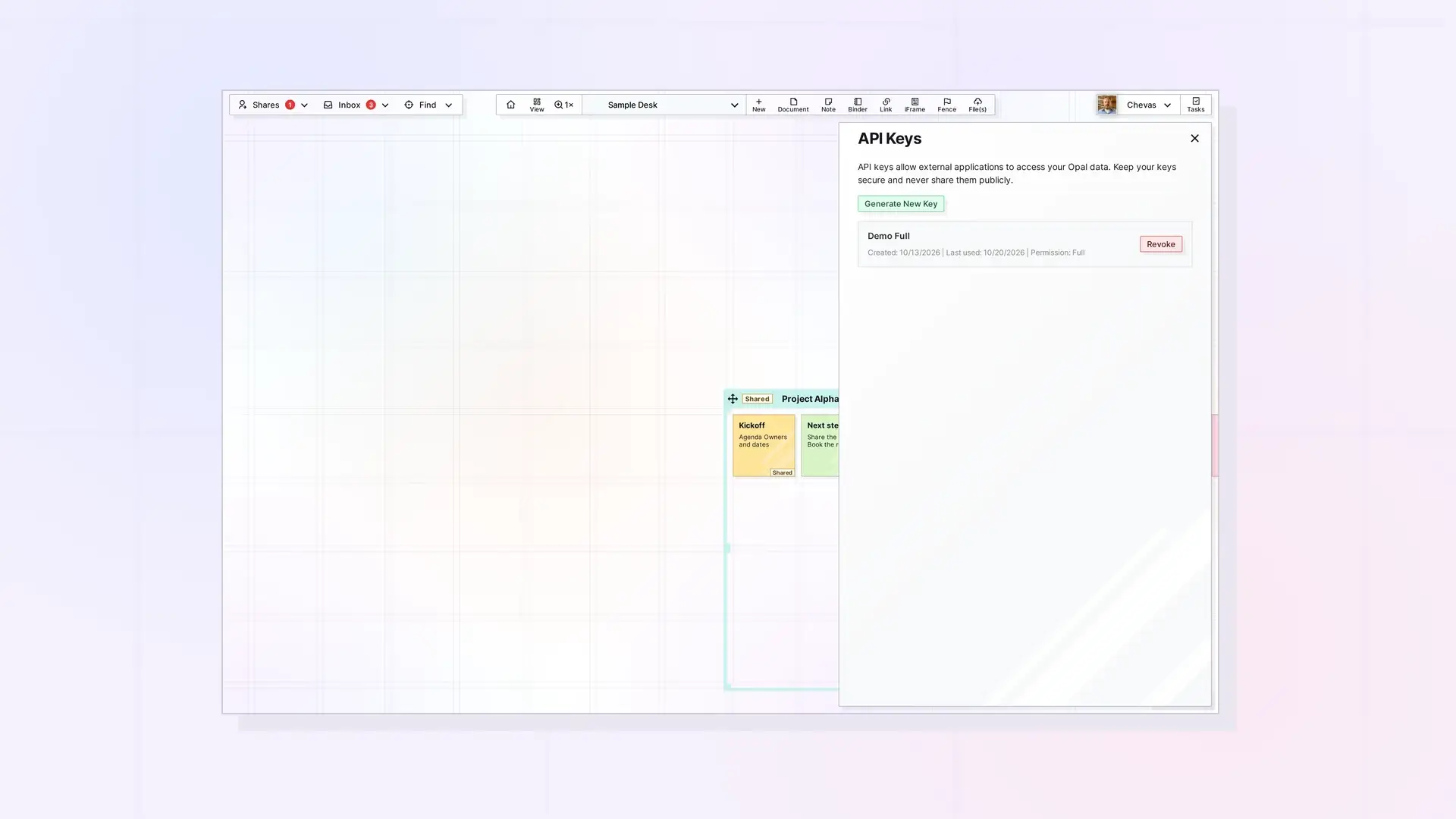
You create keys in the API Keys section of your account in the Opal app. A key acts as the user who created it, and it follows the same plan, item-limit, share-permission, and storage-limit rules as the app. Opal API Keys: Create, Use, and Revoke covers key types, creating a key, and revoking one.
Every key acts on live data. To explore without changing anything, create a read-only key.
Plan Requirement
API access is included on the Workshop plan. Accounts on an older plan that the app shows as Workshop also have it. On any other plan, every API-key request returns 403 with code: "FEATURE_NOT_IN_PLAN". Plan, Limits, and Usage in the Opal API: GET /account shows how to read your plan, its limits, and your current usage with GET /account.
What You Can Do
| Area | What you can do | Guide |
|---|---|---|
| Account | Read your plan, limits, usage, and account status | Plan, Limits, and Usage |
| API keys | Create, list, and revoke keys (from the signed-in app, not with a key) | Opal API Keys: Create, Use, and Revoke |
| Items and pages | List, read, create, update, and delete documents, notes, links, binders, fences, iframes, and files | Items API: List, Get, Create, Update, and Delete |
| Page content | Write document content as BlockNote JSON | Writing Page Content: BlockNote JSON and editorContent |
| Layout | Move many items at once, bring items to the front, and move items in or out of the inbox | Position Items: Batch Move, Inbox, and Z-Order |
| Files and media | Upload file items, get download URLs, and embed media in pages | Upload Files and Media with the API |
| Workspaces | List, create, update, reorder, and delete workspaces, and set their icons | Workspaces API: List, Create, Update, Reorder, and Delete |
| Saved views | Save named canvas positions and choose your Home view | Saved Views API: Save, List, and Set Your Home View |
| Binders and fences | Add, remove, reorder, and duplicate binders; add items to fences, move items inside them, and move a fence with its items | Binders API: Add, Remove, Reorder, and Duplicate and Fences API: Add Items, Read Children, and Move a Fence |
| Sharing and copies | Share items, binders, and fences with permission toggles, accept or decline shares, hand a shared item to a member, and send independent copies | Sharing API: Shares, Permissions, and Recipient Placement, Reassign Owner API, and Copies API: Send, Accept, and Decline Independent Copies |
| Publishing | Publish items to public URLs, refresh them, and unpublish | Publishing API: Publish, Refresh, Status, and Unpublish |
| Tasks | Create, list, update, and delete tasks | Tasks API: Create, List, Update, and Delete Tasks |
| Search | Search the items you own and the items shared with you | Search API: Find Items by Title, Description, and Content |
| Profile, icons, and OpenGraph | Read and update your profile, manage icon assets, and fetch URL previews | Profile, Icons, and OpenGraph API Endpoints |
| Export | Download a zip of your items as Markdown plus your files | Export API: Download Your Workspaces as a Zip |
The Endpoint Cheat Sheet lists every endpoint in one table.
Real-Time Behavior
Changes you make through the API show up in Opal tabs that are already open, without a refresh. External API consumers do not need to connect to anything to use the API. These live updates are for people who have Opal open in a browser.
| Operation | Live effect |
|---|---|
| Item create, delete, or update | The workspace or open page updates without a refresh. |
| Batch move or bring to front | Canvas position or layer order updates. |
| Binder add, remove, or reorder | Binder counts and open binder views update. |
| Share accept, decline, update, or delete | The owner, the recipient, and binder or fence participants update where applicable. |
| Publish, unpublish, or refresh | The publish state in the app updates. Public pages read updated data on refresh. |
| Task create, update, or delete | Connected task panels update. |
Next Steps
- Create a key: Opal API Keys: Create, Use, and Revoke
- Make your first calls: Opal REST API Quick Start: Your First Calls
- Let an AI agent do the work: Opal Agent Skill: Let Your AI Agent Use the Opal REST API
- Understand IDs and responses: API Conventions: IDs, Response Format, and Status Codes
- Look up any endpoint: Opal REST API Endpoint Cheat Sheet
- Compare plan limits: File Size and Storage Limits by Plan and the Pricing page
Get Help
Stuck on an API call or have a question? Ask in the Opal Discord or send us a message through the contact form.
FAQ
Does Opal have an API?
Yes. The Opal REST API is available at https://app.opalrecall.com/api/v1 and covers workspaces, items, pages, files, saved views, sharing, copies, publishing, tasks, search, profile data, icons, exports, and your plan and usage.
Which plan includes API access?
Workshop. On any other plan, API-key requests return 403. Locked (view-only) accounts keep read access with their existing keys.
Is the Opal API rate limited?
Yes. Each key can make 100 requests per 60-second window. See Errors, Rate Limits, and Plan Limits in the Opal API for every limit and what to do when you hit one.
Can I try the API without changing my data?
Yes. Create a read-only key. It can make only GET, HEAD, and OPTIONS requests, and any other method returns 403.
Do I need to connect to anything to see changes in the app?
No. API consumers do not connect to the live update service. Open Opal tabs update on their own after a change.

