

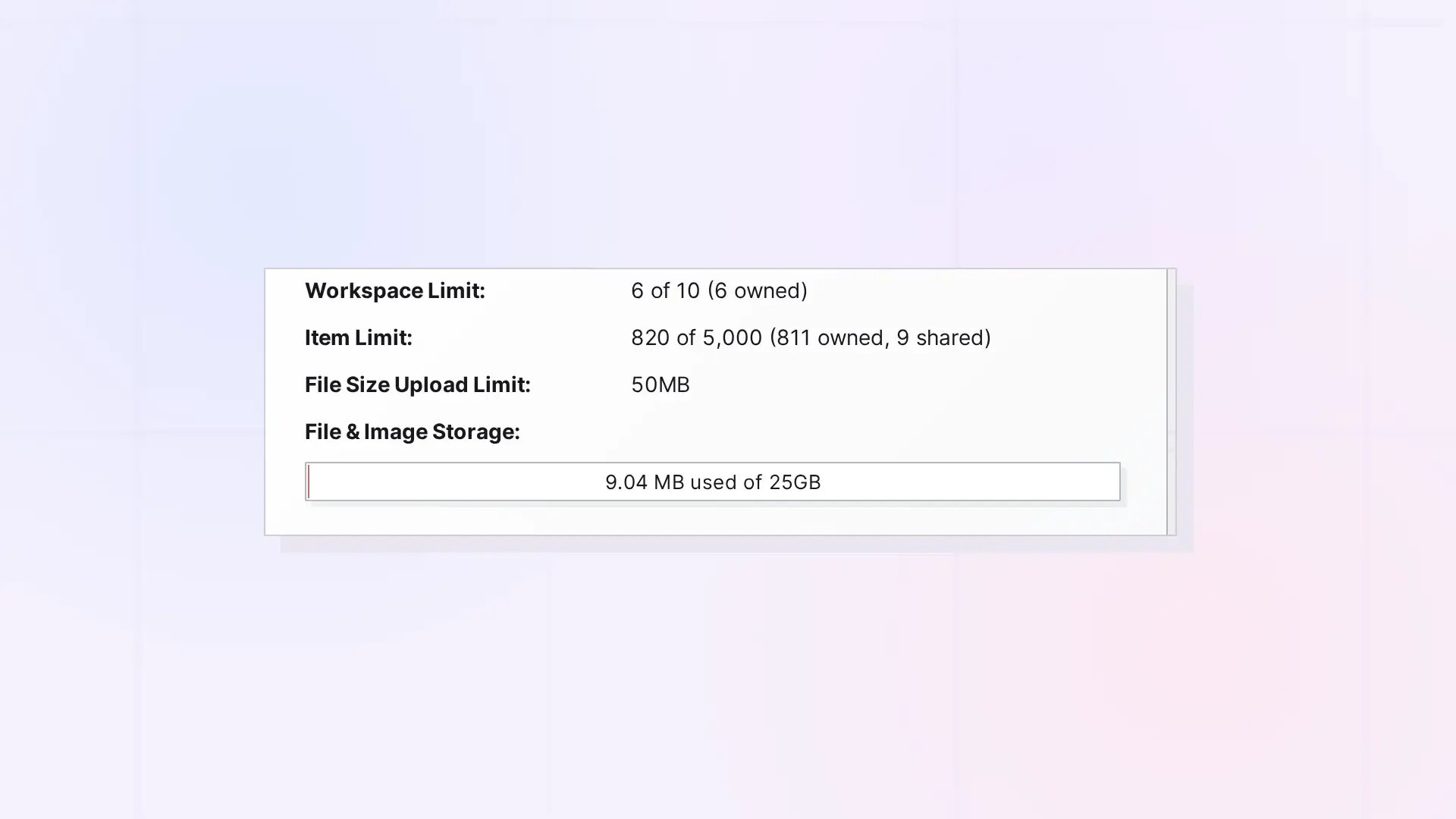
Items shared with you count toward your plan’s item limit, just like your own. When you accept a shared binder or fence, the container and everything inside it count. Sharing and viewing binders and fences also needs a Studio or Workshop plan.
What Counts
- Every single item you accept counts as one item.
- A shared binder or fence counts as the container plus everything inside it.
- Copies you accept become your own items, so they count too.
Plan Requirements
| Day Desk | Studio | Workshop | |
|---|---|---|---|
| Share and publish single items | Yes | Yes | Yes |
| Share binders and fences | No | Yes | Yes |
| Publish binders and fences | No | Yes | Yes |
| Accept a shared binder or fence | No | Yes | Yes |
When You Are Out of Room
If accepting would put you over your limit, Opal shows “Upgrade your account to accept additional content items.” Free up room or upgrade your plan to accept it.
View-Only Accounts
If your subscription ends, your account becomes view-only. You can still accept up to 5 shared items or copies in the app. If an owner’s account becomes view-only, the people they share with can only view those items.
Storage
Files in items shared with you are stored in the owner’s storage, not yours. When ownership is handed to you, the files move into your storage. See Reassigning Ownership of Shared Items and Containers and File Size and Storage Limits by Plan: Workshop, Studio, and Day Desk.
Next Steps
- Accept or Decline Something Shared with You
- Leave Something That Was Shared with You
- Sharing in Opal: What You Can Share and How It Works
FAQ
How do I free up room?
Leave shares you no longer need, or delete or archive your own items. See Leave Something That Was Shared with You.
Do items I share with others count toward my limit twice?
No. Your own items count once, toward your limit. They count toward the recipient’s limit too, once accepted.

