

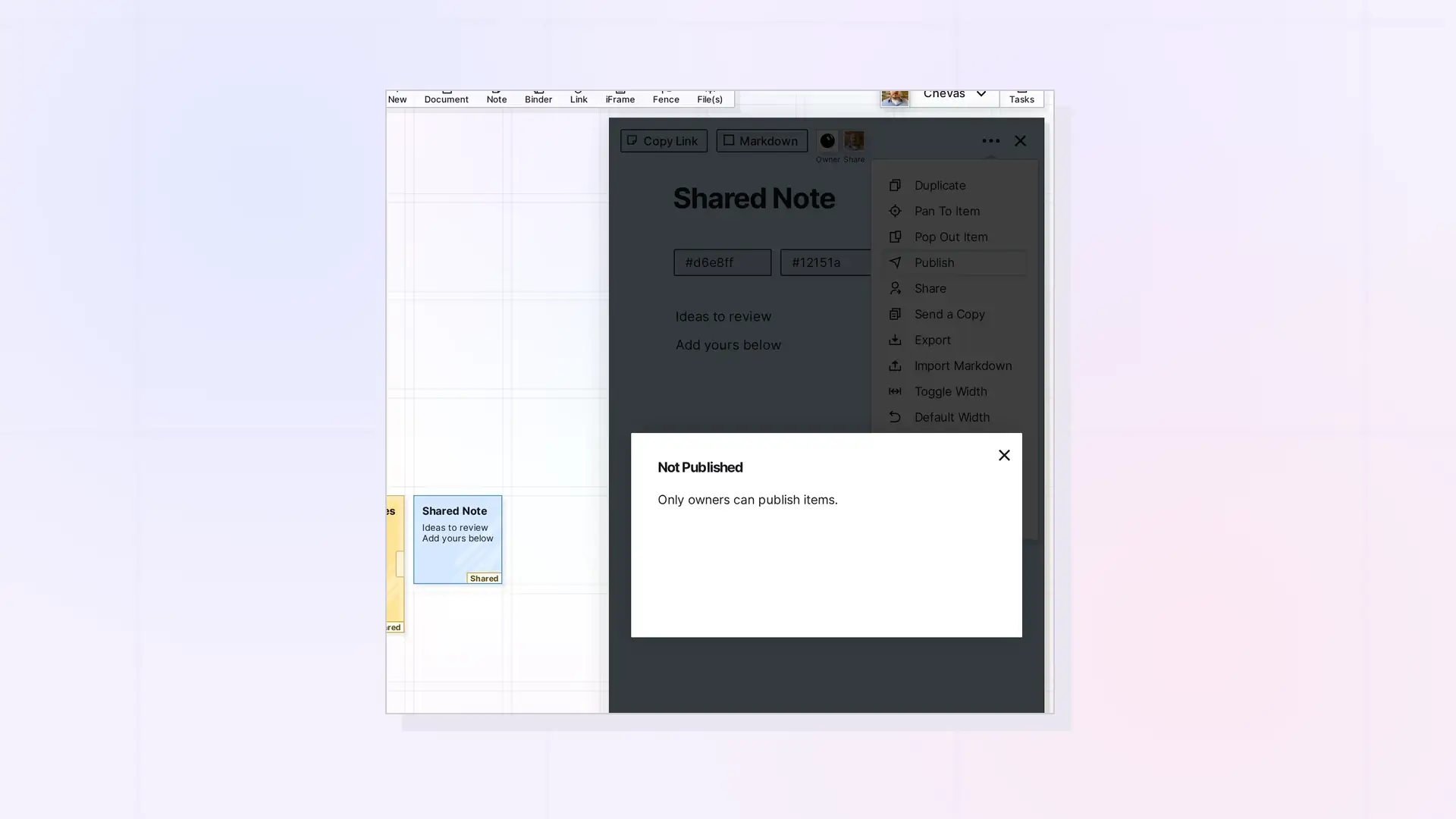
You can publish a single item someone shared with you if they gave you the Publish permission. Open the item, click •••, click Publish, and click Yes, Publish. Without that permission, the dialog shows Not Published with “Only owners can publish items.”
Publish a Shared Item Step by Step
- Open the shared item from your workspace or the Shares panel.
- Click •••, then click Publish.
- In the Publish This Item? dialog, click Yes, Publish.
- Click Copy Link to copy the public link.
If You See Not Published
The owner has not given you the Publish permission. Ask them to add it. See Change Permissions or Stop Sharing.
Binders and Fences
Only the owner can publish a binder or a fence, even if it is shared with you. See Share Roles and Permissions.
Update or Unpublish
Use Re-publish to Update and Unpublish in the same dialog, as described in Publish an Item.
Next Steps
- Publish an Item
- Share Roles and Permissions
- Share, Send a Copy, or Publish? Choosing the Right Option
FAQ
Who can see an item I publish from a share?
Anyone with the public link.
Can I publish a shared binder?
No. Only its owner can publish a binder or a fence.

