

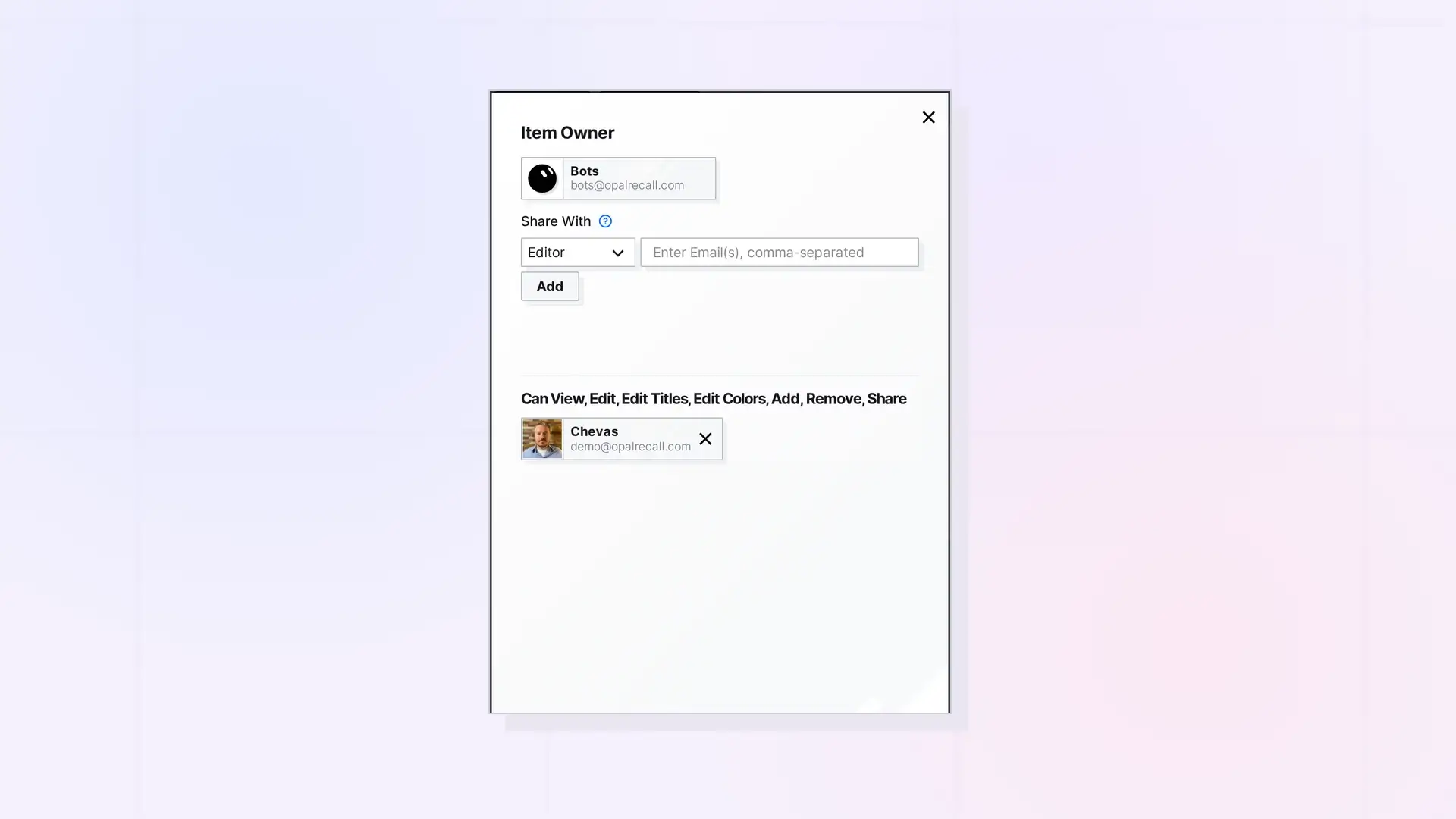
If the owner gave you the Share permission, you can share the item with more people yourself. Open it, click …, then click Share, and invite people the usual way. You can only give permissions you have yourself.
Share Onward Step by Step
- Open the item that was shared with you.
- Click …, then click Share.
- Under Share With, choose a role. Only roles within your own permissions are offered. With Custom, permissions you do not have cannot be checked.
- Add email addresses and click Send Invite.
Manage Shares
Manage Shares lets you pass the ability to manage shares on when you share onward. It needs Share. On a shared binder or fence, it also lets you remove people from the share.
What Stays with the Owner
- Changing other people’s permissions.
- Publishing binders and fences.
- Handing off ownership. See Reassigning Ownership of Shared Items and Containers.
Next Steps
- Share Roles and Permissions Explained
- Share an Item Step by Step
- Change Someone’s Permissions or Stop Sharing
FAQ
Why can I not give someone Edit?
You can only give permissions you have. If you only have View and Share, the people you share with can only view.
Can I share onward something I see through a shared binder or fence?
The permissions come from the shared binder or fence. Its Share panel shows what you can do.

