

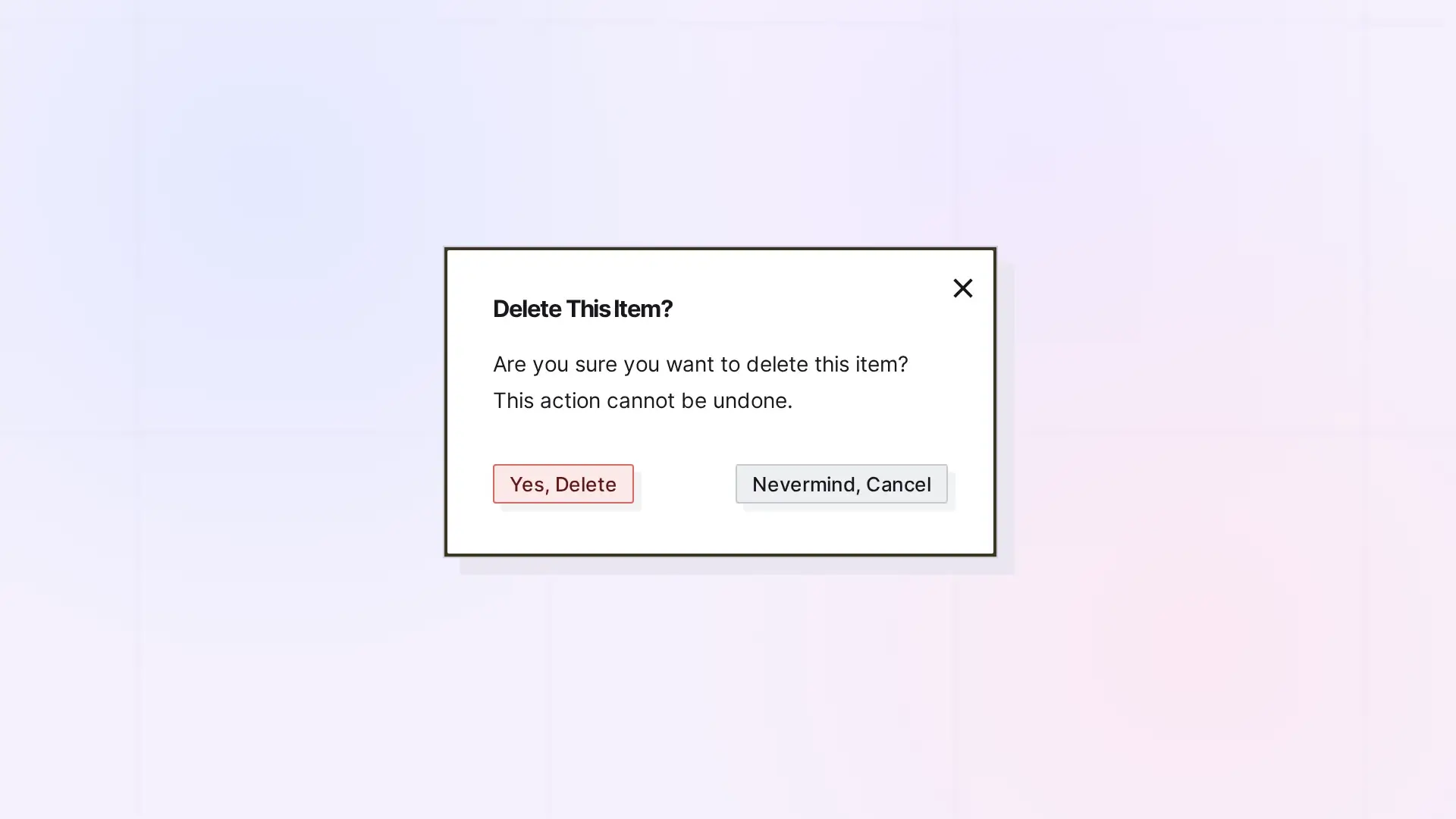
When the owner deletes a shared item, it is gone for everyone it was shared with. People you share with cannot delete your item unless you gave them the Delete permission. If they only want it off their own desk, they leave the share instead.
When the Owner Deletes
- A shared single item is deleted for everyone.
- A shared binder or fence: the owner chooses to delete only the container or the container and the items in it. See Delete a Binder and Delete a Fence (Your Items Stay Put).
- Items other people added to a shared binder or fence go back to them, unless Assume delete capabilities and ownership of items of removed participants is on. Then they are treated as the owner’s: kept as the owner’s, or deleted with everything.
When Someone You Shared with Deletes
- With Delete on a single item, they can delete it, and it is deleted for everyone.
- With Delete on a binder or fence, they can delete items in it, never the container itself.
- Without Delete, the … menu offers Leave Share, which only removes the item from their desk.
Before You Delete
- Check who it is shared with in the Share panel.
- Consider handing it off instead. See Reassigning Ownership of Shared Items and Containers.
- Consider archiving it in a binder. See Use Binders as an Archive.
Next Steps
- Delete or Archive an Item in Opal (and Whether You Can Undo It)
- Leave Something That Was Shared with You
- Share Roles and Permissions Explained
FAQ
Can a deleted shared item be recovered?
No. Deleting cannot be undone.
I only want it off my desk. What should I do?
Click …, then click Leave Share. The owner’s item is not affected.

