

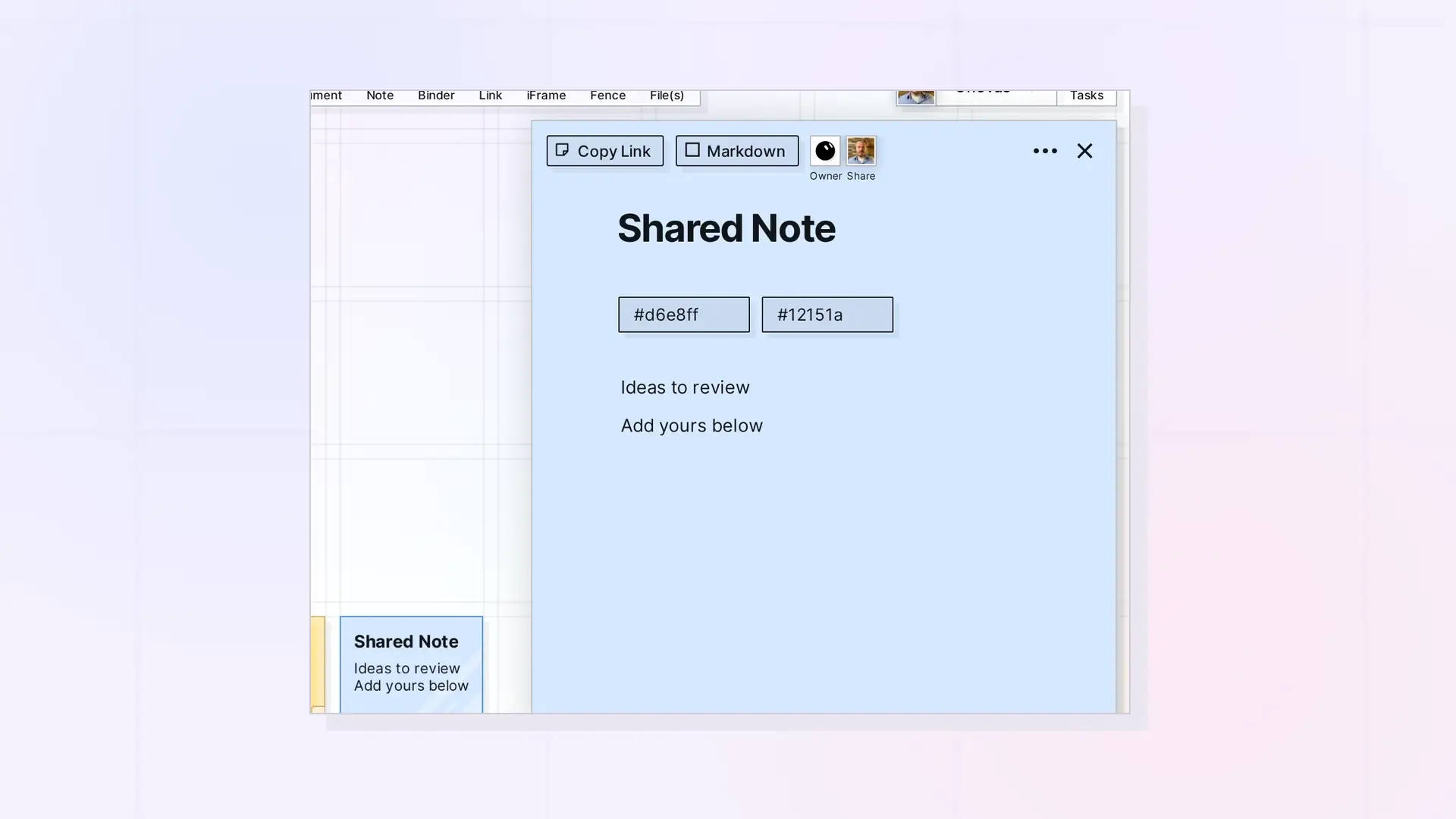
When you share an item, everyone works on the same item, not on copies. You can edit a shared document or note together in real time, and changes show up for everyone as they happen.
How Live Editing Works
- Everyone with Edit works on the same content.
- Changes show up for the others as they happen.
- In a shared fence, everyone sees items come in, go out, or move inside it, live.
- In a shared binder, everyone sees the same list in the same order.
Markdown Mode While Others Are Editing
Markdown mode is for one person at a time. If someone else has the item open, the markdown view is read-only and Opal shows “Another user is editing. Markdown is view-only.” Switch back to the regular editor to keep working together. See Markdown Mode: Write, Import, and Export Markdown in Opal Documents.
Tips for Working Together
- Split long documents into sections and agree who takes which.
- Use notes for quick comments next to a shared document, inside a shared fence.
- Use a shared binder for a set of documents, so each person can work in a different one.
Next Steps
- Share Roles and Permissions Explained
- Working in a Fence Someone Shared with You
- Working in a Binder Someone Shared with You
FAQ
Do the people I share with need Edit to see my changes?
No. Everyone with access sees the latest version. Edit is what lets them make changes too.
Is a shared item a copy?
No. A shared item is the same item for everyone. To give someone their own independent version, see Send a Copy of an Item.

